Logitech K270 Wireless Keyboard — Black
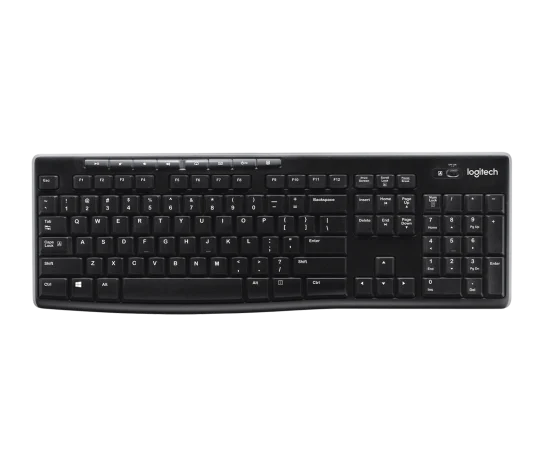
The Logitech K270 is a practical choice for one-computer office typing when a full-size number-pad layout matters more than Bluetooth switching or backlighting. The editorial review supports documents, email and spreadsheets, and describes a soft membrane feel. Treat that feel as reviewer judgement, not a noise measurement or a gaming-latency benchmark.
Updated 2026-10-02

We may earn a commission from qualifying purchases.
Reviewer consensus
Consensus rows require at least two distinct sources for the topic.
| Topic | Positive | Negative | Mixed | Reading | Evidence |
|---|---|---|---|---|---|
| Form factor and layout | 2 | 0 | 0 | Agreed · 2/2 | [5], [4] |
| Keycaps and build | 2 | 0 | 0 | Agreed · 2/2 | [5], [4] |
| Limitations | 0 | 4 | 0 | Weak point · 4/4 | [3], [4], [2], [1] |
| Wireless and battery life | 2 | 1 | 0 | Debated · 2 v 1 | [5], [3], [2] |
Single-source notes
The review
Logitech K270: office typing, receiver setup and evidence limits
Who it suits
Choose the K270 for documents, browsing and spreadsheet work if you want a full-size keyboard with a numeric keypad. WTUNY's verdict supports these office tasks. It is not a Bluetooth multi-device keyboard, so that recommendation does not extend to switching between a phone, tablet and laptop. [4]
Layout, construction and typing feel
Logitech lists a width of 441 mm and a weight with batteries of 487 g. The review describes lightweight, everyday construction rather than a luxurious chassis. Leave desk space for the numeric keypad rather than assuming a compact gaming layout. [4], [5]
WTUNY describes a relatively quiet, soft membrane feel, while X360CE describes plunger switches and large actuation and travel distances. These descriptions support an office-typing profile, not a precise noise or speed promise. [4], [1]
Receiver and power expectations
The K270 uses Logitech Unifying wireless through a USB receiver. Connect it directly to a working computer USB port. Wireless range depends on the environment; for recurring disconnects, Logitech suggests bringing the keyboard closer to its receiver. [3], [2], [5]
The manufacturer's battery-life rating is two years, not a measured service-life guarantee. The datasheet cautions that battery life varies with use. Treat the rating as a maintenance expectation rather than proof of endurance under your workload. [3]
What the evidence cannot promise
There is no Bluetooth pairing, multi-device switching or illumination in the inspected reviews. Logitech also states that Unifying Software is no longer supported or maintained. Do not interpret older setup instructions as a promise of maintained configuration software. [5], [4], [1]
X360CE's qualitative switch description is usable, but its numerical tables alternate K270 and MK270 labels. The evidence therefore does not establish exact-model actuation, travel or acoustic measurements. Polling rate, input latency and sustained-performance testing remain gaps; the expected actuation/travel and polling-interval formulas are not supplied with reliable inputs. [1]
Buyer questions
Before you buy
Is the K270 suitable for spreadsheets?
The review recommends it for spreadsheets and general office tasks, and its full-size arrangement includes a numeric keypad. [4]
Compatibility
Setup
Everyday use
Is the typing noise independently quantified?
The review describes a relatively quiet, soft membrane feel. That is a qualitative judgement, not a verified exact-model acoustic measurement. [4]
Limitations
Is Unifying Software still maintained?
Logitech says Unifying Software is no longer supported or maintained. Do not rely on historical configuration instructions as assurance of ongoing software support. [5]
Product images
Facts and specifications
Manufacturer datasheet
| Specification | Value | Source |
|---|---|---|
| Battery Life | 17520 hours US | [3] |
| Width | 441 mm US | [5] |
| Interface | USB receiver with Unifying wireless protocol. US | [5] |
| Weight | 487 g US | [5] |
| Wireless Standard | Logitech Advanced 2.4 GHz wireless with a Unifying receiver; range is environment-dependent. US | [3] |
Stated by reviewers
| Specification | Value | Source |
|---|---|---|
| Backlight | No illumination according to the K270 summary table. US | [1] |
| Form Factor | Full-size layout including a number pad. US | [4] |
| Switch Type | Membrane; the reviewer describes a relatively quiet, soft feel, not a measured noise result. US; Plunger switches; the testing page describes large actuation and travel distances. US | [4], [1] |
| Wireless Standard | No Bluetooth pairing or multi-device switching. US | [4] |
Other facts
| Specification | Value | Source |
|---|---|---|
| Buyer Fit | Suitable for documents, email, browsing, spreadsheets and general office tasks according to the editorial review. US | [4] |
| Limitation | The reviewer considers the lightweight construction suited to daily use rather than luxurious. US; The Unifying Software is no longer supported or maintained by Logitech. US | [5], [4] |
| Risk | Wireless range depends on environment and computing conditions. US | [3] |
| Setup Requirement | Connect the receiver directly to a working computer USB port; unsupported hubs and KVMs can cause connection problems. US; For recurring disconnects Logitech suggests moving the keyboard closer to the USB receiver. US | [2] |
KnowSpec analysis
Is the Logitech K270 right for office typing?
The Logitech K270 is a practical choice for one-computer office typing when a full-size number-pad layout matters more than Bluetooth switching or backlighting. The editorial review supports documents, email and spreadsheets, and describes a soft membrane feel. Treat that feel as reviewer judgement, not a noise measurement or a gaming-latency benchmark.
Method: observedVisible information gaps
Missing information is shown rather than guessed.
- Topic:Sustained Performancenot found
- Keycap Materialnot found
- Topic:Measured Performanceconflicting
- Topic:Warranty And Repairabilitynot found
- Polling Ratenot found
- Key Travelconflicting
- Actuation Pointconflicting
- Hot Swappablenot found
- Topic:Wireless And Battery Lifeconflicting
Products in this content
-
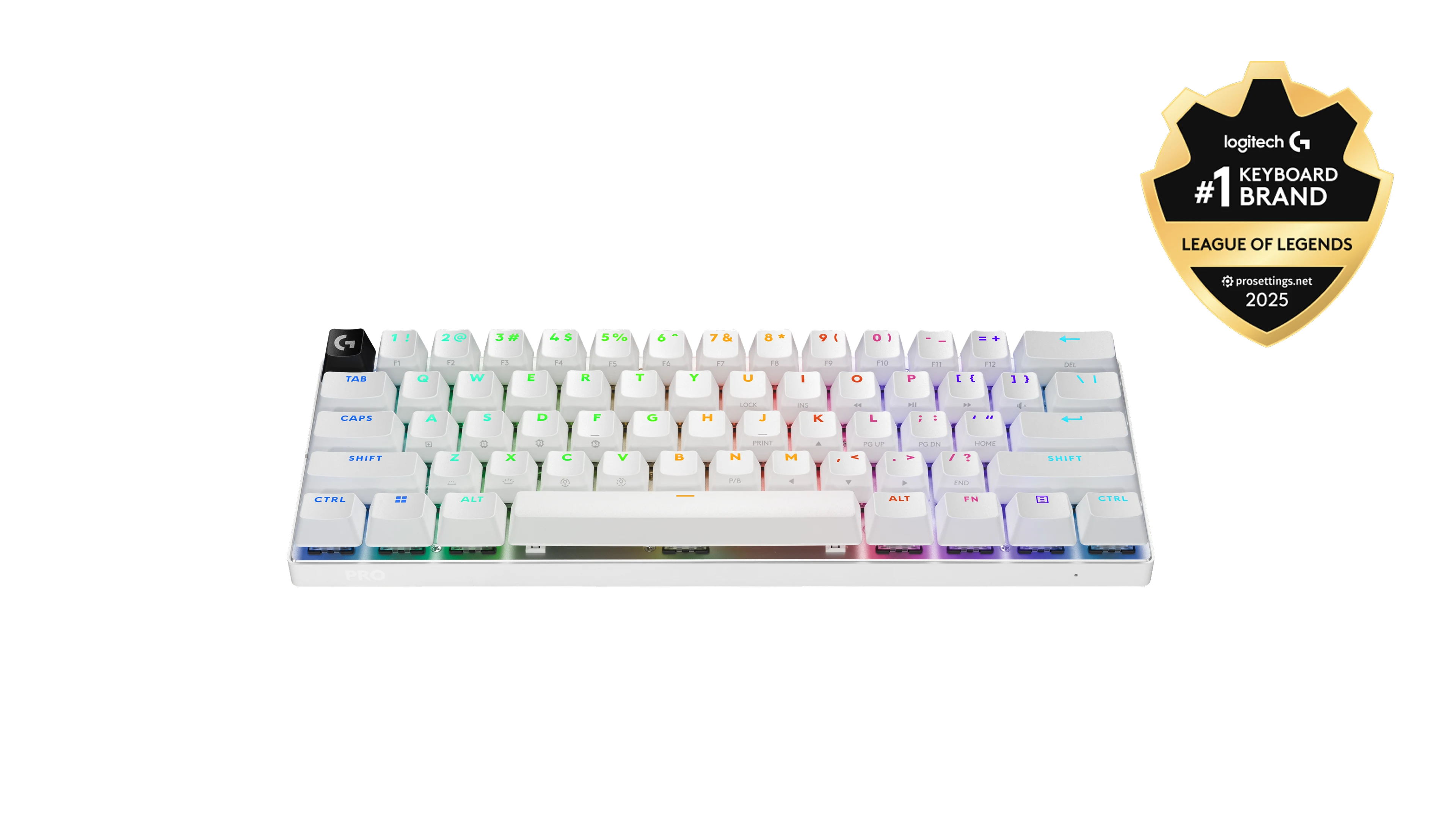
Logitech G PRO X 60 Wireless Gaming Keyboard (Linear Optical) - White
The PRO X 60 combines documented receiver, Bluetooth and USB connections with reviewer approval for gaming. Its 65-hour maximum is a manufacturer rating, not a
-
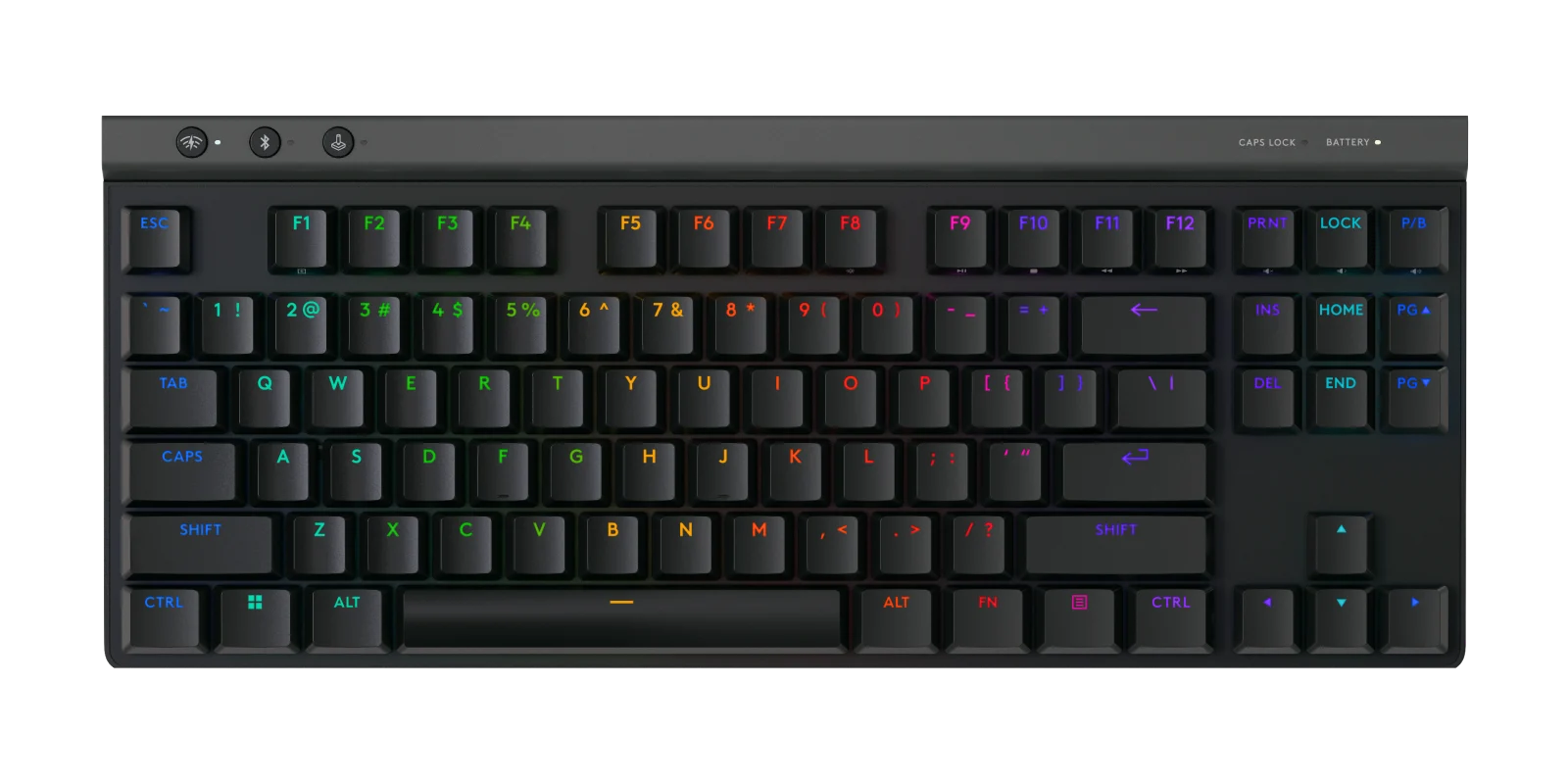
Logitech G515 LIGHTSPEED TKL Wireless Gaming Keyboard, Linear (Red) Mechanical Switches - Black
The Logitech G515 is a strong fit for buyers who want a compact, well-built, responsive low-profile gaming keyboard with quieter
-
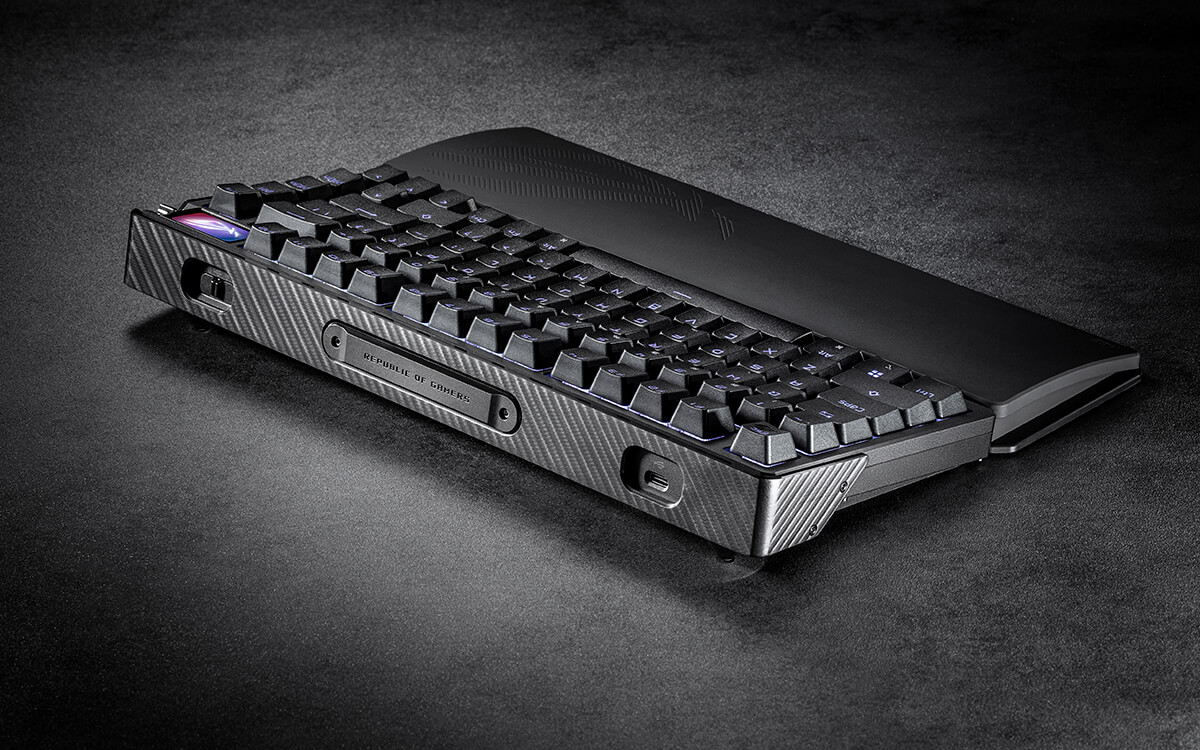
ASUS ROG Azoth Extreme Wireless 75% Gaming Keyboard, NX Snow Linear Switch, Black
This keyboard combines a compact 75% layout, Bluetooth 5.1, and an 8000 Hz polling-rate claim. That gives buyers a clear outline: compact key co
-
Wooting 60HE+ 60% Analog Hall-Effect Gaming Keyboard with Lekker L60 Switches
The Wooting 60HE+ is a compact wired keyboard aimed at competitive gamers seeking rapid-trigger and analog-input features. The evidence confirms a 60% layout and 1000 Hz polling rate, while an editorial source supports the c
-
Keychron Q1 HE QMK Wireless Custom Keyboard, Fully Assembled with Knob, Gateron Double-Rail Magnetic Nebula Switches - S
This 75% Keychron keyboard suits gamers and typists who want magnetic switches, adjustable 0.2
-
SteelSeries Apex Pro TKL Gen 3 HyperMagnetic Gaming Keyboard - OmniPoint 3.0 Adjustable Switches, Wired, Black, US Layou
The SteelSeries Apex Pro TKL Gen 3 is an independently identified gaming keyboard with a verified 0.1 mm actuation setting and a weight of about 953 g. The ultra-short actuati
Sources and method
- Keyboard Precision and Quality TestsX360CE · retrieved 2026-10-02Lab review
- K270 keyboard is not working or loses connection frequentlyLogitech · retrieved 2026-10-02Manufacturer support
- Logitech Wireless Keyboard K270 datasheetLogitech · retrieved 2026-10-02DatasheetPDF
- Logitech K270 Wireless Keyboard ReviewWTUNY · retrieved 2026-10-02Editorial review
- K270 Technical SpecificationsLogitech · retrieved 2026-10-02Manufacturer support