Seagate Ultra Touch HDD 2TB Portable External Hard Drive, Cloud White (STMA2000400)
The 2 TB USB-C hard drive suits capacity-led file storage. Official documentation now establishes factory exFAT, Toolkit security requirements and regional warranty periods. Exact 2 TB transfer speed, power and durability remain unverified; 4 TB test results are context only.
Updated 2026-10-11

We may earn a commission from qualifying purchases.
Prices and sellers
No price information yet
Conditions and limitations
Areas not yet researched (6)
No conclusion is available for these areas. This does not mean the Product has no limitations or reported issues.
- Compatibility
- Where sources differ
- Reported issues and fixes
- Care and support
- Ownership costs
- Who it suits
Measured performance
Sibling 4tb small file write
32000000 B/sKitGuru file transfer: 50 GB folder, 28,523 files; 4 TB Ultra Touch, Kioxia Exceria Plus 2 TB counterpart. · Sibling 4 TB test only, not a 2 TB measurement. Some benchmarks used NTFS; this transfer's filesystem and repetition count were not specified.
Source [1]Sibling 4tb small file read
77000000 B/sKitGuru file transfer: 50 GB folder, 28,523 files; 4 TB Ultra Touch, Kioxia Exceria Plus 2 TB counterpart. · Sibling 4 TB test only, not a 2 TB measurement. Same workload as the write result; not a separate physical sample. Filesystem and repetition count were not specified.
Source [1]Reviewer consensus
Single-source notes
Alternatives
| Alternative | Where this Product wins | Where it loses | Pick it if |
|---|---|---|---|
| LaCie Rugged SSD Pro5 2TB Thunderbolt 5 (STNA2000400) | Both products have a documented 2 TB capacity. [2] | This drive is documented with USB-C, while the LaCie rival is documented with Thunderbolt 5. [6] | Choose based on the host interface and whether the documented USB-C hard-drive format or Thunderbolt 5 rival better fits the setup. |
The review
Seagate Ultra Touch 2 TB: capacity, setup and evidence limits
Capacity
The documented product is the Seagate Ultra Touch STMA2000400, a Cloud White external hard drive with 2 TB of storage. This article concerns that capacity, rather than treating every Ultra Touch review as a test of the same hardware. Seagate's specification table gives the 2 TB enclosure a depth of 13.2 mm and a mass of 168 g. Those are specifications for the finished product, which matter when checking whether it will fit an existing carrying case. Larger-capacity review units should not supply the dimensions, weight or measured speed for this particular purchase. The inherited capacity claim remains a manufacturer specification, not a measurement of available formatted space. Buyers should therefore read the model number and capacity together when comparing listings. Similar family names do not make different storage capacities interchangeable sources of exact-model performance evidence. [2], [3]
Connection
The inherited independent review identifies USB-C as the drive's only port. That establishes the physical connection, but a connector description alone does not establish transfer speed, application compatibility or the behaviour of every adapter. Check the computer's available port before deciding what accessories are needed. A buyer moving from another external hard drive should also separate ordinary file storage from optional software features: the Toolkit security and backup functions have their own setup requirements. The official manual requires an internet connection for registration and Toolkit installation. Plan that setup before relying on the drive away from home, especially if password protection is part of the intended workflow. This evidence supports a USB-connected hard-drive use case; it does not justify describing the product as an SSD or promising SSD-like responsiveness. The relevant decision is whether portable capacity and the documented connection meet the intended task. [6], [3], [4]
Choose the filesystem for the job
Seagate ships the drive formatted as exFAT for exchanging files between Windows and Mac computers. The manual treats that convenience separately from native backup utilities: it recommends a native filesystem for File History or Time Machine. It also states that macOS does not natively write NTFS, while Windows does not natively access APFS or HFS+. A format chosen for one backup workflow can therefore change the way the drive works with another computer. Decide which job has priority before reorganising stored files. Safe removal also matters: the manual instructs users to eject the drive before disconnecting it because unfinished filesystem operations can leave data damaged. This is an operating requirement, not evidence of a product-specific defect. The available documentation supports these compatibility boundaries but does not quantify how much faster a particular format will be on an individual computer. [4]
Security needs a recovery plan
Toolkit enables Seagate Secure password protection using 256-bit encryption. Enabling this feature is optional, so buyers should decide whether the protection suits how they will move the drive between computers. The support FAQ makes an important distinction between recovering a forgotten password and resetting one with a recovery mechanism prepared in advance. Seagate says it cannot recover the forgotten password itself. A previously configured password reset key can let the owner reset access while preserving data, and that feature requires Seagate Secure 3.0 or higher. Without that preparation, a factory reset is not a way to retrieve locked files: it erases the data. Treat the recovery setup as part of initial configuration and confirm it before entrusting the drive with essential material. These are documented operating limits, rather than a prediction that the security system will fail. They also prevent a general promise of data recovery from being mistaken for a guarantee that encrypted files can always be restored. [4], [5]
Buyer fit and limits
The evidence still does not establish a measured transfer-speed result for this exact 2 TB model. KitGuru performed hands-on testing of the 4 TB sibling, which is useful context but cannot be relabelled as a 2 TB benchmark. In its 50 GB folder workload containing 28,523 files, the larger drive wrote at 32 MB/s and read at 77 MB/s. Those are two directions of one workload, not two independent experiments. The review names a 2 TB Kioxia Exceria Plus drive as the transfer counterpart and says some benchmarks used NTFS, but it does not specify the filesystem for this particular transfer or a repetition count. Physical sample count is also unreported. These conditions explain why a single speed headline would be misleading. Use the results to understand the importance of workload and capacity scope, not to calculate a guaranteed completion time for the assigned product. Exact-model sustained writing, latency, power use and durability remain research gaps. [3], [1]
Regional support and the buying decision
For STMA2000400, Seagate's table lists a 2-year limited warranty in AMER and EMEA and a 3-year period in APAC. The assigned marketplace is Amazon US, so the AMER entry is the relevant documented starting point; a review from another region should not silently replace it. These periods describe limited warranty coverage and do not establish a universal duration for Rescue Data Recovery Services. Confirm the regional entitlement for the actual purchase. The practical fit is a buyer who needs 2 TB of portable hard-drive storage through USB-C and is willing to configure the software features that matter. Toolkit's scheduled backup plans are documented for Windows, while mirroring supports PC and Mac. A mirror propagates deletions as well as additions and edits, so its behaviour should be understood before treating it as the chosen backup workflow. Buyers needing verified exact-model performance or quantified durability still lack that evidence here. [2], [6], [3], [4]
Buyer questions
Before you buy
How much storage capacity does it provide?
The documented capacity is 2 TB. [2]
What type of drive is it?
It is identified as an external USB hard drive. [3]
Compatibility
What connection does the drive use?
The documented interface is USB-C. [6]
Is the factory format suitable for every backup tool?
No. Factory exFAT supports Windows and Mac file exchange, but the manual recommends native formatting for File History or Time Machine. [4]
Limitations
Is a transfer speed verified for the 2 TB model?
No. KitGuru tested the 4 TB sibling; its results must not be treated as measurements of this 2 TB model. [1]
Can a forgotten password always be recovered?
No. A previously configured reset key may preserve data when resetting the password. Factory reset erases the data. [5]
Facts and specifications
Manufacturer datasheet
| Specification | Value | Source |
|---|---|---|
| Depth | 13.2 mm AMER | [2] |
| Storage Capacity | 2 TB AMER | [2] |
| Warranty | STMA2000400 Cloud White 2 TB: AMER limited warranty 2 years; APAC 3 years; EMEA 2 years. These regional warranty periods do not establish a universal Rescue service duration. AMER | [2] |
| Weight | 168 g AMER | [2] |
Manufacturer manual
| Specification | Value | Source |
|---|---|---|
| File System | Factory exFAT supports Windows and Mac file exchange. The manual recommends native formatting for File History or Time Machine. macOS does not natively write NTFS; Windows does not natively access APFS or HFS+. Eject before disconnecting to reduce corruption risk. | [4] |
| Limitation | Seagate cannot recover a forgotten password. A previously configured password reset key can preserve data when resetting the password; the feature requires Seagate Secure 3.0 or higher. Factory reset erases the data. Security setup is optional. | [5] |
| Software | Toolkit is required to enable Seagate Secure 256-bit encryption. Scheduled backup plans are Windows-only; mirror folders are available on PC and Mac and propagate additions, edits and deletions. Internet is required for registration and Toolkit installation. | [4] |
Stated by reviewers
KnowSpec analysis
Portable capacity with explicit setup limits
The 2 TB USB-C hard drive suits capacity-led file storage. Official documentation now establishes factory exFAT, Toolkit security requirements and regional warranty periods. Exact 2 TB transfer speed, power and durability remain unverified; 4 TB test results are context only.
Method: Synthesis of manufacturer documentation and capacity-scoped independent testingVisible information gaps
Missing information is shown rather than guessed.
- Topic:Efficiencynot found
- Topic:Limitationsnot found
- Topic:Warranty And Data Recoveryrights restricted
- Topic:Measured Performancenot public
- Topic:Random Io And Latencynot found
- Topic:Warranty And Data Recoverynot found
- Topic:Durability And Ingressnot found
- Topic:Sustained Performancenot found
- Topic:Thermal Throttlingnot found
- Topic:Measured Performancerights restricted
- Topic:Measured Performancenot found
- Topic:Sequential Transfernot found
- Topic:Sustained Write And Cachenot found
Products in this content
-
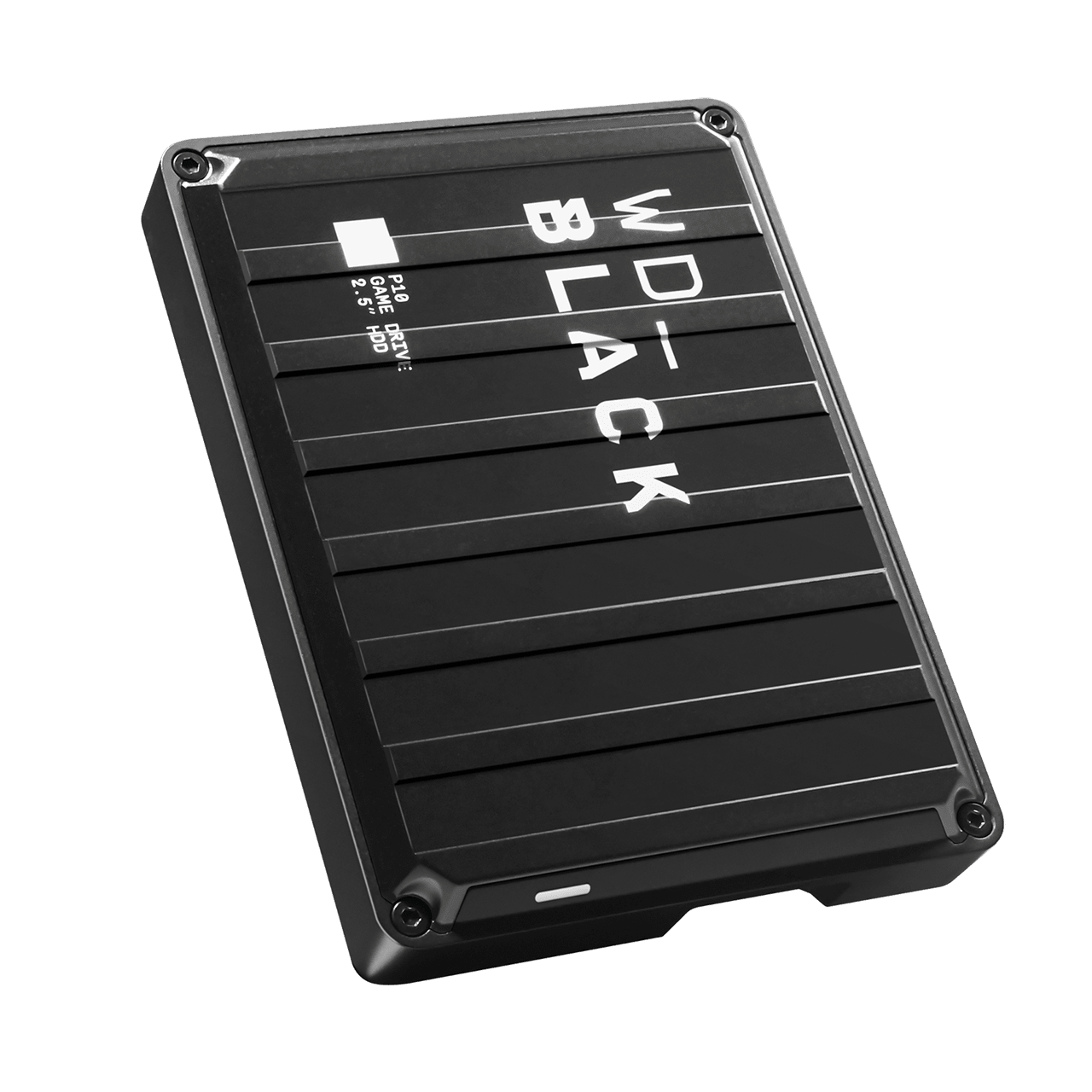
WD_BLACK P10 Game Drive 5TB
The P10 suits a bulk game library with occasional transfers. Its nominal capacity is 5TB, but the gaming label does not establish a speed advantage: CGMagazine reported disappointing large-file copies, and Testsieger.de noted slow copying o
-
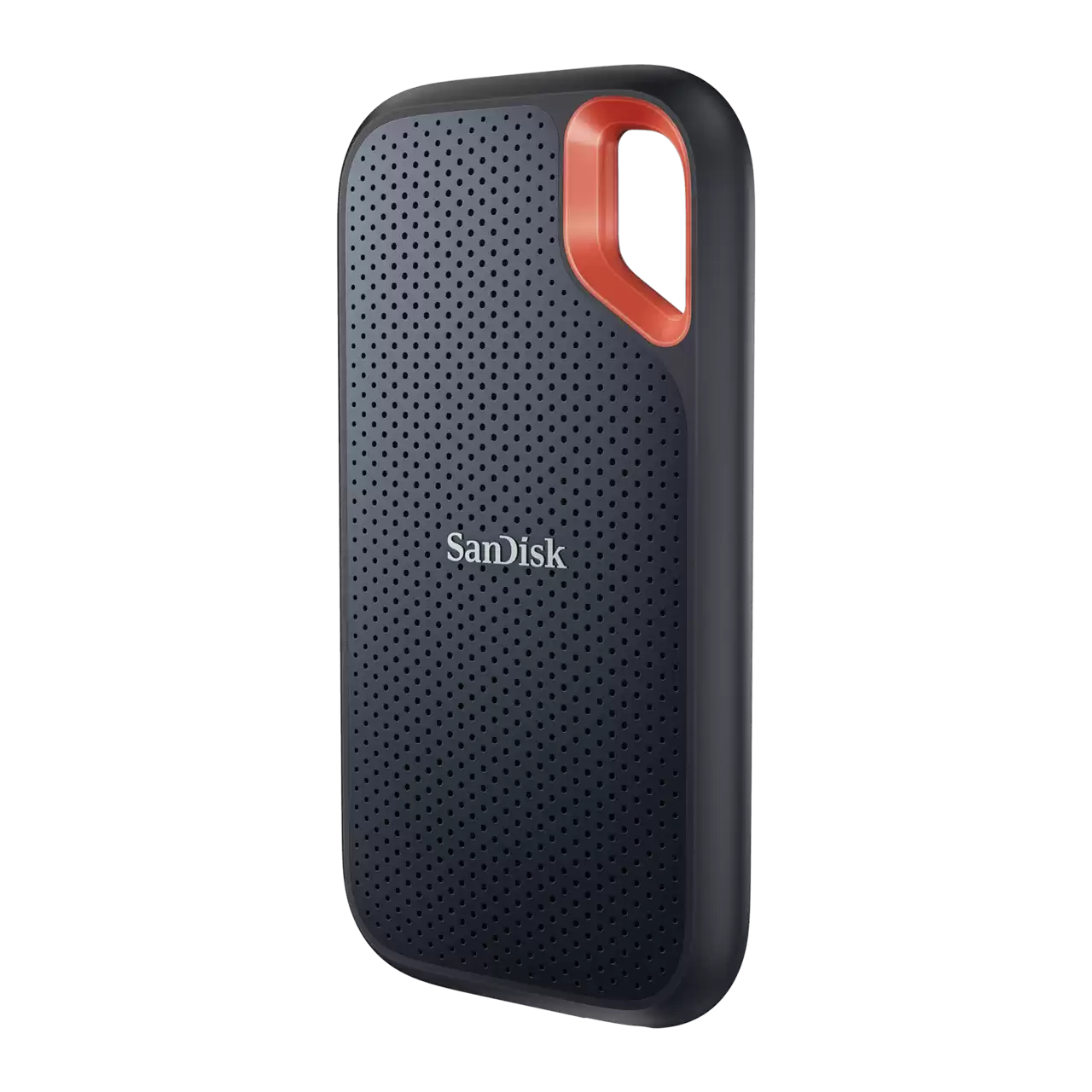
SANDISK 4TB Extreme Portable SSD (Old Model) - Up to 1050MB /s, USB-C, USB 3.2 Gen 2, IP65 Water and Dust Resistance, Up
The SanDisk Extreme Portable SSD 4TB is a high-capacity USB-C drive rated for up to 1050 MB/s
-
Crucial X10 Pro Portable SSD 2TB (CT2000X10PROSSD902)
The 2TB X10 Pro has independent transfer-test evidence, but its USB interface rate is not a sustained-write guarantee. Confirm the host connection, supplied cable and hardware version; retain gaps for endurance, recovery and current securit
-
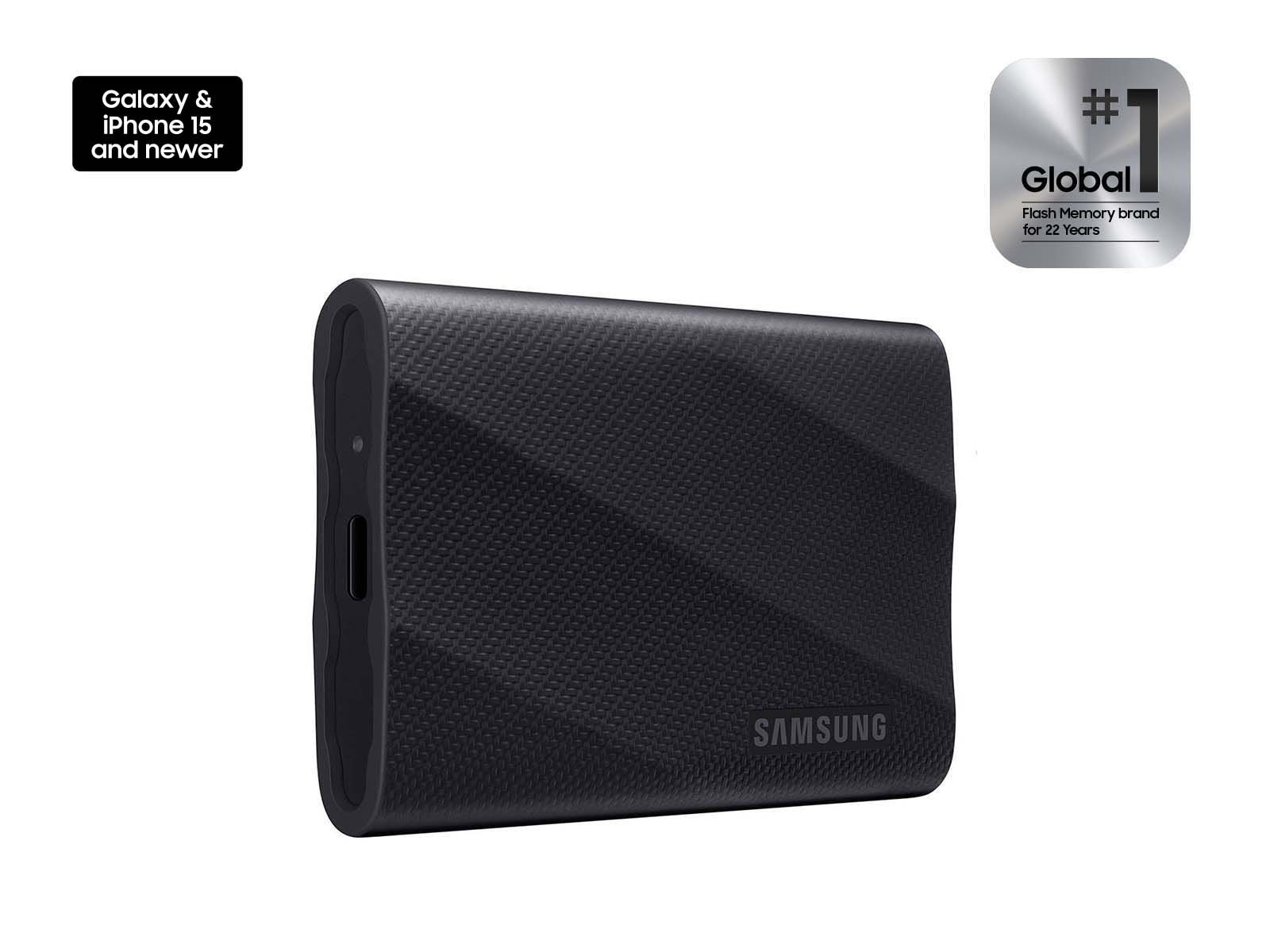
Samsung T9 Portable SSD 2TB (MU-PG2T0B/AM)
The Samsung T9 2TB is a USB 3.2 Gen 2x2 portable SSD rated for 2.0 GB/s reads, with a measured 1.816 GB/s read result and 1.84 GB/s sustained write evidence. Hardware encryption, three-meter drop resistance and a five-year w
-
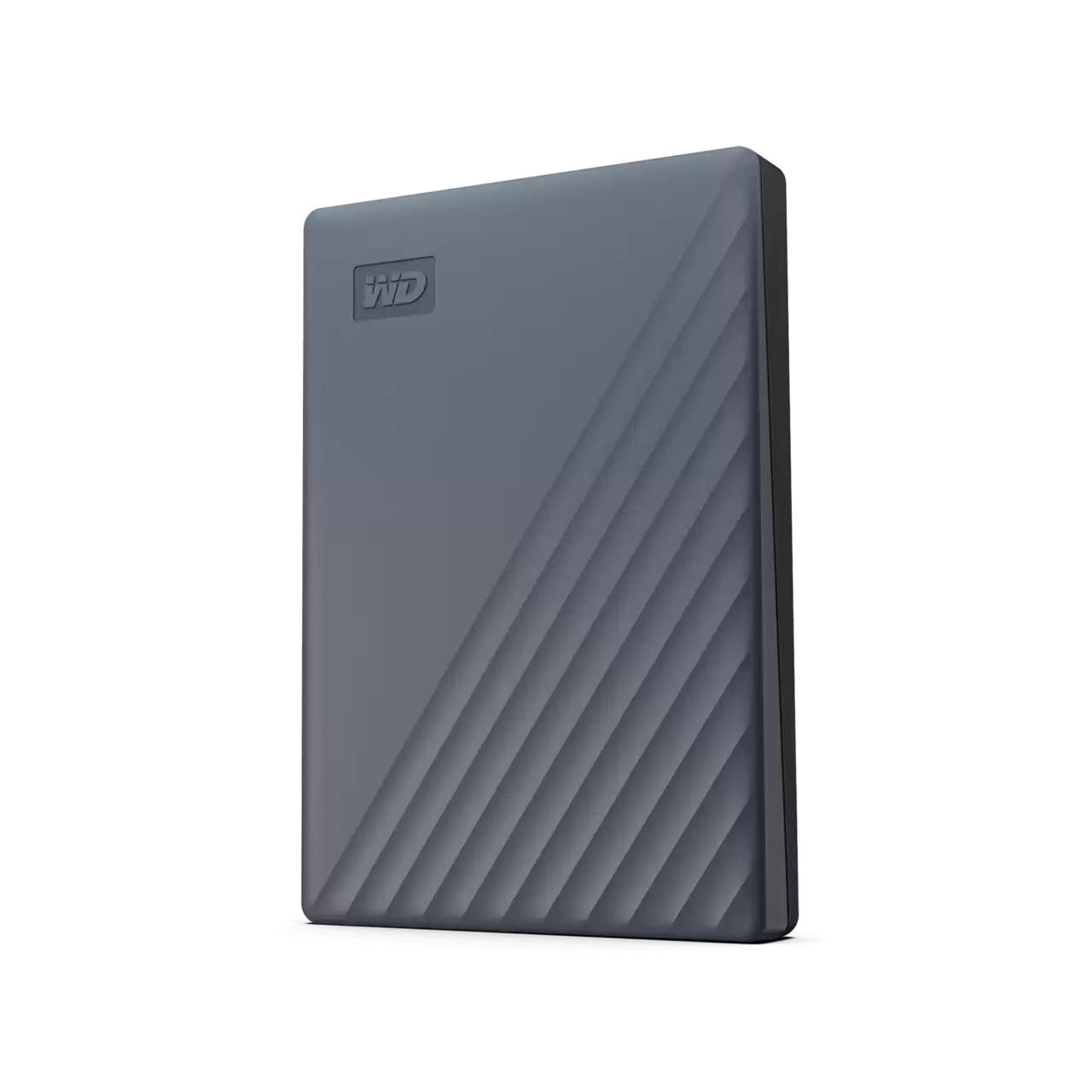
WD 2TB My Passport Portable Hard Drive, Works with USB-C and USB-A, Windows PC, Mac, Chromebook, Gaming Consoles, and Mo
The WD My Passport 2TB is a portable mechanical drive for buyers who prioritize broad device co
-
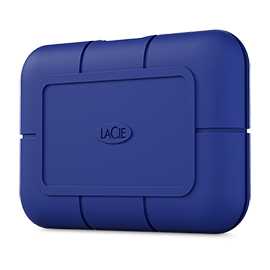
LaCie Rugged SSD Pro5 2TB Thunderbolt 5 (STNA2000400)
This portable SSD is defined by a 2 TB capacity, a Thunderbolt 5 interface, and a measured sustained-write result of 1.8 GB/s. Those are strong foundations for large sequential transfers on c
Sources and method
- Seagate Ultra Touch HDD 4TB ReviewKitGuru · retrieved 2026-10-11Lab review
- Ultra Touch HDD Data SheetSeagate · retrieved 2026-09-28DatasheetPDF
- Seagate Ultra Touch (2023) reviewTech Advisor · retrieved 2026-09-28Editorial review
- Ultra Touch HDD User ManualSeagate · retrieved 2026-10-11ManualPDF
- Toolkit Seagate Secure FAQSeagate · retrieved 2026-10-11Manufacturer support
- Seagate Ultra Touch HDD (2TB) ReviewSerious Insights · retrieved 2026-09-28Editorial review