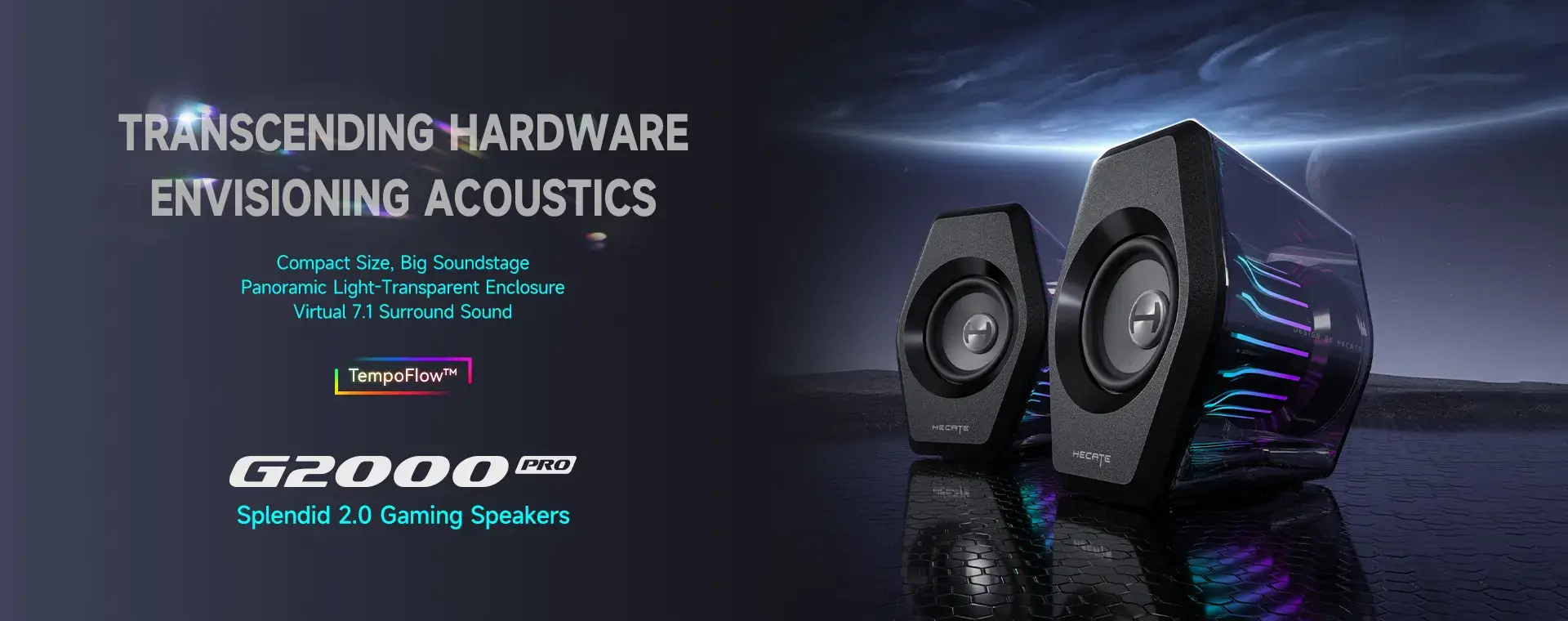
Edifier G2000 Pro 2.0 RGB Gaming Speakers with 64W Peak Power, White
The documented stereo layout and wired inputs suit a compact desk. The Gadgeteer's range observation establishes one household experience, not a guaranteed wireless radius. Windows software requirements and inherited reports of high-volume compression remain relevant limitations.
Updated 2026-10-11

We may earn a commission from qualifying purchases.
Prices and sellers
No price information yet
Areas not yet researched (7)
No conclusion is available for these areas. This does not mean the Product has no limitations or reported issues.
- Conditions and limitations
- Compatibility
- Where sources differ
- Reported issues and fixes
- Care and support
- Ownership costs
- Who it suits
Reviewer consensus
Single-source notes
- Buyer fit: Agreed · 1/1 · [1]
- Comfort & usability: Agreed · 1/1 · [5]
- Desk footprint and placement: Agreed · 1/1 · [6]
- Sound / experience quality: Agreed · 1/1 · [6]
- Limitations: Weak point · 1/1 · [1]
- Max volume and distortion: Weak point · 1/1 · [1]
- Stereo imaging at desk distance: Agreed · 1/1 · [6]
- Tonal balance and bass extension: Agreed · 1/1 · [6]
- Wired input switching: Agreed · 1/1 · [6]
The review
Edifier G2000 Pro: desktop connectivity, sound limits and setup
Compact gaming speakers with broad connectivity
The Edifier G2000 Pro is a compact desktop stereo pair. Edifier documents 32 W total output, a 2.0-channel layout and wired USB-C, USB-A and AUX connectivity. The manufacturer's palm-sized description is a placement cue, not a substitute for checking the available space around a monitor. These specifications identify the basic system; they do not establish how loudly it can play cleanly in a particular room. A useful buying assessment therefore starts with the desk, listening distance and source device, then separates those practical requirements from claims about immersive sound. The physical stereo arrangement also matters when reading surround-language marketing. GameRevolution treated virtual surround as an optional listening effect and preferred it disabled. This does not turn the pair into a measured multichannel installation, and that review is not a controlled test of positional accuracy. Buyers should audition the effect with familiar material and decide whether it helps their own use. The same review's preference for wired USB makes connection choice part of that audition, rather than an incidental cable decision. [6], [3]
Sound character and volume limits
Edifier's lower frequency figure is 75 Hz. It is a manufacturer specification, not a frequency-response curve measured for this article. Likewise, the stated total output does not establish a maximum sound-pressure level or a distortion-free volume setting. The inherited Mighty Gadget evidence reports compression and slight distortion above approximately 80 percent volume. That observation deserves to remain visible, but its percentage belongs to the reviewer's setup. It is not a universal threshold that every application, source volume control or listening position will reproduce. The practical consequence is to evaluate sound at the level you actually use, with the intended input and processing mode. GameRevolution's USB preference and dislike of the virtual effect are subjective observations; they do not supply decibel measurements, codec testing or a distortion sweep. Keep those categories separate when comparing reviews. A favorable listening impression can help identify an audition question, while an unfavorable one can identify a limitation to check. Neither should be converted into a fabricated benchmark or an assurance that another listener will hear exactly the same result. [6], [1], [3]
Software and evidence gaps
The manual specifies Windows 10 or later for the HECATE software. This supports the inherited warning that full companion-software customization is a Windows-dependent feature. It does not establish equivalent controls on macOS, nor does a software requirement by itself prove that basic audio playback fails on other platforms. Buyers who specifically need software customization should verify their operating system before choosing this pair. The headphone-output documentation also leaves the earlier subwoofer-integration question unresolved: a headphone route is not a confirmed subwoofer-management feature. This research still lacks a controlled noise-floor measurement, a systematic cabinet-finish assessment and a verified subwoofer crossover test. Accessible sources and native snapshot receipts were reviewed; several additional review sites denied snapshot collection through robots policies, while another site's robots policy was temporarily unavailable. These are evidence-access limits, not proof of either good or poor product performance. No acoustic laboratory dataset, manufacturing-variation study or long-term failure rate is invented to fill those gaps. A buyer for whom one of these questions is decisive should seek an applicable demonstration or manufacturer clarification before relying on an assumption. [1], [2]
Support and a practical purchase decision
Edifier's US support page for G2000 PRO provides links for the user manual and driver, together with warranty-service information. This is a useful starting point for matching documentation to the product instead of borrowing instructions from the older G2000. The page's service route does not, by itself, establish a warranty duration, spare-part availability or a promised software-support end date for this ASIN. Keep proof of purchase and verify the applicable regional terms through the official route if those commitments affect the decision. Do not infer a US entitlement from a statement about another country's product. [2], [4]
The supported conclusion is conditional: consider this pair when compact placement and the documented connection options match the desk, and evaluate it using the software and listening level that will actually be used. Give the Windows requirement real weight if customization is essential. Treat the inherited high-volume warning and the newer USB-versus-Bluetooth preference as specific checks during an audition. A decision based on these concrete constraints is more defensible than extrapolating from output power or a favorable review alone. Where the evidence does not answer an essential requirement, leave the decision open rather than treating an undocumented capability as included. [1], [6], [2], [3]
Setup and controls
The Gadgeteer described initial setup as straightforward. Its reviewer reported roughly 33 feet of Bluetooth range while hearing a laptop on another level of the house. That is useful evidence of an actual household experience, but the report does not state the laptop model, obstacle layout, repeat count or sample size. The range record here therefore preserves the approximate distance and the limited conditions. It is not a laboratory sensitivity result and should not be used to promise coverage through a particular wall or across every home. The inherited control description identifies four buttons on top of the right speaker. The manufacturer manual says the initial state uses USB audio streaming and music mode, and it identifies a headphone output. Those details help a new owner distinguish input selection, sound processing and output routing. Before treating silence or an unexpected sound character as a defect, check that the selected input matches the source and that the intended mode is active. A labeled headphone output establishes that function only; it is not evidence of a dedicated subwoofer connection or a documented crossover. [5], [2], [1]
Measured performance
Bluetooth range
33 ftReviewer-reported informal in-home Bluetooth listening observation · Approximate distance. The reviewer heard a laptop on a different level of the house. Device model, obstacles, measurement equipment, repeat count and sample size were not stated; no guaranteed operating radius is established.
Source [5]Buyer questions
Before you buy
Compatibility
Which wired inputs are documented?
The documented wired inputs are USB-C, USB-A and AUX. [6]
Setup
Is Bluetooth setup straightforward?
The Gadgeteer found setup straightforward and reported about 33 feet of range in a house. That is one reviewer observation with an unstated sample count, not a guaranteed range for every room or device. [5]
Everyday use
What low-frequency extension is specified?
The manufacturer specifies low-frequency extension to 75 Hz. [6]
Limitations
What limitations should buyers know?
The customization software is Windows-only, and a reviewer noticed compression and slight distortion at high volume. [1]
Product images
Facts and specifications
Manufacturer datasheet
| Specification | Value | Source |
|---|---|---|
| Channels | 2.0 channel stereo US | [6] |
| Lowest Frequency | 75 Hz US | [6] |
| Inputs | USB-C, USB-A and 3.5 mm AUX US | [6] |
| Power | 32 W US | [6] |
Manufacturer manual
| Specification | Value | Source |
|---|---|---|
| Operating System | HECATE software: Windows 10 or later | [2] |
| Ports | Headphone Output | [2] |
| Setup Requirement | The speaker initially defaults to USB audio streaming input and music mode. | [2] |
Stated by reviewers
| Specification | Value | Source |
|---|---|---|
| Control Type | Four-button top control panel on the right speaker. | [1] |
Other facts
| Specification | Value | Source |
|---|---|---|
| Buyer Fit | A good fit for gamers seeking compact desktop speakers with visual and connectivity features. US | [1] |
| Limitation | A reviewer noticed compression and slight distortion above about 80 percent volume. US; GameRevolution heard lower sound quality over Bluetooth than wired USB in its G2000 Pro review.; The companion software is Windows-only, limiting customization for macOS users. US | [1], [3] |
| Setup Requirement | A reviewer found initial setup straightforward and plug-and-play. US | [5] |
| Use Case | Compact desktop placement with a palm-sized footprint. US | [6] |
KnowSpec analysis
A conditional fit for a compact desktop
The documented stereo layout and wired inputs suit a compact desk. The Gadgeteer's range observation establishes one household experience, not a guaranteed wireless radius. Windows software requirements and inherited reports of high-volume compression remain relevant limitations.
Method: Evidence synthesis separating manufacturer specifications from reviewer observationsSpecifications and listening judgments answer different questions
The manufacturer's 32 W total output and 75 Hz lower frequency limit are specifications. GameRevolution preferred USB to Bluetooth and disabled virtual surround. Those are attributed listening judgments, not measured distortion or frequency-response results. The inherited high-volume warning is retained separately.
Method: Evidence classification and comparison of stated test scopeVisible information gaps
Missing information is shown rather than guessed.
- Topic:Value For Moneynot found
- Topic:Hiss And Noise Floornot found
- Topic:Build Qualitynot found
- Topic:Subwoofer Integration And Crossovernot found
- Topic:Build And Finish Qualitynot found
Products in this content
-
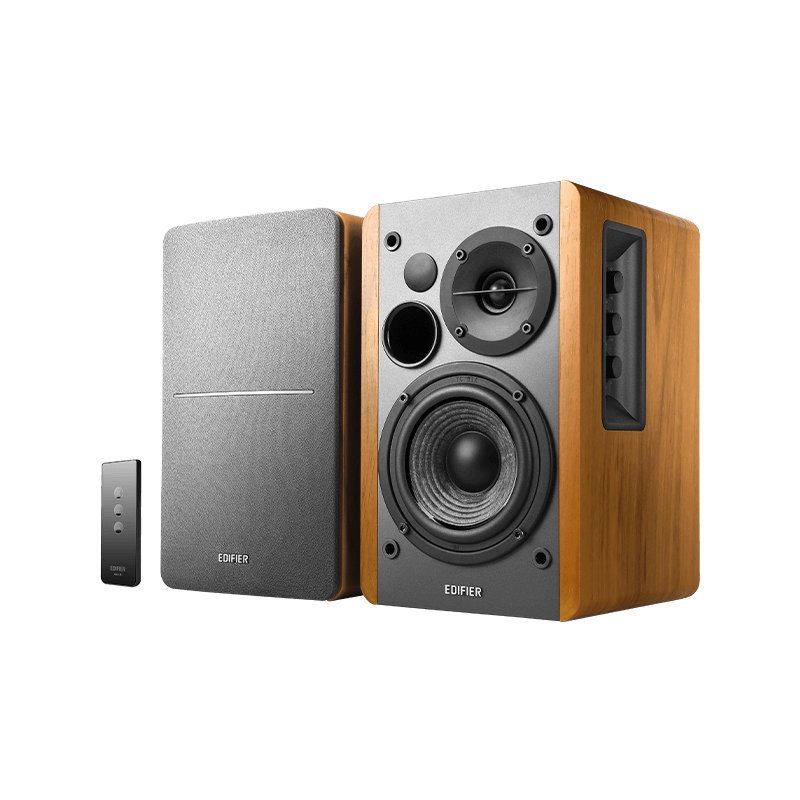
Edifier R1280T Powered Bookshelf Speakers
The Edifier R1280T is a practical choice for listeners who want warm bookshelf-speaker sound, two wired sources, and physical controls without buying a separate amplifier. It suits desks, small rooms, and turntables that alr
-
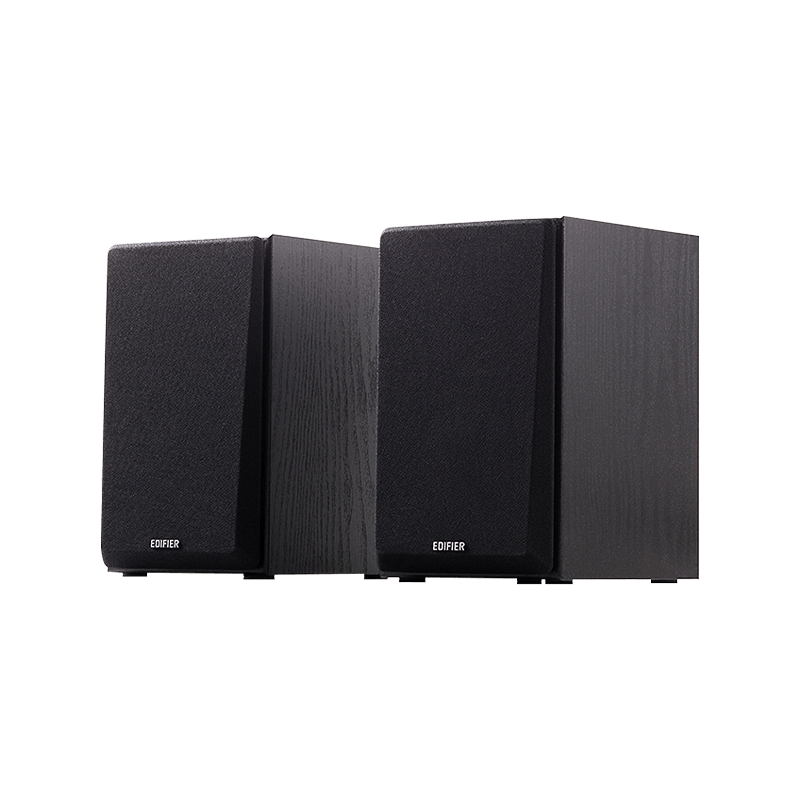
Edifier R980T Active Bookshelf Speakers
The Edifier R980T suits desktop PCs and average to smaller rooms when buyers want an affordable powered stereo pair with two RCA input sets. Reviews describe solid music performance, a smooth soundstage and good value. Its t
-
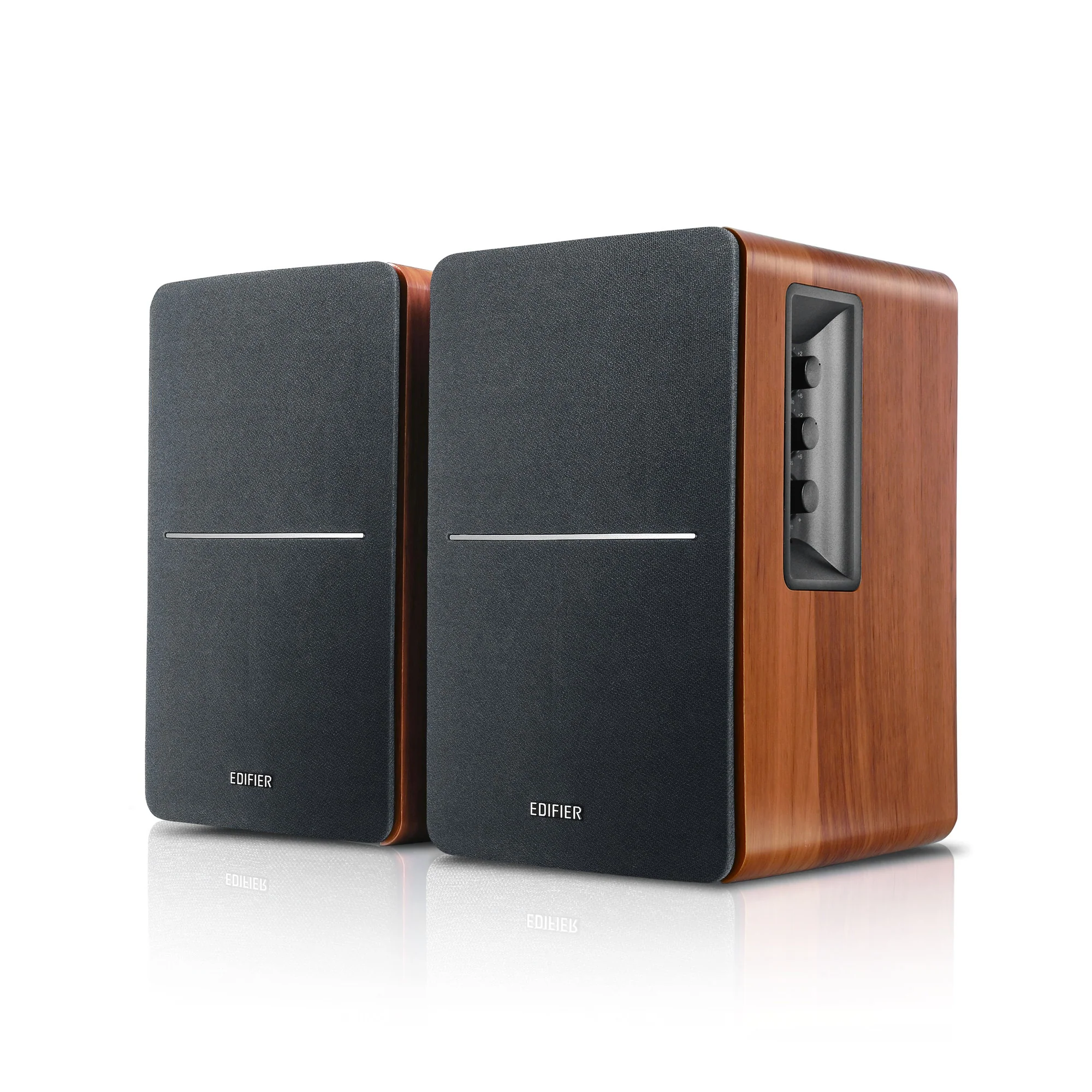
Edifier R1280DB Powered Bluetooth Bookshelf Speakers, Wood Grain
The Edifier R1280DB is a strong fit for buyers who want an affordable powered stereo pair for a desk, television or modest-sized room, with optical, coaxial, RCA and Bluetooth
-
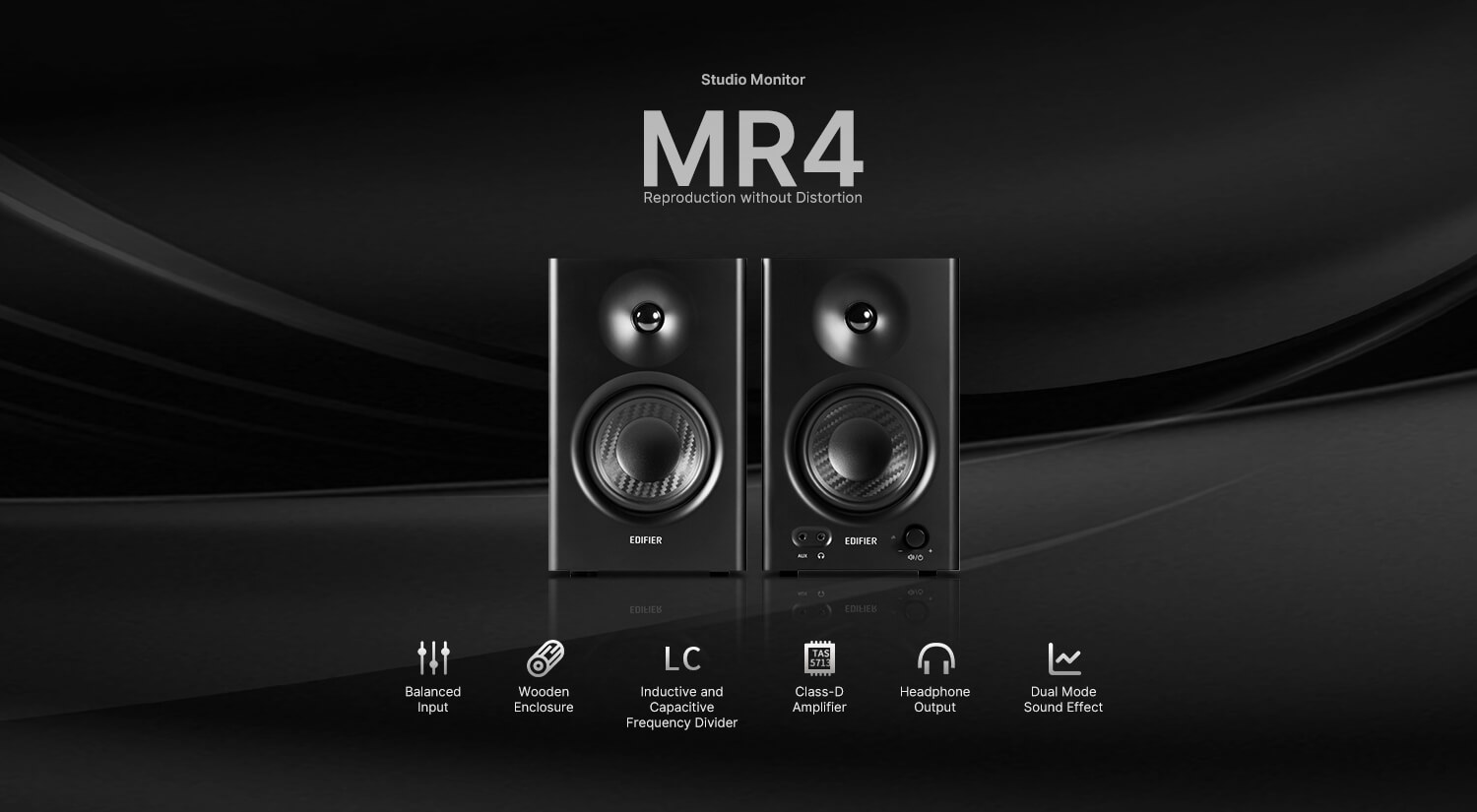
Edifier MR4 Powered Studio Monitor Speakers
The Edifier MR4 suits budget desktop listeners, bedroom producers and content creators who want powered monitors with balanced TRS, RCA and AUX connections. Music mode offers a pleasing listening experience,
-
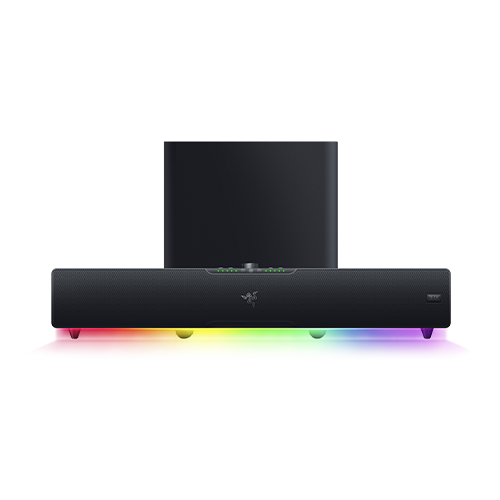
Razer Leviathan V2 Pro PC Gaming Soundbar with Subwoofer and Head-Tracking AI, Black
The Razer Leviathan V2 Pro fits buyers who want immersive, head-tracked desktop audio with strong bass, substantial volume, Bluetooth and USB-C
-
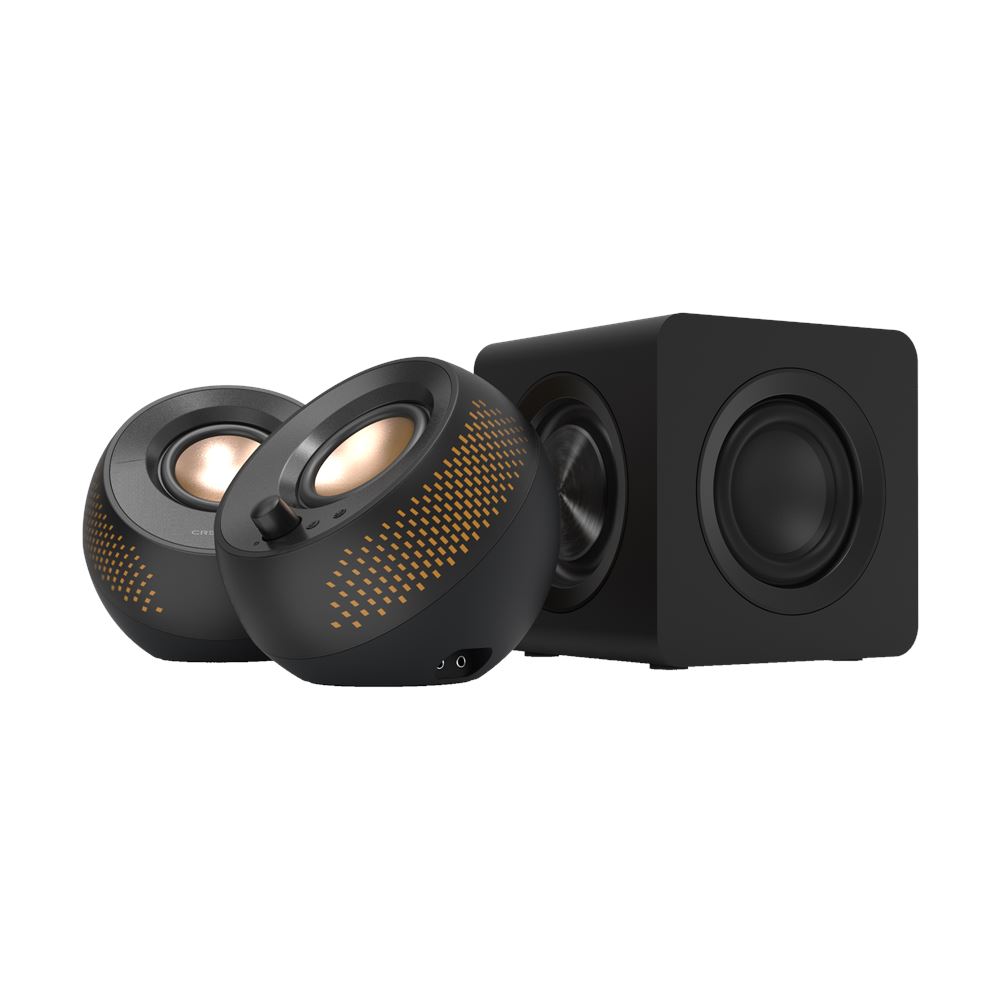
Creative Pebble X Plus 2.1 USB-C Computer Speakers with Subwoofer, Black
The Creative Pebble X Plus suits desktop listeners who want compact speakers, a separate subwoofer, flexible wired and Bluetooth inputs, and simple onboard con
Sources and method
- Edifier G2000 Pro Desktop Computer Speakers ReviewMighty Gadget · retrieved 2026-09-28Editorial review
- G2000 PRO User ManualEdifier · retrieved 2026-10-11ManualPDF
- Edifier G2000 Pro Speakers ReviewGameRevolution · retrieved 2026-10-11Editorial review
- Support for G2000 PROEdifier · retrieved 2026-10-11Manufacturer support
- Edifier Hecate G2000 Pro 2.0 gaming speakers reviewThe Gadgeteer · retrieved 2026-09-28Editorial review
- G2000 ProEdifier · retrieved 2026-09-28Manufacturer