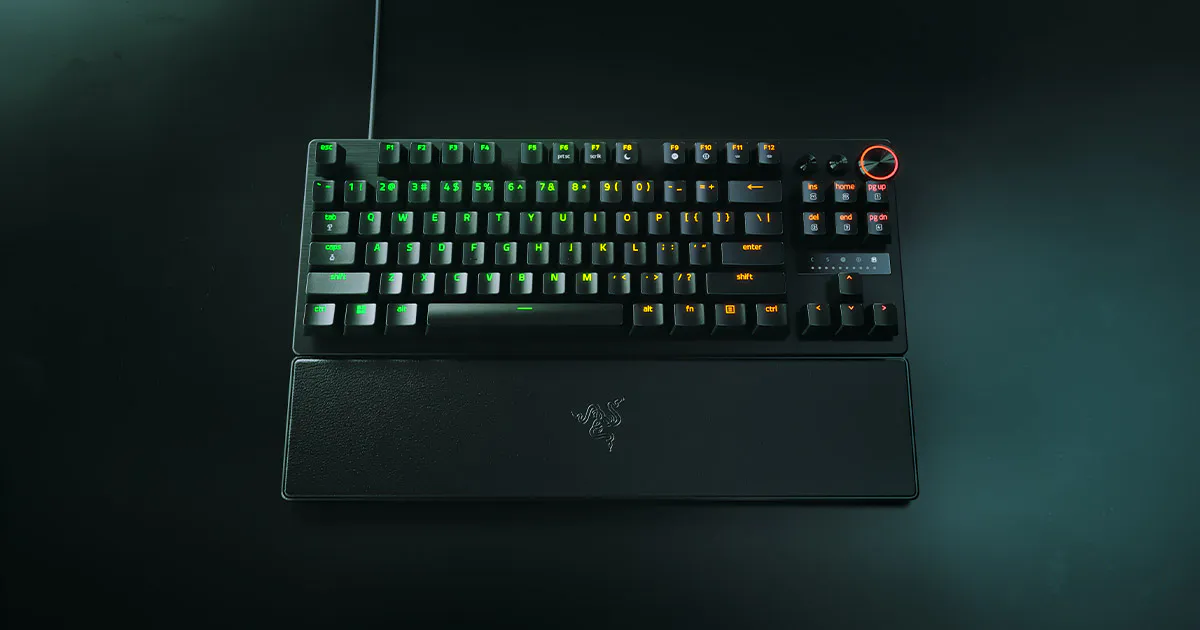
Razer Huntsman V3 Pro TKL 8KHz Esports Gaming Keyboard
Adjustable optical actuation makes this TKL keyboard useful for buyers who want different input thresholds for games and writing. CGMagazine's preference for 2.0 mm during typing illustrates why the shallowest setting is not automatically the best. Wired connectivity, audible keys and fixed switches limit office and customization appeal. High polling also warrants checking CPU load rather than assuming faster USB reporting improves every game.
Updated 2026-10-08

We may earn a commission from qualifying purchases.
Prices and sellers
No price information yet
Conditions and limitations
Configuration and onboard profiles
- Capability
- The reviewed TKL model combines Synapse 4 configuration with six onboard profiles.
- Limitations
- Exact firmware and operating-system requirements are not established by these excerpts.
- Requirements
- Use the documented wired USB-C connection.
Compatibility
Reviews describe PC gaming, but no exact regional variant and firmware compatibility matrix was verified.
Where sources differ
Perceived responsiveness is separated from polling specifications. No comparable physical benchmark was verified to resolve latency differences.
Reported issues and fixes
Audible typing and a software CPU warning are documented limitations; no version-specific defect or fix was established.
Care and support
Fixed switches are documented, but exact-US warranty, spare parts, repair procedure and support-end date were not verified. Official product and support snapshots were denied by robots policy.
Who it suits
Choose adjustable controls with realistic ownership expectations
- Check before buying
- Confirm exact regional layout and variant.
- Try a deliberate typing profile before choosing a shallow gaming setting.
- Constraints
- Accept wired operation and fixed switches.
- Needs
- Different actuation preferences for writing and gaming.
- Reason
- Adjustable optical controls suit buyers who want to tune behavior, but the connection, acoustics and fixed switches should match the intended workspace and maintenance expectations.
- Tradeoffs
- Audible typing may be unsuitable in a quiet shared room.
- High polling warrants checking CPU load.
- Assessment
- conditional
Areas not yet researched (1)
No conclusion is available for these areas. This does not mean the Product has no limitations or reported issues.
- Ownership costs
Reviewer consensus
Single-source notes
The review
Razer Huntsman V3 Pro TKL 8KHz: performance and tradeoffs
Competitive controls
The Razer Huntsman V3 Pro TKL 8KHz combines second-generation analog optical switches with a tenkeyless gaming design. Its documented actuation range starts at 0.1 mm and extends to 4.0 mm, while its maximum polling specification is 8,000 Hz. These numbers describe settings and reporting capability. They do not, on their own, establish the time between a player's intention and an action appearing on screen. Impulse Gamer reported a more immediate feeling during play, but the quoted passage is a subjective observation rather than a laboratory measurement. A buyer should therefore treat the polling specification and the reviewer's experience as separate pieces of evidence, each answering a different question. [2], [3]
Impulse Gamer described responsive play in Doom Eternal, World of Warcraft and Call of Duty. That supports a positive account of practical use, with the limits of a single reviewer's experience. It does not prove an improvement for every player or sustained stability across every game. The useful buying question is whether the controls suit the actions you repeat most often, rather than whether the largest number on the specification sheet must deliver the largest visible improvement. If you already find your current keyboard responsive, the published impressions offer a reason to try this model, not a guarantee that replacing the keyboard will improve your results. [2], [3]
High polling and the host PC
GamingShogun reports that the software warns of increased CPU use when running at 8KHz polling. That is a condition worth considering alongside the maximum reporting specification. The review also questions whether small latency differences are perceptible to most users. For a buyer, these observations make a practical case for evaluating the highest polling setting on the actual PC and games that will be used. A reporting capability is not a promise of improved frame rates. The sensible goal is a combination of responsive input and satisfactory game performance, with settings chosen from observed behavior rather than from the assumption that the maximum must always be best. [2], [4]
Shacknews observed frame-rate degradation when enabling 8KHz on its review setup. Its article does not provide a quantified loss, complete test configuration or unambiguous identification of the exact TKL variant. The observation is therefore recorded as context for the shared polling technology, not as a benchmark for this ASIN. It strengthens the reason to check host performance while changing settings, but it cannot predict how much performance your system will lose, or whether it will lose any. If a higher setting makes a game less smooth, compare it with a lower setting under similar conditions before deciding that the highest polling option is beneficial. [4], [6]
Build, layout, and software
The tenkeyless form factor and textured doubleshot PBT keycaps are central to the existing evidence for this model. Lopylog describes the roughly 719 g figure as a nominal specification, then discusses how the keyboard's substantial feel helps it stay put during vigorous use. That distinction matters: a number quoted from a specification is not a weight measured on a reviewer's scale. The handling observation is useful for someone who wants a stable keyboard, but it should not be converted into a precise test of grip or resistance to movement. Consider the layout first, then whether the substantial body suits the way you carry or position your keyboard. [2], [5]
Textured doubleshot PBT keycaps and the tenkeyless layout give buyers two concrete details to assess before choosing this model. Surface texture is worth checking in person if you have a strong preference about how keys feel under your fingers. The documented material does not establish a universal comfort rating or promise that every typist will prefer it. The existing nominal weight remains associated with the reviewed TKL model; it is not evidence for another size or a different hardware revision. For buyers selecting an exact regional listing, confirm the layout and variant independently. Similar product names across the Huntsman family do not make every review a test of the same physical keyboard. [2], [5]
Actuation tuning for writing and gaming
CGMagazine's reviewer found a 2.0 mm actuation profile preferable for productivity and writing with a heavy-handed typing style. The same review describes using a more sensitive profile for gaming and switching between profiles for different applications. This is a concrete hands-on example of why adjustable actuation has value beyond chasing the shallowest possible trigger point. It is not a measurement showing that 2.0 mm is the optimum for all users. A light typist and a heavy typist may want different settings, so use the reviewer's experience as a starting hypothesis and adjust according to the errors and unintended inputs you actually encounter. [2], [1]
For someone who writes during the day and plays in the evening, the important benefit is the ability to separate those preferences. Start with a deliberate typing profile, then experiment with more sensitive gaming keys only where that behavior helps. CGMagazine's example supports this approach because it ties a setting to a stated use and typing style. It does not justify calling that setting a measured performance result. Review your own comfort and accuracy after changing the profile, and keep a familiar setting available for comparison. Adjustable controls are useful when they solve a specific input problem; their range alone does not tell you which end to choose. [2], [1]
Limits to weigh
The documented connection is wired, using a detachable USB-C cable. Notebookcheck describes Synapse 4 configuration and six onboard profiles, while identifying the analog optical switches as not hot-swappable. Together these details frame an ownership decision: choose the keyboard for its supplied switch system and configurable behavior, rather than expecting to replace switches as a routine customization step. Onboard profiles help separate different uses, but the software and the physical connector should not be confused with wireless capability. A buyer who wants cable-free use has a direct mismatch with the documented connection, regardless of how attractive the actuation features may be. [2]
Profiles are valuable when gaming preferences differ from writing preferences. Keeping those uses distinct is more practical than treating one aggressive setting as the correct answer for everything. Before purchase, decide whether you are comfortable retaining the stock switches and configuring their behavior instead of changing the hardware. The available evidence does not establish a repair procedure or a guaranteed supply of replacement components for this exact listing. Fixed switches therefore deserve attention as a maintenance and customization limitation, without turning that limitation into an unsupported prediction of failure. Confirm any specific repair or support requirement directly before relying on it. [2]
Sound, shared rooms and the final choice
Impulse Gamer enjoyed the keyboard's energetic sound but cautioned that family members or roommates might be less enthusiastic during late-night use. This is a useful distinction between liking a sound personally and deciding that it is appropriate for a shared room. The existing evidence also describes improved dampening without establishing silent operation. Anyone choosing a keyboard for a quiet workspace should therefore assess audible typing as part of the purchase, not infer silence from an internal refinement. A gaming-focused design can remain enjoyable and responsive while still being a poor match for a setting where other people need low noise. [2], [3]
The clearest fit is a buyer who wants adjustable optical controls, accepts a wired connection and is comfortable keeping the supplied switches. Separate profiles can support different tasks, while actuation tuning gives a practical way to tailor behavior to typing style. The tradeoffs are equally concrete: audible use in shared rooms, limited switch customization and the need to evaluate high polling on the host PC. Choose on the basis of those needs and constraints. The evidence supports an adaptable gaming keyboard with meaningful configuration choices; it does not establish a universal competitive advantage, a silent typing experience or a measured latency result for every variant. [2], [4], [1]
Buyer questions
Before you buy
What switch technology does it use?
It uses Razer Analog Optical Switch Gen-2 hardware with adjustable actuation. [2]
Compatibility
Is it a wireless keyboard?
No. The evidence describes a wired USB-C connection. [2]
Everyday use
What is the maximum polling rate?
The documented maximum is 8,000 Hz. [2]
Care and maintenance
Can the switches be replaced?
No. The optical switches are not hot-swappable. [2]
Product images
Facts and specifications
Stated by reviewers
| Specification | Value | Source |
|---|---|---|
| Actuation Point | 0.1 mm US; 4 mm US | [2] |
| Form Factor | Tenkeyless US | [2] |
| Hot-Swappable | No US | [2] |
| Interface | Wired, detachable USB-C cable US | [2] |
| Keycap Material | Textured Doubleshot PBT US | [2] |
| Polling Rate | 8 kHz US | [2] |
| Software | Synapse 4; six onboard profiles US | [2] |
| Switch Type | Razer Analog Optical Switch Gen-2 US | [2] |
| Weight | 719 g US | [5] |
Other facts
| Specification | Value | Source |
|---|---|---|
| Buyer Fit | Esports enthusiasts and competitive gamers. US | [2] |
| Limitation | GamingShogun reports that the software warns of greater CPU use at 8KHz polling.; Typing remains audible despite improved dampening. US | [2], [4] |
| Use Case | Impulse Gamer described responsive play in Doom Eternal, World of Warcraft and Call of Duty. US | [3] |
KnowSpec analysis
Who should buy the Huntsman V3 Pro TKL 8KHz?
Adjustable optical actuation makes this TKL keyboard useful for buyers who want different input thresholds for games and writing. CGMagazine's preference for 2.0 mm during typing illustrates why the shallowest setting is not automatically the best. Wired connectivity, audible keys and fixed switches limit office and customization appeal. High polling also warrants checking CPU load rather than assuming faster USB reporting improves every game.
Method: evidence_synthesisVisible information gaps
Missing information is shown rather than guessed.
- Topic:Warranty And Repairabilitynot found
- Source.Manufacturernot public
- Input Lagnot found
- Topic:Efficiencynot found
Products in this content
-
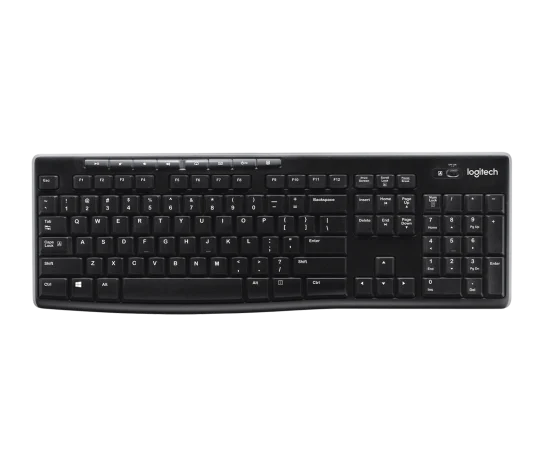
Logitech K270 Wireless Keyboard — Black
The Logitech K270 is a practical choice for one-computer office typing when a full-size number-pad layout matters more than Bluetooth switching or backlighting. The editorial review supports documents, email and spreadsheet
-
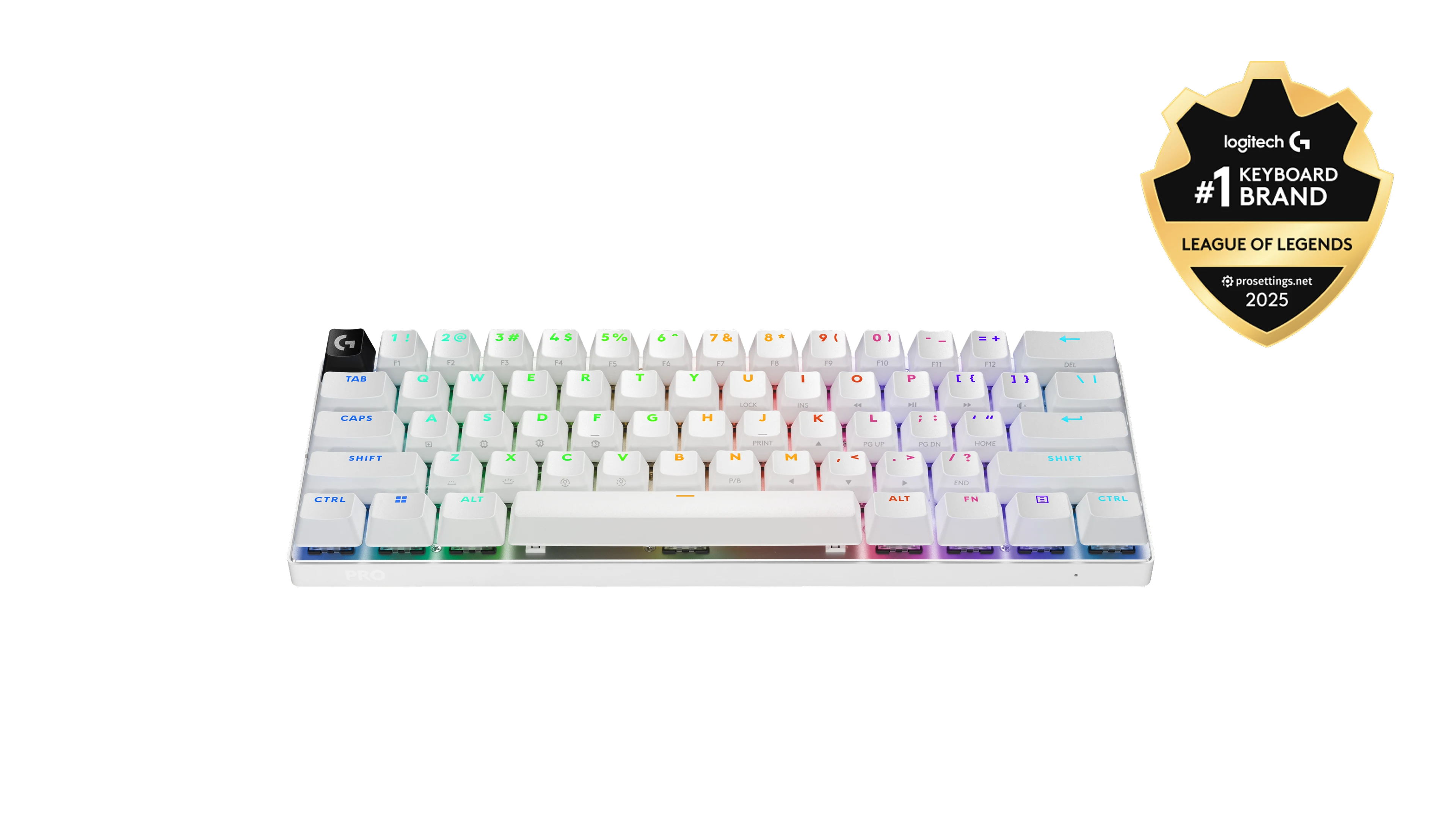
Logitech G PRO X 60 Wireless Gaming Keyboard (Linear Optical) - White
The PRO X 60 combines documented receiver, Bluetooth and USB connections with reviewer approval for gaming. Its 65-hour maximum is a manufacturer rating, not a
-
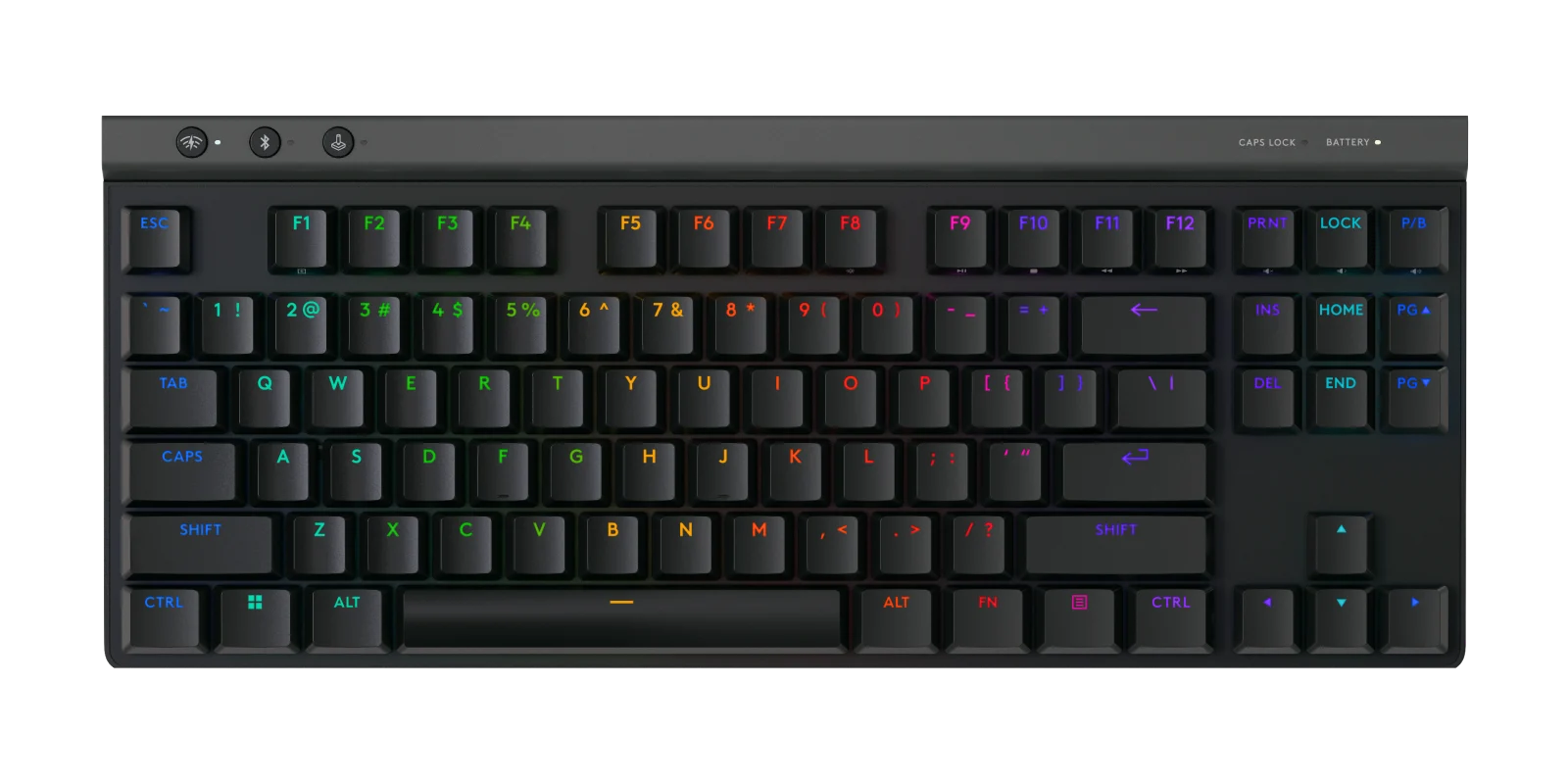
Logitech G515 LIGHTSPEED TKL Wireless Gaming Keyboard, Linear (Red) Mechanical Switches - Black
The Logitech G515 is a strong fit for buyers who want a compact, well-built, responsive low-profile gaming keyboard with quieter
-
ASUS ROG Azoth Extreme Wireless 75% Gaming Keyboard, NX Snow Linear Switch, Black
This keyboard combines a compact 75% layout, Bluetooth 5.1, and an 8000 Hz polling-rate claim. That gives buyers a clear outline: compact key co
-
Wooting 60HE+ 60% Analog Hall-Effect Gaming Keyboard with Lekker L60 Switches
The Wooting 60HE+ is a compact wired keyboard aimed at competitive gamers seeking rapid-trigger and analog-input features. The evidence confirms a 60% layout and 1000 Hz polling rate, while an editorial source supports the c
-
Keychron Q1 HE QMK Wireless Custom Keyboard, Fully Assembled with Knob, Gateron Double-Rail Magnetic Nebula Switches - S
This 75% Keychron keyboard suits gamers and typists who want magnetic switches, adjustable 0.2
Sources and method
- Razer Huntsman V3 Pro 8Khz TKL Keyboard ReviewCGMagazine · retrieved 2026-10-08Editorial review
- Razer Huntsman V3 Pro TKL 8KHz review: a pricey but highly precise wired gaming keyboardNotebookcheck · retrieved 2026-09-27Editorial review
- Razer Huntsman V3 Pro TKL 8KHz ReviewImpulse Gamer · retrieved 2026-09-27Editorial review
- Razer Huntsman V3 Pro 8KHz Review: The Zero Excuses KeyboardGamingShogun · retrieved 2026-10-08Editorial review
- Razer Huntsman V3 Pro TKL 8KHz reviewLopylog · retrieved 2026-09-27Editorial review
- Razer Huntman V3 Pro 8Khz keyboard review: At the touch of a featherShacknews · retrieved 2026-10-08Editorial review