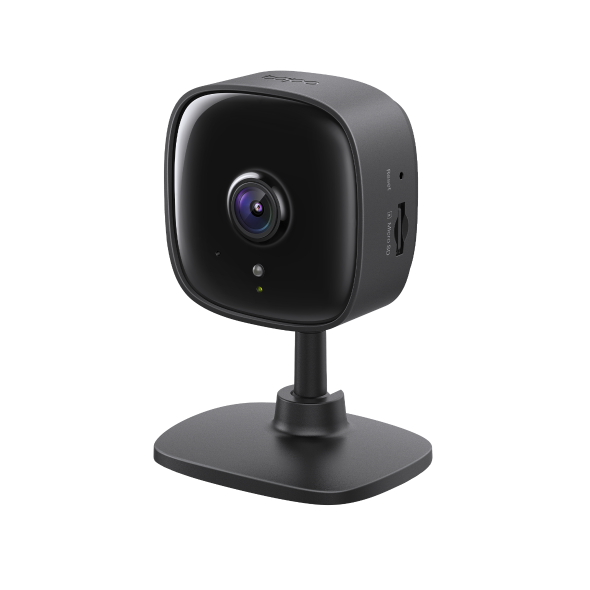
TP-Link Tapo C101 Black Home Security Wi-Fi Camera
Tapo C101 suits a fixed indoor view when you can keep the camera powered and prefer local recording. Its microSD slot provides an alternative to subscription-based Tapo Care cloud storage. The reviewer finds the app approachable and the audio adequate for basic conversation. Choose its position carefully: the lens cannot pan or tilt, and the camera has no battery option. Detection accuracy and notification timing remain unmeasured in the researched evidence.
Updated 2026-10-08

We may earn a commission from qualifying purchases.
Prices and sellers
No price information yet
Conditions and limitations
Compatibility
Assistant integrations and RTSP/ONVIF are listed, but no exact firmware, recorder or display combination was tested in the gathered sources.
Where sources differ
Secondary articles differ on night-vision distance; the manufacturer datasheet is retained as the specification, without a controlled range test.
Reported issues and fixes
An exact-model owner report was read, but its native snapshot was robots-denied; no firmware-specific fault or tested fix is asserted.
Care and support
The guide and datasheet were read, but no exact-unit support end date, warranty term or repairability commitment was established.
Ownership costs
Cloud storage requires a subscription and local storage requires card setup; no prices or numerical ownership-cost calculation are provided.
Who it suits
A powered camera for one planned indoor view
- Check before buying
- Check the view, outlet and recording route before choosing the mounting position.
- Constraints
- Continuous power is available.
- Needs
- Monitor a planned indoor area.
- Reason
- Choose it when a fixed view and continuous power suit the intended scene; battery operation or remote camera movement require a different capability.
- Tradeoffs
- Local recording provides a different route from subscription cloud storage.
- The view cannot pan or tilt remotely.
- Assessment
- conditional
Reviewer consensus
Single-source notes
- Battery life real world: Weak point · 1/1 · [2]
- Buyer fit: Agreed · 1/1 · [2]
- Day night image quality: Agreed · 1/1 · [4]
- Efficiency: Agreed · 1/1 · [4]
- Installation and power options: Agreed · 2/2 · [1], [4]
- Limitations: Weak point · 1/1 · [2]
- Local storage and privacy: Agreed · 1/1 · [4]
- Mobile app quality: Agreed · 1/1 · [2]
- Subscription cost and locked features: Weak point · 1/1 · [4]
- Two way audio quality: Agreed · 1/1 · [2]
The review
Tapo C101: recording choices and fixed-view tradeoffs
Image specifications and energy use
The Tapo C101 datasheet specifies 1080P HD video at 1920 x 1080 px, a frame rate of 15 fps, and infrared night vision reaching up to 12 m. These figures describe the manufacturer's stated capabilities. They are not measurements made by KnowSpec or a controlled independent laboratory. For a buyer, that distinction matters because a resolution label and a night-vision distance answer different questions: the first identifies the video format, while the second states an illumination range. Neither establishes how clearly a particular moving subject will appear at a particular distance in your room. Treat the specifications as a starting point for planning a view, then assess the actual scene after installation. The fixed lens also means the scene you select remains the camera's monitoring area; remote pan or tilt cannot bring an out-of-frame subject back into that view. The datasheet's typical power consumption is 2.5 W. That is a manufacturer specification rather than a measured household average, so it should not be presented as an independently verified running-cost result. The practical purchase question is whether a continuously powered camera fits the intended location, not whether this figure guarantees a precise electricity bill. Buyers who need verified energy consumption, alert timing, or detection accuracy still lack a controlled test in the evidence gathered here. None of those unknowns should be filled by converting a reviewer's general praise into a numerical benchmark. The documented resolution, frame rate, infrared range, and power figure remain useful when their source and limits are made explicit. [4], [2]
Choose storage and plan the connection
The C101 provides a microSD card slot supporting up to 512 GB, and the manufacturer separately lists Tapo Care cloud storage as a subscription service. These are different recording choices, so choosing the camera does not mean that cloud storage is the only way to retain video. The user guide instructs the owner to insert a microSD card and initialize it in the app for local recording. A card slot on the specification sheet is therefore only part of the setup: the card must also be prepared using the documented app step. Decide which recording route you intend to use before treating installation as complete, and confirm that the desired local recording is actually available after initialization. The guide starts camera setup with the Tapo app and a TP-Link ID, directing users without an account to create one. This gives a first-time buyer a concrete preparation task instead of leaving the impression that mounting the camera alone makes it ready. Power comes from the included adapter, and the documented wireless connection is IEEE 802.11b/g/n on 2.4 GHz Wi-Fi. Plan the position around both the available outlet and the scene to monitor. A location chosen only for its viewing angle can still be inconvenient if it does not suit the continuous power connection. Conversely, placing it only where an outlet is convenient may leave the important area outside the fixed view. Local storage capacity should not be translated into a promised number of recording days without a supported recording configuration and test. The evidence establishes the supported capacity ceiling and initialization process, not a universal retention period for every owner's footage. Cloud subscription status and local card support should likewise remain separate when considering ownership requirements. [1], [2], [4], [5]
App, audio and smart-home use
HomeCamCafe's C101 review describes responsive live streaming and an intuitive app layout. Its assessment of two-way audio is that it is clear enough for basic communication. Those observations support a modest use case: checking a room and speaking through the camera when basic communication is sufficient. They do not establish a measured end-to-end delay, a speech-intelligibility score, or guaranteed performance on every home network. Keep the reviewer's practical experience visible without turning subjective impressions into engineering measurements. An app that the reviewer found approachable may be a helpful indication for a first-time owner, but buyers should still follow the documented setup process and confirm that the controls they need are available on their own device. The manufacturer lists Google Assistant and Amazon Alexa under smart integration. These names describe supported integrations, not the underlying streaming protocol. The datasheet separately identifies RTSP and ONVIF as supported interfaces. This separation matters if you are deciding between an assistant-based viewing arrangement and third-party video software: each route has its own compatibility questions, and the presence of both entries does not prove that all functions are identical across them. The research here does not include a controlled test of a named recorder, display, operating system, or firmware build. Therefore it would be premature to promise complete interoperability with an untested setup simply because ONVIF or an assistant name appears in the specification. The user guide also warns that features can vary with model and software version, and availability can vary by region. Check the particular combination you intend to use and keep hardware and software details alongside any later compatibility test. This makes the listed integration support useful without overstating what the present sources have demonstrated. [2], [4], [5]
Limits to weigh before buying
The C101's fixed lens cannot pan or tilt, and the reviewed camera is wired rather than battery-operated. These limitations should lead the purchase decision before smaller convenience features. It is a conditional fit when the job is to observe a planned indoor area and leave the camera connected to power. It is a poor match for an installation that requires battery operation or for someone who expects to move the view remotely after a subject leaves the frame. TruthfulPaws also highlights the fixed lens as a limitation for monitoring a pet that moves around a room. That editorial observation reinforces a straightforward planning question: are you checking a predictable location, or trying to follow movement throughout a space? The present evidence supports the first approach more clearly. It does not support describing this camera as a remotely steerable pet tracker. The existing reviewer assessment of simple room monitoring remains relevant, while the physical view and continuous power requirement define the boundary of that recommendation. Storage should be considered alongside placement. A buyer who prefers local recording can use the documented microSD route, while a buyer who wants the manufacturer's cloud service must account for its subscription requirement. Neither route changes the fixed viewing angle or removes the need for power. The guide's warning about model, software, and regional variation also means a feature mentioned in broad Tapo coverage should not automatically be assigned to every C101 unit. Before buying, establish the intended scene, power arrangement, recording route, and integration requirement. After setup, confirm those choices in the actual app and view. This evidence-based checklist is more useful than a blanket endorsement because it connects the documented limitations to a specific household task without inventing performance results. [1], [2], [4], [5], [3]
Buyer questions
Before you buy
Do I have to choose cloud storage?
No. The evidence identifies a microSD slot for local recording. Tapo Care cloud storage requires a subscription. [4]
Compatibility
Setup
Limitations
Can I move the view remotely?
The fixed lens cannot pan or tilt. Position the camera for the area you need to see. [2]
Product images
Facts and specifications
Manufacturer datasheet
| Specification | Value | Source |
|---|---|---|
| Compatibility | The manufacturer lists Google Assistant and Amazon Alexa integrations. US | [4] |
| Frame Rate | 15 fps US | [4] |
| Interface | RTSP and ONVIF are listed as supported. US | [4] |
| Local Storage | microSD card slot on camera, up to 512 GB US | [4] |
| Night Vision Range | 12 m US | [4] |
| Power | 2.5 W US | [4] |
| Subscription Required | Tapo Care cloud storage requires a subscription. US | [4] |
| Maximum Video Resolution | 1080P HD (1920 x 1080 px) US | [4] |
| Wireless Standard | IEEE 802.11b/g/n, 2.4 GHz Wi-Fi US | [4] |
Stated by reviewers
| Specification | Value | Source |
|---|---|---|
| Power Source | Constant power supply via the included adapter US | [1] |
Other facts
| Specification | Value | Source |
|---|---|---|
| Buyer Fit | Simple room monitoring and multiple-camera setups where cost per unit matters. US; The reviewer finds the app intuitive and responsive for everyday monitoring. US | [2] |
| Limitation | The camera is wired only, with no battery option. US; The fixed lens cannot pan or tilt. US; The guide warns that available features vary by model and software version, and availability can vary by region. US; TruthfulPaws identifies the fixed lens as a limitation for monitoring a pet that moves around a room. US | [2], [5], [3] |
| Setup Requirement | Initial setup uses the Tapo app and a TP-Link ID; create an account if needed. US; Insert a microSD card and initialize it in the app for local recording. US | [5] |
| Use Case | The reviewer considers audio clear enough for basic communication with family or pets. US | [2] |
KnowSpec analysis
A fixed view for everyday monitoring
Tapo C101 suits a fixed indoor view when you can keep the camera powered and prefer local recording. Its microSD slot provides an alternative to subscription-based Tapo Care cloud storage. The reviewer finds the app approachable and the audio adequate for basic conversation. Choose its position carefully: the lens cannot pan or tilt, and the camera has no battery option. Detection accuracy and notification timing remain unmeasured in the researched evidence.
Method: inferredVisible information gaps
Missing information is shown rather than guessed.
- Topic:Notification Latencynot found
- Topic:Measured Performancenot found
- Topic:False Alert Ratenot found
- Topic:Weather Durability Outdoornot found
- Topic:Motion Detection Ai Accuracynot found
- Topic:Sustained Performancenot found
Products in this content
-
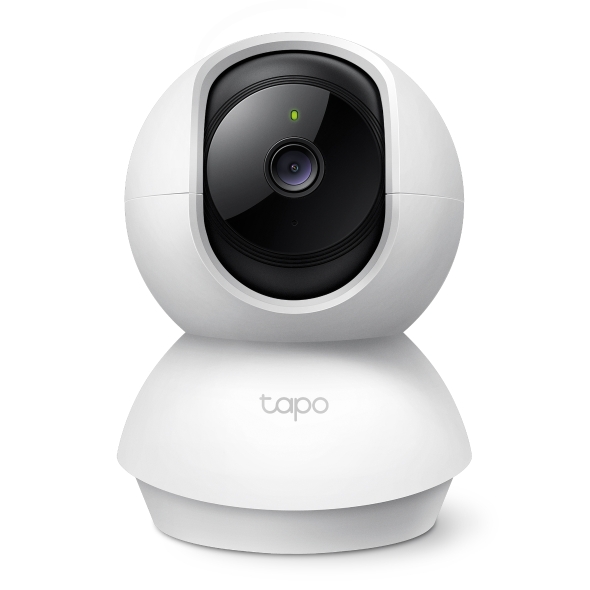
TP-Link Tapo C210P2 Pan/Tilt Home Security Wi-Fi Camera (2-Pack)
Local microSD recording can avoid a subscription according to the retained reviewer, while cloud storage separately requires Tapo Care. Confirm the shipped hardware revision
-
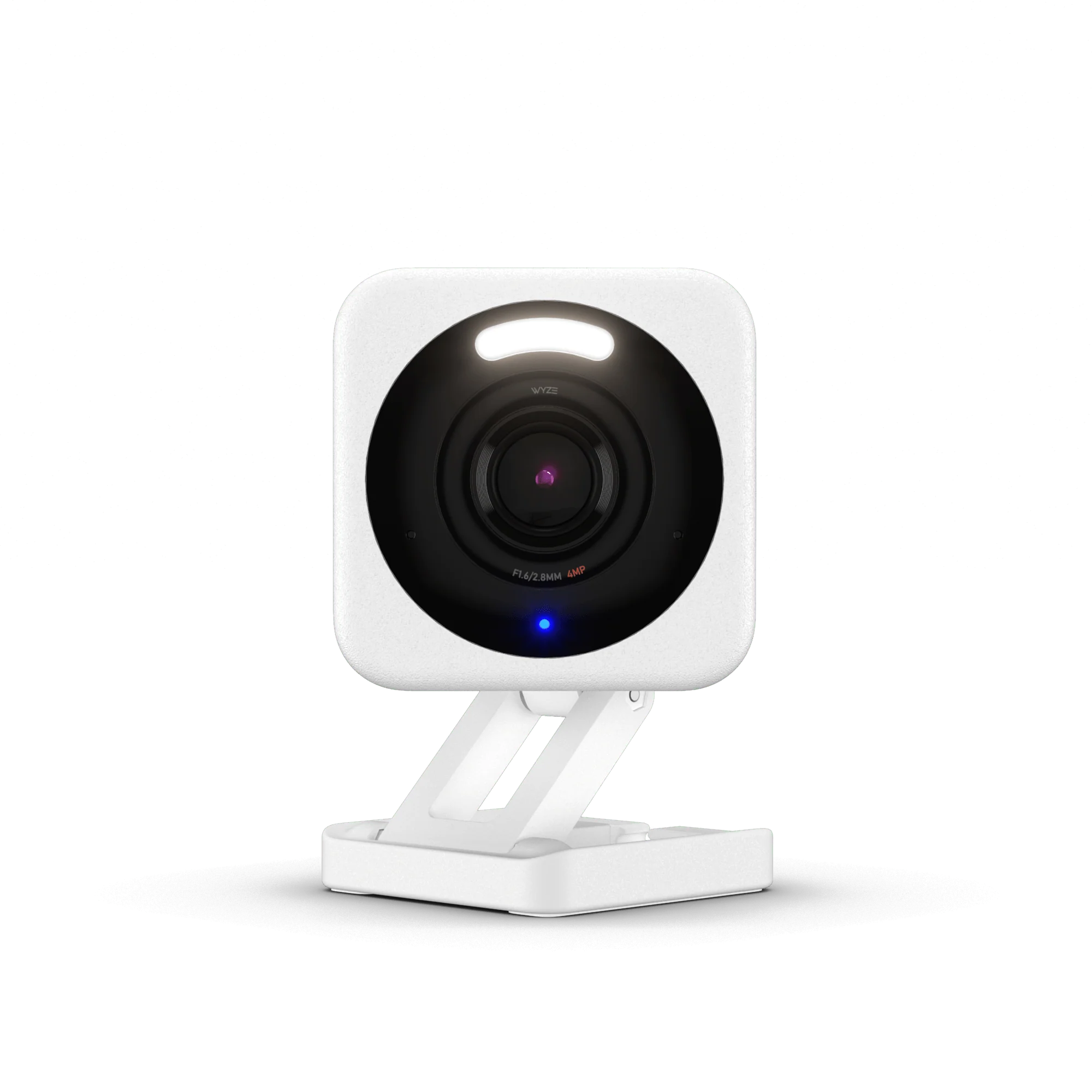
Wyze Cam v4 2.5K Wired Indoor/Outdoor Security Camera (White, 1 Pack)
The Wyze Cam v4 establishes high hardware-per-dollar value in compact monitoring, delivering 2560 px resolution video alongside color night vision and an integ
-
REOLINK Duo 3 PoE 16MP Dual-Lens 180° Panoramic Outdoor Security Camera
The Duo 3 PoE is a candidate for broad frontages and long walls when compatible wired power is available. Current manufacturer specifications, a qualified business-card observation and one reported Luma NVR integration support that role. Pl
-
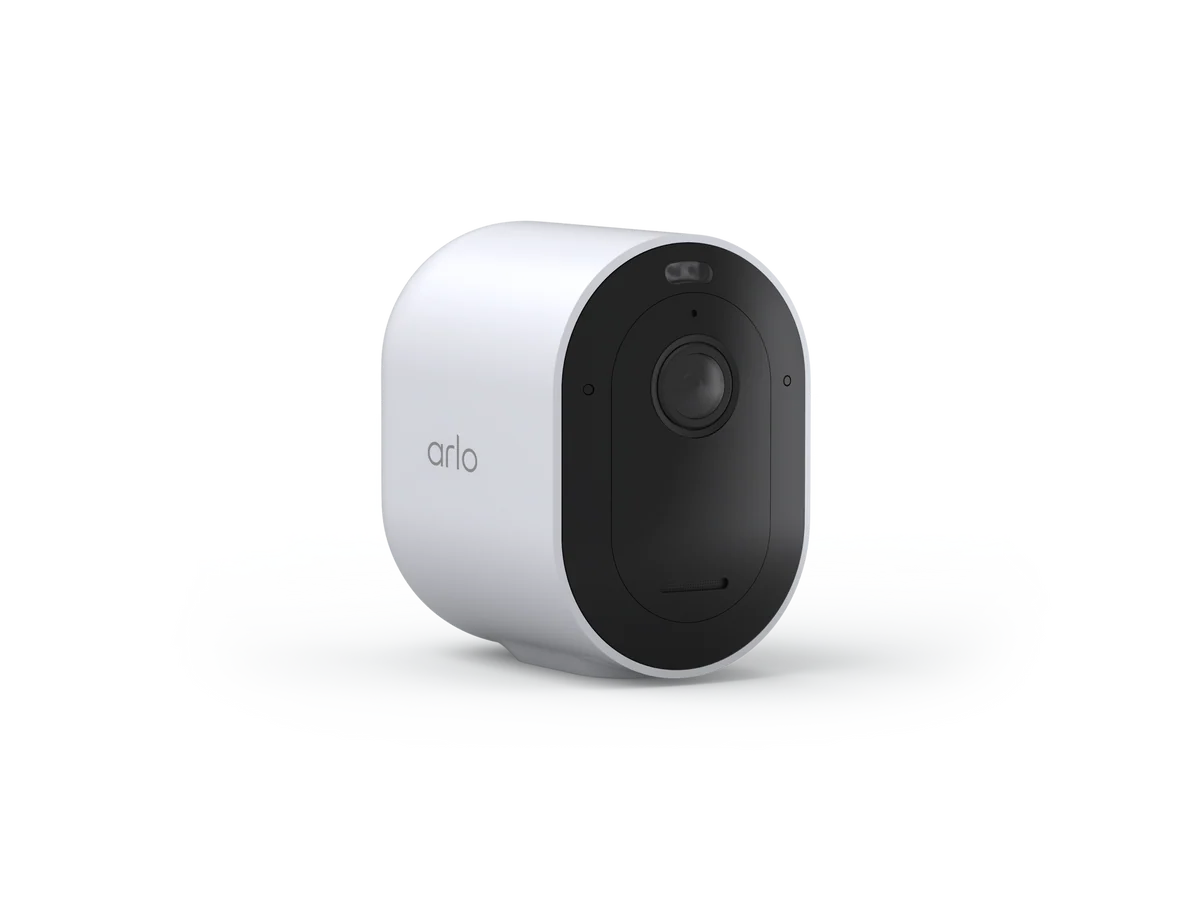
Arlo Pro 6 2K Wireless Outdoor Security Camera - 6th Gen (White, 1 Camera)
The Arlo Pro 6 suits homeowners who want a polished wire-free outdoor camera with strong day-and-night video, broad smart-home integration, guided setup, usefu
-
UniFi Protect G6 Bullet 4K PoE Security Camera - Black, Single Camera (UVC-G6-Bullet-B)
The UniFi Protect G6 Bullet delivers dedicated outdoor surveillance video capture at 3840 px wide and 30 fps without recurring m
Sources and method
- Tapo C101 Security Camera ReviewOwnPetz · retrieved 2026-10-02Editorial review
- Tapo C101 Review: A Solid Budget Indoor CameraHomeCamCafe · retrieved 2026-10-02Editorial review
- Tapo C101 pet-camera reviewTruthfulPaws · retrieved 2026-10-08Editorial review
- Tapo C101 DatasheetTP-Link · retrieved 2026-10-02DatasheetPDF
- Tapo C101 US 5.6 User GuideTP-Link · retrieved 2026-10-08ManualPDF