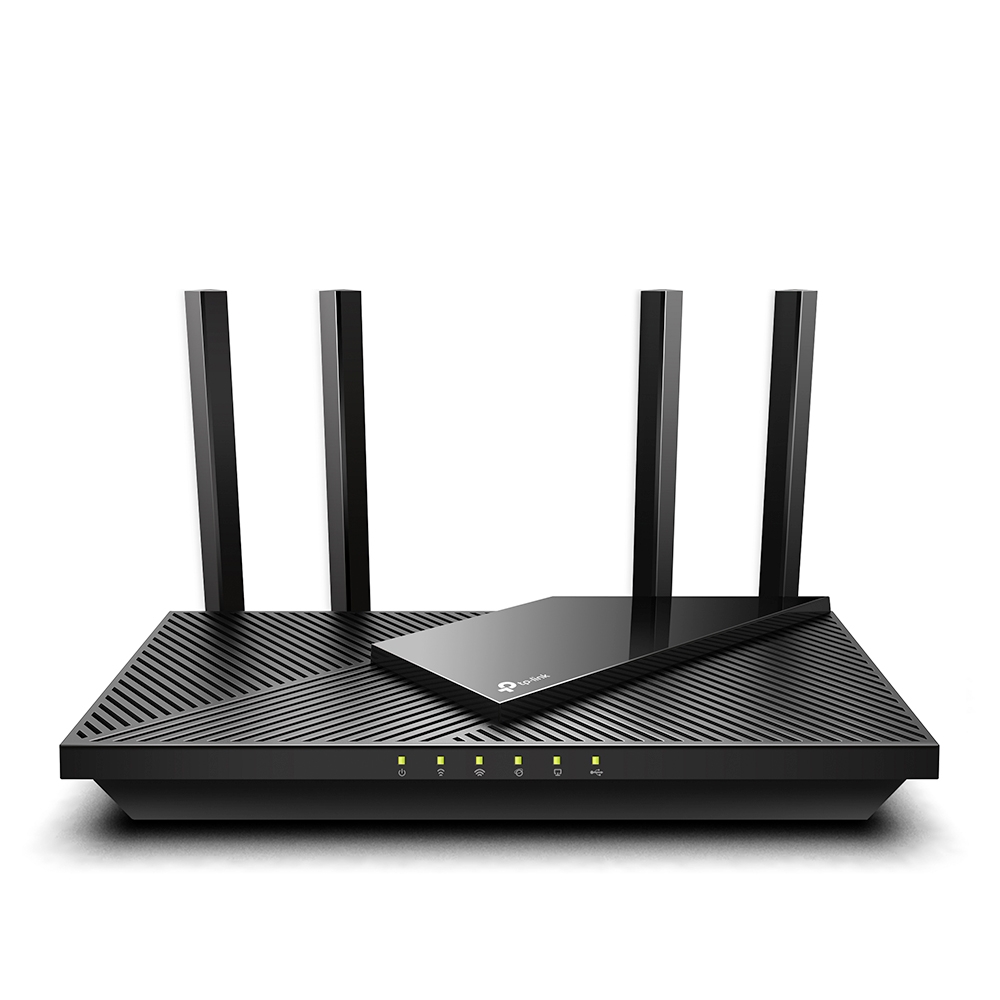
TP-Link Archer AX55 AX3000 Dual-Band Wi-Fi 6 Router
The AX55 suits a conventional Wi-Fi 6 home with gigabit Ethernet and app or browser setup. WiFiSpeed reported 820–840 Mbps at 10 ft, but this is a scoped download result, not a guaranteed link rate. Check the hardware label and firmware before buying mesh partners: the original datasheet describes OneMesh, while V4 documents EasyMesh. HomeShield Pro is optional paid functionality.
Updated 2026-10-08

We may earn a commission from qualifying purchases.
Prices and sellers
No price information yet
Conditions and limitations
Original OneMesh and V4 EasyMesh/VPN declarations were read. Assigned physical hardware revision and installed firmware are unknown.
Compatibility
Manufacturer protocol declarations were checked; no complete exact-device mesh or VPN interoperability matrix was verified.
Where sources differ
Earlier OneMesh and later V4 EasyMesh statements have different document scopes; no unresolved same-revision contradiction is established.
Reported issues and fixes
US V1 support was opened but native snapshot was robots-denied. No firmware defect frequency or reproducible issue on the assigned revision was established.
Care and support
Original and V4 documents were read; US support horizon, regional warranty applicability and repairability were not verified for the assigned unit.
Ownership costs
Free Basic and paid Pro are documented. Prices and price observations are excluded; no lifetime cost is calculated.
Who it suits
Guidance covers Ethernet, setup, test conditions, version-dependent mesh and service tiers. Exact firmware interoperability and multi-floor performance remain unresolved.
Measured performance
Download throughput
840000000 bit/sWiFiSpeed home download test; reported upper endpoint of 820–840 Mbps interval. · 5 GHz, same room at 10 ft, 1 Gbps fiber. Client, hardware revision, firmware and repeat count unspecified; not guaranteed throughput.
Source [4]Usb file transfer
30000000 B/sBlacktubi USB file-sharing test. · Archer AX55 V1 review in Malaysia; reported 30 MB/s. Drive, transfer direction, file size, protocol and firmware unspecified.
Source [1]Reviewer consensus
Consensus rows require at least two distinct sources for the topic.
| Topic | Positive | Negative | Mixed | Reading | Evidence |
|---|---|---|---|---|---|
| App & parental controls | 1 | 0 | 1 | Mixed · 1/2 | [2], [4] |
| Buyer fit | 2 | 0 | 0 | Agreed · 2/2 | [6], [5] |
| Measured performance | 2 | 0 | 0 | Agreed · 2/2 | [1], [4] |
| Mesh and backhaul | 2 | 0 | 0 | Agreed · 2/2 | [3], [2] |
Single-source notes
Alternatives
| Alternative | Where this Product wins | Where it loses | Pick it if |
|---|---|---|---|
| TP-Link Archer GXE75 | The AX55 covers a conventional Wi-Fi 6 home network and documented OneMesh expansion. [3] | The inherited GXE75 specification describes broader wireless bands and faster wired connectivity; its exact configuration was not re-researched in this update. [3] | Choose the AX55 when its documented Wi-Fi 6 and gigabit connections fit. Check the GXE75's current exact specification separately if additional wireless bands or faster wired connectivity are essential. |
| Specification | TP-Link Archer AX55 AX3000 Dual-Band Wi-Fi 6 Router | TP-Link Archer GXE75 Tri-Band Wi-Fi 6E Gaming Router |
|---|---|---|
| Interface | Not stated | 1x 2.5 Gbps WAN/LAN Gaming Port, 1x 1 Gbps WAN/LAN Port, 3x Gigabit LAN Ports, 1x USB 3.0 Port, and Tri-Band Wi-Fi 6E (6GHz, 5GHz, 2.4GHz) |
The review
TP-Link Archer AX55 buyer guide
Core wireless and wired hardware
The Archer AX55 supports 802.11ax Wi-Fi 6 and has five gigabit Ethernet ports: one WAN and four LAN. This is the standard AX55, and the assigned identity should not be treated as an AX55 Pro. For a household planning wired connections, count the devices that need LAN sockets before choosing an arrangement. Four sockets are the documented starting point; they should not be confused with five sockets available to computers, because the WAN connection has a different role. The manufacturer describes compatibility with older Wi-Fi standards, so an upgrade does not require replacing every existing wireless device at once. However, backward compatibility does not mean older clients acquire every Wi-Fi 6 feature. The sensible purchase question is whether the documented connections match the network you actually intend to build. Gigabit-labelled Ethernet also should not be read as evidence of multi-gigabit wired service. A buyer whose main requirement is a faster wired uplink needs to verify that requirement separately instead of relying on the AX3000 marketing name. These specifications describe the router's interfaces; they do not certify the download speed that every device will receive. [3]
Measured home performance
WiFiSpeed reported a download interval of 820–840 Mbps on 5 GHz in the same room at 10 ft, using a 1 Gbps fiber connection. The upper endpoint is a measured download result in that setup, not a maximum wireless link-rate specification. The same review reported no meaningful degradation during a mixed 20-device workload involving streaming, browsing and a single video call. That is useful evidence for the workload described, but it does not establish identical results when every device transfers large files simultaneously. Client models, hardware revision and repeat counts were not fully specified, leaving limits on reproducibility. Its recommendation for homes up to approximately 2,500 sq ft should likewise remain reviewer guidance rather than an experimentally established coverage boundary. Buyers should compare the stated test conditions with their intended placement and busiest usage period. A strong nearby download does not answer whether a far room will work equally well, and a mixed workload is not a capacity certification. The practical conclusion is conditional: these results support considering the AX55 for ordinary home use, while the evidence does not justify a universal promise for every floor plan or client population. [4]
Mesh expansion depends on the version
The original AX55 datasheet describes OneMesh, while the later V4 datasheet lists EasyMesh. These statements should be retained with their document and hardware scope. They do not establish that every unit carrying the AX55 name offers an identical expansion path. Before selecting a mesh partner, identify the actual hardware revision and check its applicable firmware and compatibility information. This is more useful than assuming the newer datasheet rewrites the capabilities of every older device. The V4 document also lists OpenVPN, PPTP, L2TP and WireGuard server and client support. That is a manufacturer feature declaration for V4, not a VPN throughput test, and it should not be projected onto an unidentified unit. Buyers who depend on a particular VPN protocol or mesh arrangement therefore have a concrete verification step before purchase. A description that simply says the AX55 cannot provide WireGuard would ignore the later scoped documentation; a description promising WireGuard on every AX55 would go beyond it in the opposite direction. Match requirements to the delivered version. Protocol listings and mesh branding help establish eligibility, but they do not replace testing of the intended network arrangement. [3], [2]
Setup and expansion
The quick installation guide offers two setup paths, through TP-Link Tether or a web browser. The Tether instructions ask the user to sign in with a TP-Link ID, creating one if necessary. The browser path starts with a computer or other device connected to the router over Wi-Fi or Ethernet. These choices matter because buyers can decide how they want to perform the initial configuration before installation begins. Someone comfortable with a phone can follow the app route, while a person who prefers a connected computer can use the browser instructions. Neither option should be described as a measured guarantee of setup time. The guide's two methods establish available procedures, not a promise that every internet provider requires identical settings or that configuration is always automatic. Follow the actual connection instructions rather than treating an app review as a substitute for the guide. If a seller's description mentions only mobile setup, the documented browser method provides a useful clarification. Conversely, the existence of a browser procedure does not prove that every advanced feature has exactly the same controls in both interfaces. Check the particular setting you need rather than assuming complete interface parity. [6]
USB sharing and the limits of its test
The second page of the quick guide documents sharing files from a USB drive with home-network devices, media serving and remote access. These are storage applications, and the guide should not be stretched into a claim about every possible USB peripheral. Blacktubi separately reported 30 MB/s file-sharing performance while reviewing the AX55 V1 in Malaysia. That physical transfer result belongs in a measurement record with the review's scope, rather than being mixed with its subjective overall rating. The review did not fully specify the transfer direction, file size, drive model, protocol or firmware used for the reported number. Consequently, the number is a useful example rather than a dependable estimate for every storage workload. A buyer wanting occasional shared access can consider the documented application, but someone depending on a specific backup routine should verify that routine independently. Neither a storage-sharing feature nor one transfer-speed result proves redundancy, backup correctness or continuous service reliability. Preserve a distinction between a function being documented and the exact workflow being validated. The right purchasing question is what files and devices need to interact, followed by a check of that combination, rather than treating USB presence as an all-purpose storage guarantee. [1], [5]
Controls, service tiers and the final choice
WiFiSpeed describes parental controls and QoS prioritization in the Tether interface. The V4 datasheet distinguishes a free HomeShield Basic plan from a paid Pro plan. This means the presence of a control or security brand should not be taken as proof that every advertised service is included indefinitely. Buyers who need a particular reporting, filtering or management function should check its applicable tier and version before relying on it. No subscription price or lifetime ownership total is established here. Ordinary routing and an optional enhanced service also are different purchase requirements; assess the latter against a specific need instead of treating it as an automatic obligation. Taken together, the documented Ethernet arrangement, two setup methods and scoped download evidence make the AX55 a reasonable candidate for a conventional home network. The decision remains conditional when mesh interoperability, particular VPN functionality or storage workflows are central requirements. Ask which of those functions must work on the delivered unit, then verify the hardware and firmware against that list. This approach preserves the useful home-router case while keeping uncertain capabilities visible. The strongest choice is the one whose documented scope matches the buyer's requirements, rather than the one supported by the broadest unqualified performance promise. [4], [6], [2], [3]
Buyer questions
Before you buy
Is the Archer AX55 a Wi-Fi 6 router?
Yes. TP-Link specifies 802.11ax Wi-Fi 6 with backward compatibility for older Wi-Fi standards. [3]
Is HomeShield Pro required for ordinary routing?
The V4 datasheet distinguishes free Basic and paid Pro plans. Pro is enhanced optional functionality; check the tier of each control you need. [2]
Compatibility
How many Ethernet ports does it have?
It has five gigabit Ethernet ports: one WAN and four LAN. [3]
Setup
How is the router configured?
The quick guide offers Tether app and browser setup. Tether uses a TP-Link ID; browser setup begins with a device connected by Wi-Fi or Ethernet. [6]
Everyday use
Can it handle many connected devices?
WiFiSpeed reported no meaningful degradation in a mixed 20-device streaming, browsing and single-video-call test. This does not guarantee identical performance when all devices saturate the network. [4]
Product images
Facts and specifications
Manufacturer datasheet
| Specification | Value | Source |
|---|---|---|
| Compatibility | The V4 datasheet lists OpenVPN, PPTP, L2TP and WireGuard VPN server and client support; deployment performance and the assigned unit's firmware remain unverified. US | [2] |
| Ethernet Ports | 5 | [3] |
| Mesh Support | OneMesh support; The Archer AX55 V4 datasheet lists EasyMesh; do not infer that every AX55 hardware and firmware combination supports the same mesh functions. US | [3], [2] |
| Subscription Required | HomeShield has a free Basic plan and a paid Pro plan; the V4 datasheet does not require Pro for ordinary routing. US | [2] |
| Wi-Fi Standard | 802.11ax Wi-Fi 6 | [3] |
Other facts
| Specification | Value | Source |
|---|---|---|
| Buyer Fit | Handled a 20-device simultaneous load without meaningful degradation | [4] |
| Setup Requirement | The quick guide offers Tether app and browser setup. Tether requires a TP-Link ID; browser setup starts on a device connected by Wi-Fi or Ethernet. | [6] |
| Use Case | Tether app includes parental controls and QoS; The quick guide documents USB local storage sharing, media serving and remote access; it does not establish storage reliability or backup guarantees. | [4], [5] |
KnowSpec analysis
Direct answer
The AX55 suits a conventional Wi-Fi 6 home with gigabit Ethernet and app or browser setup. WiFiSpeed reported 820–840 Mbps at 10 ft, but this is a scoped download result, not a guaranteed link rate. Check the hardware label and firmware before buying mesh partners: the original datasheet describes OneMesh, while V4 documents EasyMesh. HomeShield Pro is optional paid functionality.
Method: Documentation and independent-test synthesis; no new testing.Visible information gaps
Missing information is shown rather than guessed.
- Topic:Efficiencynot found
- Topic:Sustained Performancenot found
- Topic:Limitationsnot found
- Topic:Thermals And Reliabilitynot found
- Topic:Real World Throughputnot found
- Topic:Vpn And Advanced Routingnot found
- Topic:Firmware Securitynot found
Products in this content
-
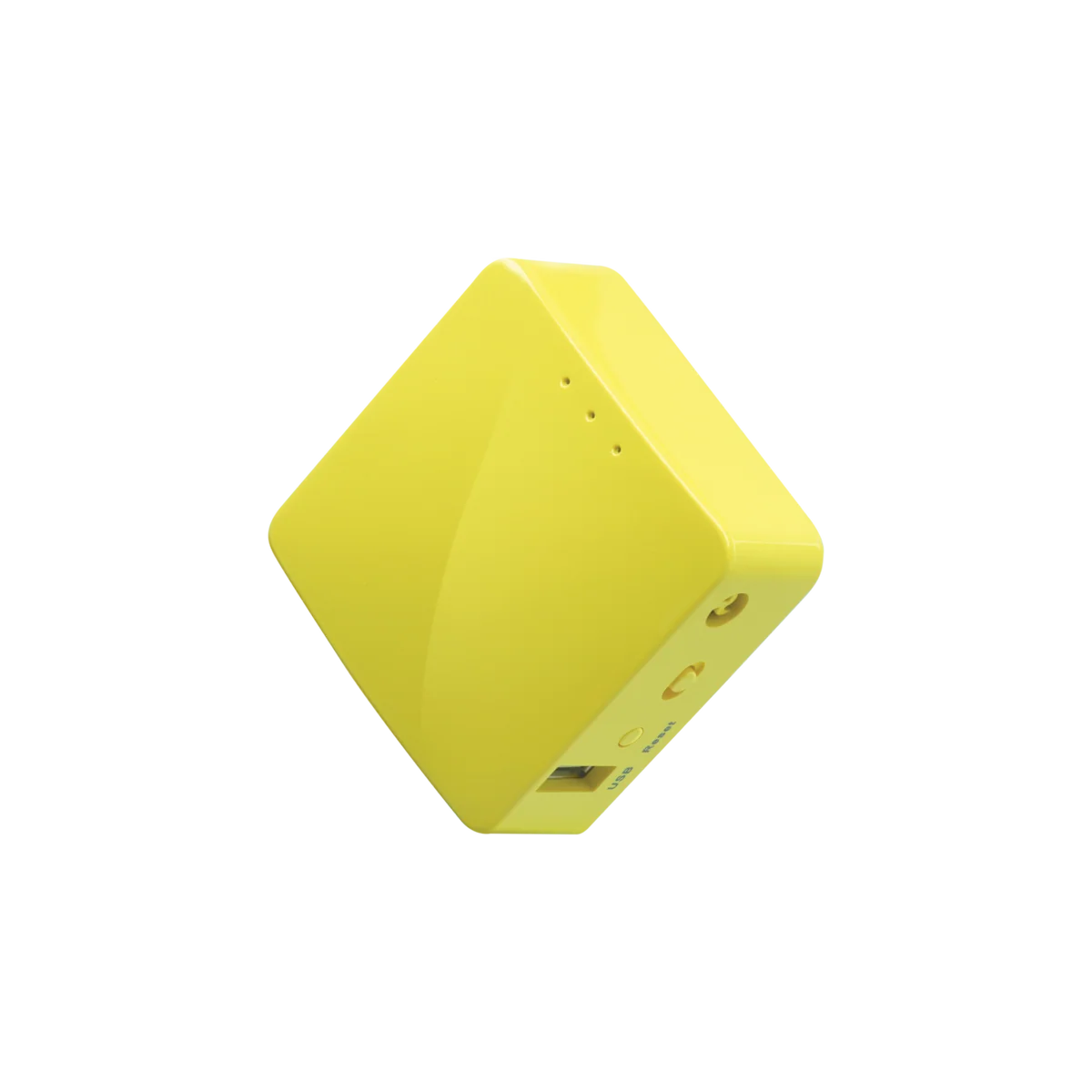
GL.iNet GL-MT300N-V2 Mango N300 Mini Travel Router
The Mango GL-MT300N-V2 suits travelers who value a pocket-size router, flexible uplinks and router-level VPN configuration more than broadband speed. Its single-band Wi-Fi and Fast Ethernet make it a conditio
-
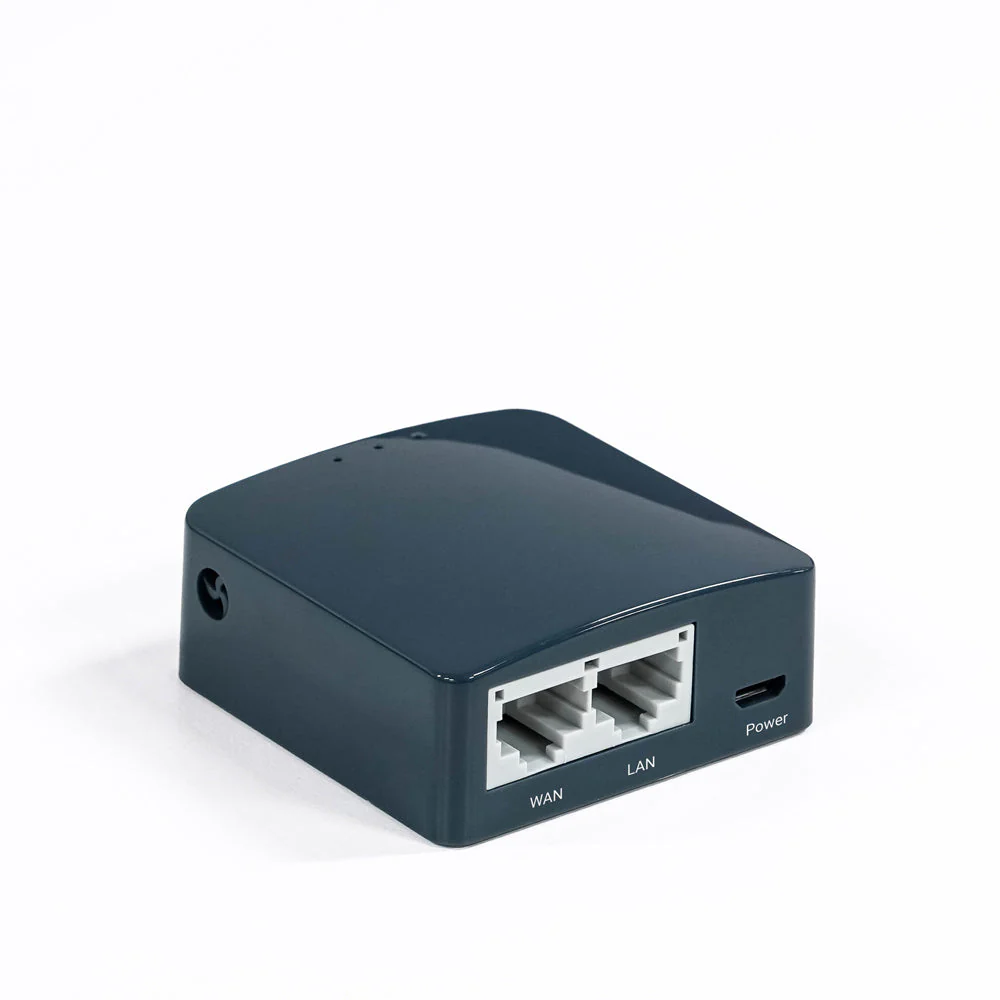
GL.iNet GL-AR300M16 (Shadow) N300 Mini Travel Router
The GL-AR300M16 is a conditional choice for travellers who value a tiny, configurable network more than throughput. Its internal antennas and Micro-USB power connection keep the kit compact, while the single-
-
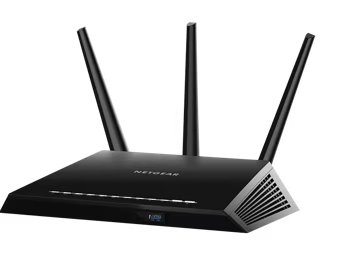
NETGEAR Nighthawk R6900P AC1900 Dual-Band WiFi Router
The R6900P is difficult to recommend as a new primary Internet router. NETGEAR marks it end-of-support and recommends retirement. Its remaining wired, wireless and local-storage functions can
-
TP-Link Archer AX6000 AX6000 Dual-Band Wi-Fi 6 Router
Consider the Archer AX6000 if you want a Wi-Fi 6 router with many wired connections and configurable household controls, provided you can verify the supplied revision and its current support.
-
NETGEAR Nighthawk AX12 RAX120 AX6000 Dual-Band WiFi 6 Router
Do not buy an unidentified RAX120 for a new security-dependent Internet connection on the strength of its AX6000 label. This ASIN maps to RAX120-100NAS but does not establish v1 or v2. NETGEA
-
TP-Link Archer AX21 AX1800 Dual-Band Wi-Fi 6 Router
The Archer AX21 is worth considering when replacing an old router with Wi-Fi 6, provided you do not need advanced parental controls or guaranteed coverage at a distance. Check the unit’s hardware revision bef
Sources and method
- TP-Link Archer AX55 Review: Affordable PerformanceBlacktubi · retrieved 2026-10-08Lab review
- Archer AX55 V4 DatasheetTP-Link · retrieved 2026-10-08DatasheetPDF
- Archer AX55 DatasheetTP-Link · retrieved 2026-09-28DatasheetPDF
- TP-Link Archer AX55 Review: Best Budget WiFi 6 RouterWiFiSpeed · retrieved 2026-09-28Lab review
- Archer AX55 Quick Installation Guide page 2ManualsLib · retrieved 2026-10-08Manual
- TP-Link Archer AX55 Quick Installation ManualManualsLib · retrieved 2026-09-28Manual