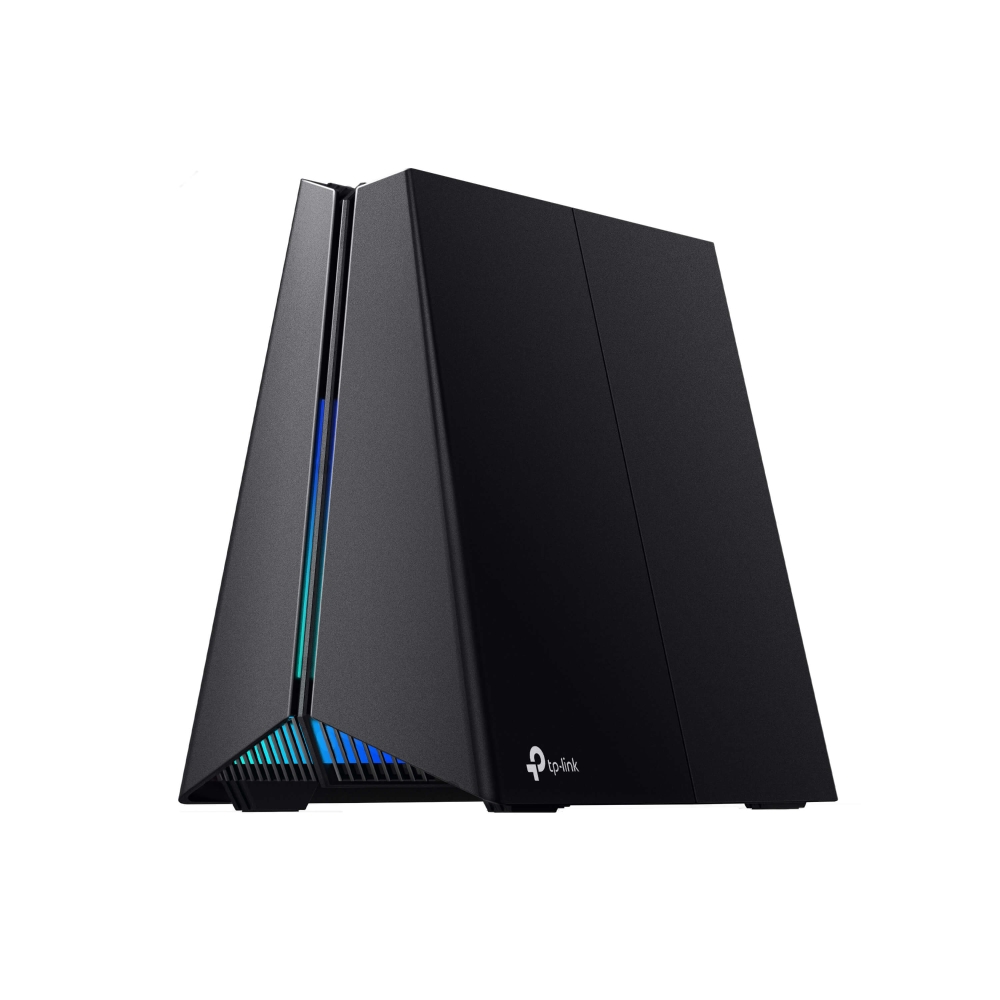
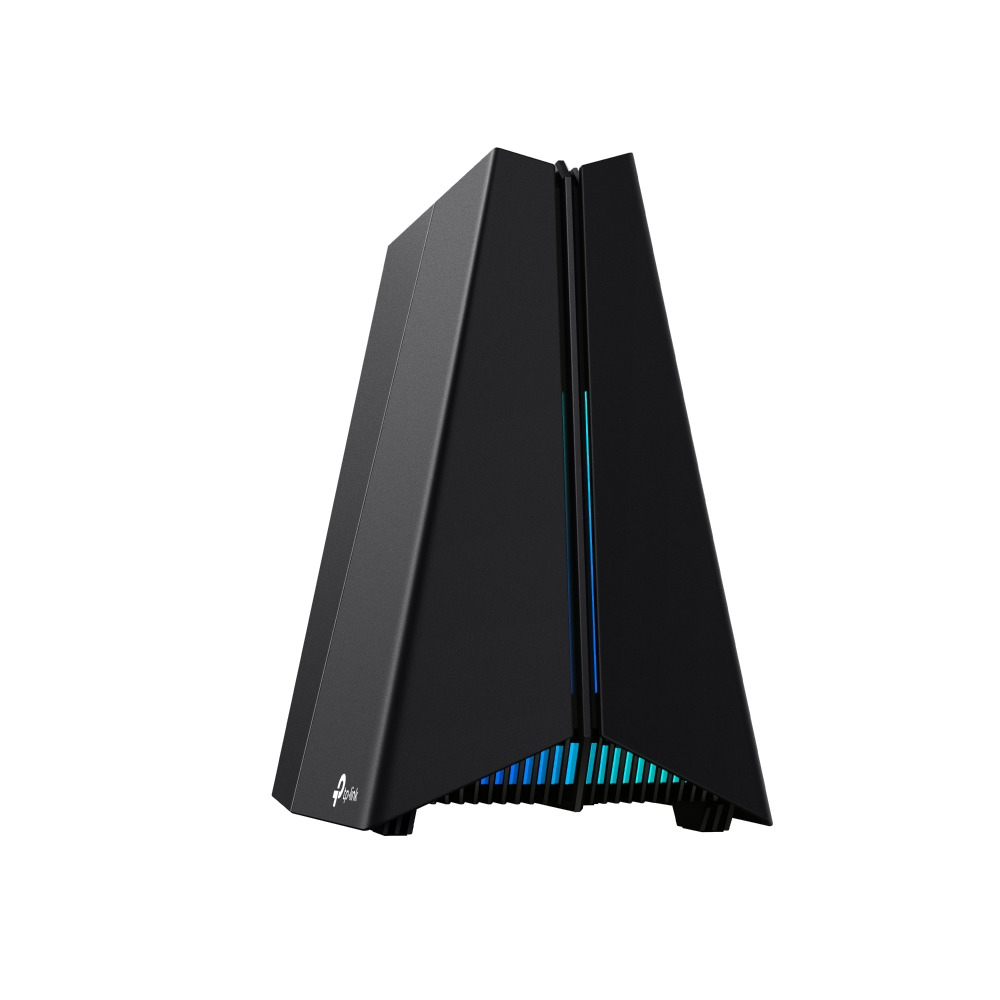
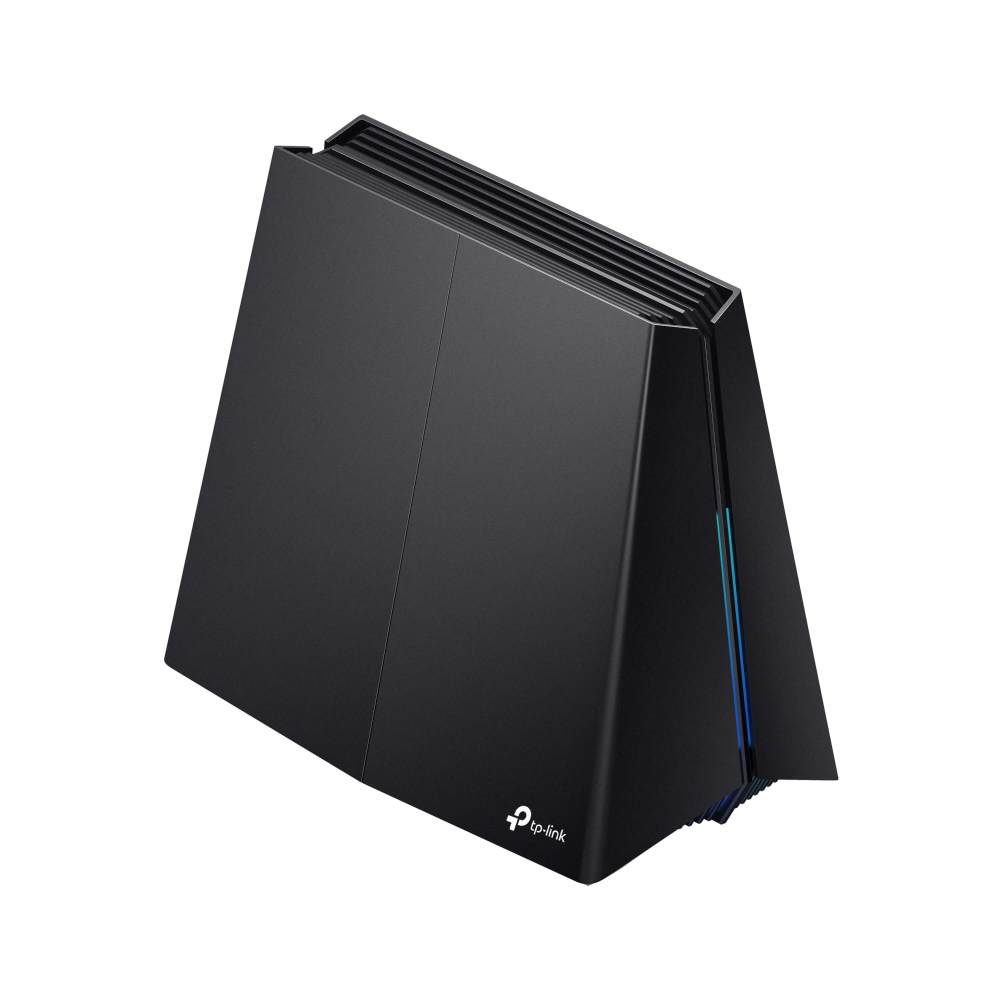
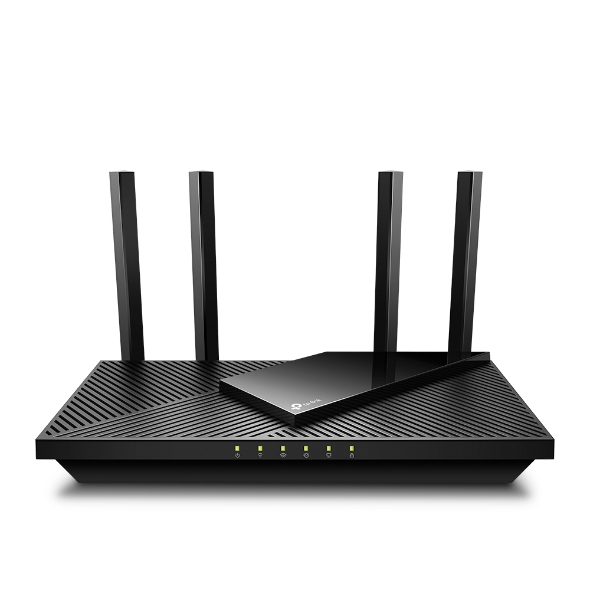
TP-Link Archer GXE75 Tri-Band Wi-Fi 6E Gaming Router
The GXE75 is a conditional fit for homes that can use Wi-Fi 6E and a single 2.5 Gbps WAN/LAN port. Sponsored Japanese tests show high same-room local throughput but lower speeds through closed doors. Using the multi-gig port for the internet leaves gigabit wired client connections. Those measurements do not certify US hardware or sustained crowded-network performance.
Updated 2026-10-08

We may earn a commission from qualifying purchases.
Prices and sellers
No price information yet
Conditions and limitations
Compatibility
VPN and EasyMesh support documented; exact US device pairings not validated.
Where sources differ
Local iPerf3 and internet-service measurements have different conditions; no firmware-specific discrepancy was verified.
Reported issues and fixes
Quest 3/6 GHz support discussion was found in search, but native snapshot was robots-denied; no confirmed issue or fixed firmware asserted.
Care and support
US support and user-guide snapshots were robots-denied; support horizon, repairability and US warranty terms remain unverified.
Ownership costs
HomeShield advanced-feature subscription requirement documented; no prices collected or ownership total calculated.
Who it suits
Plan the single multi-gig connector
- Check before buying
- Confirm actual region, hardware revision and firmware.
- Choose the faster connector's role.
- Constraints
- One 2.5 Gbps WAN/LAN connector.
- Needs
- Compatible nearby Wi-Fi 6E clients.
- Reason
- Client support, port allocation and placement determine fit more clearly than the aggregate wireless class.
- Tradeoffs
- Using that connector for WAN leaves gigabit wired client ports.
- Sponsored Japanese results do not certify US performance.
- Assessment
- conditional
TP-Link · INTERNET Watch (TP-Link Japan sponsored) · ApoTheTech
Specifications
Wifi downlink throughput
1964000000 bit/siPerf3 -i1 -t10 -P100; mean of 10 runs · n=10 · Sponsored INTERNET Watch Japanese test: same room, 6 GHz channel 53, 160 MHz/2402 Mbps-capable PC, wired peer at 2.5 Gbps; firmware and exact client model unspecified.
Source [4]Wifi downlink throughput
198500000 bit/siPerf3 -i1 -t10 -P100; mean of 10 runs · n=10 · Sponsored Japanese apartment test: opposite rooms through three closed wooden doors, 6 GHz channel 53, 160 MHz/2402 Mbps-capable PC and wired peer at 2.5 Gbps; exact distance and firmware unspecified.
Source [4]Wifi downlink throughput
336700000 bit/siPerf3 -i1 -t10 -P100; mean of 10 runs · n=10 · Sponsored Japanese apartment test: opposite rooms through three closed wooden doors, 5 GHz channel 120, 160 MHz/2402 Mbps-capable PC and wired peer at 2.5 Gbps; exact distance and firmware unspecified.
Source [4]Internet downlink throughput
698000000 bit/sspeed.cloudflare.com; same-room average of 5 measurements · n=5 · Loop Base manufacturer-supplied PR review, Japanese NTT/Otegaru 1 Gbps v6-plus connection, 6 GHz Wi-Fi 6E. Client model, channel, firmware and exact distance unspecified; internet service limits this test.
Source [3]Reviewer consensus
Consensus rows require at least two distinct sources for the topic.
| Topic | Positive | Negative | Mixed | Reading | Evidence |
|---|---|---|---|---|---|
| Ethernet wan lan | 0 | 0 | 2 | Mixed · 2/2 | [1], [6] |
| Wireless standards and bands | 1 | 0 | 1 | Mixed · 1/2 | [1], [2] |
Single-source notes
The review
TP-Link Archer GXE75 evidence-led buyer guide
What the router offers
The TP-Link Archer GXE75 is documented as a tri-band Wi-Fi 6E router with a manufacturer-rated aggregate wireless ceiling of 5.4 Gbps. That figure identifies an advertised wireless class, rather than a measured download speed for one computer. Read it alongside the Wi-Fi generation and the requirements of the devices you intend to connect. The useful buying question is whether a laptop, phone or headset supports the features that matter to you, rather than whether a large speed number appears on the box. TP-Link explicitly requires matching client support for Wi-Fi 6E and features such as HE160. A compatible router does not establish that every existing device supports those features. For a household with appropriate clients, the specification offers a reason to consider this model. If a particular client or regional channel is essential, verify that match before treating the advertised class as a practical benefit or expected transfer speed. [1], [2]
Measured performance
A sponsored INTERNET Watch hands-on article reports 1964 Mbps downlink over 6 GHz in the same room. This is a measured local-network result and should remain separate from the manufacturer ceiling. The reviewer used iPerf3, a PC supporting a 160 MHz channel and a 2402 Mbps link, and a second PC connected by 2.5 Gbps Ethernet. The published method averages ten runs with the stated iPerf3 parameters. Those details make the result useful evidence that this configuration could transfer data faster than a gigabit, while defining the limits of that conclusion. It was a Japanese test and the article was sponsored by TP-Link Japan. It does not establish identical performance for every US hardware revision, firmware, client or room. Use the measurement as an observed example under disclosed conditions. Do not turn it into a promised internet speed or label the testing as independent of manufacturer support. [4]
Internet tests answer a different question
Loop Base provides another hands-on perspective, although it too is a manufacturer-supplied PR review in Japanese. Its same-room 6 GHz test records 698 Mbps downlink using speed.cloudflare.com, with five measurements averaged on a Japanese gigabit NTT/Otegaru connection using v6-plus. That is an internet-service test rather than the local iPerf3 arrangement used by INTERNET Watch. The two speeds should not be combined into an average or treated as a contradiction. They involve different paths, service constraints and test methods. The lower internet figure does not by itself establish a lower wireless ceiling. Equally, the higher local figure cannot promise an internet connection of that speed. For a buyer, the sources answer complementary questions when their scope is retained: one describes local transfer capability in a particular configuration, while the other illustrates service performance in a different household. Neither substitutes for testing the intended connection and client. [4], [3], [2]
Choose the 2.5 Gbps port's role
The wired layout places an important constraint on network planning. The official specification lists one 2.5 Gbps WAN/LAN port, one 1 Gbps WAN/LAN port and three additional 1 Gbps LAN ports. An English ApoTheTech overview corroborates one combined 2.5GbE port and four gigabit ports, but does not supply a measured benchmark. Decide which connection needs the faster connector before designing the rest of the network around it. If it serves the internet uplink, the remaining wired connections are gigabit-class. If a local device uses that connector instead, the alternate WAN/LAN port provides the gigabit uplink option. This is a consequence of the listed interfaces, not a claim that every connection reaches its nominal speed. Buyers who require several multi-gigabit wired endpoints should compare their required layout with this single-port provision. Count the devices and connection roles, rather than assume every connector shares the highest advertised rating. [1], [6]
Match software and service entitlements to the need
The software specification lists VPN server and client functionality with OpenVPN, PPTP, L2TP and Wireguard. This establishes a documented feature set, but does not supply VPN throughput measurements or verify a particular provider configuration. If remote access is the main reason for buying, check the exact protocol and configuration you require before relying on an unrelated wireless result. HomeShield also needs careful reading. TP-Link distinguishes basic features from advanced features that require a paid subscription. The presence of a named security service therefore does not mean every function is included without ongoing entitlement. This refresh collects no subscription prices and calculates no ownership total. For a household choosing security functions or parental controls, first identify the desired function and its entitlement. Then decide whether the product and service arrangement meet that requirement. A general feature list is useful for screening, but it cannot confirm every operation, performance expectation or service inclusion. [1]
Mesh expansion needs a separate check
EasyMesh is documented as supported, providing a feature to investigate when considering an expanded network. That listing should not substitute for verifying the exact companion device and connection. This refresh does not establish a measured mesh backhaul result or validate a particular mixed-vendor pairing. Compatibility and throughput are separate questions: a feature can appear in the specification while the performance of the proposed topology remains untested here. Before buying additional nodes, identify the intended main router, satellite and wired or wireless link, then check their current compatibility information. Port allocation matters for wired plans because the faster connector exists only once. None of the cited household results measures a completed mesh installation. The evidence supports putting EasyMesh on the checklist, while leaving the speed and success of a specific expansion conditional. A buyer needing dependable coverage at a particular distant endpoint should verify that arrangement rather than rely on the feature name alone. [1], [6]
Buying limits
The same sponsored test also reports a more difficult placement. The router and wireless PC were in opposite rooms of a Japanese apartment, with three wooden doors closed between them. Downlink was 198.5 Mbps on 6 GHz and 336.7 Mbps on 5 GHz in that arrangement. These figures qualify the impressive same-room result. A buyer should not select a band solely from its newer-generation label or assume the highest close-range speed will follow a device into another room. The results describe one apartment, not a coverage map for a different building. They do not give a universal distance threshold, establish sustained congestion behavior or guarantee whole-home performance. If a purchase depends on a remote office or bedroom, the relevant next step is to assess that actual location. Consider both bands and the physical path to the router, rather than extrapolating the fastest reported result to every proposed placement. [4], [2]
A conditional shortlist choice
The GXE75 is a conditional shortlist option for a buyer who wants Wi-Fi 6E, can use one 2.5 Gbps connector deliberately and accepts the limitations of sponsored Japanese test evidence. The strongest practical lesson is to match the router to the client, network layout and placement. Selection based only on the aggregate wireless number overlooks the conditions that shape useful performance. The evidence is less conclusive for decisions depending on sustained heavy multi-client load, VPN speed, thermal reliability or a validated mesh installation. Those remain gaps in this refresh. An exact-model independent English hands-on test was not established by the successfully examined sources, and the English specification overview should not be relabeled as one. Confirm the region, hardware revision and current firmware of the actual unit before using another region's measurement as a buying expectation. Choose from those needs and constraints, with no unsupported head-to-head performance win. [2], [4], [1], [6]
Buyer questions
Before you buy
Is this enough to judge sustained heavy multi-client use?
No. The measurements cover specific local and household internet tests. They do not establish sustained heavy multi-client performance, thermal reliability or VPN throughput; verify those needs separately. [4], [3]
Are all HomeShield functions included without a subscription?
No. TP-Link distinguishes basic features from advanced features requiring a paid subscription. Check the exact function's entitlement; this refresh establishes no price or ownership total. [1]
Compatibility
Setup
Are there separate 2.5 Gbps ports for WAN and a wired PC?
Only one 2.5 Gbps WAN/LAN connector is listed. The other WAN/LAN connector and three fixed LAN connectors are rated at 1 Gbps, so choose the faster port's role deliberately. [1]
Everyday use
Was wireless throughput measured above a gigabit?
Sponsored INTERNET Watch testing in Japan recorded 1964 Mbps downlink on 6 GHz in the same room using iPerf3 and a 2.5 Gbps wired peer. It is a local measurement, not an internet speed promise or US performance certification. [4]
Limitations
Does the same-room result establish whole-home coverage?
No. Through three closed wooden doors in the sponsored Japanese apartment test, downlink was 198.5 Mbps on 6 GHz and 336.7 Mbps on 5 GHz. That setup does not predict coverage in every home. [4]
Product images
Facts and specifications
Manufacturer datasheet
| Specification | Value | Source |
|---|---|---|
| Interface | 1× 2.5 Gbps WAN/LAN; 1× 1 Gbps WAN/LAN; 3× 1 Gbps LAN; OpenVPN, PPTP, L2TP and Wireguard VPN server/client support | [1], [6] |
| Maximum Link Rate | 5.4 Gbps US | [1] |
| Mesh Support | EasyMesh supported | [1] |
| Setup Requirement | Wi-Fi 6E, OFDMA, 1024-QAM and HE160 require matching client support; regional channel restrictions apply. | [1] |
| Subscription Required | HomeShield advanced features require a paid subscription; basic features are included. | [1] |
Retailer listing
Measured by a lab
KnowSpec analysis
Match the client and the wired bottleneck
The GXE75 is a conditional fit for homes that can use Wi-Fi 6E and a single 2.5 Gbps WAN/LAN port. Sponsored Japanese tests show high same-room local throughput but lower speeds through closed doors. Using the multi-gig port for the internet leaves gigabit wired client connections. Those measurements do not certify US hardware or sustained crowded-network performance.
Method: Specification synthesis and scoped sponsored Japanese measurementsVisible information gaps
Missing information is shown rather than guessed.
- Topic:Efficiencynot found
- Topic:Thermals And Reliabilitynot found
- Topic:App Parental Controlsnot found
- Data Ratenot found
- Topic:Buyer Fitnot found
- Topic:Limitationsnot found
- Topic:Sustained Performancenot found
- Topic:Mesh And Backhaulnot found
- Topic:Vpn And Advanced Routingnot found
- Topic:Multi Client Capacitynot found
Products in this content
-
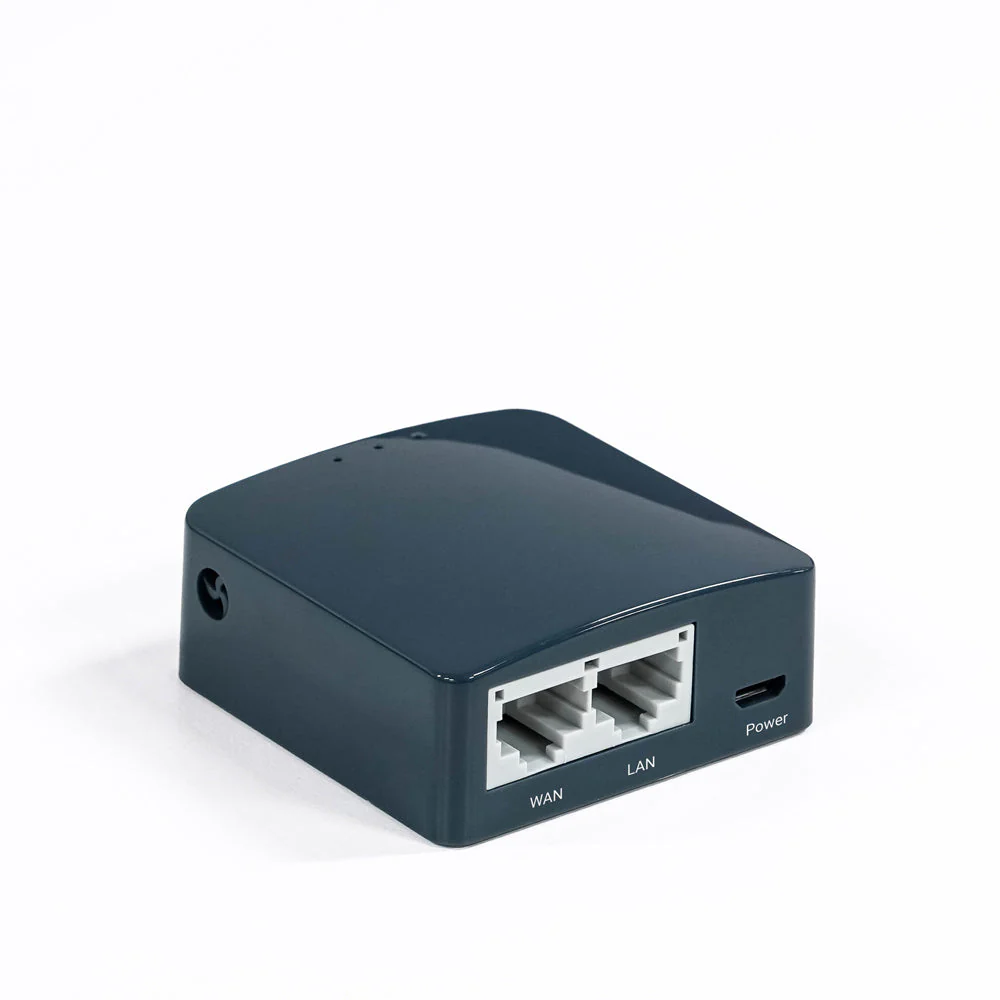
GL.iNet GL-MT300N-V2 Mango N300 Mini Travel Router
The Mango GL-MT300N-V2 suits travelers who value a pocket-size router, flexible uplinks and router-level VPN configuration more than broadband speed. Its single-band Wi-Fi and Fast Ethernet make it a conditio
-
GL.iNet GL-AR300M16 (Shadow) N300 Mini Travel Router
The GL-AR300M16 is a conditional choice for travellers who value a tiny, configurable network more than throughput. Its internal antennas and Micro-USB power connection keep the kit compact, while the single-
-
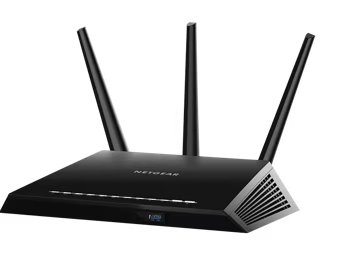
NETGEAR Nighthawk R6900P AC1900 Dual-Band WiFi Router
The R6900P is difficult to recommend as a new primary Internet router. NETGEAR marks it end-of-support and recommends retirement. Its remaining wired, wireless and local-storage functions can
-
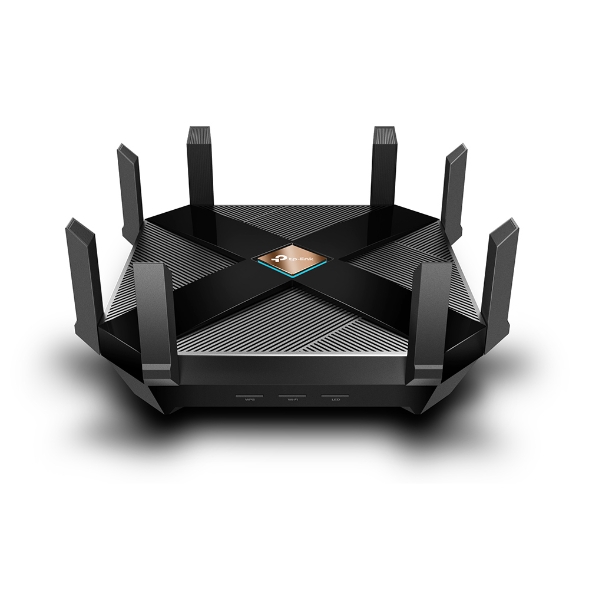
TP-Link Archer AX6000 AX6000 Dual-Band Wi-Fi 6 Router
Consider the Archer AX6000 if you want a Wi-Fi 6 router with many wired connections and configurable household controls, provided you can verify the supplied revision and its current support.
-
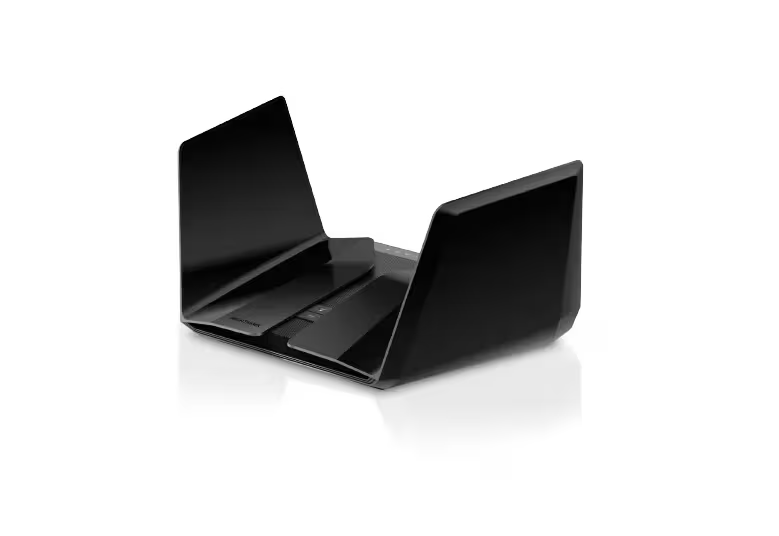
NETGEAR Nighthawk AX12 RAX120 AX6000 Dual-Band WiFi 6 Router
Do not buy an unidentified RAX120 for a new security-dependent Internet connection on the strength of its AX6000 label. This ASIN maps to RAX120-100NAS but does not establish v1 or v2. NETGEA
-
TP-Link Archer AX21 AX1800 Dual-Band Wi-Fi 6 Router
The Archer AX21 is worth considering when replacing an old router with Wi-Fi 6, provided you do not need advanced parental controls or guaranteed coverage at a distance. Check the unit’s hardware revision bef
Sources and method
- Archer GXE75 DatasheetTP-Link · retrieved 2026-09-28DatasheetPDF
- TP-Link Archer GXE75 specificationsMegekko · retrieved 2026-09-28Retailer listingPDF
- Archer GXE75 speed reviewLoop Base (manufacturer-supplied PR review) · retrieved 2026-10-08Lab review
- Archer GXE75 reviewINTERNET Watch · retrieved 2026-09-28Lab review
- Archer GXE75 sponsored hands-on reviewINTERNET Watch (TP-Link Japan sponsored) · retrieved 2026-10-08Lab review
- TP-Link Archer GXE75 review (specification overview)ApoTheTech · retrieved 2026-10-08Editorial review