Logitech M325 Wireless Mouse (910-002974), Black
The original black M325 is a sensible fit for a portable computer when you prefer a small, symmetrical mouse, replaceable power and a receiver that stores inside it. Reviewers liked ordinary pointing and handling, but larger hands may find the body cramped and the unusually loose wheel deserves a try before buying. Choose it around comfort and basic navigation; the evidence does not establish competitive gaming latency or long-term switch reliability.
Updated 2026-10-04


We may earn a commission from qualifying purchases.
Prices and sellers
No price information yet
Conditions and limitations
Compatibility
Ubuntu review experience
- Connection
- The receiver was recognized without manual configuration.
- Functions
- Pointer movement, five click inputs and tilt navigation in Firefox and Nautilus.
- Notes
- A 2014 single-unit observation; it does not establish every current distribution or application.
- Protocol
- USB HID via Unifying receiver
- Result
- full
- Source device
- Logitech M325
- Target device
- Ubuntu computer
Windows plug-and-play review
- Connection
- GadgetSpeak tested the supplied receiver on two Windows computers.
- Functions
- Basic mouse operation worked almost immediately.
- Notes
- The 2017 review did not validate current Options+ remapping or every tilt function.
- Protocol
- USB receiver
- Result
- partial
- Source device
- Logitech M325
- Target device
- Windows computer
Where sources differ
Different weight conditions
- Explanation
- Use the official 93 g with-battery specification; do not average the two figures or treat the review as a calibrated contradiction.
- Status
- unresolved
Reported issues and fixes
No corroborated exact-variant failure rate, switch-lifetime test or firmware defect was established.
Care and support
Replaceable power source
- Details
- One replaceable AA is included in the documented standard package; no charging cable or in-mouse charging is required.
Legacy utilities have retired
- Details
- The current M325 table names Options+, while notices retire older utilities. Specific modern remapping and future firmware support remain unverified.
Who it suits
Choose by grip and connection
- Check before buying
- Confirm original M325 910-002974, included receiver, hand fit and the shortcuts you need.
- Constraints
- Your computer must accommodate the documented receiver connection.
- Needs
- Compact everyday pointing with portable receiver storage.
- Reason
- The evidence favors ordinary use when the shape and receiver match your setup.
- Tradeoffs
- Small-hand portability can trade against large-hand comfort; wheel feel is unusually loose.
- Assessment
- conditional
Logitech · Device.report · Linux.org · GadgetSpeak · Svet kompjutera · Logitech
Areas not yet researched (1)
No conclusion is available for these areas. This does not mean the Product has no limitations or reported issues.
- Ownership costs
Reviewer consensus
Single-source notes
The review
Logitech M325: compact shape, useful wheel, legacy receiver considerations
Wheel convenience has a tradeoff
The optical sensor is specified at a fixed 1000 dpi, with no hardware or software resolution adjustment. The wheel adds middle click and two tilt clicks to the left and right buttons. Svet kompjutera found its wheel looser than a conventional one, while distinguishing it from truly free-spinning behavior. That can feel convenient for browsing, but its reviewer warned that some gamers would dislike the feel. [3], [2], [6]
Linux.org's manufacturer-supplied review unit tracked successfully on wood, smooth concrete, plastic and fabric. This is useful evidence for ordinary surfaces, but it was a subjective trial without a calibrated speed test or timed click latency. The available evidence therefore supports everyday pointing more confidently than precision gaming claims. It also leaves sustained performance and switch lifespan unresolved. [1], [6]
Portability depends on hand fit
This is the original black M325, part 910-002974. Its contoured, ambidextrous shape and rubber grips make sense for a compact laptop setup. GadgetSpeak's reviewer liked the fit for his not-especially-large hands but warned that larger hands could find it too small. Svet kompjutera also liked the handling of a floral M325 sample. Those observations support trying the shape, not a universal comfort promise. [4], [2], [5], [6]
The receiver stores under the battery cover, and an underside switch lets you turn the mouse off. Logitech specifies 93 g with the battery. A review's different weight included a receiver and incompletely described weighing conditions, so it should not replace the official figure. Linux.org reported smooth glide from the plastic feet on flat surfaces, but did not measure friction or long-term wear. [3], [1], [5]
Keep receiver, software and battery claims separate
Plan to connect the included Unifying USB receiver. Sharing that receiver requires other Unifying-compatible devices; this is not evidence of direct Bluetooth pairing, Logi Bolt compatibility or switching between computers. A 2014 Ubuntu review found all five inputs working and tilt navigation functioning in Firefox and Nautilus. GadgetSpeak separately reported prompt basic operation on Windows 7 and Windows 10. These are historical tests, not blanket guarantees for every current application. [3], [1], [5]
The current M325 support table lists Logi Options+ for Windows and macOS, while Logitech's notices retire several older utilities. Basic pointing and advanced remapping should therefore be evaluated separately, especially on current macOS. Power comes from one replaceable AA, with an included battery documented for the standard consumer package. The up-to-18-month rating remains a manufacturer claim rather than a measured replacement schedule. [3], [2]
Buyer questions
Before you buy
Compatibility
Can I use it with my existing Logitech receiver?
The documented connection uses Unifying. Receiver sharing requires both devices to support that system. Do not assume another Logitech receiver is interchangeable, or mistake receiver sharing for multi-computer switching. Check that the original receiver is included, particularly when buying an older package. [3], [1]
Everyday use
Does wheel tilt work identically on every operating system?
Do not assume so. The hardware has tilt inputs, and the Ubuntu reviewer demonstrated navigation in Firefox and Nautilus. Current macOS tilt behavior and exact Options+ remapping were not verified. Basic mouse compatibility alone does not prove that a particular shortcut works in your application. [1], [3]
Limitations
Can I change its DPI or rely on it for competitive gaming?
The official resolution is 1000 dpi and is fixed in hardware and software. The available reviews describe ordinary pointing and wheel feel, without instrumented click-latency results. A reviewer also found the wheel unsuitable for some gaming preferences. Competitive performance is not established by this evidence. [3], [6]
Care and maintenance
Is it rechargeable, and how often will the battery need replacing?
It uses a removable AA and does not charge a battery inside the mouse. Logitech's up-to-18-month figure is a rated ceiling; the collected reviews do not establish a long-term measured runtime. Keep a replacement available and use the underside power switch when appropriate. [3], [1]
Product images
Facts and specifications
Manufacturer datasheet
| Specification | Value | Source |
|---|---|---|
| Battery Type | One removable, replaceable alkaline AA; not rechargeable in the mouse | [3] |
| Button Count | 5 | [2] |
| Compatibility | Official support lists Windows 10/11, macOS 10.5 or later, Linux kernel 2.6+ and Chrome OS, alongside historical Windows versions; feature and software support are separate questions. | [3] |
| Interface | USB receiver for 2.4 GHz RF; Unifying receiver included | [3] |
| Option | The 2021 Logitech brochure identifies 910-002974 as the standard consumer package, separate from education-packaged 910-006062, with an AA included. US | [2] |
| Sensor DPI | 1000 dpi | [3] |
| Sensor Model | Optical tracking with no visible light; sensor chip model not stated | [3] |
| Shape | Compact, contoured, ambidextrous body with rubber side grips | [2] |
| Software | M325 support table lists Logi Options+ for Windows and macOS | [3] |
| Weight | 93 g | [3] |
| Wireless Standard | Logitech Advanced 2.4 GHz wireless | [3] |
Retailer listing
| Specification | Value | Source |
|---|---|---|
| Model | Original Logitech M325, black, part 910-002974, ASIN B007T1CTDE US | [4] |
Stated by reviewers
| Specification | Value | Source |
|---|---|---|
| Compatibility | GadgetSpeak's 2017 silver-grey M325 worked almost immediately on the reviewer's Windows 7 and Windows 10 computers.; In a 2014 manufacturer-supplied review unit, Ubuntu recognized the receiver and all five inputs without configuration; tilt navigated Firefox and Nautilus. | [1], [5] |
Other facts
| Specification | Value | Source |
|---|---|---|
| Buyer Fit | GadgetSpeak's reviewer found the small M325 comfortable for his not-especially-large hands but cautioned that larger hands could find it too small; hand dimensions were not measured.; Svet kompjutera found its small floral M325 precise and comfortable in ordinary use; this is a subjective model-family result, not a test of black finish durability. | [5], [6] |
| Limitation | The Svet kompjutera reviewer cautioned that the loose wheel feel would not suit some gamers and treated the M325 as a non-gaming design. | [6] |
KnowSpec analysis
A compact receiver mouse for everyday navigation
The original black M325 is a sensible fit for a portable computer when you prefer a small, symmetrical mouse, replaceable power and a receiver that stores inside it. Reviewers liked ordinary pointing and handling, but larger hands may find the body cramped and the unusually loose wheel deserves a try before buying. Choose it around comfort and basic navigation; the evidence does not establish competitive gaming latency or long-term switch reliability.
Method: Synthesis of manufacturer identity and construction with three dated hands-on accounts; reviewer samples are model-family evidence, not current black-unit endurance tests.Practical tests, limited measurement depth
The useful independent evidence is qualitative: Ubuntu recognition, surface handling, Windows plug-and-play and wheel feel. Manufacturer battery and range ceilings have not been reproduced in controlled tests here. The conflicting weight descriptions have different inclusions, so the official with-battery figure is the appropriate specification. There is no basis for a calculated polling interval, a failure-rate estimate or a current value ranking.
Method: Separate published specifications, observed reviewer experience and explicit evidence gaps; do not average incompatible measurements.Visible information gaps
Missing information is shown rather than guessed.
- Input Lagnot found
- Battery Lifenot found
- Max Tracking Speednot found
- Compatibilitynot found
- Polling Ratenot found
- Topic:Value For Moneynot found
- Switch Typenot found
- Topic:Sustained Performancenot found
Products in this content
-
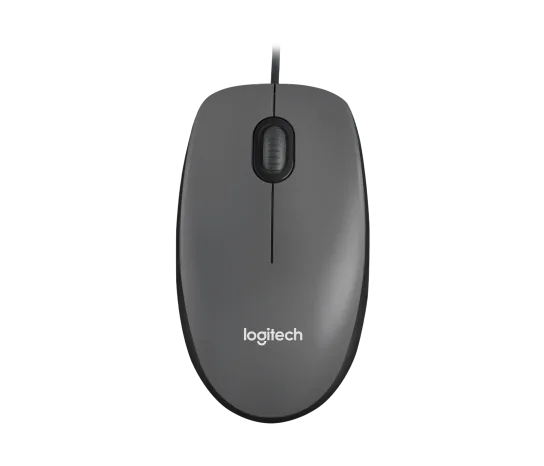
Logitech M100 Wired USB Mouse, Black/Grey (910-001601)
Choose the M100 if your priority is basic USB pointing and scrolling without a battery, pairing routine or configuration download. Its ambidextrous body accommodates either hand, but the three-button layout o
-
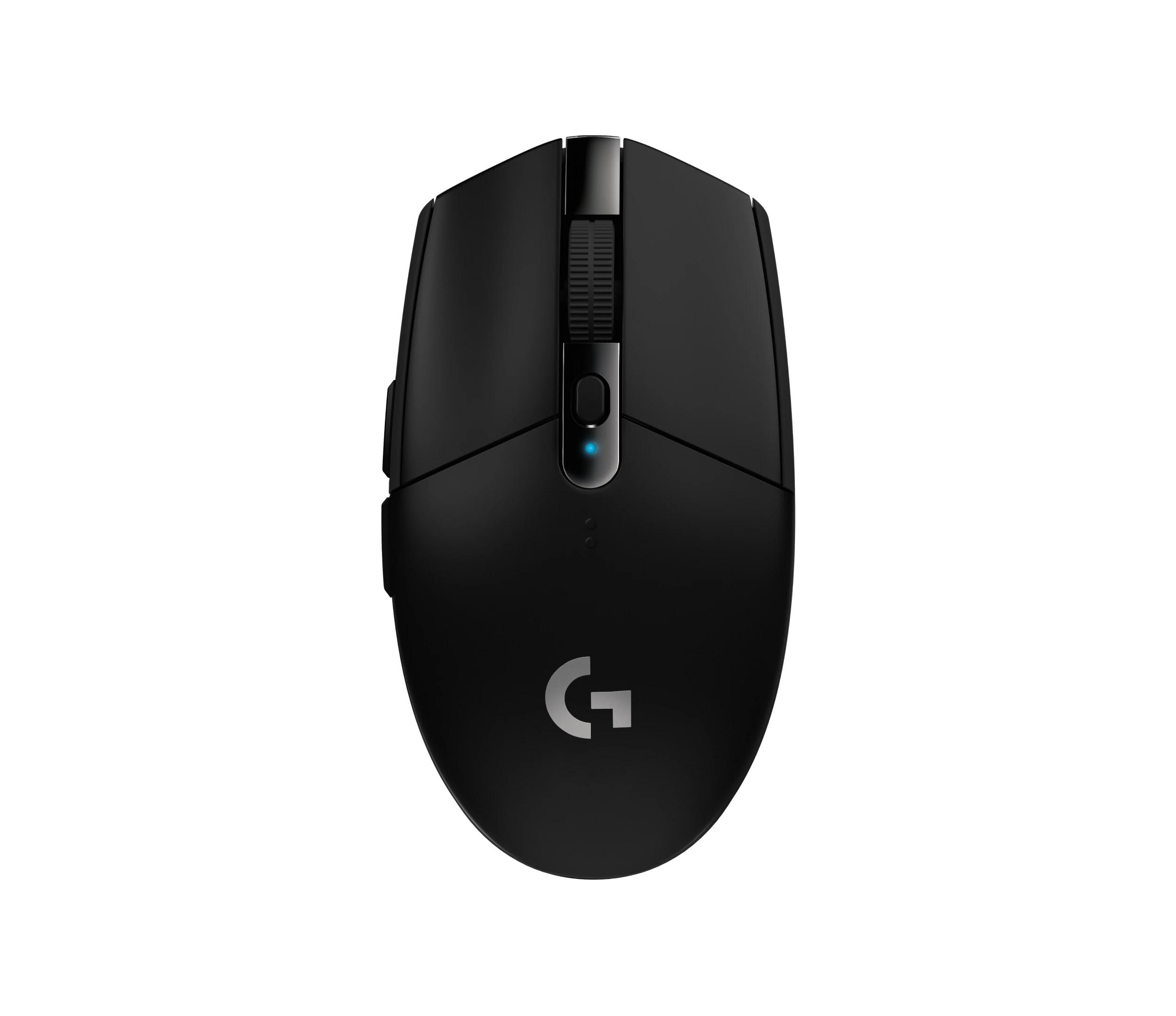
Logitech G305 LIGHTSPEED Wireless Gaming Mouse, Black (910-005280)
Choose the black G305 if you want receiver-based gaming with replaceable AA power and programmable controls. Its right-handed button arrangement and battery-powered design are
-
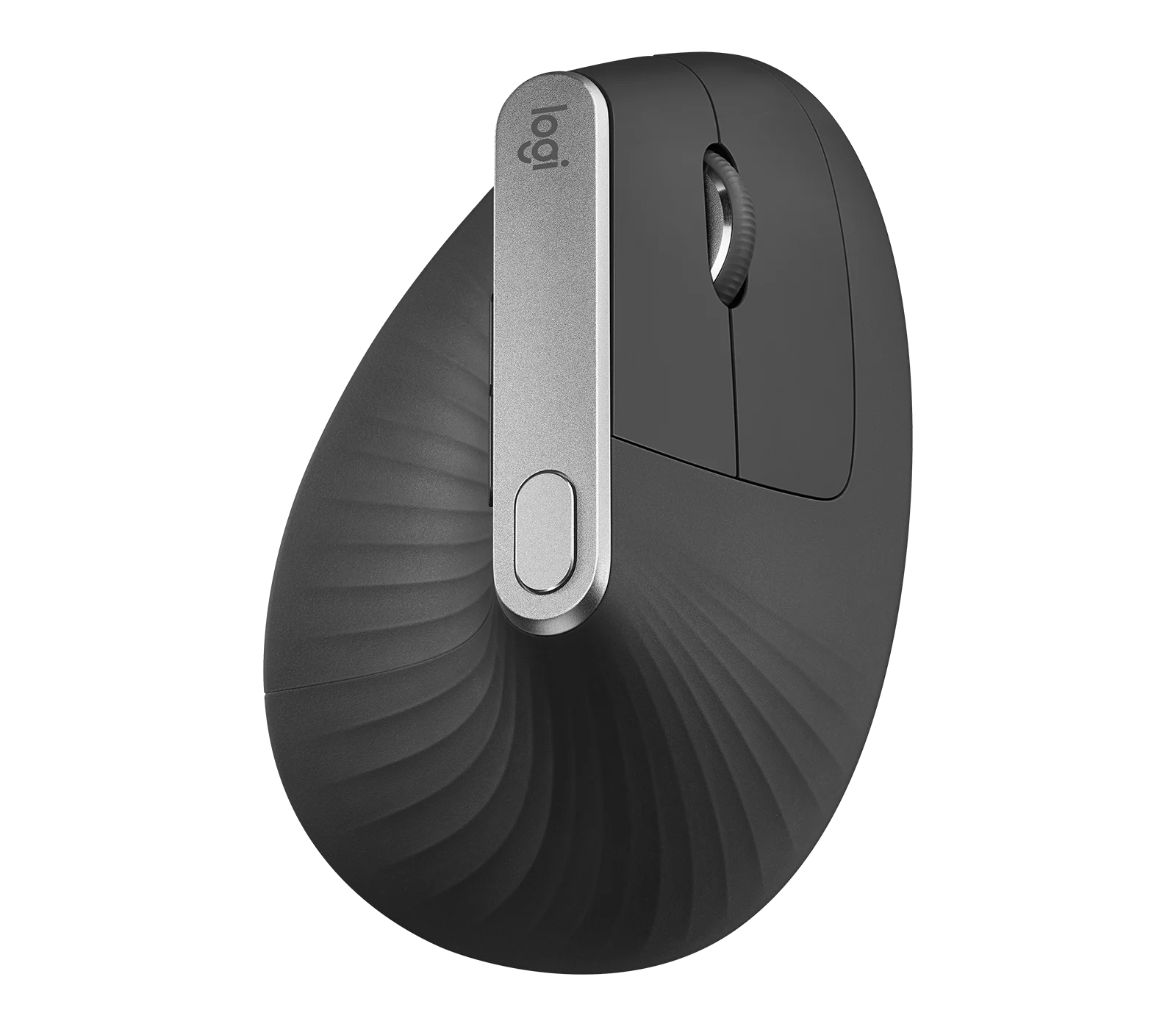
Logitech MX Vertical Graphite Ergonomic Mouse (910-005447)
The MX Vertical is a conditional choice for right-handed office users who prefer a tall handshake-style grip and want wireless connections plus a real wired fallback. Medium-to-large hands are
-
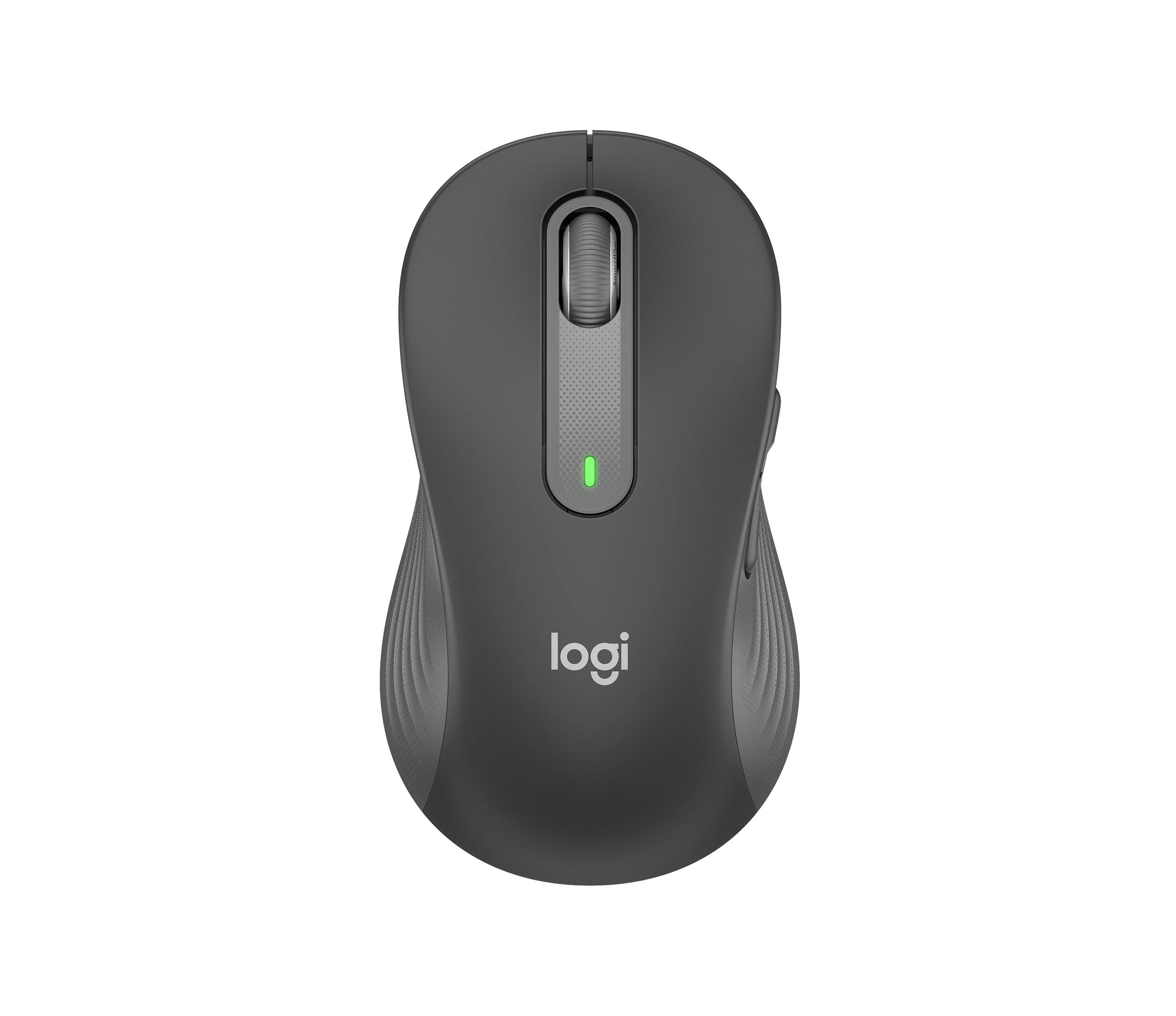
Logitech Signature M650 L LEFT Wireless Mouse, Graphite (910-006239)
Choose the graphite M650 L LEFT when you want a conventional large mouse with right-side thumb buttons for everyday work. Its replaceable battery and customizable controls are
-
Logitech G203 LIGHTSYNC Wired Gaming Mouse, Black (910-005790)
The G203 LIGHTSYNC suits a desk setup where a fixed USB cable and programmable controls are welcome. The strongest reason to choose it is the combination of configurable buttons, RGB and famil
-
Logitech G303 Shroud Edition Wireless Gaming Mouse, Black (910-006103)
The G303 Shroud Edition is a conditional choice for claw-grip players who want its angular support and LIGHTSPEED wireless connection. Try the shape before committing: Mouse P
Sources and method
- Reviewing Logitech's M325 Wireless MouseLinux.org · retrieved 2026-10-04Owner community
- Logitech M325 Wireless Mouse for EducationLogitech · retrieved 2026-10-04DatasheetPDF
- M325 Technical SpecificationsLogitech · retrieved 2026-10-04Manufacturer support
- Logitech M325 Wireless Mouse for Web Scrolling - BlackDevice.report · retrieved 2026-10-04Other source
- Logitech M325 Wireless MouseGadgetSpeak · retrieved 2026-10-04Editorial review
- Logitech M325 Wireless Mouse i Speedlink RF Formula Laser MouseSvet kompjutera · retrieved 2026-10-04Editorial review