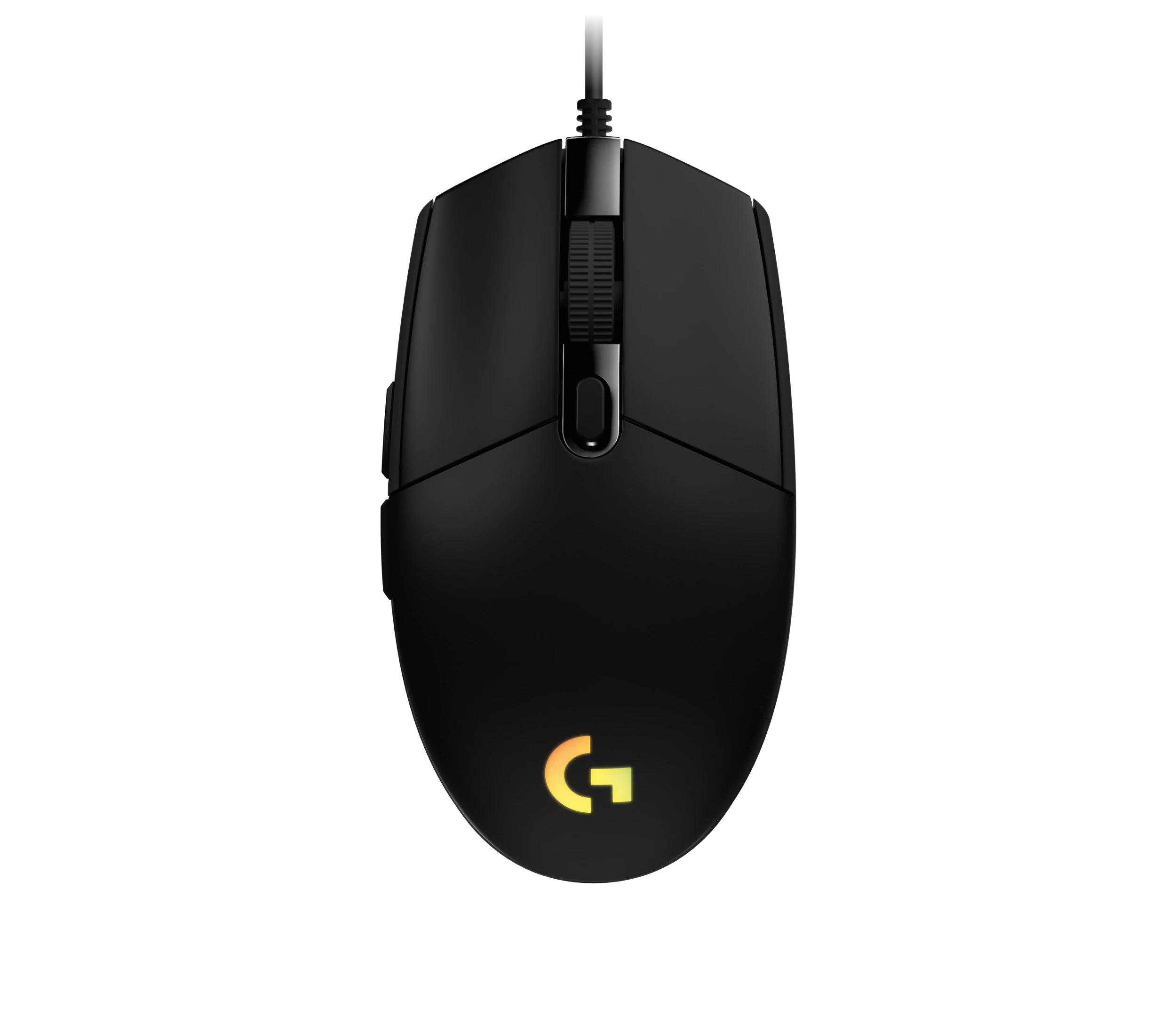
Logitech G203 LIGHTSYNC Wired Gaming Mouse, Black (910-005790)
The G203 LIGHTSYNC suits a desk setup where a fixed USB cable and programmable controls are welcome. The strongest reason to choose it is the combination of configurable buttons, RGB and familiar compact handling. Check your grip first: reviewers disagree on palm comfort, and the cord cannot be detached. Do not treat its DPI ceiling or favorable click impressions as proof of tournament-level performance.
Updated 2026-10-04

We may earn a commission from qualifying purchases.
Prices and sellers
No price information yet
Conditions and limitations
Custom button commands
- Capability
- Assign in-game commands to the mouse buttons.
- Limitations
- Current host-specific software support was not verified.
- Requirements
- Use Logitech G HUB to configure custom commands.
Compatibility
Wired USB operation is documented, but cross-platform and multi-device switching were not tested here.
Where sources differ
Reported issues and fixes
Possible little-finger contact with the desk
- Status
- reported
- Symptom
- KitGuru reports that the small body can let the little finger drag in different grips.
- Workaround
- Try the shell with your own grip before committing; no tested repair is established.
Who it suits
Try the grip before choosing
- Check before buying
- Check palm support and little-finger clearance.
- Constraints
- Compact shell fit is personal.
- Needs
- Comfort with your normal grip
- Reason
- The conflicting reviewer experiences make a hands-on fit check useful.
- Tradeoffs
- A familiar small body can still leave some fingers contacting the desk.
- Assessment
- conditional
Areas not yet researched (2)
No conclusion is available for these areas. This does not mean the Product has no limitations or reported issues.
- Care and support
- Ownership costs
Measured performance
Lift off distance
2 mmReviewer lifted the mouse from its pad until tracking ceased. · Approximate result; pad and firmware unspecified. Review uses a Taiwan G102 LIGHTSYNC-branded sample while discussing G203 LIGHTSYNC; do not assume identical US-unit performance.
Source [3]Compatibility
| Use | Verdict | Evidence |
|---|---|---|
| A computer setup that accepts a wired USB mouse | yes | The accepted source documents the wired USB connection; operating-system-specific behavior remains outside this check. [4] |
Reviewer consensus
Consensus rows require at least two distinct sources for the topic.
| Topic | Positive | Negative | Mixed | Reading | Evidence |
|---|---|---|---|---|---|
| Build and double click durability | 2 | 0 | 0 | Agreed · 2/2 | [1], [3] |
| Buyer fit | 3 | 0 | 0 | Agreed · 3/3 | [3], [2], [4] |
| Click latency | 2 | 0 | 0 | Agreed · 2/2 | [1], [2] |
| Companion software and onboard memory | 2 | 0 | 0 | Agreed · 2/2 | [3], [2] |
| Measured performance | 2 | 0 | 0 | Agreed · 2/2 | [3], [2] |
| Sensor tracking accuracy | 2 | 0 | 0 | Agreed · 2/2 | [1], [2] |
| Shape and grip fit by hand size | 0 | 2 | 0 | Weak point · 2/2 | [1], [4] |
Single-source notes
The review
Logitech G203 LIGHTSYNC: choose by grip and cable fit
Sensor and response in context
Logitech specifies up to 8000 DPI and 1000 Hz reporting. Mouse Pro found reliable tracking during its use and liked the click feel. The spring-tensioning mechanism is documented, but numerical click latency remains unverified. Techspin supplies an approximate lift-off observation from a regionally branded sample; it is not a standardized cross-mouse benchmark. [2], [1], [3]
Compact fit and stock feet
KitGuru states a weight of 85 g without the cable. Mouse Pro liked the stock feet initially and found no wheel rattle, but preferred claw or fingertip handling. Techspin also reported a rigid shell and sustained comfort. These sample impressions do not establish a long-term failure rate, and the palm-grip disagreement deserves attention. [4], [1], [3]
Plan around the fixed cable
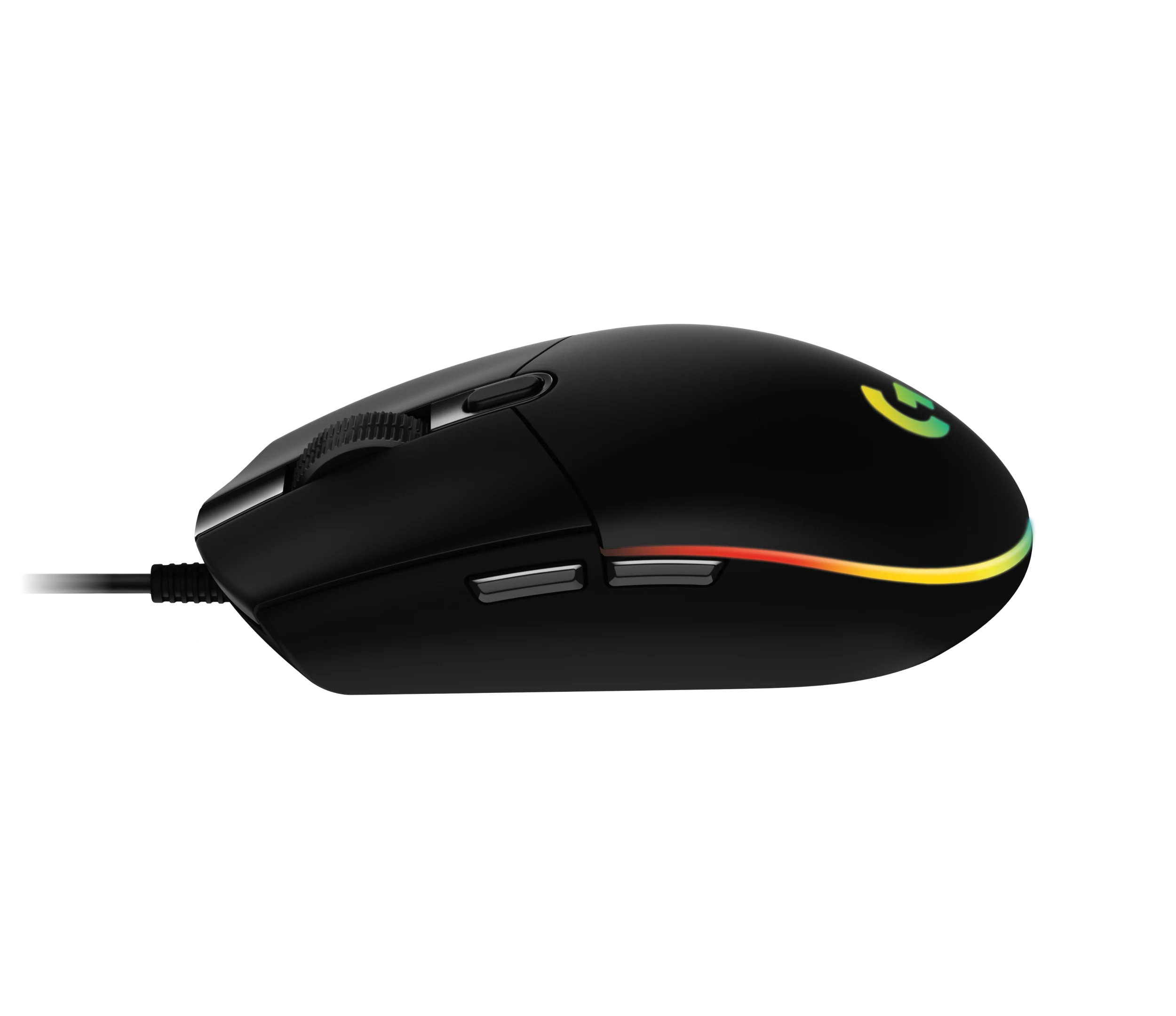
The connection is wired USB, and the cable cannot be detached. KitGuru lists a 2.1 m cord and liked its behavior; Mouse Pro was less impressed by the basic rubber design. Leave room for your normal mouse sweep. Wireless pairing, battery endurance and automatic multi-device switching are not supported by this evidence. [4], [1]
Programming, lighting and purchase checks
The black LIGHTSYNC version offers six configurable buttons and adjustable RGB through G HUB. Techspin demonstrated a temporary DPI shift and onboard-profile mode. Check those functions against your own workflow, and distinguish this model from the earlier Prodigy. No current price comparison, measured power consumption or long-term double-click incidence is established here. [2], [3]
Buyer questions
Before you buy
Compatibility
Does it work wirelessly?
The documented connection is wired USB with a fixed cable; choose it for a wired setup. [4]
Setup
Limitations
Do the reviews establish measured click latency?
No numerical result is verified here. Mouse Pro praises click feel, which should remain a subjective observation. [1]
Care and maintenance
Can I detach the cable for travel?
No. KitGuru explicitly identifies the USB cable as non-detachable. [4]
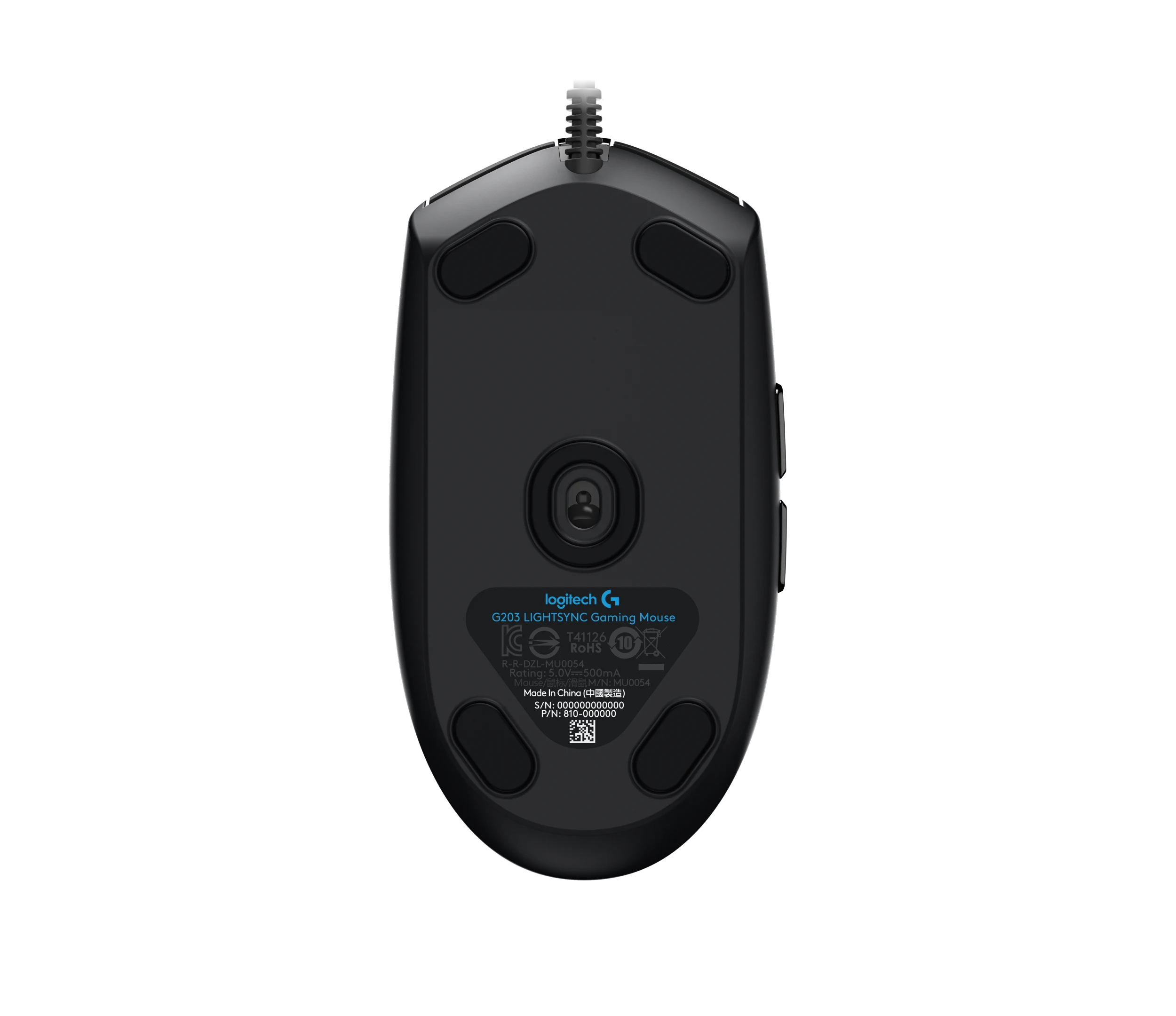
Product images
Facts and specifications
Manufacturer datasheet
| Specification | Value | Source |
|---|---|---|
| Backlight | LIGHTSYNC RGB with up to 16.8 million colors and brightness adjustments | [2] |
| Button Count | 6 | [2] |
| Option | Black | [2] |
| Polling Rate | 1 kHz | [2] |
| Sensor DPI | 8000 dpi | [2] |
| Software | Logitech G HUB for programming mouse commands | [2] |
| Switch Type | Metal spring button tensioning | [2] |
Stated by reviewers
| Specification | Value | Source |
|---|---|---|
| Cable Length | 2.1 m | [4] |
| Depth | 116.6 mm | [4] |
| Height | 38.2 mm | [4] |
| Width | 62.15 mm | [4] |
| Interface | Wired USB with non-detachable cable | [4] |
| Software | A held assigned button can switch DPI temporarily in G HUB; Onboard memory mode for a portable profile, as demonstrated by Techspin | [3] |
| Weight | 85 g | [4] |
Other facts
KnowSpec analysis
A conditional choice for a wired setup
The G203 LIGHTSYNC suits a desk setup where a fixed USB cable and programmable controls are welcome. The strongest reason to choose it is the combination of configurable buttons, RGB and familiar compact handling. Check your grip first: reviewers disagree on palm comfort, and the cord cannot be detached. Do not treat its DPI ceiling or favorable click impressions as proof of tournament-level performance.
Method: Synthesis of the accepted claim graph; reviewer observations remain attributed.Hand fit is the deciding tradeoff
Mouse Pro favors claw and fingertip grip, whereas Techspin reports comfort with palm use too. KitGuru adds a concrete warning about little-finger contact with the desk. This evidence supports trying the shape with your own grip rather than assuming a universal fit; different hand sizes and test conditions were not controlled.
Method: Synthesis of the accepted claim graph; reviewer observations remain attributed.Customize the controls you actually use
G HUB programs the six buttons. Techspin demonstrated a held-button DPI shift and portable onboard-profile mode. Those options can reduce repeated trips to the keyboard, but current operating-system behavior and switching between computers were not established. Verify essential assignments on your own computer.
Method: Synthesis of the accepted claim graph; reviewer observations remain attributed.Visible information gaps
Missing information is shown rather than guessed.
- Topic:Multi Device Pairingnot found
- Topic:Click Latencynot public
- Topic:Efficiencynot found
- Topic:Build And Double Click Durabilitynot found
- Topic:Value For Moneynot found
- Sensor Modelnot found
Products in this content
-
Logitech M325 Wireless Mouse (910-002974), Black
The original black M325 is a sensible fit for a portable computer when you prefer a small, symmetrical mouse, replaceable power and a receiver that stores inside it. Reviewers liked ordinary pointing and handling, but large
-
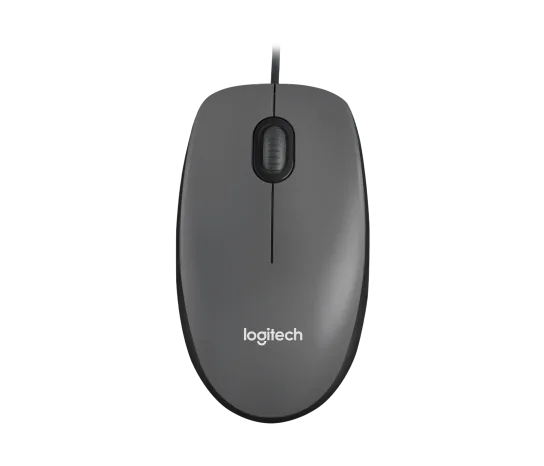
Logitech M100 Wired USB Mouse, Black/Grey (910-001601)
Choose the M100 if your priority is basic USB pointing and scrolling without a battery, pairing routine or configuration download. Its ambidextrous body accommodates either hand, but the three-button layout o
-
Logitech G305 LIGHTSPEED Wireless Gaming Mouse, Black (910-005280)
Choose the black G305 if you want receiver-based gaming with replaceable AA power and programmable controls. Its right-handed button arrangement and battery-powered design are
-
Logitech MX Vertical Graphite Ergonomic Mouse (910-005447)
The MX Vertical is a conditional choice for right-handed office users who prefer a tall handshake-style grip and want wireless connections plus a real wired fallback. Medium-to-large hands are
-
Logitech Signature M650 L LEFT Wireless Mouse, Graphite (910-006239)
Choose the graphite M650 L LEFT when you want a conventional large mouse with right-side thumb buttons for everyday work. Its replaceable battery and customizable controls are
-
Logitech G303 Shroud Edition Wireless Gaming Mouse, Black (910-006103)
The G303 Shroud Edition is a conditional choice for claw-grip players who want its angular support and LIGHTSPEED wireless connection. Try the shape before committing: Mouse P

Sources and method
- Logitech G203 Lightsync RGB ReviewMouse Pro · retrieved 2026-10-04Editorial review
- G203 LIGHTSYNC launch announcementLogitech G · retrieved 2026-10-04Manufacturer
- Logitech G203 Lightsync testing and reviewTechspin · retrieved 2026-10-04Editorial review
- Logitech G203 LIGHTSYNC ReviewKitGuru · retrieved 2026-10-04Editorial review