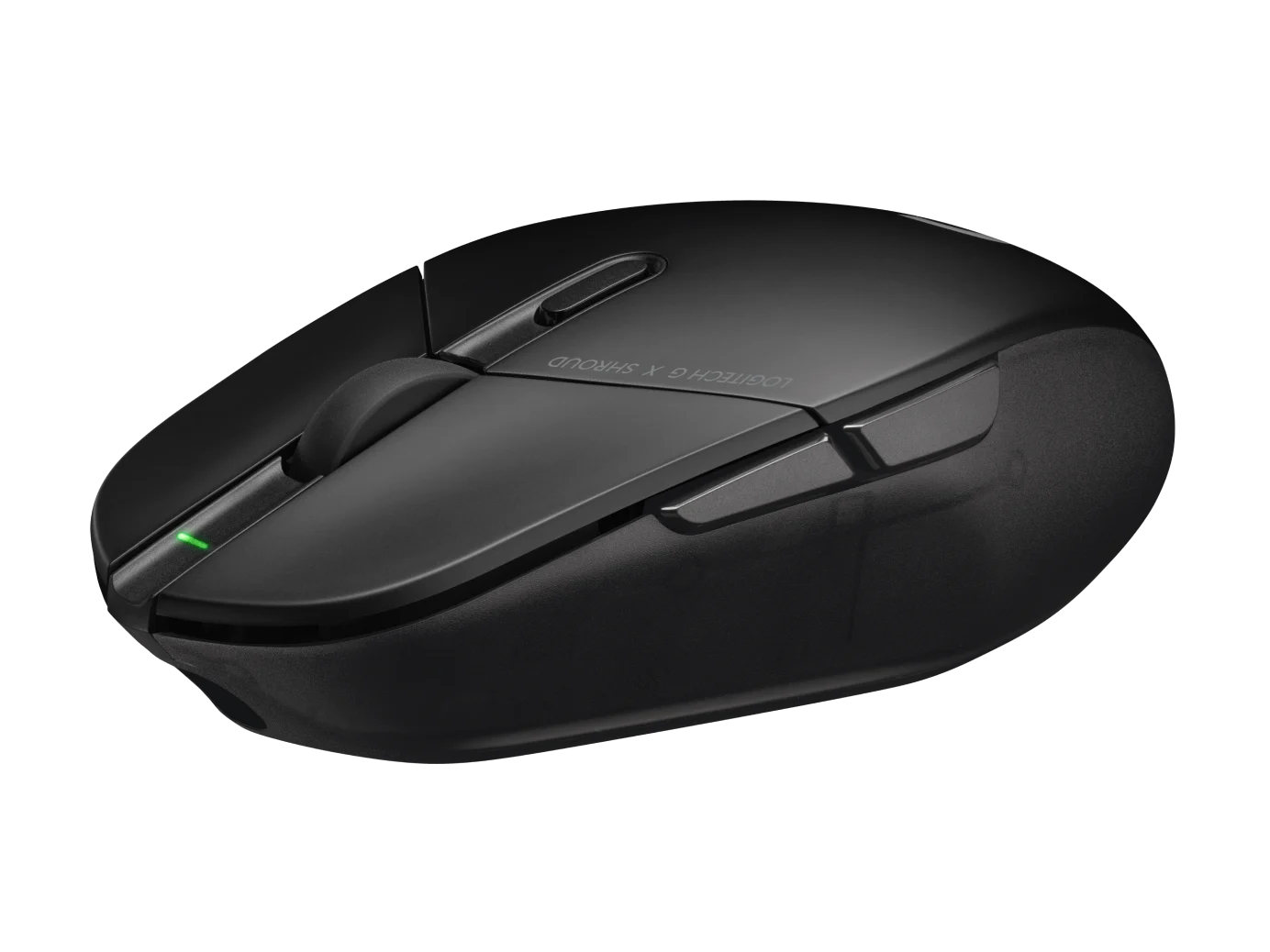
Logitech G303 Shroud Edition Wireless Gaming Mouse, Black (910-006103)
The G303 Shroud Edition is a conditional choice for claw-grip players who want its angular support and LIGHTSPEED wireless connection. Try the shape before committing: Mouse Pro adapted to it, but found palm and fingertip use uncomfortable. The redesigned body is not an unchanged replacement for the original G303.
Updated 2026-10-04

We may earn a commission from qualifying purchases.
Prices and sellers
No price information yet
Conditions and limitations
Share a compatible keyboard receiver
- Capability
- Use LIGHTSPEED Two Device Pairing for a compatible keyboard and this mouse.
- Limitations
- Logitech recommends individual receivers for maximum performance. This does not establish switching between multiple computers.
- Requirements
- G HUB 2022.7 or later and a compatible LIGHTSPEED keyboard receiver.
Compatibility
Powerplay charging limitation
- Connection
- Wireless charging pad
- Functions
- Wireless charging
- Notes
- ComputerBase identifies missing Powerplay support; use the USB-C charging connection instead.
- Protocol
- Powerplay
- Result
- unsupported
- Source device
- Logitech G303 Shroud Edition
- Target device
- Logitech Powerplay
Reported issues and fixes
Sample-specific shell noise
- Status
- reported
- Symptom
- Mouse Pro reported early creaking and vibration during hard placement.
Who it suits
Prioritise fit over headline specifications
- Check before buying
- Try the grip and thumb buttons; confirm that USB charging fits your desk.
- Constraints
- Willingness to test an unusual shape before buying.
- Needs
- Angular support for claw-grip aiming.
- Reason
- The evidence supports a specialised claw-grip choice, not a default recommendation for every hand.
- Tradeoffs
- Controlled grip and glide come with a specialised body; side-button feel and USB charging may matter more than headline DPI.
- Assessment
- conditional
Areas not yet researched (3)
No conclusion is available for these areas. This does not mean the Product has no limitations or reported issues.
- Where sources differ
- Care and support
- Ownership costs
Reviewer consensus
Consensus rows require at least two distinct sources for the topic.
| Topic | Positive | Negative | Mixed | Reading | Evidence |
|---|---|---|---|---|---|
| Buyer fit | 2 | 0 | 0 | Agreed · 2/2 | [1], [3] |
| Sensor tracking accuracy | 2 | 0 | 0 | Agreed · 2/2 | [1], [3] |
| Weight and feet glide | 2 | 0 | 0 | Agreed · 2/2 | [1], [3] |
Single-source notes
- Build and double click durability: Weak point · 1/1 · [3]
- Companion software and onboard memory: Agreed · 1/1 · [2]
- Limitations: Weak point · 1/1 · [2]
- Multi device pairing: Agreed · 1/1 · [4]
- Scroll wheel and side buttons: Weak point · 1/1 · [3]
- Shape and grip fit by hand size: Agreed · 1/1 · [3]
- Sustained performance: Agreed · 1/1 · [2]
- Wireless reliability and battery practice: Agreed · 1/1 · [1]
The review
Logitech G303 Shroud Edition: let your grip decide
Useful specifications, limited timing evidence
The HERO 25K sensor and LIGHTSPEED connection identify the core hardware. ComputerBase reports a maximum polling rate of 1000 Hz and resolution of 25600 dpi. Mouse Pro found strong tracking and low lift-off behaviour. Those observations do not provide a numerical click-latency result or prove that the highest DPI setting improves aim. [1], [3], [2]
A specialised shape, not a universal fit
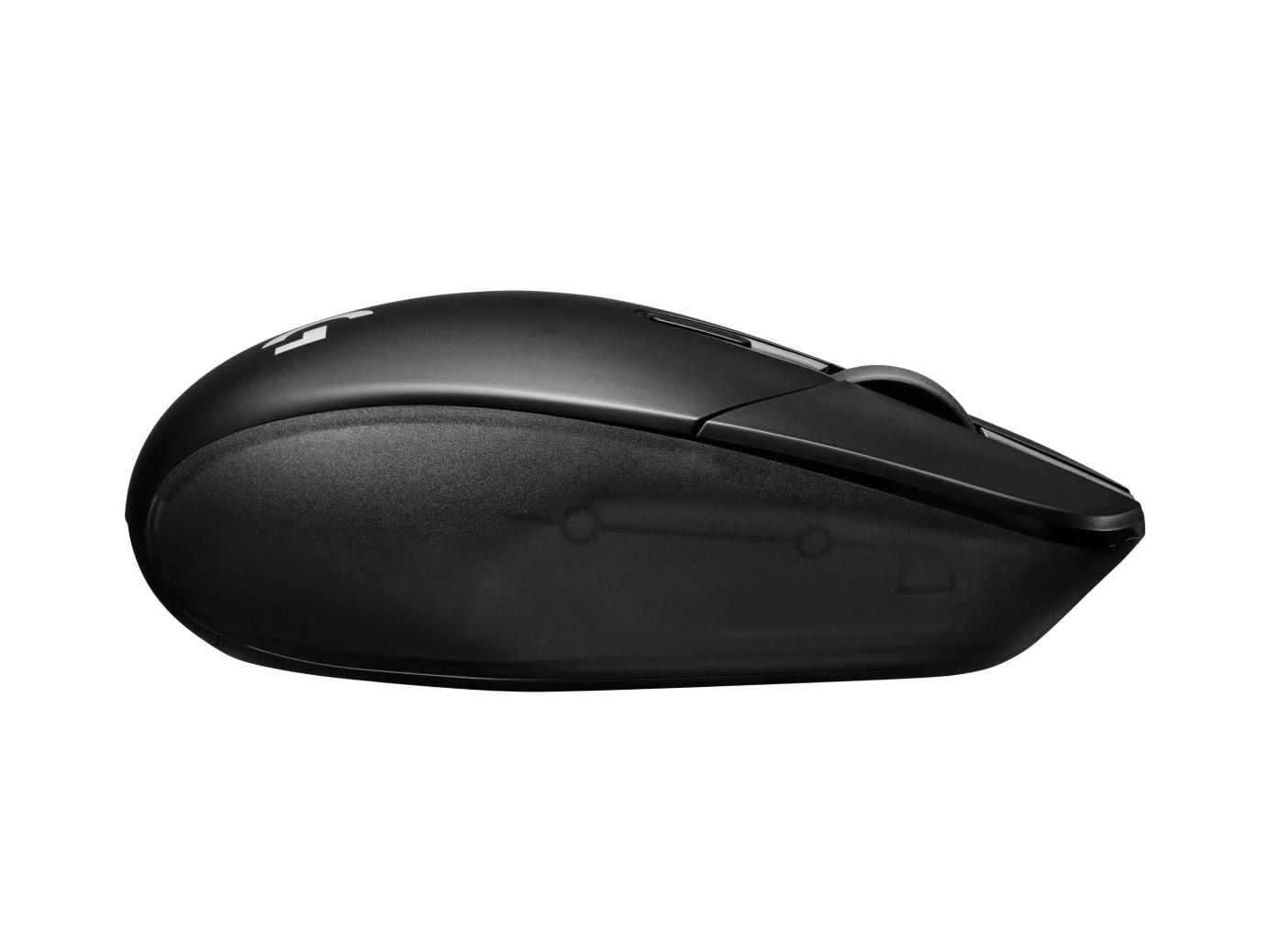
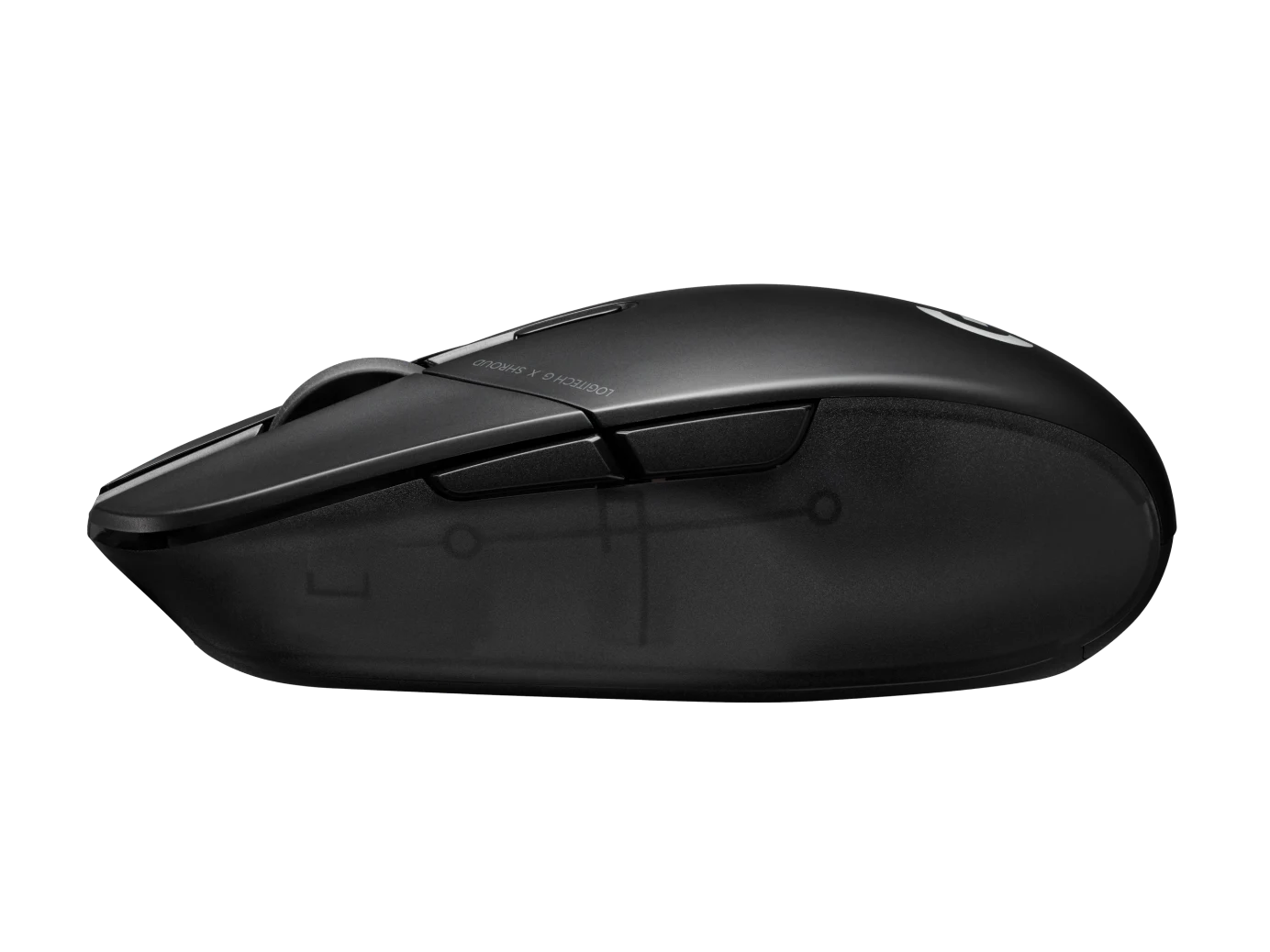
Logitech changed the original G303’s geometry and control placement for Shroud. Mouse Pro describes an enlarged, angular body that encourages claw grip. Its reviewer needed time to adjust and disliked palm and fingertip use. Treat a hands-on fit check as part of the purchase decision, especially if you expect the old wired model’s feel. [1], [3]
The manufacturer specifies 75 g. Mouse Pro liked the stock feet’s controlled glide after break-in, but found the slim side buttons less crisp than desired. Buyers who assign frequent in-game actions to those buttons should check their feel as carefully as the shell. [1], [3]
Charging, profiles and receiver sharing
Logitech’s 145-hour battery rating is a specification. ComputerBase’s extended-use review needed no recharge during its roughly two-week test, which is encouraging but not a measured discharge curve. The mouse uses USB-C; ComputerBase reports no Powerplay charging support and describes G HUB configuration with up to five onboard profiles. [1], [2]
Logitech lists the G303 Shroud Edition for Two Device Pairing from G HUB 2022.7 onward, using a compatible LIGHTSPEED keyboard receiver. This can reduce receiver clutter, but it does not establish multi-computer switching. For maximum performance, Logitech recommends separate keyboard and mouse receivers. [4]
What remains uncertain
Mouse Pro’s sample developed slight creaking and vibrated when set down hard. Treat that as a reported sample issue rather than a defect rate. Long-term double-click reliability, measured power consumption, numerical latency and current value are unresolved here. The buying case rests on grip fit and documented features, not an unsupported claim of universal superiority. [1], [3]
Buyer questions
Before you buy
Who should try this shape?
Start with claw-grip users who want an angular body. Mouse Pro found palm and fingertip use uncomfortable, so grip labels alone cannot replace trying the mouse. [3]
Compatibility
Setup
Can it share a keyboard receiver?
Yes, with a compatible LIGHTSPEED keyboard receiver and G HUB 2022.7 or later. Logitech recommends separate receivers when maximum performance matters. [4]
Everyday use
Is the battery-life figure independently measured?
Logitech states 145 hours. ComputerBase reported no recharge during its extended-use test, but did not publish a complete timed discharge result. Treat the rating and the observation separately. [1], [2]
Can settings be kept on the mouse?
ComputerBase describes G HUB configuration and up to five onboard profiles. This supports retaining settings on the mouse, but the evidence does not establish every macro’s onboard behaviour. [2]
Product images
Facts and specifications
Manufacturer datasheet
| Specification | Value | Source |
|---|---|---|
| Battery Life | 145 hours | [1] |
| Interface | USB-C charging and data connection | [1] |
| Option | Black | [1] |
| Sensor Model | HERO 25K | [1] |
| Weight | 75 g | [1] |
| Wireless Standard | LIGHTSPEED | [1] |
Manufacturer manual
| Specification | Value | Source |
|---|---|---|
| Compatibility | G303 Shroud Edition is listed for LIGHTSPEED Two Device Pairing with a compatible LIGHTSPEED keyboard receiver using G HUB 2022.7 or later. | [4] |
Stated by reviewers
| Specification | Value | Source |
|---|---|---|
| Compatibility | Powerplay wireless charging is not supported, as reported by ComputerBase | [2] |
| Maximum Tracking Speed | 10.2 m/s | [2] |
| Polling Rate | 1 kHz | [2] |
| Sensor DPI | 25600 dpi | [2] |
| Shape | Angular diamond-shaped body, enlarged relative to the original wired G303 | [3] |
| Software | G HUB configuration; onboard memory with up to five profiles, as reported by ComputerBase | [2] |
| Switch Type | Omron mechanical switches, as identified by Mouse Pro | [3] |
Other facts
| Specification | Value | Source |
|---|---|---|
| Buyer Fit | Mouse Pro found the angular body chiefly suited to claw grip; its palm and fingertip trials were uncomfortable. | [3] |
| Limitation | Mouse Pro found the slim side buttons easy to reach in aggressive claw grip but less crisp than desired. | [3] |
| Risk | Mouse Pro reported slight shell creaking after a few days and vibration when setting the mouse down hard; this is one review sample, not a population failure rate. | [3] |
| Setup Requirement | Logitech recommends separate keyboard and mouse receivers for maximum performance.; Two-device sharing requires a compatible LIGHTSPEED keyboard receiver and compatible mouse; it is not a universal receiver-pairing promise. | [4] |
KnowSpec analysis
Choose it for the shape first
The G303 Shroud Edition is a conditional choice for claw-grip players who want its angular support and LIGHTSPEED wireless connection. Try the shape before committing: Mouse Pro adapted to it, but found palm and fingertip use uncomfortable. The redesigned body is not an unchanged replacement for the original G303.
Method: Synthesis of the accepted manufacturer documentation and attributed reviewer observations; no hands-on testing by KnowSpec.Separate endurance evidence from a guarantee
Logitech rates battery life at 145 hours. ComputerBase went through roughly two weeks of extended daily use without recharging, but did not report a full-discharge measurement. That supports infrequent charging in its test conditions, not a guaranteed schedule for every player; USB-C charging remains necessary because Powerplay is unsupported.
Method: Synthesis of the accepted manufacturer documentation and attributed reviewer observations; no hands-on testing by KnowSpec.A shared receiver has conditions
A compatible LIGHTSPEED keyboard receiver can host this mouse through G HUB Two Device Pairing. Check the actual keyboard and receiver against Logitech’s supported list before relying on that convenience. Logitech still recommends individual receivers for maximum performance, so a tournament desk and a portable desk may make different choices.
Method: Synthesis of the accepted manufacturer documentation and attributed reviewer observations; no hands-on testing by KnowSpec.Visible information gaps
Missing information is shown rather than guessed.
- Topic:Value For Moneynot found
- Topic:Build And Double Click Durabilitynot found
- Warrantynot found
- Topic:Click Latencynot public
- Button Countnot found
- Topic:Measured Performancenot found
- Topic:Efficiencynot found
Products in this content
-
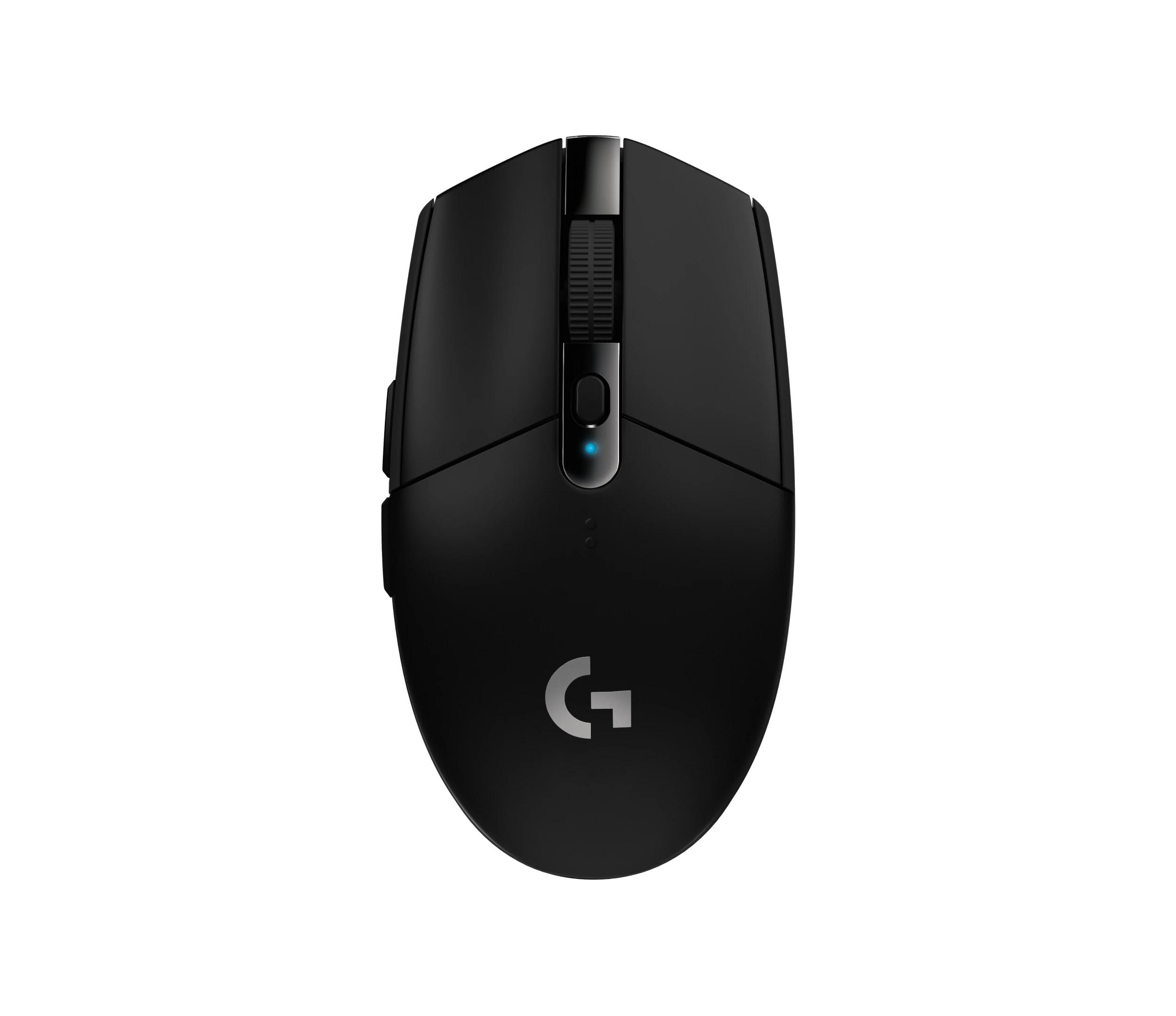
Logitech M325 Wireless Mouse (910-002974), Black
The original black M325 is a sensible fit for a portable computer when you prefer a small, symmetrical mouse, replaceable power and a receiver that stores inside it. Reviewers liked ordinary pointing and handling, but large
-
Logitech M100 Wired USB Mouse, Black/Grey (910-001601)
Choose the M100 if your priority is basic USB pointing and scrolling without a battery, pairing routine or configuration download. Its ambidextrous body accommodates either hand, but the three-button layout o
-
Logitech G305 LIGHTSPEED Wireless Gaming Mouse, Black (910-005280)
Choose the black G305 if you want receiver-based gaming with replaceable AA power and programmable controls. Its right-handed button arrangement and battery-powered design are
-
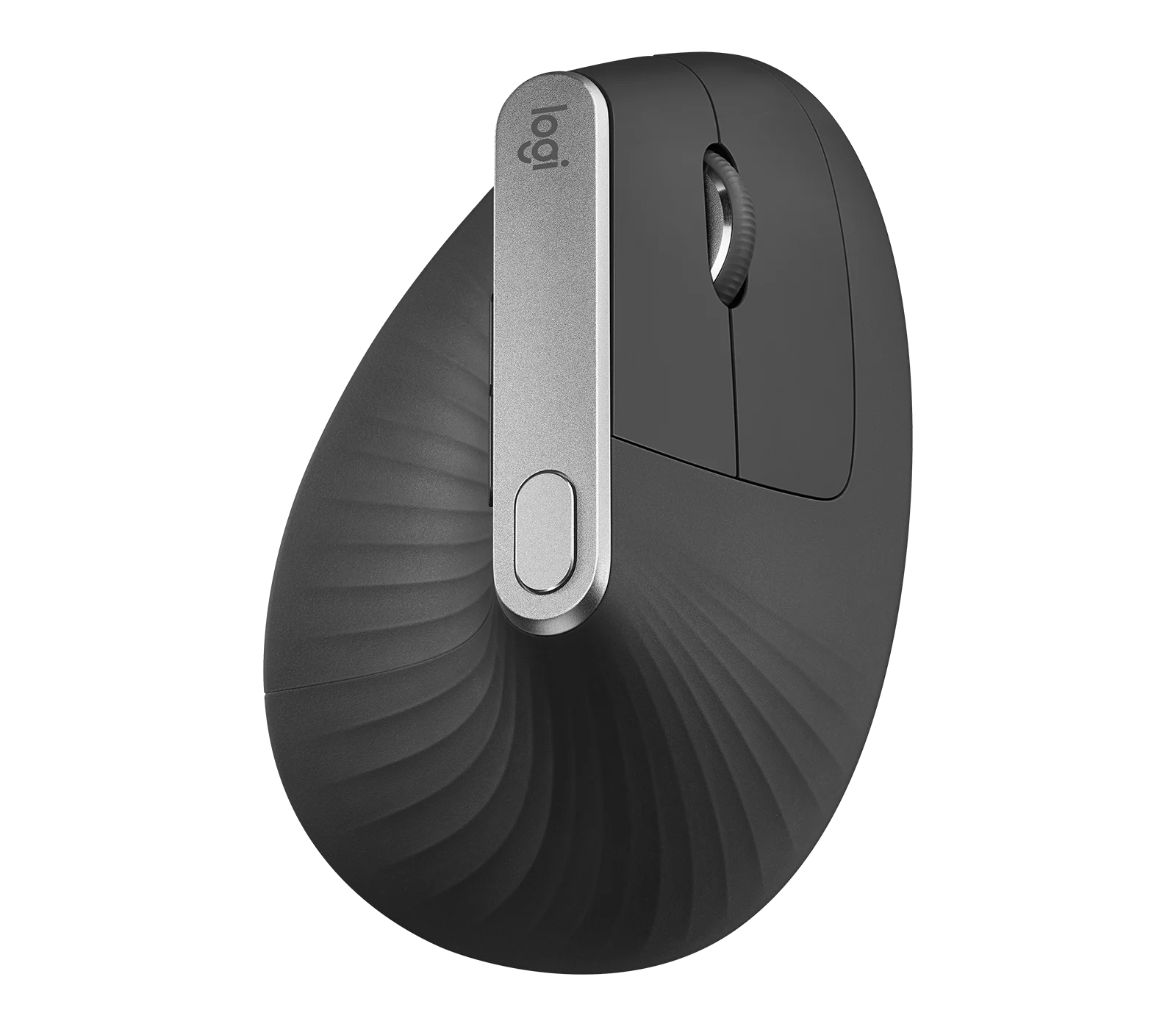
Logitech MX Vertical Graphite Ergonomic Mouse (910-005447)
The MX Vertical is a conditional choice for right-handed office users who prefer a tall handshake-style grip and want wireless connections plus a real wired fallback. Medium-to-large hands are
-
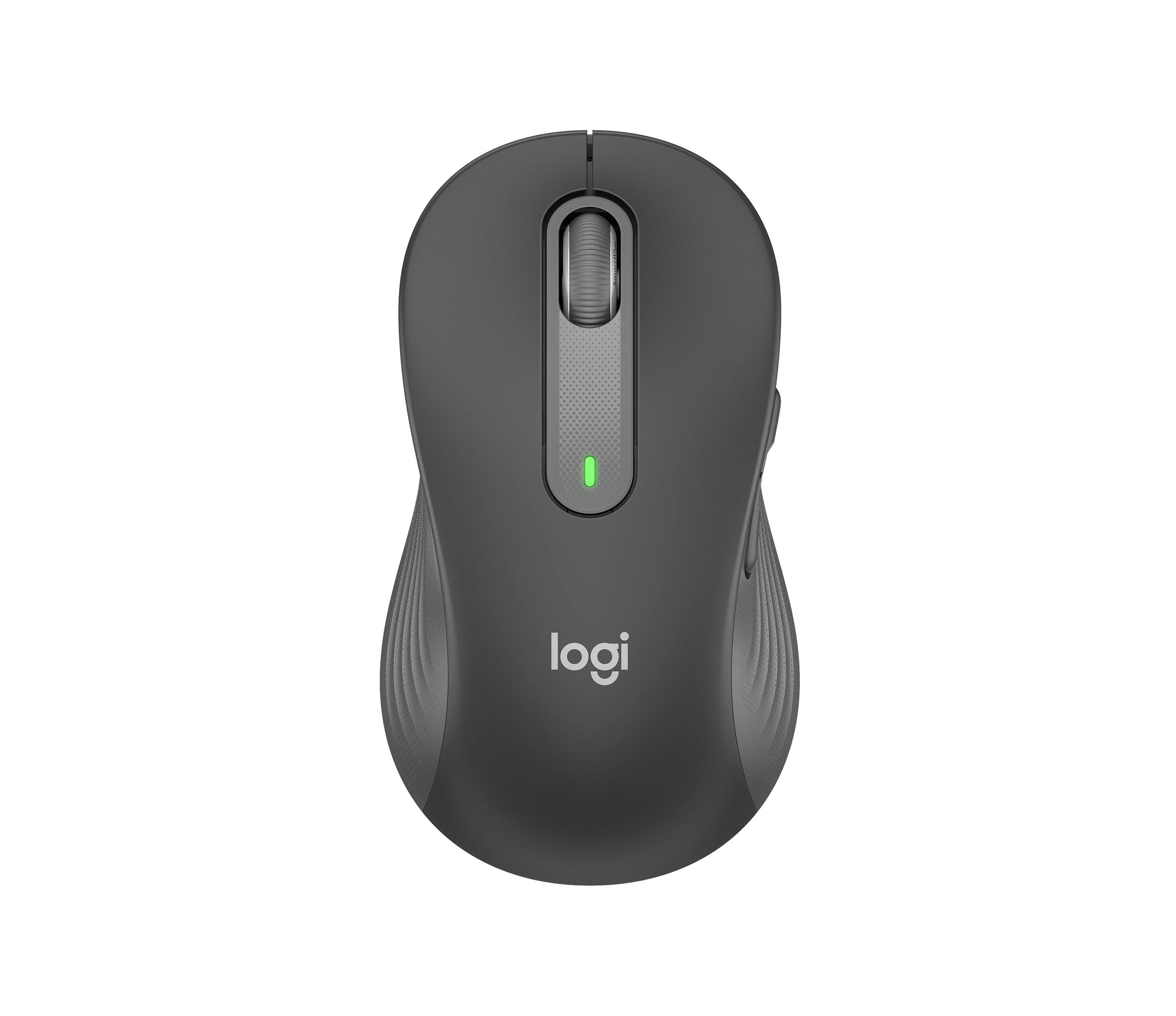
Logitech Signature M650 L LEFT Wireless Mouse, Graphite (910-006239)
Choose the graphite M650 L LEFT when you want a conventional large mouse with right-side thumb buttons for everyday work. Its replaceable battery and customizable controls are
-
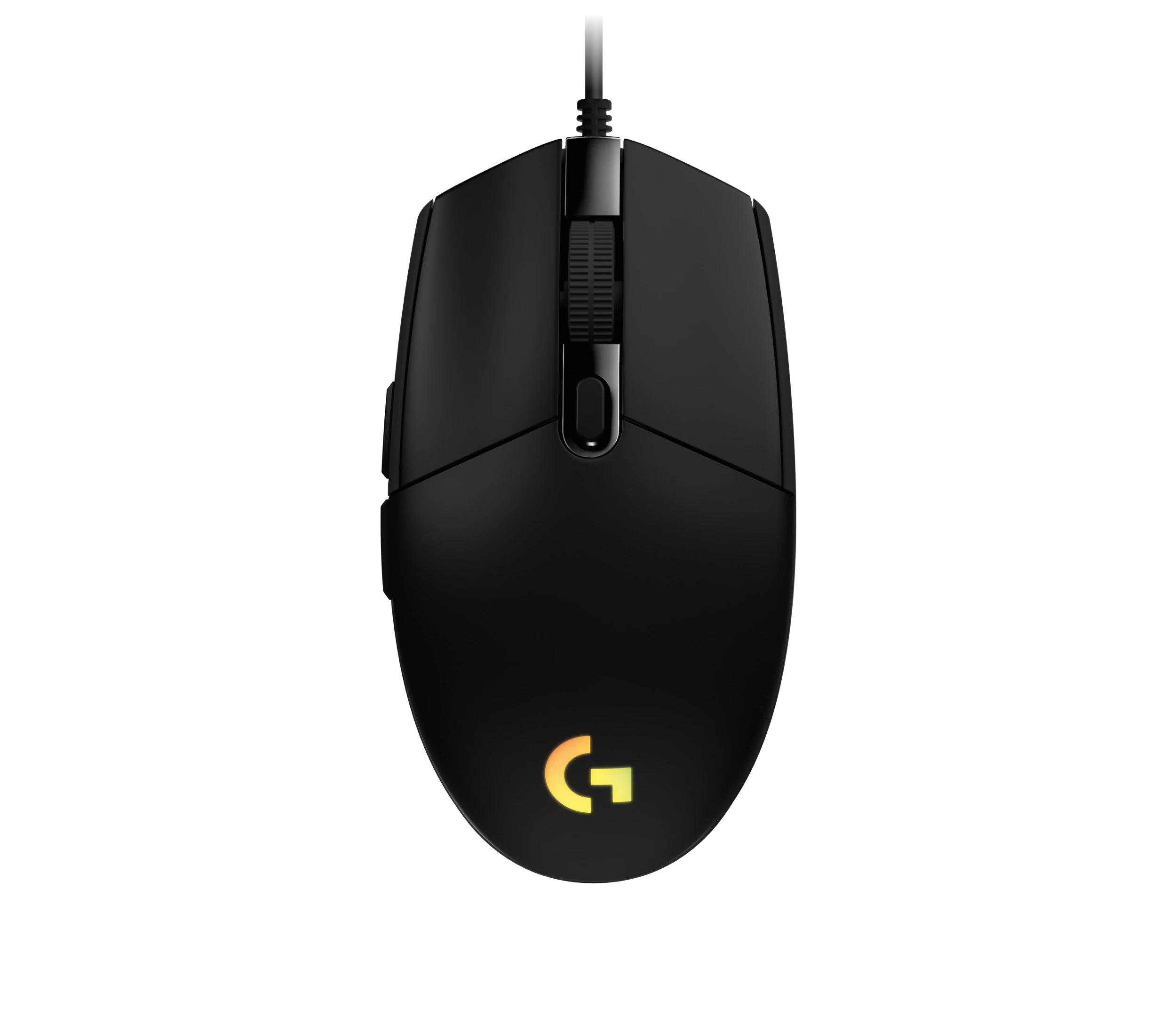
Logitech G203 LIGHTSYNC Wired Gaming Mouse, Black (910-005790)
The G203 LIGHTSYNC suits a desk setup where a fixed USB cable and programmable controls are welcome. The strongest reason to choose it is the combination of configurable buttons, RGB and famil

Sources and method
- Logitech G and shroud Introduce Logitech G303 Shroud Edition Wireless Gaming MouseLogitech G · retrieved 2026-10-04Manufacturer
- Shroud Edition im Test: Sensorik, Funkverbindung und SoftwareComputerBase · retrieved 2026-10-04Editorial review
- Logitech Shroud G303 ReviewMouse Pro · retrieved 2026-10-04Editorial review
- Connect two LIGHTSPEED devices to one receiver using the Device Pairing ToolLogitech Support · retrieved 2026-10-04Manufacturer support