Logitech Signature M650 L LEFT Wireless Mouse, Graphite (910-006239)
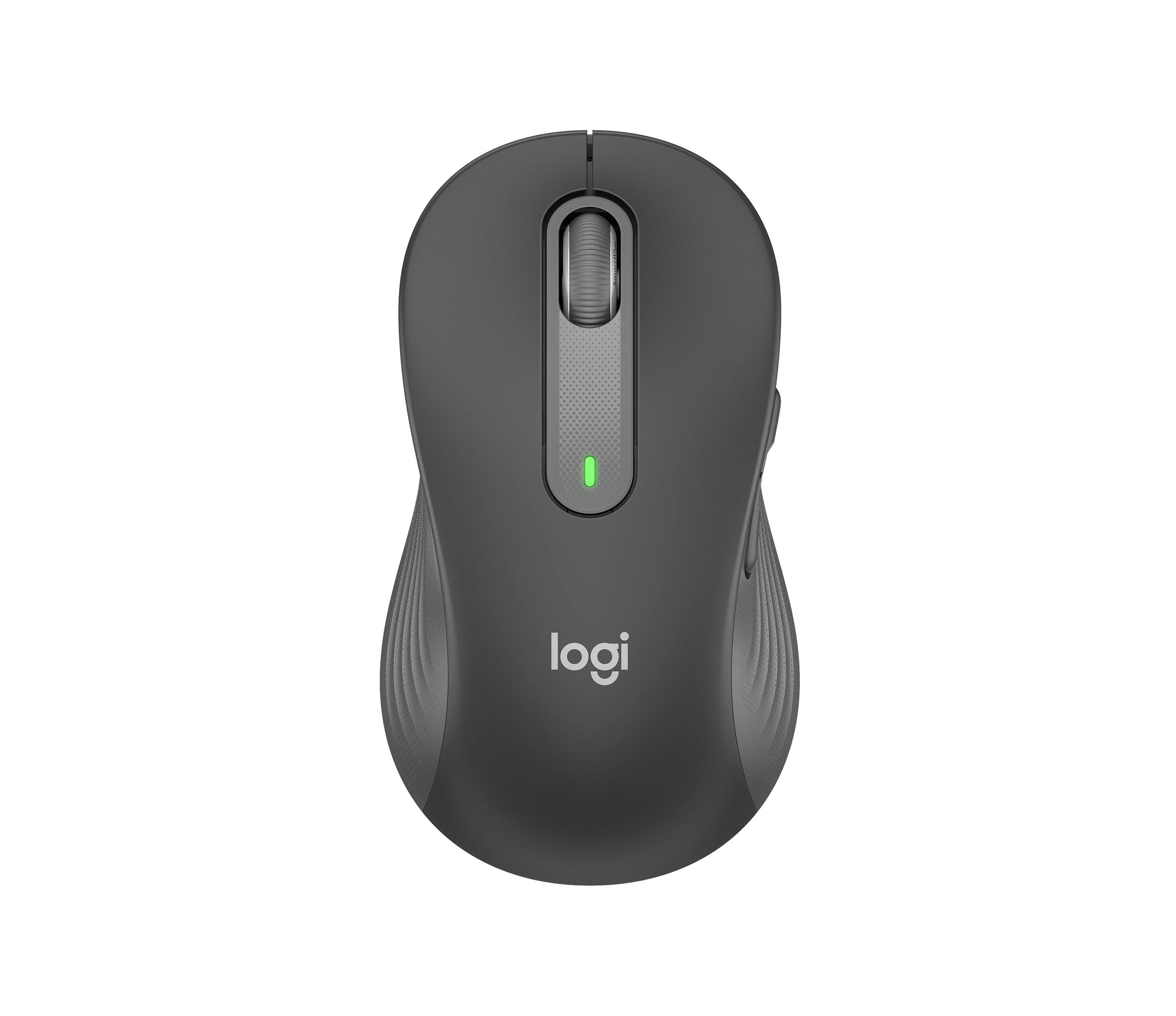
Choose the graphite M650 L LEFT when you want a conventional large mouse with right-side thumb buttons for everyday work. Its replaceable battery and customizable controls are practical strengths. First check hand fit, your preferred primary-click mapping and whether you really need quick switching between computers. Glass tracking and Bluetooth wake response are not consistent enough across the reviewed evidence to promise trouble-free results in every setup.
Updated 2026-10-04

We may earn a commission from qualifying purchases.
Prices and sellers
No price information yet
Conditions and limitations
Horizontal scrolling requires a button combination
- Capability
- Scroll sideways by holding a side button while rotating the wheel.
- Limitations
- This is a combination gesture; the instructions do not describe a separate tilt wheel.
- Requirements
- Keep a side button held while scrolling.
Left-handed shape does not automatically reverse primary click
- Capability
- Right-side thumb buttons suit the left hand; primary click can be reassigned.
- Limitations
- Default primary click remains on the left physical button.
- Requirements
- Use Logitech software if you want the right physical button to be the primary click.
Compatibility
Receiver connection at a USB-A desktop
- Connection
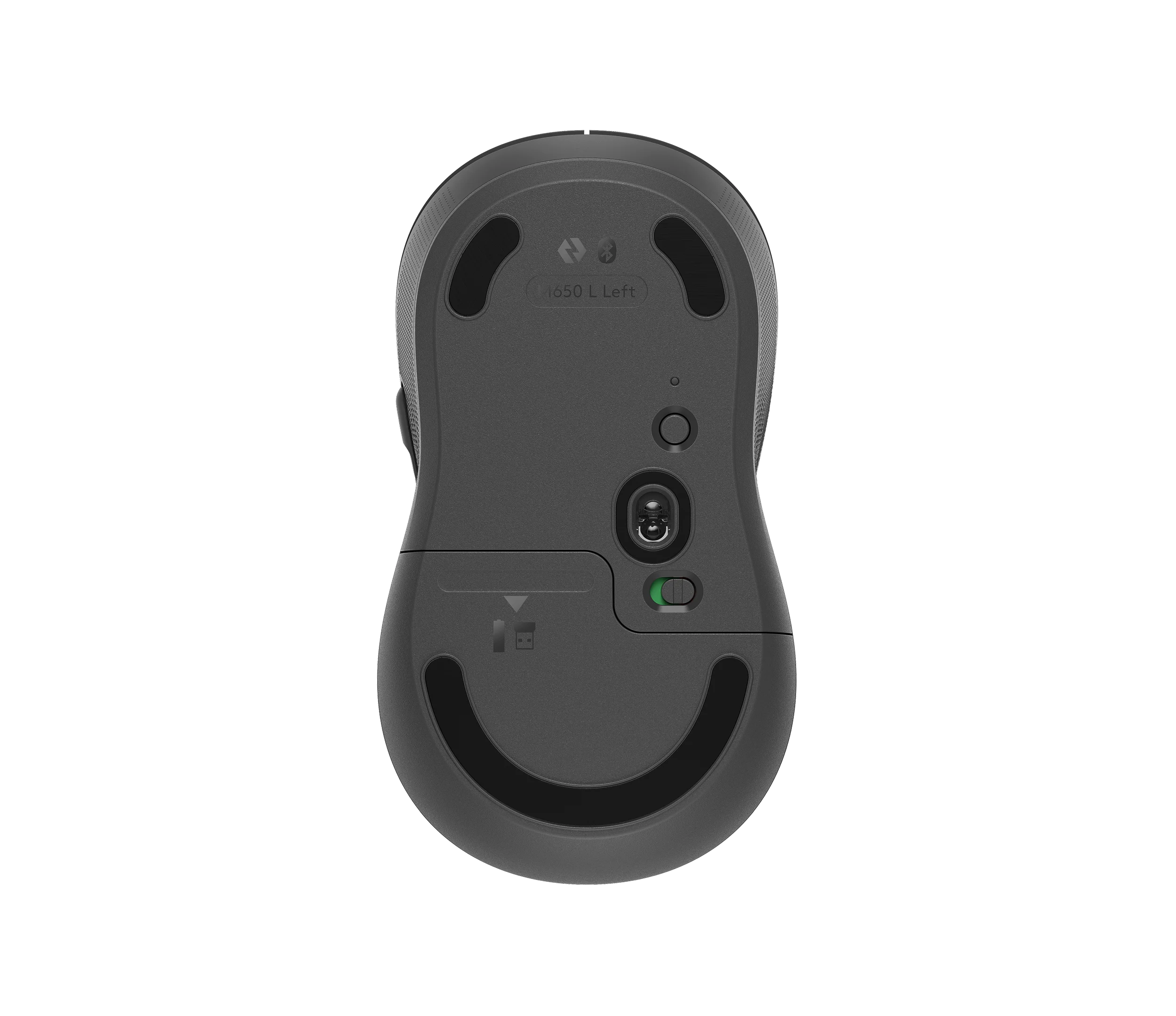
- Insert the included receiver, then remove the battery pull tab as instructed.
- Functions
- Wireless pointer and button input
- Notes
- The receiver is stored under the battery cover. USB-C-only systems need a suitable port arrangement or Bluetooth; no adapter is established as included.
- Protocol
- Logi Bolt
- Result
- full
- Source device
- Logitech Signature M650 L LEFT
- Target device
- Computer with available USB-A port
Two computers with rapid switching
- Connection
- Two connection methods do not provide multi-host switching.
- Functions
- Quick switching among stored host profiles
- Notes
- I'mTech explicitly reports no multi-device pairing. Choose this model for one primary host rather than an Easy-Switch workflow.
- Protocol
- Bluetooth / Logi Bolt
- Result
- unsupported
- Source device
- Logitech Signature M650 L LEFT
- Target device
- Multiple computers
Where sources differ
Reviewers disagree about glass tracking
- Explanation
- Surface and specimen details are insufficient to reconcile the results. Do not promise glass compatibility; use a mouse pad when reliable tracking matters.
- Status
- unresolved
Manufacturer instructions resolve default-click ambiguity
- Explanation
- Use the explicit manufacturer explanation for initial setup; the review does not establish a different factory default.
- Status
- explained
Reported issues and fixes
A review reported Bluetooth wake delay
- Status
- reported
- Symptom
- Slight pointer response delay after Bluetooth wake in I'mTech's 2022 test.
Care and support
Battery replacement is documented
- Details
- One AA alkaline cell is user-replaceable through the sliding bottom cover. This does not establish switch or wheel repairability.
Who it suits
Left-handed office use
- Check before buying
- Confirm 910-006239 graphite LEFT rather than a right-handed family variant.
- Try your grip and decide whether primary-click mapping needs changing.
- Constraints
- Large-body fit and preferred primary-click mapping
- Needs
- Right-side thumb shortcuts in a conventional mouse layout
- Reason
- Exact-variant documentation and hands-on experience support everyday left-hand use.
- Tradeoffs
- Setup and adaptation may take effort.
- Assessment
- suitable
Multi-computer workflow
- Check before buying
- Choose a model with explicitly documented multi-host switching if this is essential.
- Constraints
- Single-host behavior in the reviewed evidence
- Needs
- Quick switching among saved computers
- Reason
- The product does not establish the required switching workflow.
- Tradeoffs
- Bluetooth or receiver choice does not supply multiple stored host profiles.
- Assessment
- unsuitable
Glass desk reliability
- Check before buying
- Test the actual surface or accept using a mouse pad.
- Constraints
- Conflicting reviews with incompletely described conditions
- Needs
- Consistent movement on glass
- Reason
- The evidence cannot guarantee tracking on an arbitrary glass desk.
- Tradeoffs
- A pad removes reliance on the disputed surface behavior.
- Assessment
- conditional
Areas not yet researched (1)
No conclusion is available for these areas. This does not mean the Product has no limitations or reported issues.
- Ownership costs
Measured performance
Reported click noise reduction vs mx master 3
3 dBANotebookcheck's published comparative click-noise observation for the M650 family. · A relative difference, not absolute sound level. Tested handedness, surface, distance and complete acoustic method were not stated; do not treat this as an exact-left-SKU guarantee.
Source [3]Compatibility
| Use | Verdict | Evidence |
|---|---|---|
| Bluetooth-capable host or receiver-equipped computer | yes | The official setup guide documents both Bluetooth Low Energy and Logi Bolt pairing. Check the actual host's supported connection and ports. [5] |
| Rapid switching between saved computer profiles | no | The left-handed review reports no multi-device pairing; dual connection methods do not establish Easy-Switch behavior. [1] |
| Bare glass surface without a pad | maybe | The two reviewed accounts disagree, with insufficient surface and specimen details to reconcile them. [1], [3] |
Reviewer consensus
Single-source notes
- Buyer fit: Agreed · 1/1 · [2]
- Companion software and onboard memory: Agreed · 1/1 · [5]
- Limitations: Weak point · 2/2 · [2], [5]
- Scroll wheel and side buttons: Agreed · 1/1 · [5]
- Sensor tracking accuracy: Agreed · 1/1 · [5]
- Shape and grip fit by hand size: Agreed · 1/1 · [2]
- Wireless reliability and battery practice: Agreed · 1/1 · [5]
Alternatives
| Alternative | Where this Product wins | Where it loses | Pick it if |
|---|---|---|---|
| Kensington SlimBlade Pro Wireless Trackball (K72080WW) | M650 L LEFT offers five buttons and a user-replaceable AA cell; SlimBlade Pro has four buttons and an internal USB-rechargeable battery. Prefer the Logitech when those control and maintenance choices fit your routine. [4], [5] | SlimBlade Pro is an ambidextrous stationary trackball, while M650 L LEFT is a left-handed mouse. The trackball offers a different input approach when a dedicated left-handed moving mouse does not fit the desk workflow. [4], [5] | Choose by input style and power preference; these are different control approaches, not a measured speed or comfort ranking. |
| Specification | Logitech Signature M650 L LEFT Wireless Mouse, Graphite (910-006239) | Kensington SlimBlade Pro Wireless Trackball (K72080WW, Black/Red) |
|---|---|---|
| Button Count | 5 [4] | 4 |
| Power Source | Not stated | USB-rechargeable internal battery |
| Shape | Large left-handed variant with thumb buttons on the right side [5] | Low-profile ambidextrous stationary trackball |
The review
Logitech Signature M650 L LEFT: fit, controls and the limits of the evidence
Treat glass tracking and quietness claims with their proper scope
The official guide identifies a 4000 dpi sensor. That sensitivity ceiling does not establish accuracy on every surface. I'mTech reported usable glass tracking on the left-handed model, while Notebookcheck's family review found glass problematic. Different surfaces and an unspecified family-test specimen prevent a clean reconciliation. A mouse pad is the cautious choice when consistent tracking matters. [5], [3], [1]
Notebookcheck measured lower click noise than MX Master 3, but its family-level result lacks a clearly identified left-handed specimen and complete test conditions. It therefore supports only a cautious quiet-office expectation. I'mTech favored office productivity over gaming. The gathered evidence does not supply a measured click-latency result, sustained tracking benchmark or switch failure rate for this exact SKU. [3], [2], [1]
Confirm the large-left variant before judging its fit
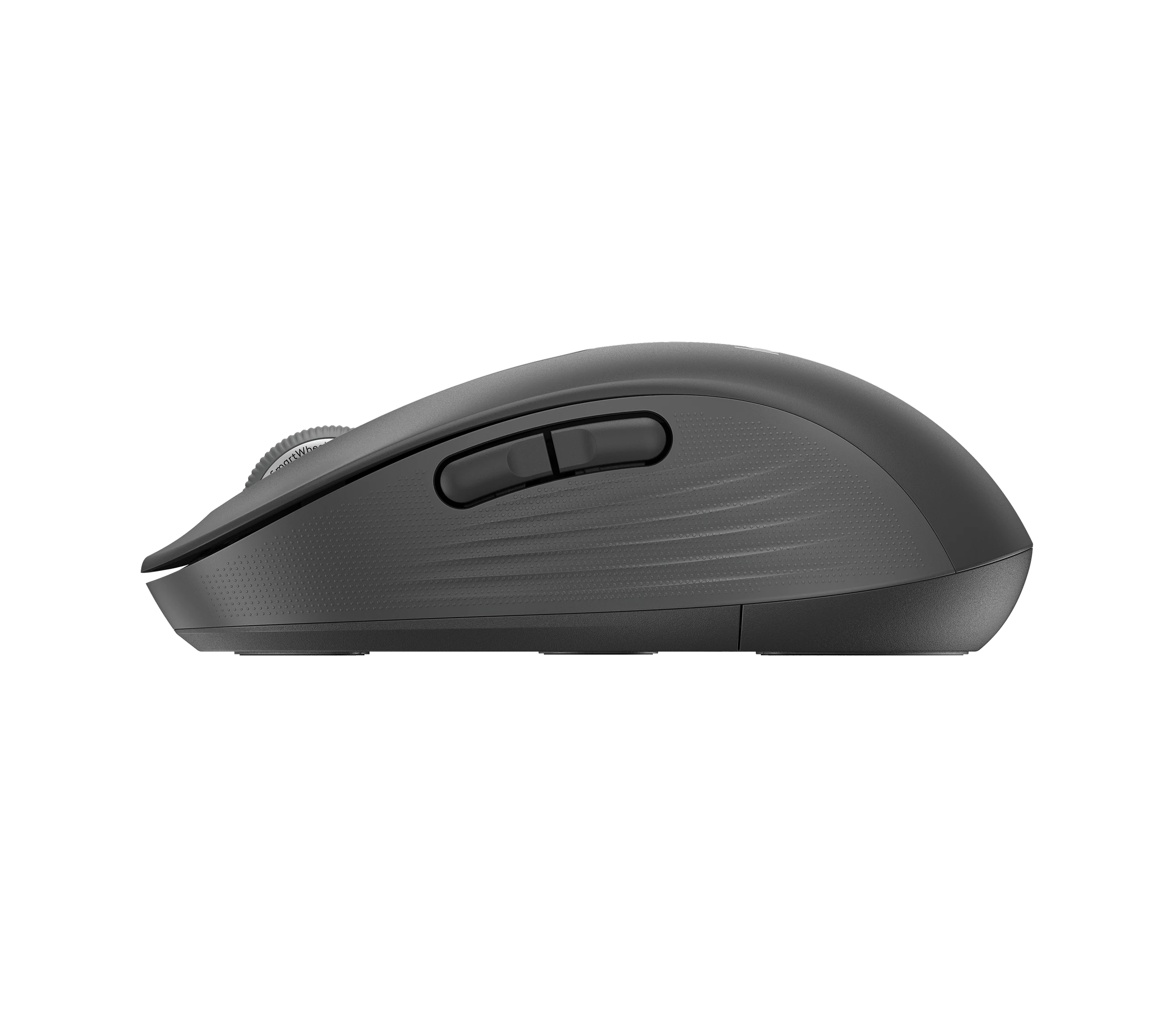
This is graphite part 910-006239, the large left-handed Signature M650. Its five-button layout puts the thumb controls on the right side. The main click still starts on the left physical button according to Logitech; choosing a left-handed shell does not automatically change that mapping. Decide whether you want to keep your existing click habit or change it in software. [4], [5]
The reviewed dimensions are 118.19 mm deep, 65.63 mm wide and 41.52 mm high; the listed weight is 111.2 g. Notebookcheck's family comparison distinguishes this large body from the smaller M650. 33Giga's left-handed reviewer adapted quickly, but also warned of a setup learning curve. Use those reports as starting points and check whether your fingers reach the buttons without shifting your grip. [4], [1], [3], [2]
Two connection methods still serve a single-host workflow
Use Bluetooth to avoid occupying a receiver port, or use the included Logi Bolt receiver. I'mTech explicitly reports no multi-device pairing, so these options should not be mistaken for quick switching among stored computers. A USB-C-only workstation also needs an appropriate way to connect the USB-A receiver if you choose that route. [5], [1]
I'mTech noticed a slight delay after Bluetooth wake on its review unit. Test wake behavior on your own host before making it part of a time-sensitive workflow; no verified universal fix or affected-firmware list is available here. The AA battery is replaceable under the sliding cover. Published longevity statements are maximum expectations, not proof of how long your particular usage pattern will last. [5], [1]
Learn the scrolling gesture and choose shortcuts deliberately
SmartWheel provides stepped scrolling when turned slowly and faster inertial scrolling when flicked. To move sideways, Logitech instructs you to hold a side button while turning the wheel. Notebookcheck found the fast-scroll option useful, though less smooth than on higher-end Logitech mice. Try both behaviors in the applications you actually use before relying on them for precise navigation. [5], [3]
Logi Options+ supports customized buttons, gestures and application-specific actions. Set up the primary-click mapping first, then add shortcuts that solve a recurring task. A review claimed settings were stored onboard, but the gathered official instructions do not identify which settings survive removing the software. If software-free operation matters, verify your required actions rather than assuming every profile will persist. [5], [1]
The buying decision depends on fit and workflow
The strongest case is left-handed everyday computing with thumb shortcuts and a familiar moving-mouse layout. The clearest reasons to choose another approach are rapid multi-computer switching, latency-sensitive gaming or a requirement for guaranteed bare-glass operation. Check those constraints before comparing headline sensitivity or battery-life claims. [5], [3], [2], [1]
A user-replaceable battery gives a documented maintenance step, but it does not establish repairability of the switches or wheel. Current spare-part availability, support duration and long-term endurance remain open questions. No price-based value ranking or ownership-cost calculation is supported by this research. [5]
Buyer questions
Before you buy
Is the M650 L LEFT a good choice for competitive gaming?
The gathered evidence favors office work. I'mTech considered it less suitable for gaming and reported occasional Bluetooth wake lag. No verified exact-SKU latency benchmark was found, so a gaming-performance promise would be unsupported. [1], [2]
Compatibility
Setup
Are the primary mouse buttons already reversed for a left-handed user?
No. Logitech says the primary click remains on the left physical button. The left-handed model moves the thumb buttons to the right side; use Logitech software if you want primary click on the right. [5]
Everyday use
How do I scroll horizontally?
Hold a side button and turn the wheel at the same time. Logitech documents this combination for horizontal scrolling. It is not the same action as tilting a dedicated horizontal-scroll wheel. [5]
Limitations
Care and maintenance
Can I replace the battery myself?
Yes. The official instructions specify one AA alkaline battery and a sliding bottom cover. Follow the indicated polarity when replacing it. The advertised lifetime is an estimate, so check the battery indicator rather than treating it as a guarantee. [5]
Product images
Facts and specifications
Manufacturer manual
| Specification | Value | Source |
|---|---|---|
| Battery Type | One replaceable AA alkaline battery | [5] |
| Control Type | Primary click remains on the left physical button by default; Logitech software can swap it to the right; SmartWheel: slow stepped scrolling and faster inertial scrolling; horizontal movement uses a side button held while turning the wheel | [5] |
| Interface | Bluetooth Low Energy or Logi Bolt receiver | [5] |
| Sensor DPI | 4000 dpi | [5] |
| Shape | Large left-handed variant with thumb buttons on the right side | [5] |
| Software | Logi Options+ provides button customization, app-specific actions and gestures | [5] |
Retailer listing
| Specification | Value | Source |
|---|---|---|
| Button Count | 5 | [4] |
| Model | Signature M650 L LEFT (910-006239) | [4] |
| Option | Graphite, large, left-handed; ASIN B07W6J829G | [4] |
| Weight | 111.2 g | [4] |
Stated by reviewers
Other facts
| Specification | Value | Source |
|---|---|---|
| Buyer Fit | 33Giga's left-handed reviewer reported adapting to left-hand use within minutes; this is one reviewer's experience; I'mTech considered its weight and responsiveness less appropriate for gaming than office use | [2], [1] |
| Risk | I'mTech observed slight Bluetooth lag after wake on its left-handed review unit; firmware, operating system and timing were not specified | [1] |
| Setup Requirement | 33Giga identified software setup and an adaptation learning curve as drawbacks | [2] |
| Use Case | 33Giga judged the left-handed model well suited to work, study and everyday computing | [2] |
KnowSpec analysis
A practical left-hand office mouse with a few checks to make first
Choose the graphite M650 L LEFT when you want a conventional large mouse with right-side thumb buttons for everyday work. Its replaceable battery and customizable controls are practical strengths. First check hand fit, your preferred primary-click mapping and whether you really need quick switching between computers. Glass tracking and Bluetooth wake response are not consistent enough across the reviewed evidence to promise trouble-free results in every setup.
Method: Distinguish an attributed family measurement from exact-variant observations and research gaps.Large-left is a specific size and control layout
The admitted part number is 910-006239, in graphite. The documented review dimensions are 118.19 mm deep, 65.63 mm wide and 41.52 mm high, with a listed weight of 111.2 g. Notebookcheck's family table separates it from the smaller M650 and gives both large variants the same size. That establishes which body you are buying, not guaranteed comfort for every grip. 33Giga's left-handed reviewer adapted quickly, while also identifying setup learning as a drawback.
Method: Separate manufacturer procedures, reviewer observations and unresolved ownership questions.Quiet-use evidence does not establish gaming latency
Notebookcheck reported approximately 3 dB(A) less click sound than MX Master 3 in its M650 family test, but did not identify the tested handedness or a complete acoustic method. This supports a cautious quiet-office interpretation, not an exact-SKU noise guarantee. No verified click-latency benchmark, sustained tracking test or failure-rate study was found. I'mTech's left-handed review also regarded this as an office choice rather than a gaming mouse.
Method: Exact-SKU identity cross-check and scoped family comparison.Connection choice and replaceable power matter more than a headline lifetime
The official setup guide documents Bluetooth and Logi Bolt, and a sliding cover for replacing the AA cell. I'mTech states different maximum battery expectations for the two connection methods, but did not run a multi-year endurance test. Its Bluetooth wake-delay observation is a reason to test your actual computer after sleep, not evidence that every unit lags. Long-term switch durability, repair parts and a promised support end date remain unverified.
Method: Synthesis of exact-variant documentation and separately attributed hands-on reviews.Visible information gaps
Missing information is shown rather than guessed.
- Sensor Modelnot found
- Topic:Build And Double Click Durabilitynot found
- Polling Ratenot found
- Topic:Sustained Performancenot found
- Max Tracking Speednot found
- Topic:Value For Moneynot found
- Topic:Efficiencynot found
- Switch Typenot found
- Input Lagnot found
Products in this content
-
Logitech M325 Wireless Mouse (910-002974), Black
The original black M325 is a sensible fit for a portable computer when you prefer a small, symmetrical mouse, replaceable power and a receiver that stores inside it. Reviewers liked ordinary pointing and handling, but large
-
Logitech M100 Wired USB Mouse, Black/Grey (910-001601)
Choose the M100 if your priority is basic USB pointing and scrolling without a battery, pairing routine or configuration download. Its ambidextrous body accommodates either hand, but the three-button layout o
-
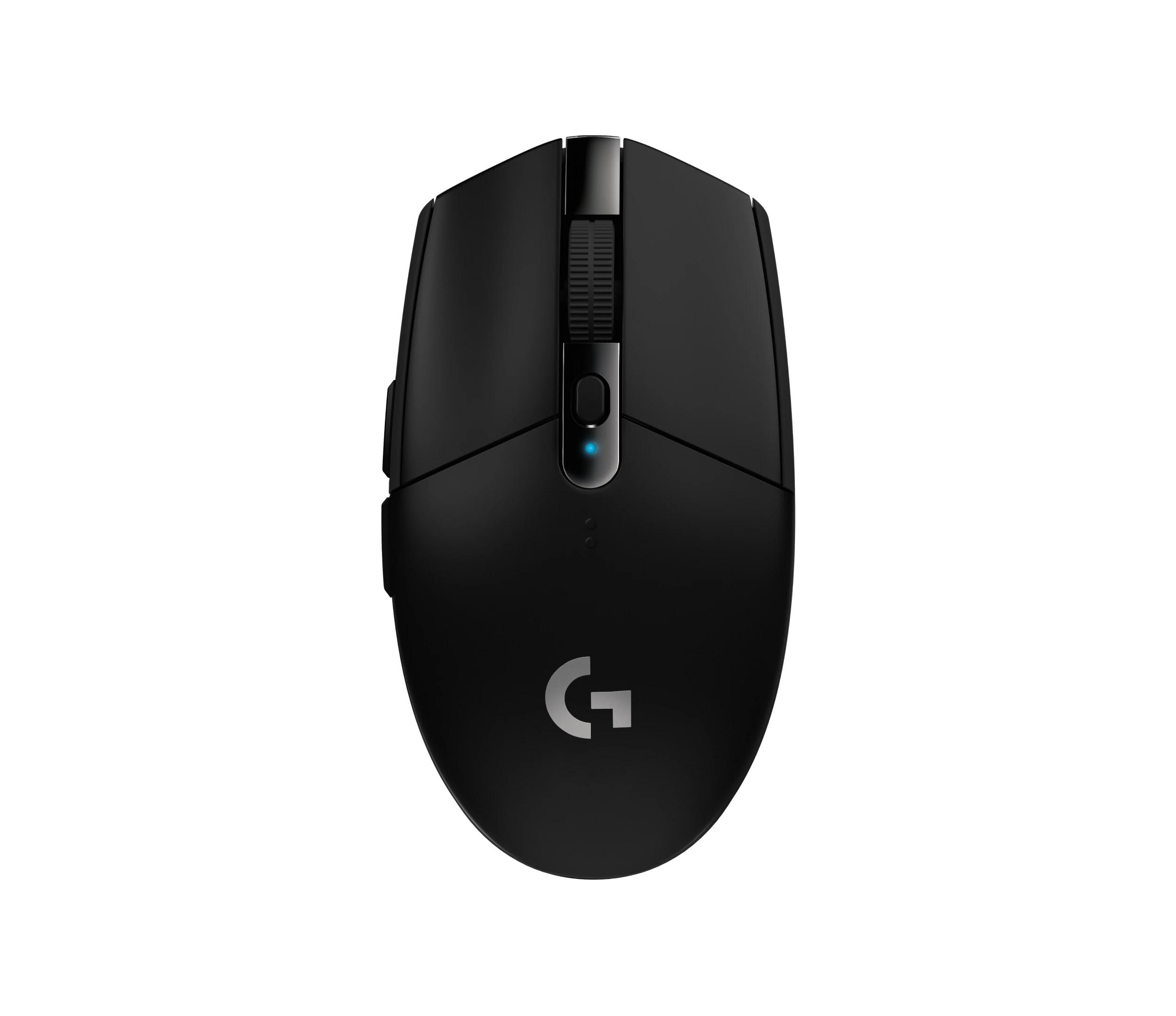
Logitech G305 LIGHTSPEED Wireless Gaming Mouse, Black (910-005280)
Choose the black G305 if you want receiver-based gaming with replaceable AA power and programmable controls. Its right-handed button arrangement and battery-powered design are
-
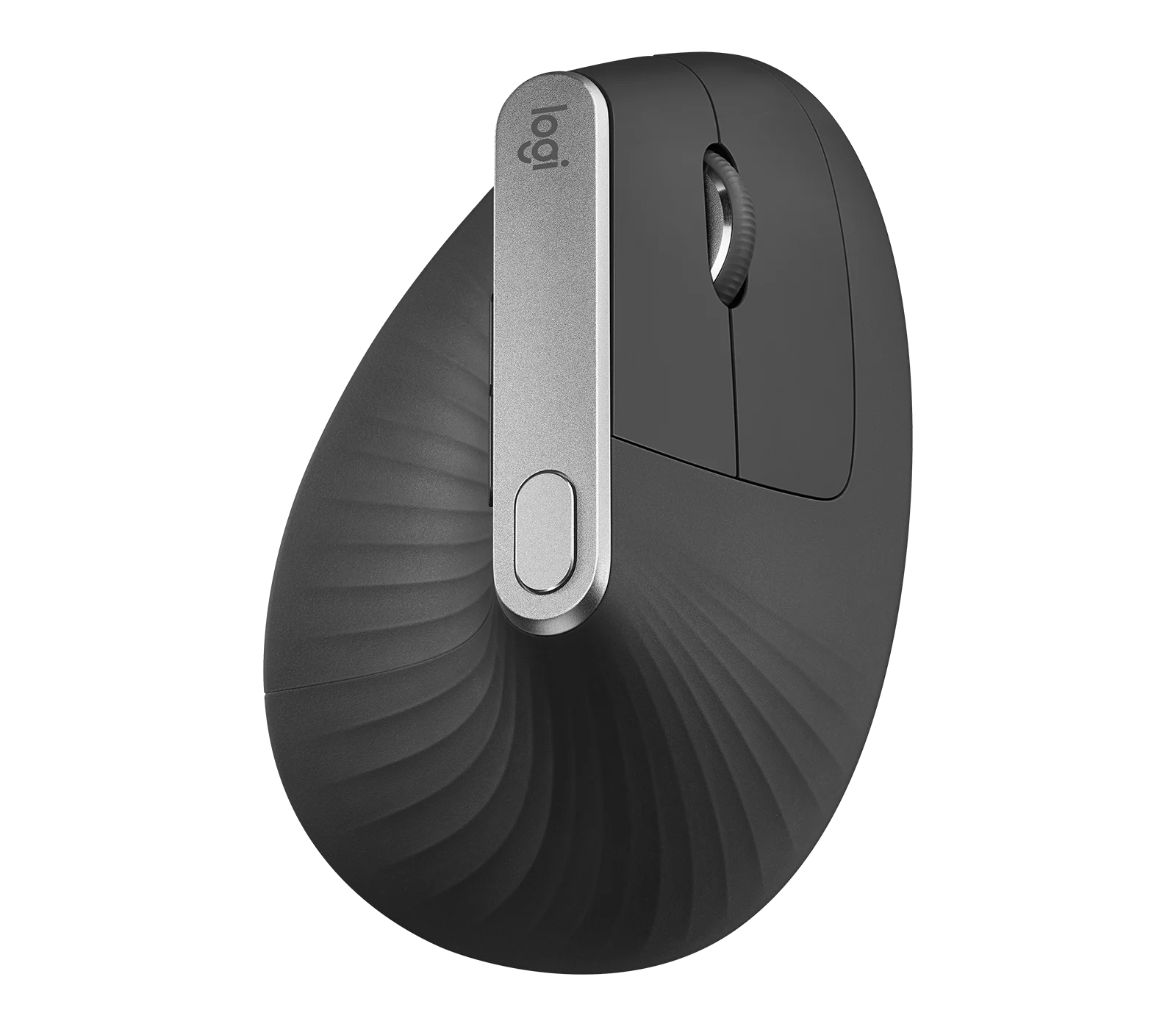
Logitech MX Vertical Graphite Ergonomic Mouse (910-005447)
The MX Vertical is a conditional choice for right-handed office users who prefer a tall handshake-style grip and want wireless connections plus a real wired fallback. Medium-to-large hands are
-
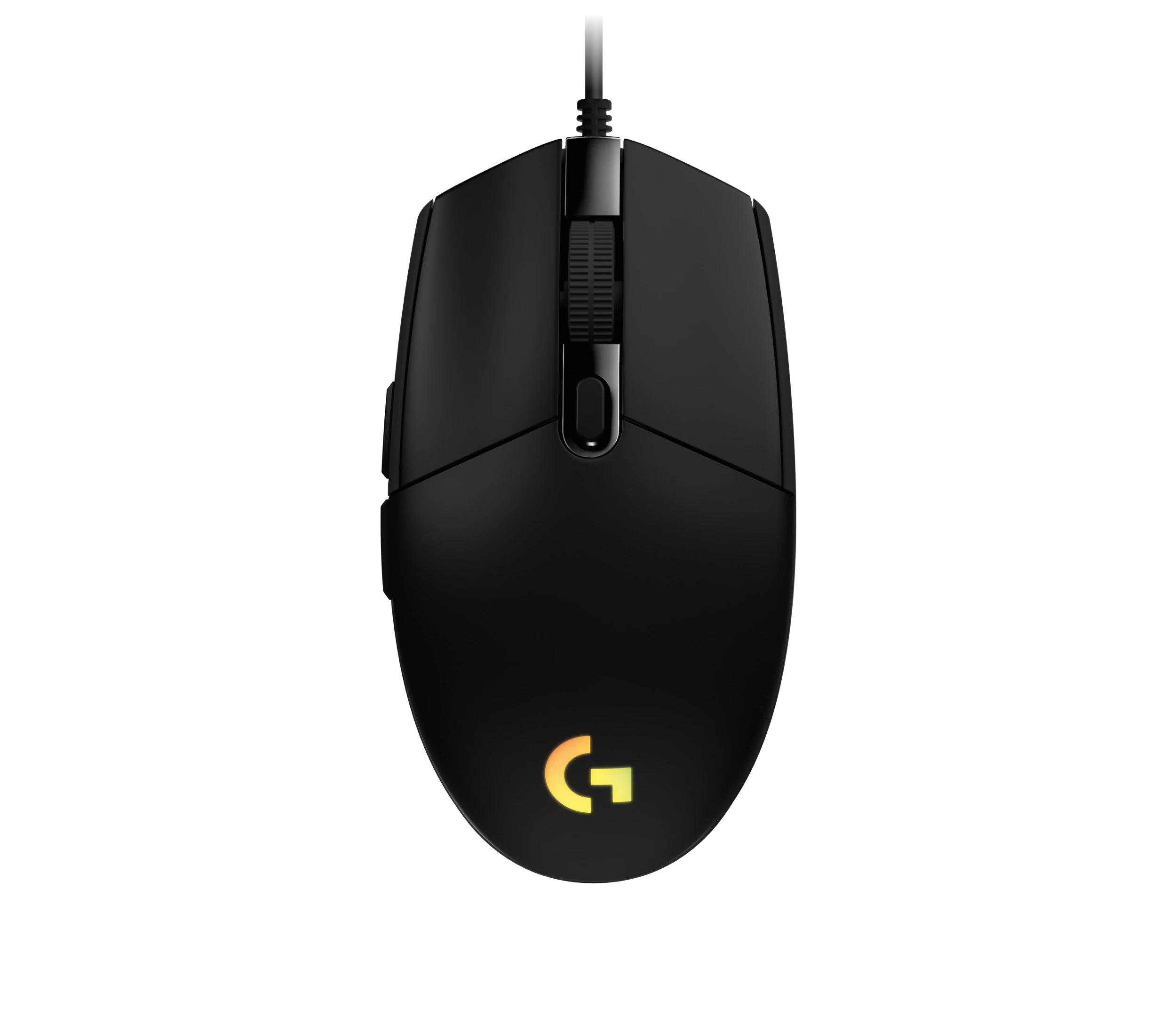
Logitech G203 LIGHTSYNC Wired Gaming Mouse, Black (910-005790)
The G203 LIGHTSYNC suits a desk setup where a fixed USB cable and programmable controls are welcome. The strongest reason to choose it is the combination of configurable buttons, RGB and famil
-
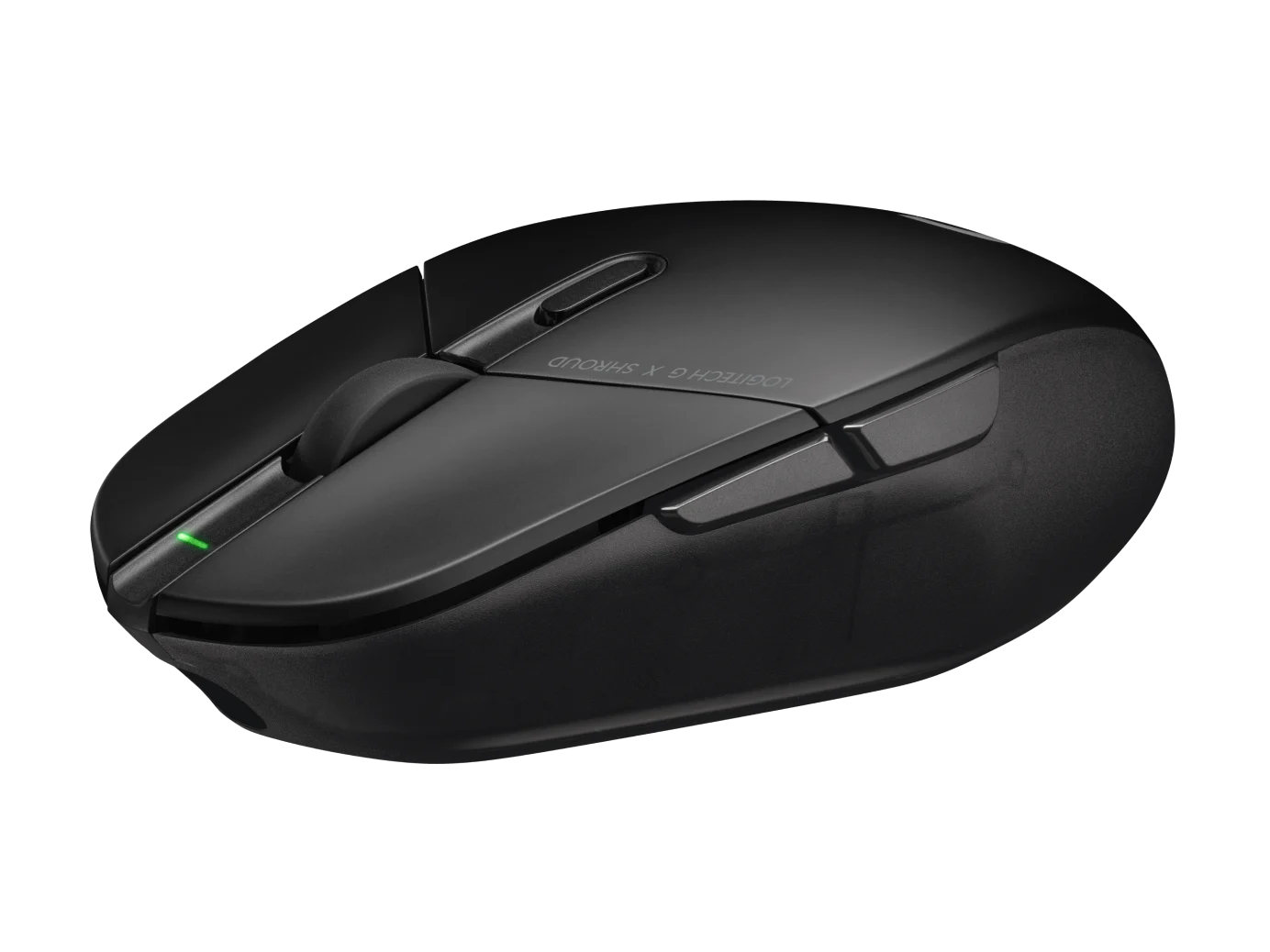
Logitech G303 Shroud Edition Wireless Gaming Mouse, Black (910-006103)
The G303 Shroud Edition is a conditional choice for claw-grip players who want its angular support and LIGHTSPEED wireless connection. Try the shape before committing: Mouse P

Sources and method
- Logitech Signature M650 L cordless mouse for Leftie, southpaw, mollydookerI'mTech · retrieved 2026-10-04Editorial review
- Hands-on evaluation of Logitech M650 L Left33Giga · retrieved 2026-10-04Editorial review
- Logitech Signature M650 review - Wireless mouse with BoltNotebookcheck · retrieved 2026-10-04Editorial review
- Logitech 910-006239 Wireless mouseDevice.report · retrieved 2026-10-04Other source
- Getting Started - Signature M650L LeftLogitech · retrieved 2026-10-04Manufacturer support