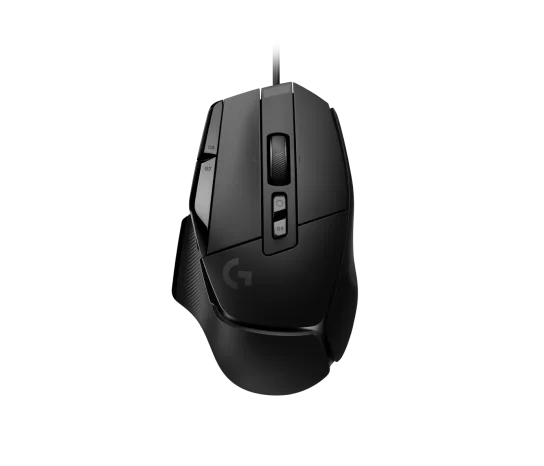
Logitech G502 X Wired Gaming Mouse - Black
The Logitech G502 X suits a wired desk where customizable controls matter for work and gaming. HERO 25K, onboard profiles and a fixed USB cable define its feature balance. Reviewers disagree about claw-grip comfort, so personal hand fit matters more than a blanket ergonomic verdict. Choose it for its controls and supported workflow, while treating long-term durability and measured latency as unresolved.
Updated 2026-10-02

We may earn a commission from qualifying purchases.
Reviewer consensus
Consensus rows require at least two distinct sources for the topic.
| Topic | Positive | Negative | Mixed | Reading | Evidence |
|---|---|---|---|---|---|
| Sensor tracking accuracy | 2 | 0 | 0 | Agreed · 2/2 | [2], [5] |
| Shape and grip fit by hand size | 1 | 1 | 0 | Debated · 1 v 1 | [4], [3] |
Single-source notes
- Build and double click durability: Agreed · 1/1 · [5]
- Buyer fit: Agreed · 1/1 · [3]
- Companion software and onboard memory: Agreed · 1/1 · [2]
- Limitations: Weak point · 1/1 · [3]
- Multi device pairing: Weak point · 1/1 · [2]
- Scroll wheel and side buttons: Agreed · 1/1 · [2]
- Sustained performance: Agreed · 1/1 · [4]
- Weight and feet glide: Agreed · 1/1 · [3]
- Wireless reliability and battery practice: Agreed · 1/1 · [3]
The review
Logitech G502 X: choose by controls and hand fit
What the wired model offers
This G502 X uses USB and a fixed cable. Logitech identifies HERO 25K and LIGHTFORCE hybrid optical-mechanical switches. The reviewer reports 89 g, making mass a concrete specification rather than a promise of personal comfort. [5], [2], [3]
Try the shape before committing
ION HowTo found claw or hybrid grip comfortable and recommends the mouse for productivity and video editing. FullCleared reports comfortable use over several-hour gaming sessions but warns about smaller hands and claw grip. These accounts disagree, so neither should become a universal fit claim. [3], [4]
Configure the controls you use
Logitech lists 11 buttons. Onboard memory offers two profiles by default and five using Logitech G HUB. The sensor specification reaches 25,600 dpi; the maximum sensitivity does not itself prove tracking accuracy or gaming skill. [5], [2]
Keep the uncertainties visible
The fixed cable is a practical limitation. LIGHTFORCE specifies a switch design, but the accepted evidence does not quantify long-term failure rates. It also lacks verified numeric click-latency, sustained sensor-performance and efficiency tests or a current market-wide value comparison. [5], [3]
Buyer questions
Before you buy
Setup
What does Logitech G HUB add to onboard profiles?
Logitech states two onboard profiles by default and five using Logitech G HUB. Plan your saved settings around that documented distinction. [2]
Limitations
Care and maintenance
Can the cable be detached?
No. The reviewer explicitly describes a fixed, non-detachable cable. Treat cable routing and portability as purchase considerations. [3]
Product images
Facts and specifications
Manufacturer datasheet
| Specification | Value | Source |
|---|---|---|
| Button Count | 11 | [2] |
| Compatibility | Up to 5 onboard memory profiles; two by default and five using Logitech G HUB. | [2] |
| Interface | USB | [2] |
| Sensor DPI | 25600 dpi | [2] |
| Sensor Model | HERO 25K | [5] |
| Switch Type | LIGHTFORCE hybrid optical-mechanical | [5] |
Stated by reviewers
Other facts
| Specification | Value | Source |
|---|---|---|
| Buyer Fit | ION HowTo found the shape comfortable with a claw or hybrid grip; this is personal experience. | [3] |
| Limitation | FullCleared warns about smaller hands and rejects claw-grip fit; this differs from ION HowTo's personal comfort.; The fixed cable cannot be detached. | [3], [4] |
| Use Case | FullCleared reports no sweaty or sticky grip during gaming sessions lasting several hours; this is subjective experience.; ION HowTo recommends it for productivity users and video editors seeking precision and comfort. | [3], [4] |
KnowSpec analysis
A configurable wired desk mouse
The Logitech G502 X suits a wired desk where customizable controls matter for work and gaming. HERO 25K, onboard profiles and a fixed USB cable define its feature balance. Reviewers disagree about claw-grip comfort, so personal hand fit matters more than a blanket ergonomic verdict. Choose it for its controls and supported workflow, while treating long-term durability and measured latency as unresolved.
Method: inferredComfort is personal
ION HowTo praises claw or hybrid comfort, while FullCleared warns that claw users and smaller hands may struggle. FullCleared's comfortable multi-hour experience is a subjective report, not a universal fit guarantee. The fixed cable also limits packing and cable replacement.
Method: inferredControls and saved profiles
Logitech lists 11 physical buttons and onboard profiles, with two profiles by default and five through Logitech G HUB. These features can support repeatable assignments across desk tasks. USB is the documented connection; evidence does not establish simultaneous switching between several hosts.
Method: inferredSpecification versus measurement
HERO 25K and LIGHTFORCE describe the sensor and switch design. The reviewer-stated mass is 89 g. These specifications do not establish measured end-to-end latency or a guaranteed switch lifespan. The evidence records those testing gaps rather than substituting a marketing claim for a benchmark.
Method: inferredVisible information gaps
Missing information is shown rather than guessed.
- Topic:Build And Double Click Durabilitynot found
- Topic:Measured Performancenot public
- Topic:Value For Moneynot found
- Topic:Click Latencynot public
- Topic:Efficiencynot found
Products in this content
-
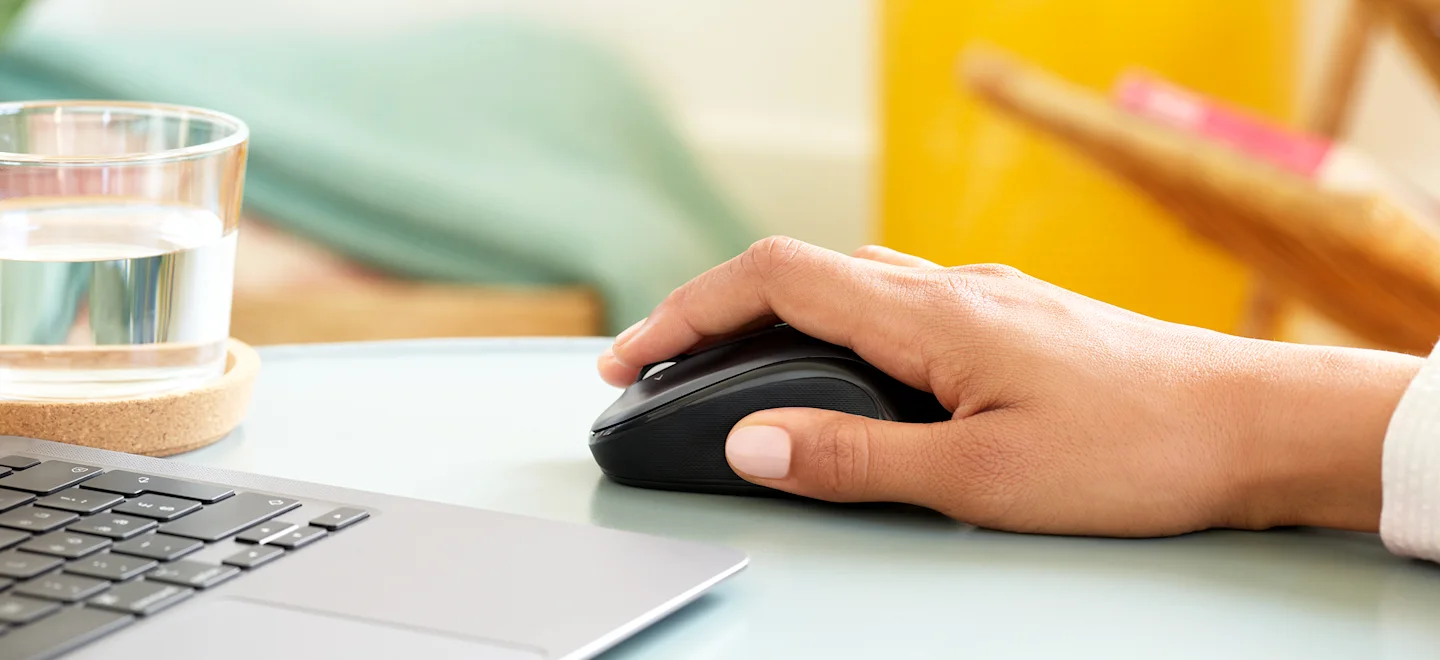
Logitech M325 Wireless Mouse (910-002974), Black
The original black M325 is a sensible fit for a portable computer when you prefer a small, symmetrical mouse, replaceable power and a receiver that stores inside it. Reviewers liked ordinary pointing and handling, but large
-
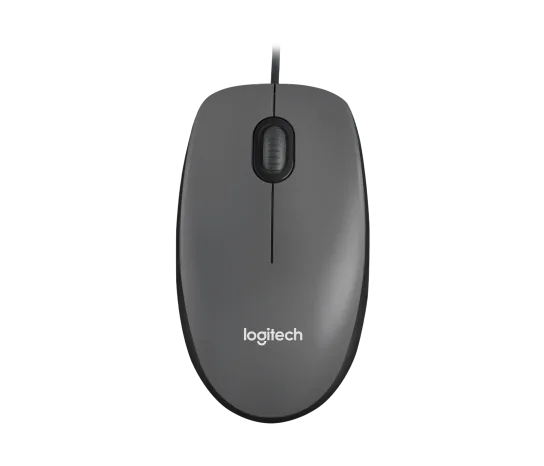
Logitech M100 Wired USB Mouse, Black/Grey (910-001601)
Choose the M100 if your priority is basic USB pointing and scrolling without a battery, pairing routine or configuration download. Its ambidextrous body accommodates either hand, but the three-button layout o
-
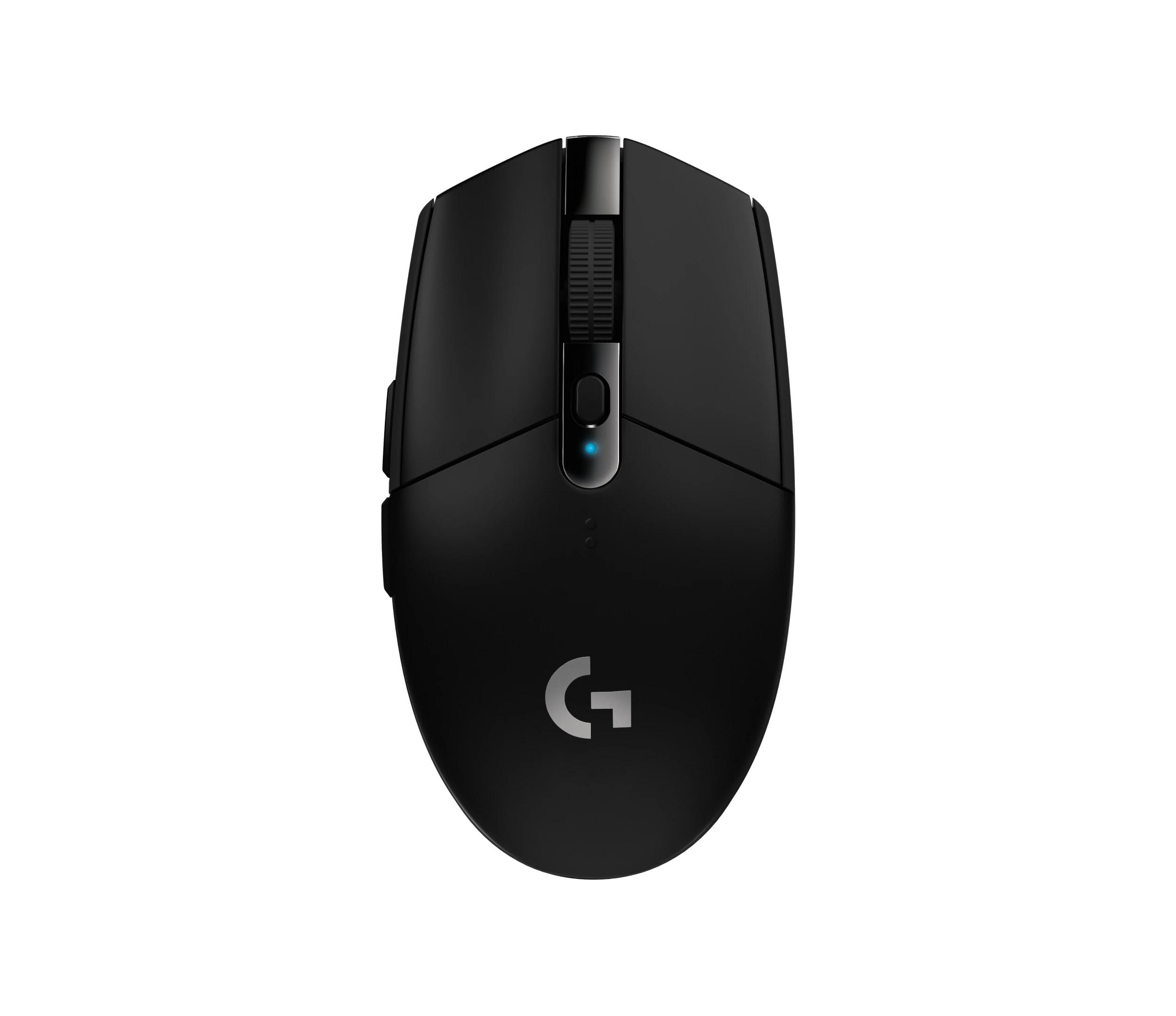
Logitech G305 LIGHTSPEED Wireless Gaming Mouse, Black (910-005280)
Choose the black G305 if you want receiver-based gaming with replaceable AA power and programmable controls. Its right-handed button arrangement and battery-powered design are
-
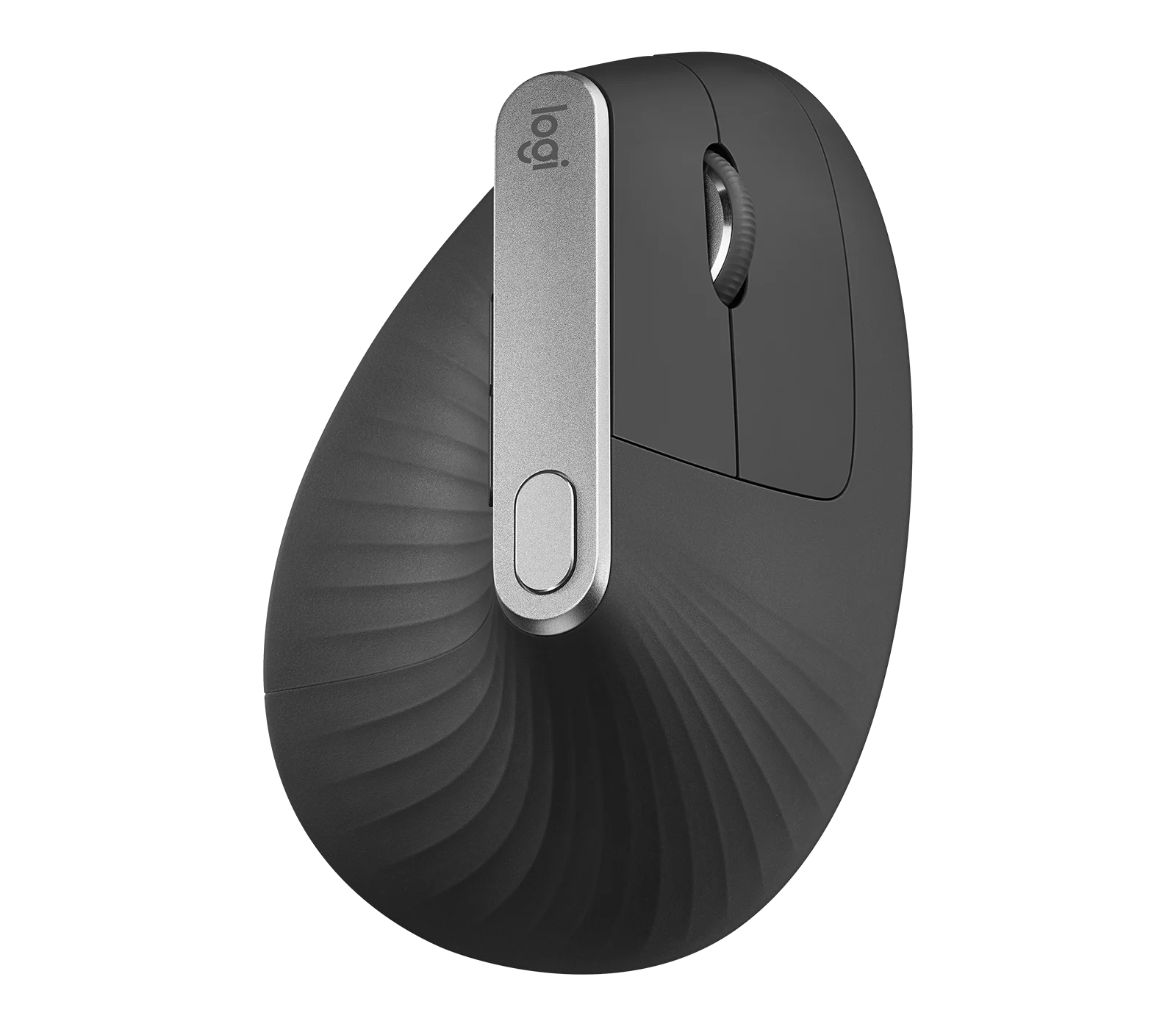
Logitech MX Vertical Graphite Ergonomic Mouse (910-005447)
The MX Vertical is a conditional choice for right-handed office users who prefer a tall handshake-style grip and want wireless connections plus a real wired fallback. Medium-to-large hands are
-
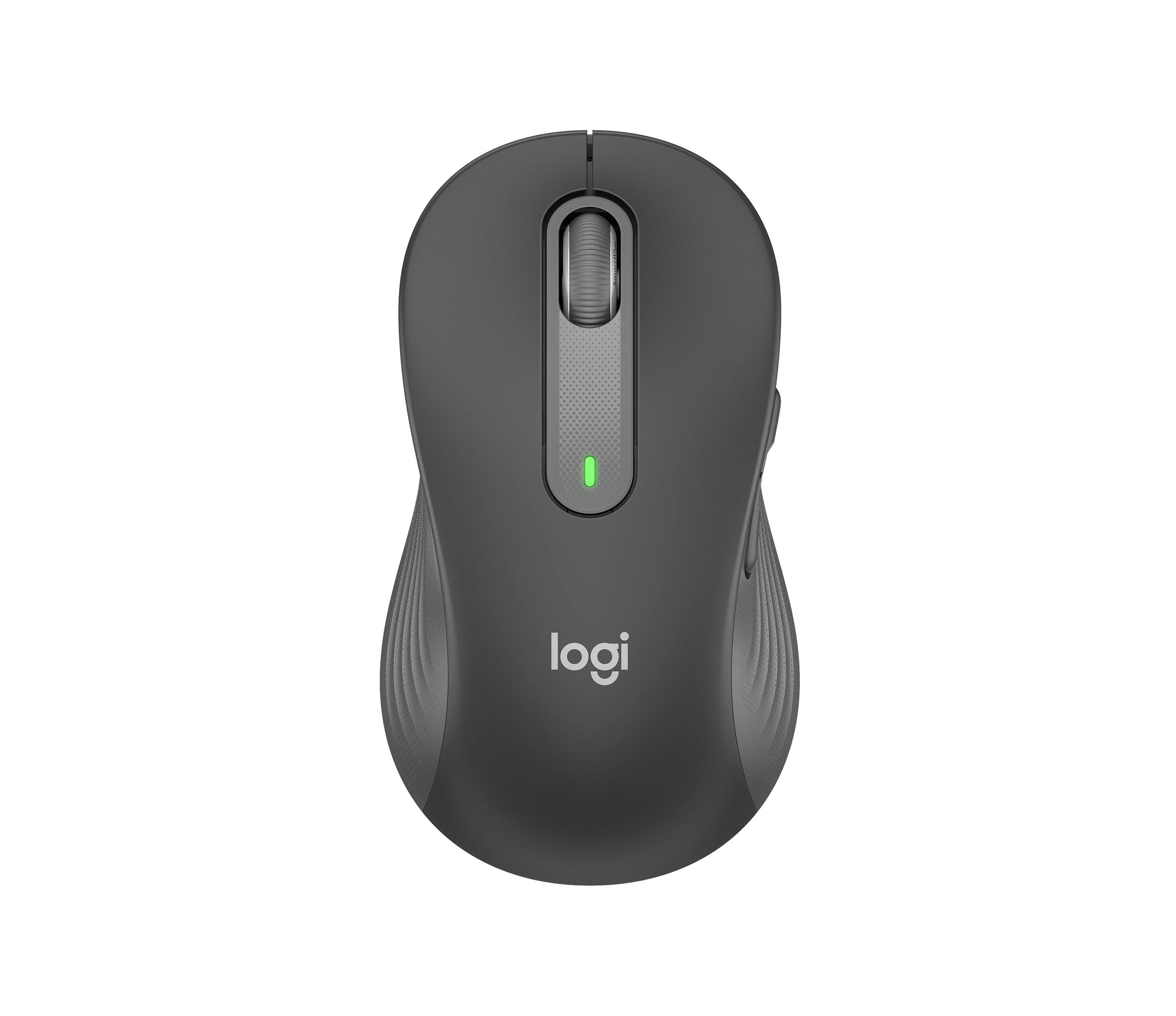
Logitech Signature M650 L LEFT Wireless Mouse, Graphite (910-006239)
Choose the graphite M650 L LEFT when you want a conventional large mouse with right-side thumb buttons for everyday work. Its replaceable battery and customizable controls are
-
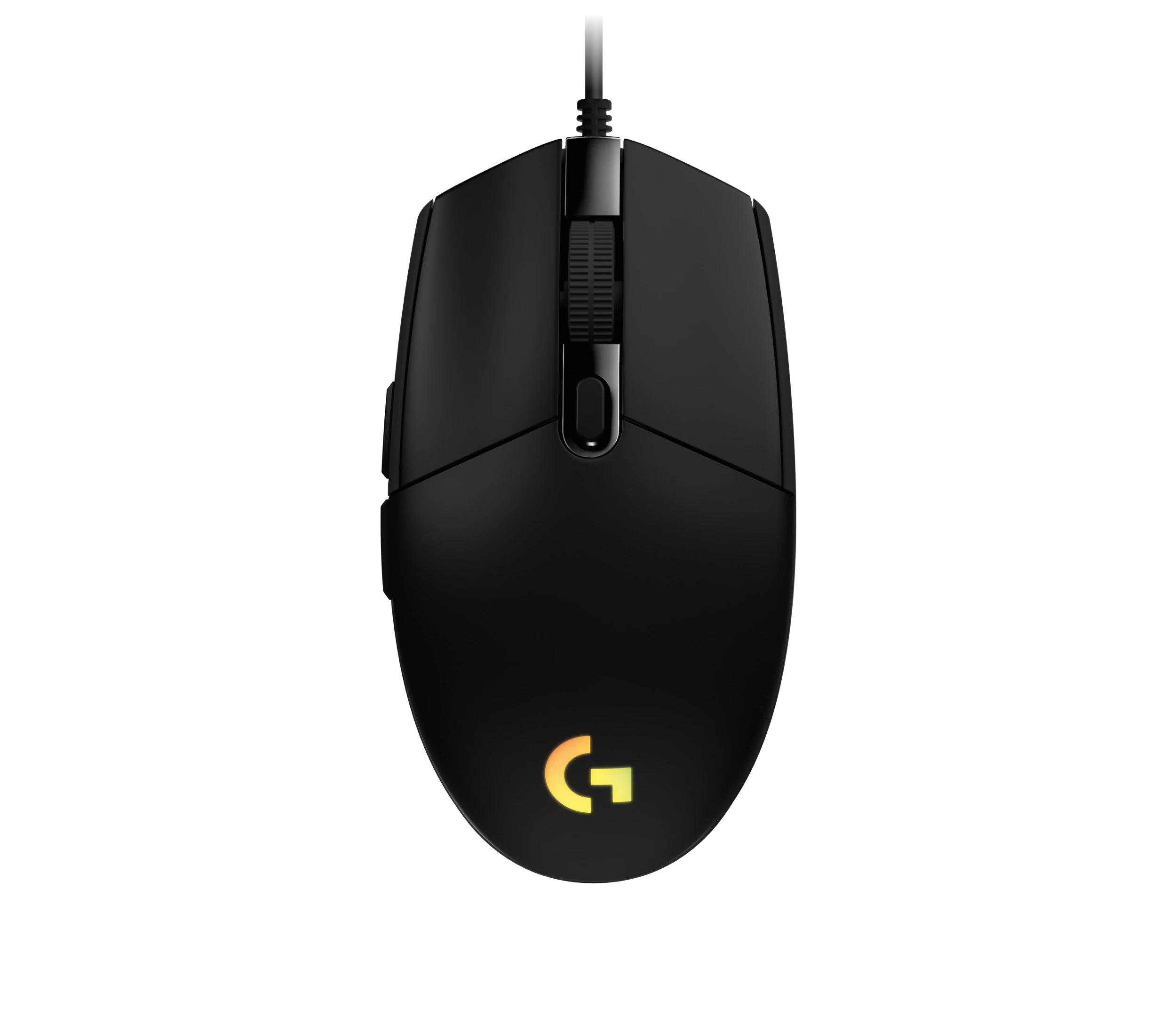
Logitech G203 LIGHTSYNC Wired Gaming Mouse, Black (910-005790)
The G203 LIGHTSYNC suits a desk setup where a fixed USB cable and programmable controls are welcome. The strongest reason to choose it is the combination of configurable buttons, RGB and famil
Sources and method
- Logitech G502 X Mouse ReviewRTINGS.com · retrieved 2026-10-02Lab review
- Specification - G502 X Gaming MouseLogitech · retrieved 2026-10-02Manufacturer support
- Logitech G502 X Wired ReviewION HowTo · retrieved 2026-10-02Editorial review
- Logitech G502 X Mouse Review: When the Downgrade Is an UpgradeFullCleared · retrieved 2026-10-02Editorial review
- G502 X Corded Gaming MouseLogitech · retrieved 2026-10-02DatasheetPDF