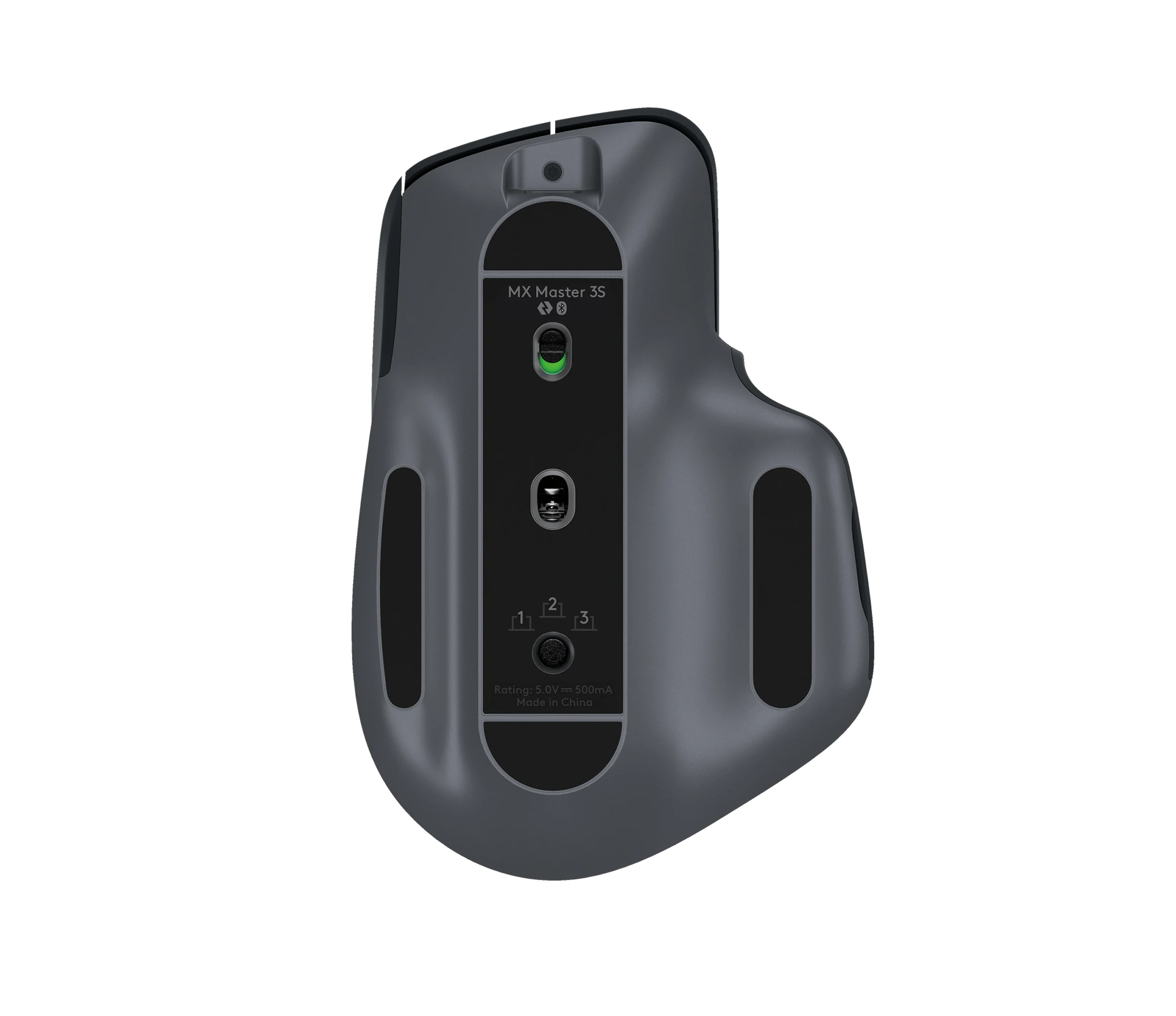
Logitech MX Master 3S Wireless Performance Mouse, Graphite
The Logitech MX Master 3S is a productivity-focused, right-handed mouse for people who spend long days in documents, spreadsheets, code, or creative tools. Its precise tracking, programmable controls, dual scrolling features, multi-device workflow, and supported software make it a strong desk tool. Buyers should weigh its 141 g mass, large shape, premium price, and occasional Bluetooth wake lag; it is a poor match for small hands, left-handed use, or latency-sensitive competitive gaming.
Updated 2026-09-26

We may earn a commission from qualifying purchases.
Reviewer consensus
Single-source notes
- Build and double click durability: Agreed · 1/1 · [3]
- Buyer fit: Agreed · 1/1 · [2]
- Click latency: Weak point · 1/1 · [1]
- Companion software and onboard memory: Agreed · 1/1 · [3]
- Efficiency: Agreed · 1/1 · [1]
- Limitations: Weak point · 1/1 · [1]
- Measured performance: Agreed · 1/1 · [1]
- Multi device pairing: Agreed · 1/1 · [1]
- Scroll wheel and side buttons: Agreed · 1/1 · [3]
- Sensor tracking accuracy: Agreed · 1/1 · [3]
- Shape and grip fit by hand size: Weak point · 1/1 · [1]
- Sustained performance: Agreed · 1/1 · [1]
- Value for money: Weak point · 1/1 · [1]
- Weight and feet glide: Weak point · 1/1 · [3]
- Wireless reliability and battery practice: Mixed · 1/1 · [1]
The review
Logitech MX Master 3S evidence-based review
A desk-first productivity mouse
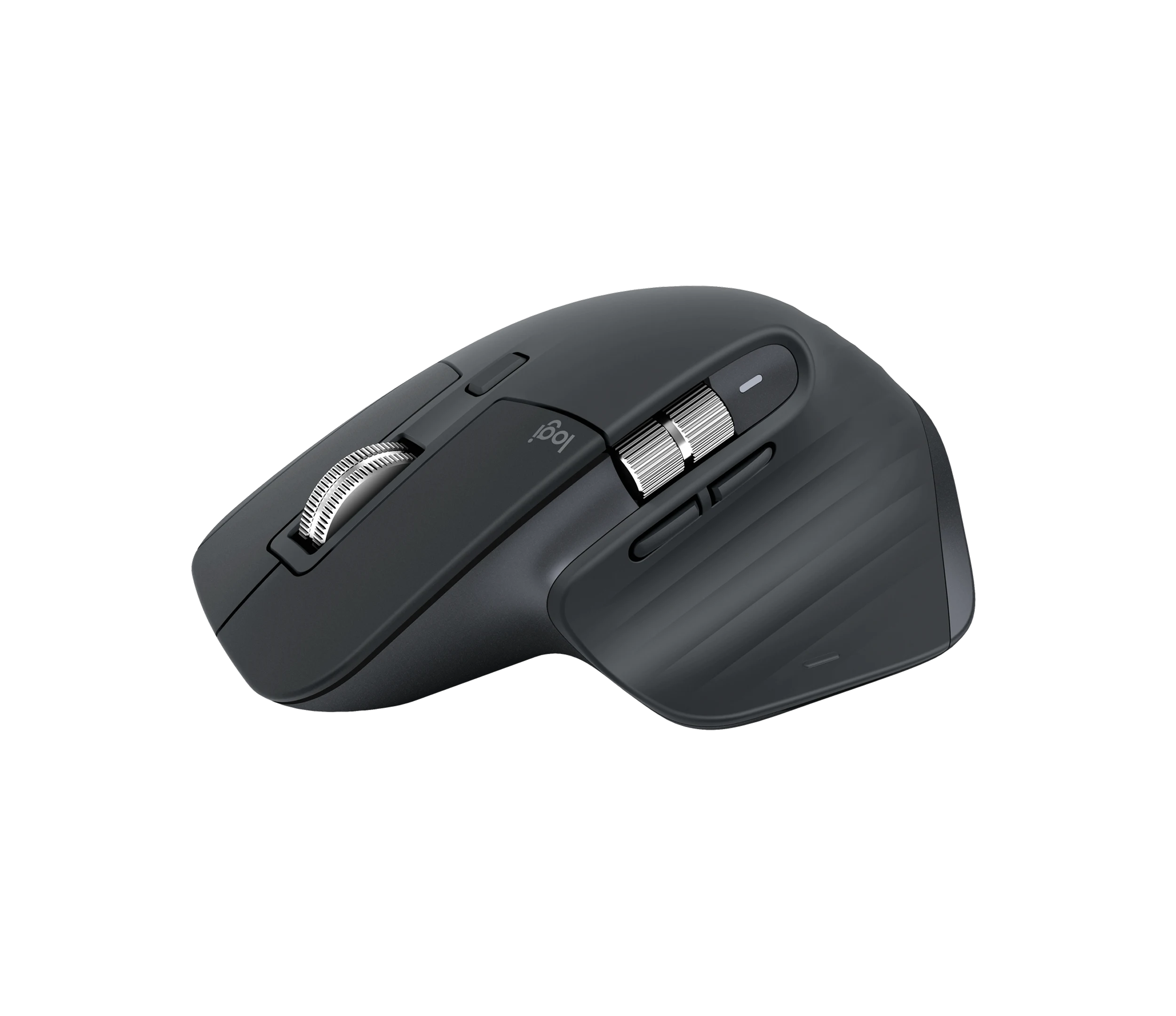
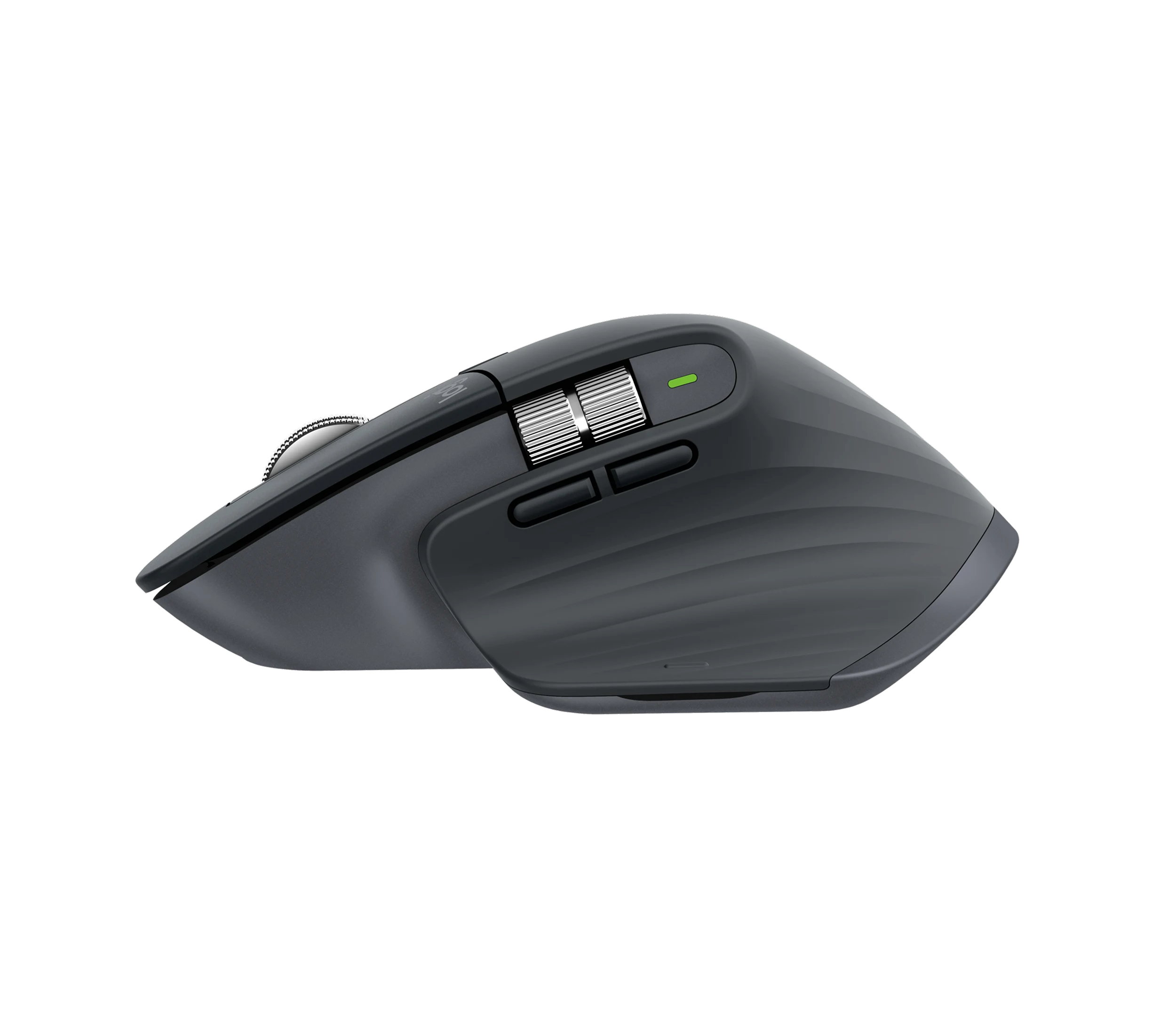
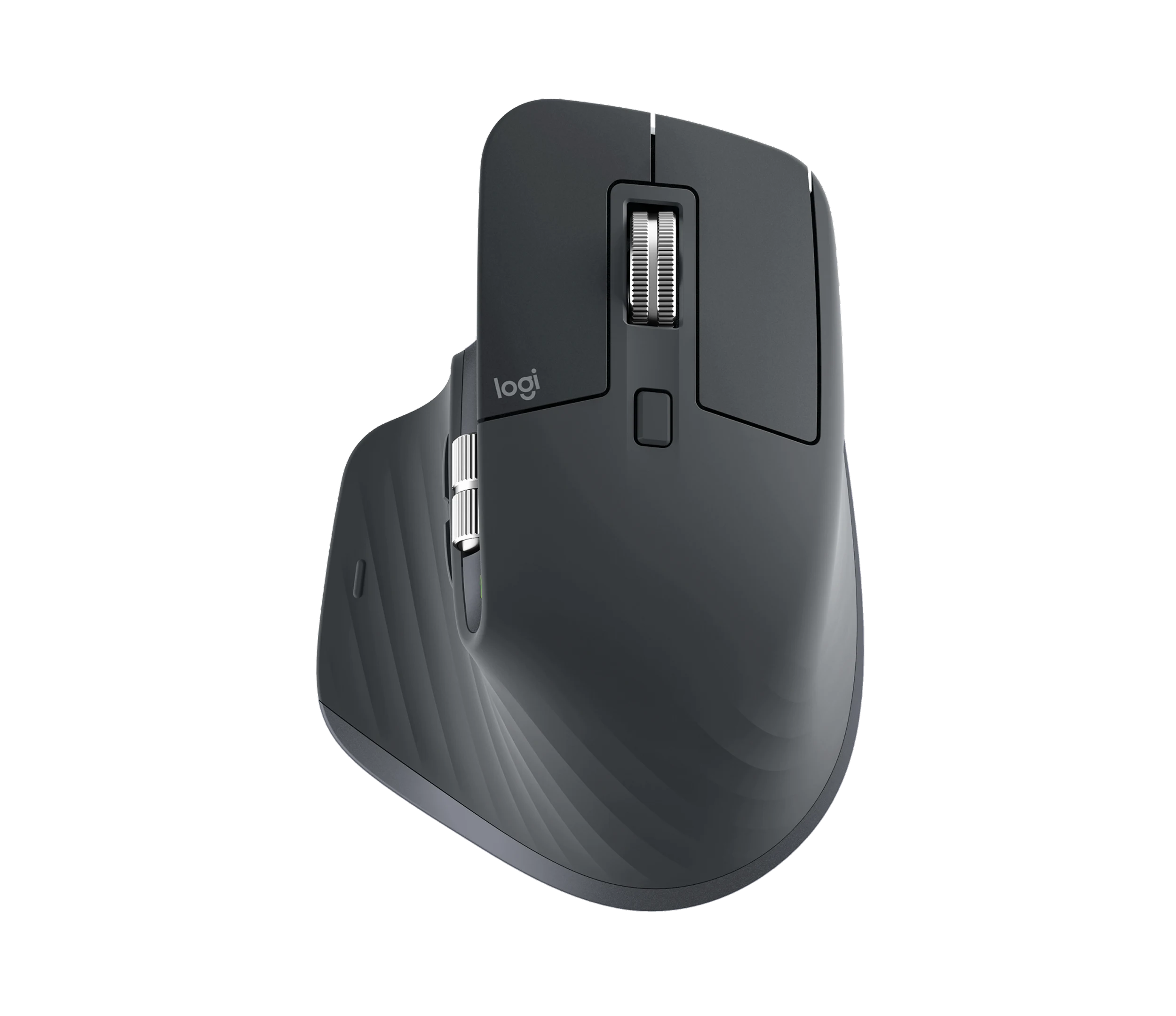
The MX Master 3S combines an 8,000 DPI maximum sensor setting, seven customizable buttons, Logi Options+ support, and pairing with up to three devices. These features favor demanding desk workflows over simple browsing. [3], [1]
Reviewer evidence describes the tracking as consistent and the MagSpeed and Easy-Switch features as meaningful workflow aids. [1]
Shape, weight, and durability
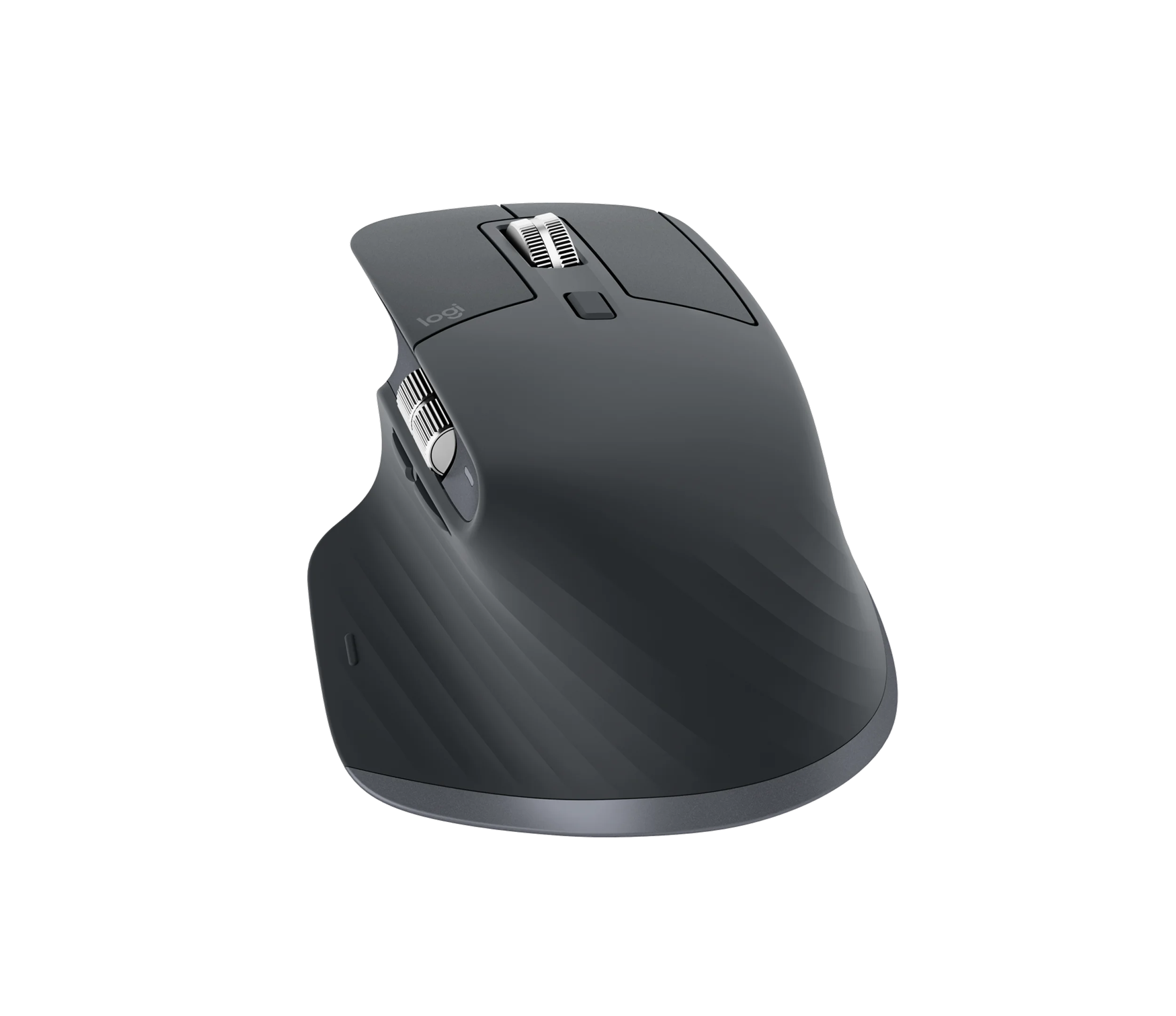
The 141 g body is substantial, and the reviewed shape is right-handed and large for small hands. This favors a planted desktop feel while narrowing the fit for some buyers. [3], [1]
Logitech lists the main buttons for ten million clicks, while extended-use reporting said the build quality continued to hold up. [3], [1]
Connectivity and value limits
Bluetooth may lag briefly when a device wakes, although the reviewer reported that the Bolt receiver fixed that behavior. This matters when responsiveness after sleep is important. [1]
The premium price is easier to defend for intensive daily work than for light browsing and email, where the evidence points buyers toward a cheaper mouse. [2], [1]
Buyer questions
Before you buy
Who should buy the Logitech MX Master 3S?
It best fits intensive office, coding, spreadsheet, and creative workflows, especially when programmable controls and multi-device switching are useful. [2], [1]
Is the premium price worthwhile?
The evidence supports the price for intensive daily productivity, while light and casual users may get better value from a cheaper mouse. [1]
Compatibility
Is it suitable for small hands or left-handed users?
The reviewed shape is right-handed and large for small hands, so those buyers should consider a different shape. [1]
Everyday use
How many devices can it pair with?
The evidence supports pairing with up to three devices and switching among them. [1]
Limitations
Does Bluetooth have any reliability limitation?
A reviewer observed brief lag after wake over Bluetooth and reported that using the Bolt receiver removed it. [1]
Product images
Facts and specifications
Manufacturer datasheet
| Specification | Value | Source |
|---|---|---|
| Button Count | 7 | [3] |
| Interface | Logi Options+ software support | [3] |
| Sensor DPI | 8000 dpi | [3] |
| Switch Type | Left and right buttons rated for 10 million clicks | [3] |
| Weight | 141 g | [3] |
Stated by reviewers
| Specification | Value | Source |
|---|---|---|
| Buyer Fit | Casual users may get better value from a cheaper mouse | [1] |
| Interface | Pairs with up to three devices | [1] |
| Limitation | Bluetooth can lag slightly on wake; High price for a mouse | [1] |
| Model | Logitech MX Master 3S | [2] |
| Risk | Build quality held up after extended daily use | [1] |
| Shape | Right-handed and large for small hands | [1] |
| Use Case | Consistent tracking without skips, jitter, or dead spots; MagSpeed and Easy-Switch improve workflow efficiency | [1] |
| Wireless Standard | Bluetooth can lag on wake; Bolt receiver fixes it | [1] |
KnowSpec analysis
Who the MX Master 3S is for
The Logitech MX Master 3S is a productivity-focused, right-handed mouse for people who spend long days in documents, spreadsheets, code, or creative tools. Its precise tracking, programmable controls, dual scrolling features, multi-device workflow, and supported software make it a strong desk tool. Buyers should weigh its 141 g mass, large shape, premium price, and occasional Bluetooth wake lag; it is a poor match for small hands, left-handed use, or latency-sensitive competitive gaming.
Method: Used only verified exact-model claims from Logitech Support and the two reviewed sources.Tracking and daily workflow
The evidence supports accurate everyday tracking and a workflow built around MagSpeed scrolling, Easy-Switch, Logi Options+, and pairing with up to three devices. Extended-use observations found no skips, jitter, or dead spots and said build quality held up. The same evidence warns that Bluetooth can lag briefly on wake, while the Bolt receiver resolved that behavior for the reviewer.
Method: Synthesized verified manufacturer specifications and independent reviewer observations, keeping rated specifications separate from reviewer experience.Products in this content
-
Logitech M325 Wireless Mouse (910-002974), Black
The original black M325 is a sensible fit for a portable computer when you prefer a small, symmetrical mouse, replaceable power and a receiver that stores inside it. Reviewers liked ordinary pointing and handling, but large
-
Logitech M100 Wired USB Mouse, Black/Grey (910-001601)
Choose the M100 if your priority is basic USB pointing and scrolling without a battery, pairing routine or configuration download. Its ambidextrous body accommodates either hand, but the three-button layout o
-
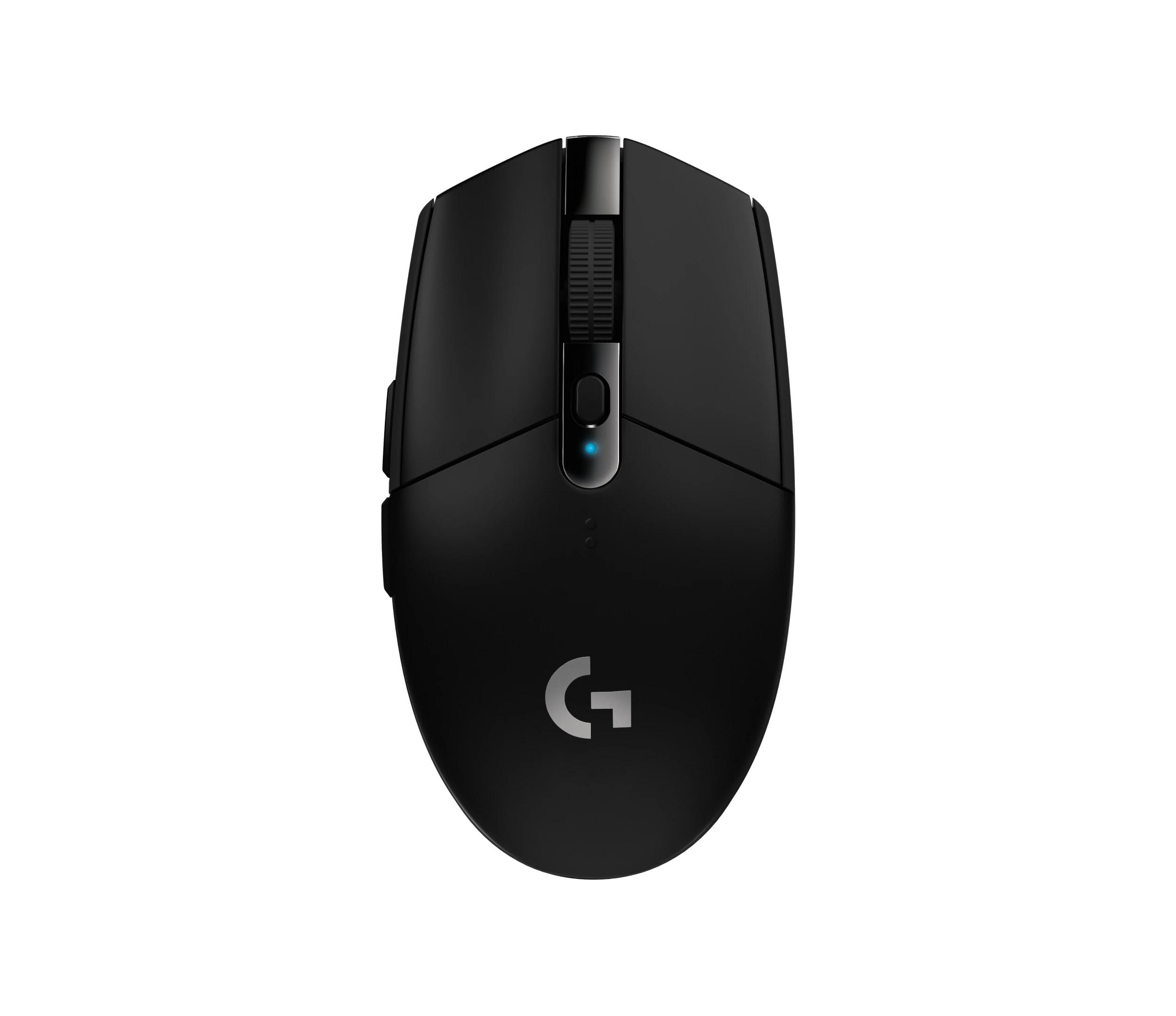
Logitech G305 LIGHTSPEED Wireless Gaming Mouse, Black (910-005280)
Choose the black G305 if you want receiver-based gaming with replaceable AA power and programmable controls. Its right-handed button arrangement and battery-powered design are
-
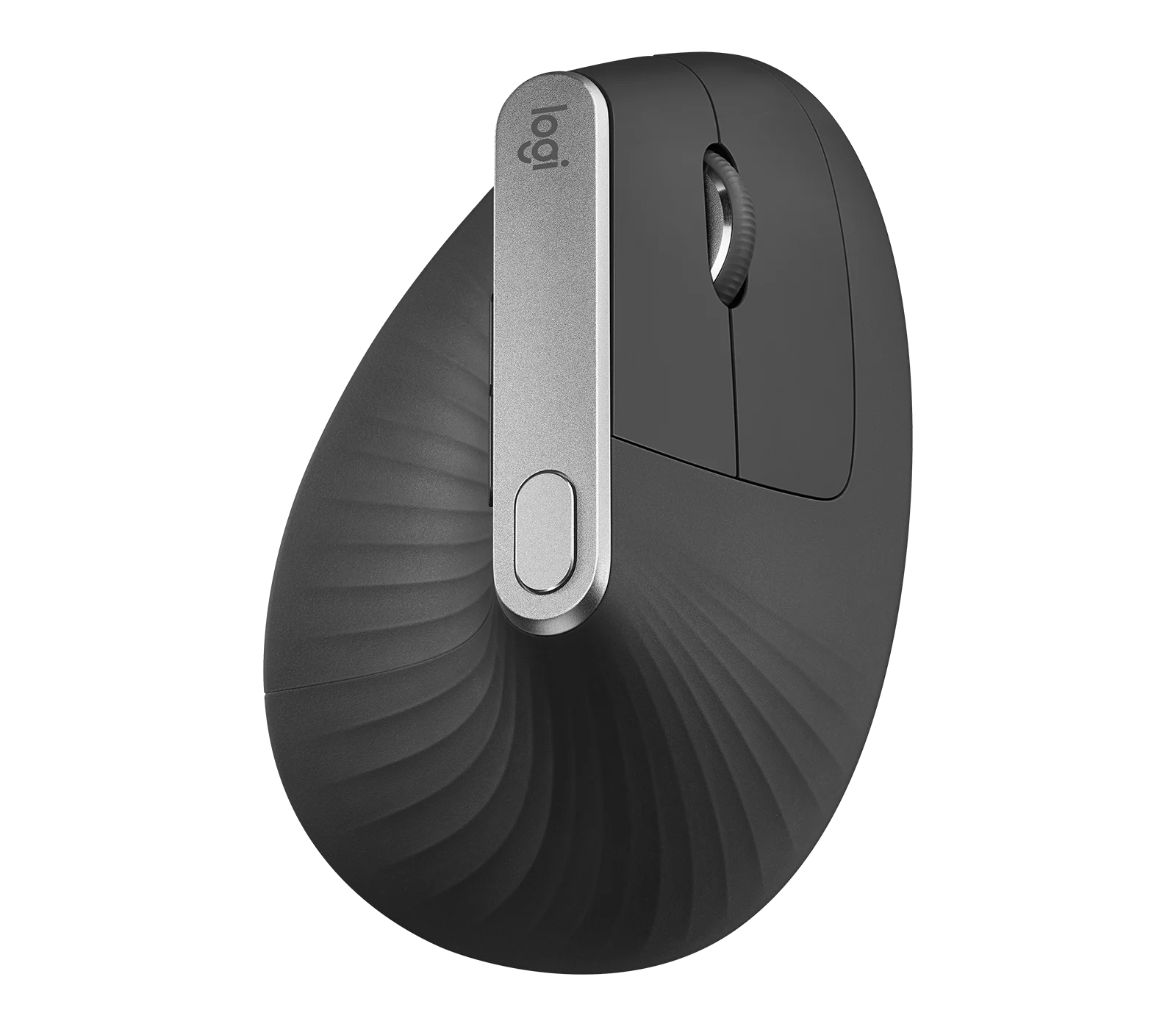
Logitech MX Vertical Graphite Ergonomic Mouse (910-005447)
The MX Vertical is a conditional choice for right-handed office users who prefer a tall handshake-style grip and want wireless connections plus a real wired fallback. Medium-to-large hands are
-
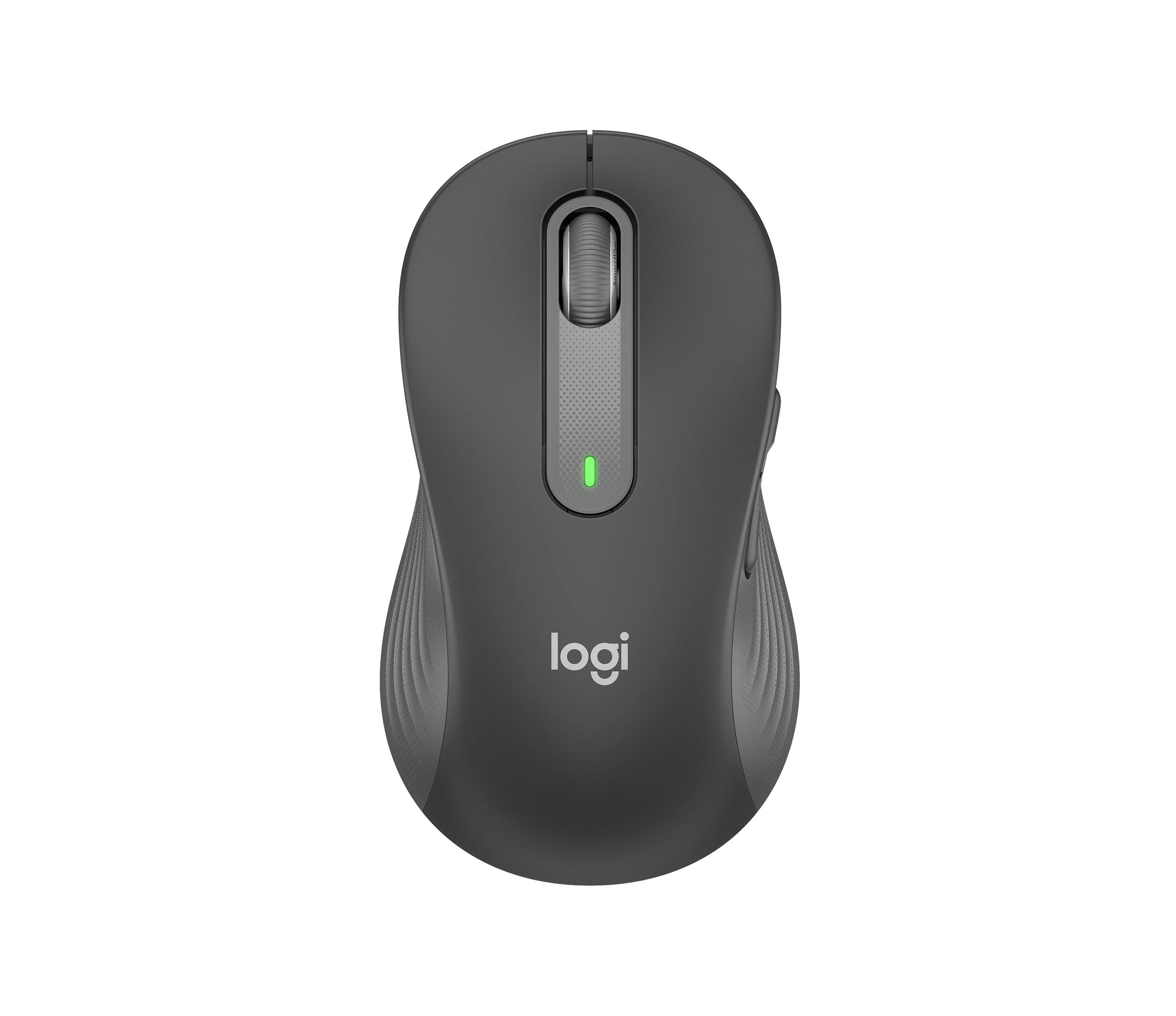
Logitech Signature M650 L LEFT Wireless Mouse, Graphite (910-006239)
Choose the graphite M650 L LEFT when you want a conventional large mouse with right-side thumb buttons for everyday work. Its replaceable battery and customizable controls are
-
Logitech G203 LIGHTSYNC Wired Gaming Mouse, Black (910-005790)
The G203 LIGHTSYNC suits a desk setup where a fixed USB cable and programmable controls are welcome. The strongest reason to choose it is the combination of configurable buttons, RGB and famil


Sources and method
- Logitech MX Master 3S Review: Extended Daily UseTech From Alex · retrieved 2026-09-26Editorial review
- Logitech MX Master 3S Mouse ReviewRTINGS · retrieved 2026-09-26Lab review
- Specification - MX Master 3SLogitech Support · retrieved 2026-09-26Manufacturer support