Kensington SlimBlade Pro Wireless Trackball (K72080WW, Black/Red)
The SlimBlade Pro suits buyers who want finger-controlled cursor movement and a stationary, ambidextrous device for office work. Its USB and wireless options offer connection flexibility, but adapting to the buttons and twist scrolling takes practice. The Gadgeteer reviewer used it daily for work while keeping a separate gaming mouse.
Updated 2026-10-08

We may earn a commission from qualifying purchases.
Prices and sellers
No price information yet
Conditions and limitations
Three connection modes, finger control and software customization are documented. Host-specific sensitivity is reported; OS and firmware-specific validation remains incomplete.
Compatibility
Windows/macOS and Bluetooth LE requirements are documented. Reviews cover some Windows and Mac use, but do not establish every OS version, Bluetooth host or hardware revision.
Where sources differ
Legacy Bluetooth compatibility statement conflicts with the datasheet
- Explanation
- Use the manufacturer's Bluetooth LE requirement when checking a host; the contradictory review sentence is not proof of legacy compatibility.
- Status
- explained
Reported issues and fixes
Reported sensitivity difference between connection modes on Macs
- Status
- reported
- Symptom
- A reviewer found different cursor travel at the same DPI setting on Apple Studio and MacBook Air. This is a reported experiment, not a confirmed universal defect.
- Workaround
- Test cursor travel separately in wired, receiver and Bluetooth modes before choosing sensitivity.
Care and support
A limited three-year warranty and current model-specific software/manual resources are documented. No guaranteed support end date, battery service procedure or spare-parts stock was established.
Ownership costs
USB recharging and warranty/support resources inform ownership. Battery replacement, repair costs and lifetime expenditure are unknown; no price or monetary estimate is supplied.
Who it suits
Article and scenarios explain stationary office use, connection choice, sensitivity checks and adaptation. Competitive-game performance, long-term endurance and all host configurations remain unresolved.
Specifications
Cable length
1.5 mReviewer-stated physical cable measurement, reported as 150cm; expressed in metres. · Supplied USB-C to USB-A cable on the photographed K72080WW review unit. Measuring instrument and measurement protocol were not disclosed. The author disclosed Kensington brand ambassadorship and a supplied sample.
Source [2]The review
Kensington SlimBlade Pro: office flexibility with a learning curve
Finger control and twist scrolling
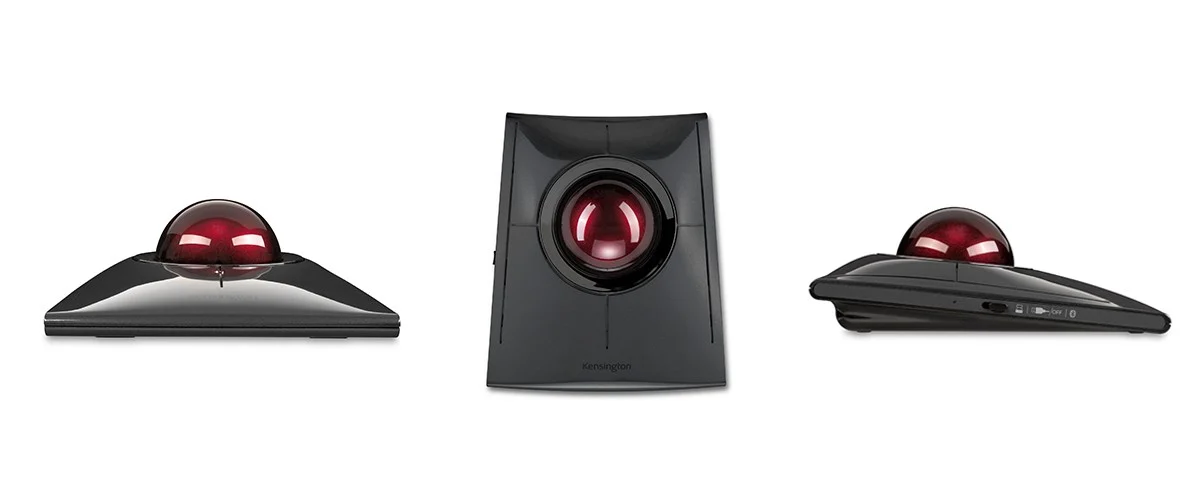
The Kensington SlimBlade Pro K72080WW is a stationary, finger-operated trackball with a low-profile ambidextrous body. Moving the ball positions the pointer, while twisting it produces vertical scrolling. Its four physical buttons support individual and paired-button assignments through the manufacturer's customization software. This combination makes it worth considering when a conventional mouse's movement across the desk is the main problem you want to solve. The practical question is whether your fingers can reach the ball and buttons comfortably in your own working position, rather than whether the appearance seems familiar. A symmetrical body also makes it a candidate when you want to choose which hand operates the pointer. That design alone cannot establish comfort for every hand size or guarantee relief from discomfort. Lon Seidman's written review additionally describes an axis-lock option in Kensington Works for Mac and Windows, which can constrain pointer movement when drawing straight lines. Treat that as a described software function, not a measured improvement in accuracy. His disclosure identifies a supplied sample and occasional paid consulting for Kensington. [1], [6], [4]
The Gadgeteer reviewer needed several days to adapt to the button layout and initially mixed pointer movement with twist scrolling. He ultimately kept the device in daily use for work, browsing and writing, while retaining a separate gaming mouse. Kensington supplied his review sample. Those observations support an office-use trial, but they do not tell us how quickly another person will adapt. For a first-time trackball buyer, the useful implication is to evaluate ordinary tasks rather than judging the device after one unfamiliar movement. Try selecting text, opening menus and scrolling a document as separate actions, then consider whether the control layout becomes easier with practice. His preference for a different gaming mouse also sets a clear limit on the recommendation: this account is not evidence that the trackball replaces every mouse role. The review's high-sensitivity fine-control concern makes cursor settings another part of that trial. Keep personal adjustment, reviewer experience and universal product performance distinct; none of them can be substituted for a repeatable latency or accuracy benchmark. [6], [3]
Connection choices and physical specifications
Connection options include wired USB-C, a 2.4 GHz USB receiver and Bluetooth LE. The internal battery recharges over USB, so wired operation and wireless operation have different setup considerations even though they belong to the same product. A wired desk needs a suitable host connection and a cable route; receiver use needs a suitable USB connection for the receiver; Bluetooth use depends on the host meeting the documented Bluetooth requirement. The datasheet lists Windows and macOS support and explicitly calls for Bluetooth LE 4.0/5.0, excluding legacy Bluetooth 3.0. That matters because TrackballMouse.org contains a contradictory sentence describing Bluetooth 3.0 compatibility. Use the explicit manufacturer requirement when checking an older computer, rather than interpreting the review sentence as a demonstrated legacy-host test. Three connection methods should also not be read as three remembered Bluetooth pairings or simultaneous control of several screens. The accepted evidence does not establish that kind of pairing capacity. Decide which connection suits the actual computer first, then check the remaining host and software requirements before relying on a more elaborate switching arrangement. [1], [2]
Manufacturer specifications list a mass of 285 g, a supplied 1.5 m cable and a three-year limited warranty. The sensitivity setting reaches 1600 DPI. These figures describe the manufacturer's specification rather than independent performance measurements. TrackballMouse.org separately states that the supplied cable measures 150 cm, recorded here as 1.5 m; the review does not identify the measuring instrument or a measurement protocol. Its author disclosed Kensington brand ambassadorship and a supplied sample, so that physical measurement should be read with its provenance attached. Cable length helps assess whether a planned desk route is practical, but it does not demonstrate wireless range, sensor accuracy or battery endurance. The warranty likewise identifies a stated ownership term, not a promise about every repair or a proven service life. For software, the current K72080WW US support page lists Kensington Konnect downloads for Windows and Mac alongside installation, replacement-dongle pairing, lag and cleaning guidance. Older reviews use the Kensington Works name. Start with the exact-model support resources and check the offered software against your operating system instead of assuming an old review's software setup is still the current installation path. [1], [2], [5]
What to test before relying on it
The Gadgeteer reviewer experienced jerky fine movement above his preferred 800 DPI setting on two systems. That is a scoped observation from one review, not proof that every unit has a defect. TrackballMouse.org adds a different, explicitly described experiment: on Apple Studio and MacBook Air, its reviewer compared cursor travel after a quarter-turn of the ball, using Photoshop to mark the distance. He reported that the same nominal DPI setting produced different movement between wired and wireless modes, and noted that the behavior might be Mac-specific. The exact operating-system and firmware versions were not disclosed, so this result should not become a claim about all Macs, Windows computers or production revisions. Its useful buyer implication is to test the chosen connection mode with the actual host, then set sensitivity there. If you change connection modes later, repeat a familiar movement task rather than assuming the same setting feels identical. Neither this cursor-distance exercise nor a reviewer's preferred sensitivity is a click-latency measurement. Buyers whose work depends on fine placement should give those checks more weight than the largest advertised sensitivity number. [3], [2]
Several important questions remain open in the accepted evidence. It does not establish repeatable click-latency results, sustained battery endurance, long-term switch durability or a verified count of remembered Bluetooth hosts. A public RTINGS review was inspected, but the native fetch returned a short normalized snapshot; its numerical test results are not treated as verified evidence in this update. The missing benchmarks should influence how confidently you use this article, particularly if your purchase depends on reaction timing or a specific battery schedule. Current support resources can help locate setup information, but their existence does not establish a support end date, stocked spare parts or a battery replacement procedure. With no verified repair or replacement costs, a lifetime ownership total would also be speculative. A sensible decision is therefore conditional: choose this design when stationary finger control and the documented connections address your own desk needs, and reserve judgement on unsupported endurance or competitive-performance promises. Assess the product with your host and normal tasks while keeping an alternative pointer available if the unfamiliar controls or reported sensitivity behavior do not suit you. [1], [5]
Buyer questions
Before you buy
Compatibility
Can it connect without Bluetooth?
Yes. It supports a wired USB-C connection and a USB wireless receiver as well as Bluetooth LE. The battery is rechargeable over USB. [1]
Setup
What should I check during initial setup?
Try cursor sensitivity, button placement and twist scrolling. One Gadgeteer reviewer reported jerky fine movement at higher sensitivity settings, and needed time to adapt; the report does not prove that every unit behaves that way. [3]
Everyday use
Other questions
What do the official specifications say about the cable and warranty?
The datasheet lists a 1.5 m cable and a three-year limited warranty. The device's stated mass is 285 g. [1]
Product images
Facts and specifications
Manufacturer datasheet
| Specification | Value | Source |
|---|---|---|
| Brand | Kensington | [1] |
| Button Count | 4 | [6] |
| Cable Length | 1.5 m | [1] |
| Compatibility | Windows and macOS; USB host or compatible Bluetooth LE required | [1] |
| Control Type | Finger-operated 55 mm ball; rotate the ball to scroll vertically | [6] |
| Encryption | 128-bit AES | [1] |
| Interface | USB-C wired, 2.4 GHz USB receiver, Bluetooth LE | [1] |
| Materials | Painted PC + ABS top case; painted ABS bottom case; red-coated unsaturated polyester resin ball | [1] |
| Model | SlimBlade Pro K72080WW | [1] |
| Power Source | USB-rechargeable internal battery | [1] |
| Sensor DPI | 1600 dpi | [1] |
| Shape | Low-profile ambidextrous stationary trackball | [1] |
| Warranty | 3-year limited warranty | [1] |
| Weight | 285 g | [1] |
| Wireless Standard | Bluetooth LE 4.0/5.0; legacy Bluetooth 3.0 is not supported | [1] |
Manufacturer manual
| Specification | Value | Source |
|---|---|---|
| Software | The K72080WW US support page lists Kensington Konnect Trackballs and Mice for Windows and Mac, an installation guide, replacement-dongle pairing guidance, lag guidance and cleaning guidance. This is a resource listing, not verified installation on every OS. US | [5] |
Stated by reviewers
| Specification | Value | Source |
|---|---|---|
| Cable Length | 1.5 m | [2] |
| Software | Lon Seidman described x/y axis locking in Kensington Works for Mac and Windows; Kensington supplied the sample and he disclosed occasional compensated consulting for the brand. | [4] |
Other facts
| Specification | Value | Source |
|---|---|---|
| Buyer Fit | The Gadgeteer reviewer chose the trackball for daily office work, browsing and writing, while retaining a separate gaming mouse. Kensington provided the review sample. | [3] |
| Limitation | The Gadgeteer reviewer experienced jerky fine movement above his preferred 800 DPI on two systems; this is one reviewer's observation, not a universal fault.; The Gadgeteer reviewer needed several days to adapt to the buttons and initially mixed cursor movement with twist scrolling.; TrackballMouse.org reported different cursor travel between wired and wireless modes on Apple Studio and MacBook Air, using quarter-turn ball movement and Photoshop. OS and firmware versions were not disclosed; this is not established for all hosts. | [3], [2] |
KnowSpec analysis
A stationary alternative for office work
The SlimBlade Pro suits buyers who want finger-controlled cursor movement and a stationary, ambidextrous device for office work. Its USB and wireless options offer connection flexibility, but adapting to the buttons and twist scrolling takes practice. The Gadgeteer reviewer used it daily for work while keeping a separate gaming mouse.
Method: Synthesis of manufacturer specifications and an attributed hands-on review; no independent lab measurements inferred.Adaptation and precision caveats
The Gadgeteer reviewer reported jerky fine control at higher sensitivity settings on two systems. That experience is a reason to test sensitivity and scrolling during setup, rather than proof that every unit behaves identically. The accepted evidence does not establish click latency, long-term switch durability or sustained battery endurance.
Method: Preserve the scope of the review observation and disclose the accepted evidence gaps.Visible information gaps
Missing information is shown rather than guessed.
- Topic:Click Latencynot public
- Topic:Value For Moneynot found
- Topic:Multi Device Pairingnot found
- Topic:Measured Performancenot public
- Battery Lifenot found
- Topic:Sustained Performancenot found
- Topic:Efficiencynot found
- Max Tracking Speednot found
- Switch Typenot found
- Topic:Measured Performancenot public
- Topic:Build And Double Click Durabilitynot found
- Topic:Weight And Feet Glidenot found
- Sensor Modelnot found
Products in this content
-
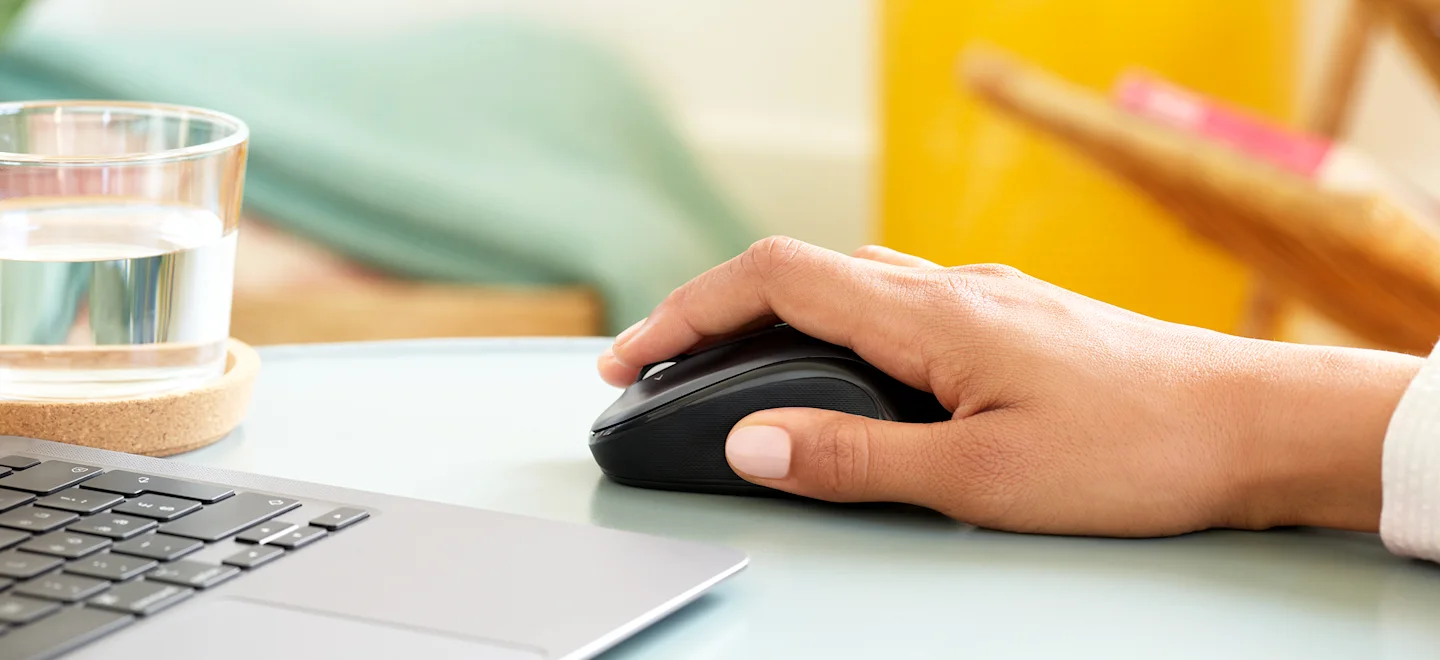
Logitech M325 Wireless Mouse (910-002974), Black
The original black M325 is a sensible fit for a portable computer when you prefer a small, symmetrical mouse, replaceable power and a receiver that stores inside it. Reviewers liked ordinary pointing and handling, but large
-
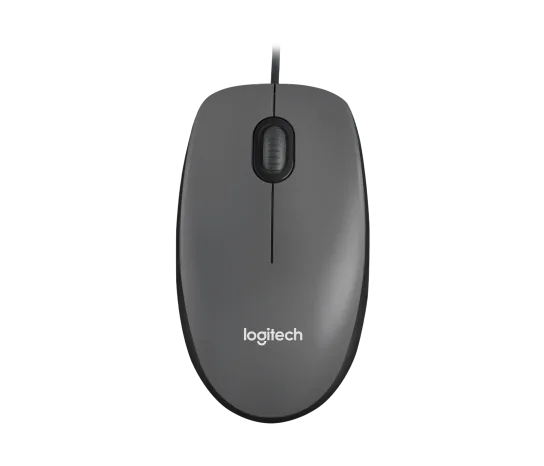
Logitech M100 Wired USB Mouse, Black/Grey (910-001601)
Choose the M100 if your priority is basic USB pointing and scrolling without a battery, pairing routine or configuration download. Its ambidextrous body accommodates either hand, but the three-button layout o
-
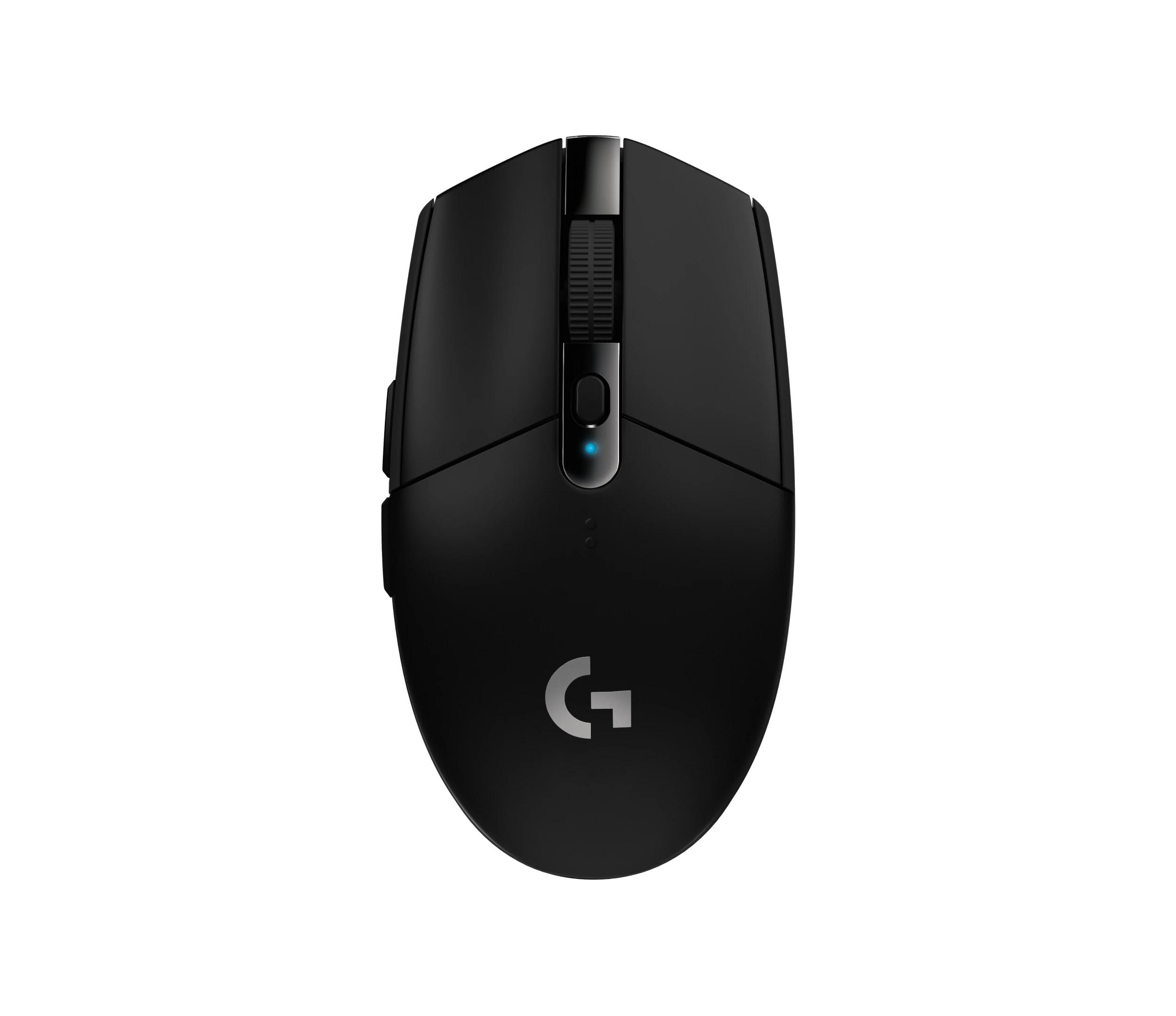
Logitech G305 LIGHTSPEED Wireless Gaming Mouse, Black (910-005280)
Choose the black G305 if you want receiver-based gaming with replaceable AA power and programmable controls. Its right-handed button arrangement and battery-powered design are
-
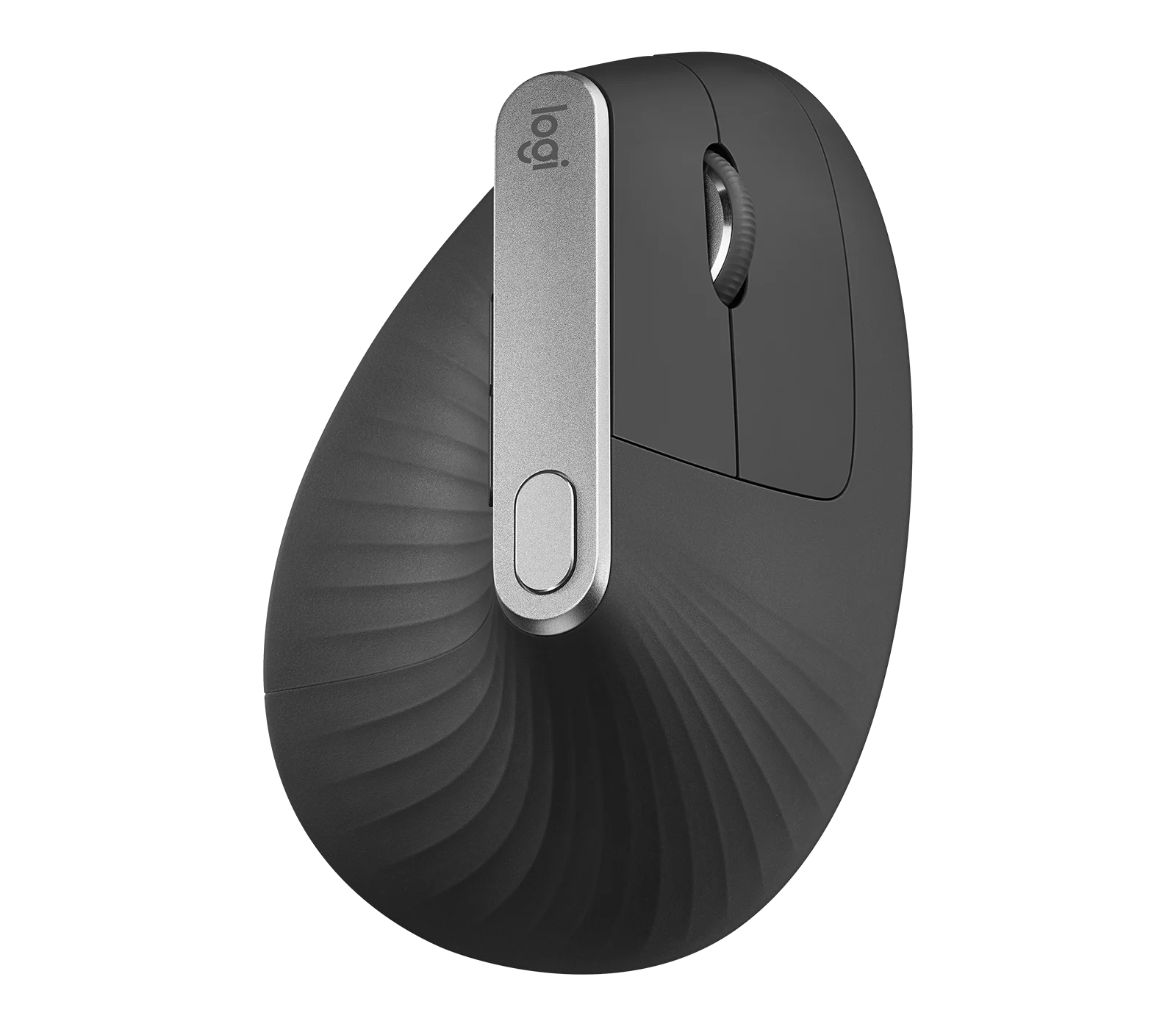
Logitech MX Vertical Graphite Ergonomic Mouse (910-005447)
The MX Vertical is a conditional choice for right-handed office users who prefer a tall handshake-style grip and want wireless connections plus a real wired fallback. Medium-to-large hands are
-
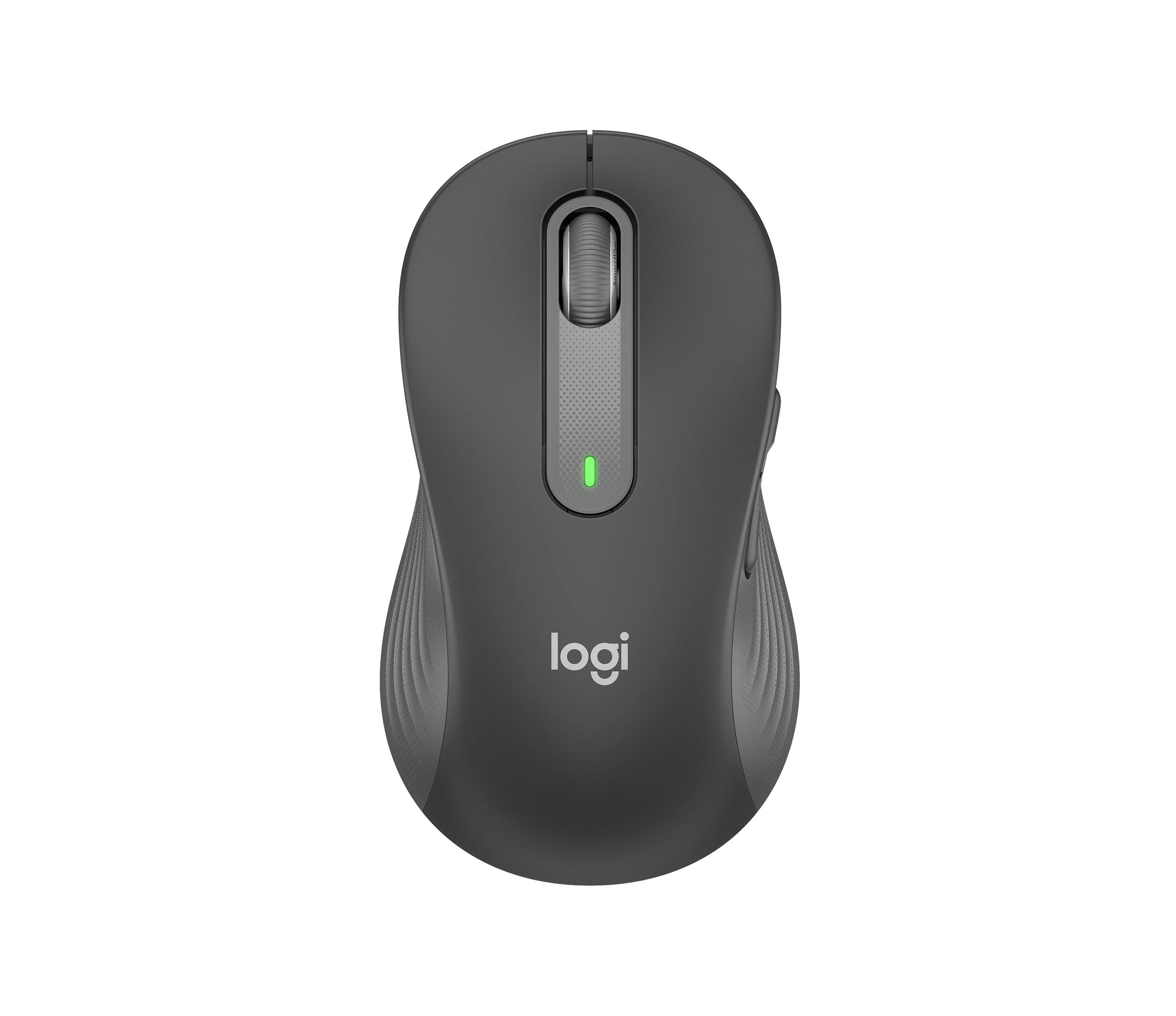
Logitech Signature M650 L LEFT Wireless Mouse, Graphite (910-006239)
Choose the graphite M650 L LEFT when you want a conventional large mouse with right-side thumb buttons for everyday work. Its replaceable battery and customizable controls are
-
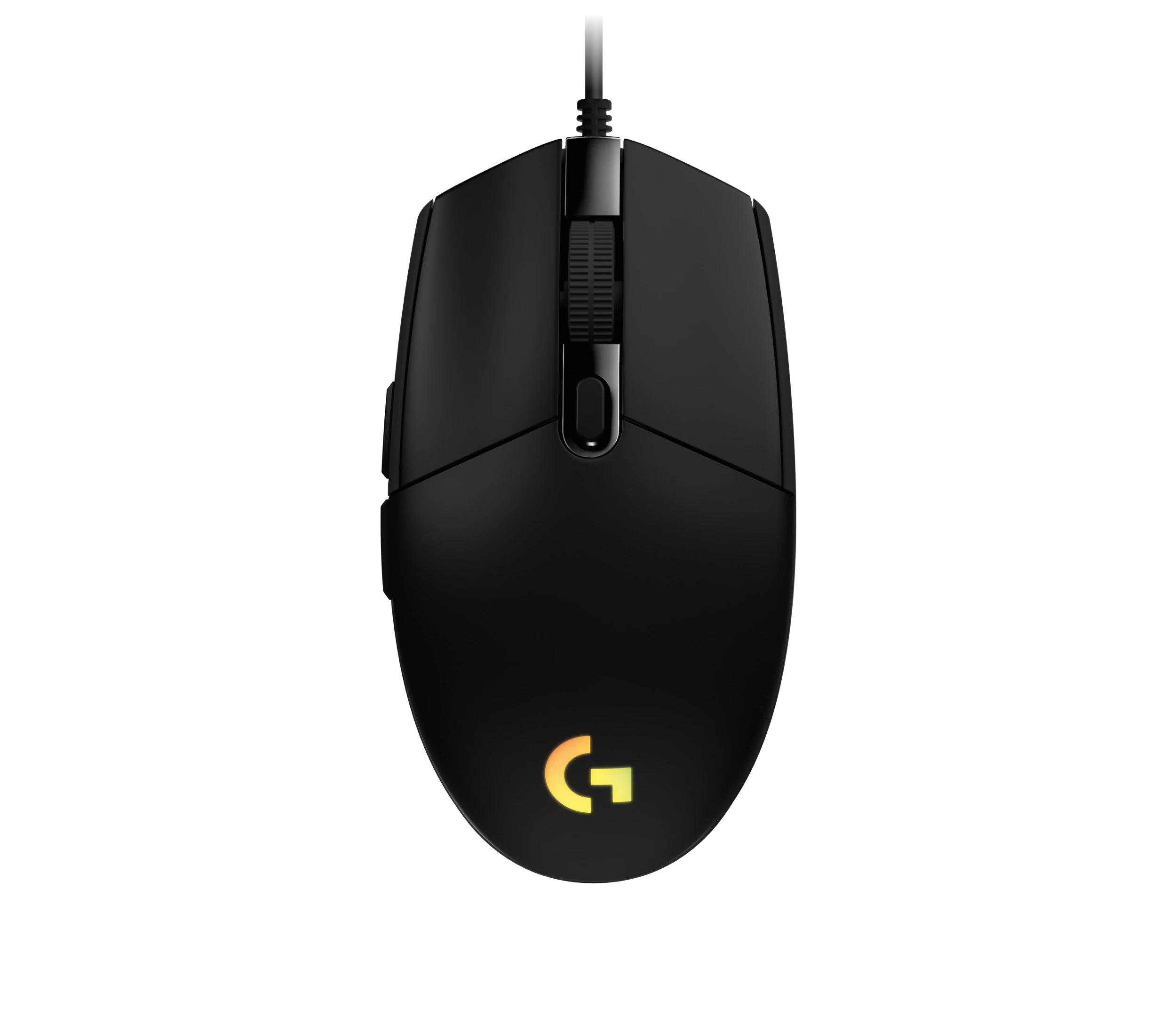
Logitech G203 LIGHTSYNC Wired Gaming Mouse, Black (910-005790)
The G203 LIGHTSYNC suits a desk setup where a fixed USB cable and programmable controls are welcome. The strongest reason to choose it is the combination of configurable buttons, RGB and famil
Sources and method
- SlimBlade Pro Trackball K72080WW Product SheetKensington · retrieved 2026-10-04DatasheetPDF
- Kensington SlimBlade Pro TrackballTrackballMouse.org · retrieved 2026-10-08Editorial review
- Kensington Slimblade Pro Trackball reviewThe Gadgeteer · retrieved 2026-10-04Editorial review
- Kensington Slimblade Pro Trackball ReviewLon.TV · retrieved 2026-10-08Editorial review
- Support SlimBlade Pro Trackball K72080WWKensington · retrieved 2026-10-08Manufacturer support
- Kensington SlimBlade Pro Takes Trackballs to the Next LevelKensington · retrieved 2026-10-04Manufacturer