Logitech MX Ergo S Advanced Wireless Trackball - Graphite
The stationary design and two-device switching make a plausible desk-work combination. ITC.ua adds qualitative large-hand support and a personal learning curve that varied by task. Treat those as useful trial questions rather than a guarantee: check reach, thumb comfort and your own editing tasks before depending on this shape.
Updated 2026-10-05

We may earn a commission from qualifying purchases.
Prices and sellers
No price information yet
Conditions and limitations
Connection, charging, controls and two-device switching are documented as claims; performance under specific workloads is not measured.
Compatibility
Windows and macOS customization support is documented; individual host configurations were not tested.
Where sources differ
The official specification page contains differing DPI rows; no sensor DPI value is asserted and the conflict is recorded as a gap.
Who it suits
Documented controls and switching are supplemented by attributed large-hand fit, task-dependent adaptation and maintenance observations. Individual small-hand fit, full-discharge battery endurance and measured latency remain unresolved.
Areas not yet researched (3)
No conclusion is available for these areas. This does not mean the Product has no limitations or reported issues.
- Reported issues and fixes
- Care and support
- Ownership costs
Measured performance
Battery remaining after observation
55 %Reviewer observed the battery charge indicator during two weeks of real-world use through the bundled USB receiver. · n=1 · Initial reading 60%; final reading 55%; reported active use 4–7 hours daily for two weeks. A partial-charge observation, not a calibrated capacity measurement or full-discharge test. No full-charge endurance extrapolation is made.
Source [1]Reviewer consensus
Single-source notes
The review
Logitech MX Ergo S: controls, desk fit and evidence limits
What the design offers at a desk
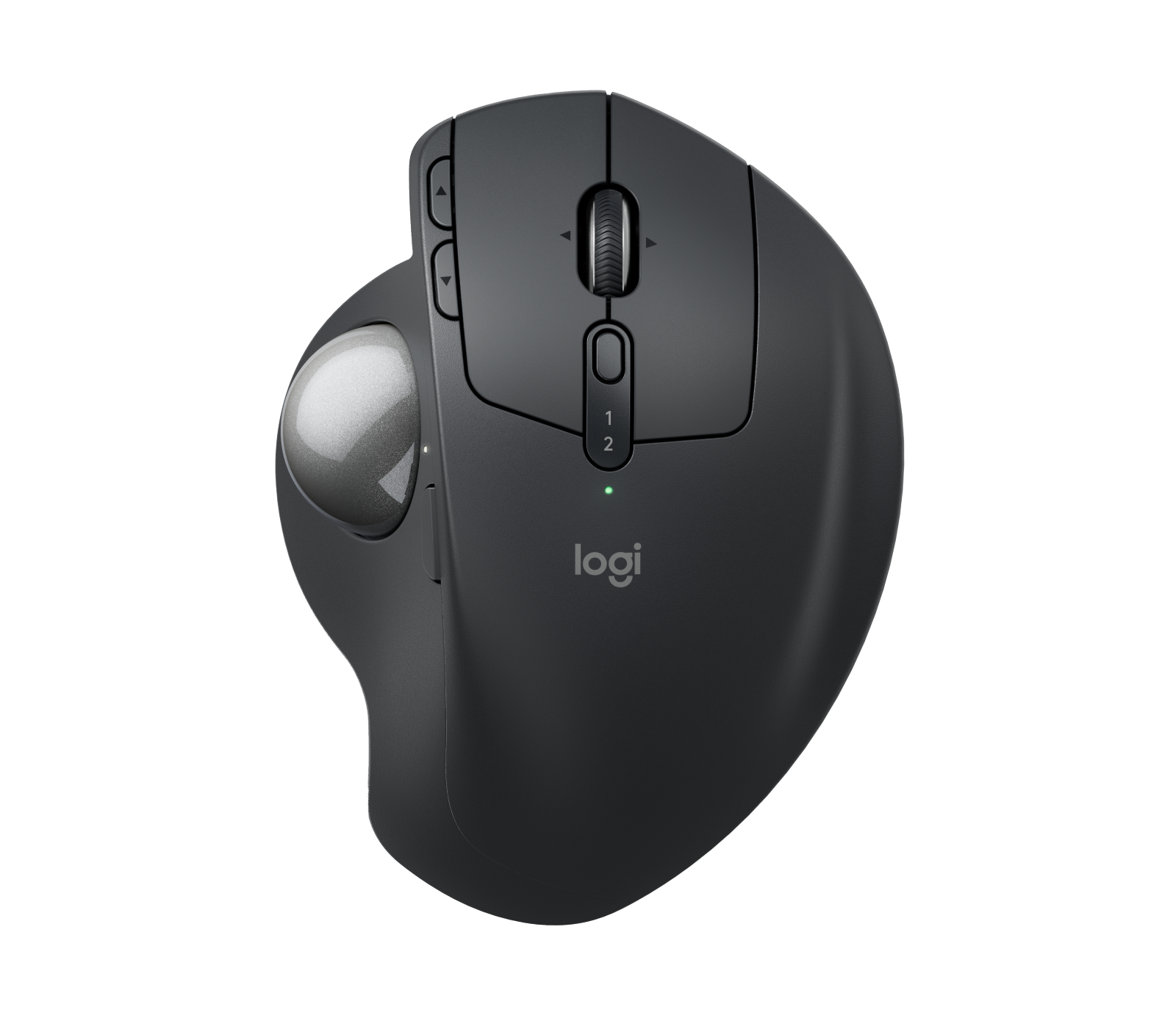
The Logitech MX Ergo S is a stationary thumb-controlled trackball, and CoNowego.pl found it useful on restricted work surfaces. Its attraction is therefore easy to frame: consider it when the space available for moving a conventional mouse is the problem you want to solve. That review observation supports a desk-space use case; it does not promise a better experience for every person. Before changing your everyday input device, identify the task you want to improve and the compromises you are willing to accept. Try ordinary selection, dragging, scrolling and switching before judging the design only by its unusual appearance. Logitech specifies 259 g with the metal plate and without the receiver. Keep that configuration attached to the number when comparing specifications. For a travel bag, decide whether you are comfortable carrying the complete setup. For a fixed workstation, ask whether your priority is stationary control rather than minimum weight. These are buying questions, not a finding that heavier is inherently better. A sensible shortlist should begin with your workspace and preferred control style, then move to features. [2], [4]
Hand size and learning are personal trial questions
ITC.ua describes the broad body as supporting a large person's whole hand. Its first-time trackball reviewer adapted to text work in roughly one or two hours, photo editing over several days, and video editing in about a week. These are personal reports, not promises for another hand or a controlled productivity study. Try the tasks that matter to you, particularly tiny selections and dragging. Do not assume a favorable large-hand description settles small-hand reach. Keep a familiar pointing device available while deciding whether the new movement feels natural. [1]
The same reviewer disliked using it in Fortnite. That experience is a useful caution to trial your own games, rather than proof of a measured technical defect. Consider work and gaming separately when deciding what should stay on your desk. [1]
Switching and customization
The official specification distinguishes eight buttons overall from six customizable buttons, while the setup guide documents wheel tilt and middle click. Treat the customizable count as a subset, not an additional set of controls. Options+ is documented for Windows and macOS. Before relying on a shortcut-heavy workflow, check the software available on the computer you actually use. Start by mapping the few actions you repeat most often, then test whether their placement feels useful. More configurable controls are a reason to investigate a workflow, not evidence that your work will automatically become faster. Logitech offers Bluetooth Low Energy and the Logi Bolt receiver as the wireless connection choices. Its setup procedure says to hold Easy-Switch for three seconds for Bluetooth pairing and finish in the computer's settings, or plug in the receiver. Easy-Switch subsequently switches between two paired devices. The guide also describes Flow for copying text, images and files between computers, and a precision-mode button with an indicator. Test these functions in your own applications before making them central to your working routine. [2], [3]
Charging and what to provide
Charging uses USB-C. The official base-model box entry lists the trackball, Logi Bolt receiver and documentation, then explicitly excludes the cable. Plan to provide a compatible charging cable. Logitech's advertised upper bound is 120 days from a full charge. Keep that wording intact: an advertised maximum is different from an interval established for your workload. A cautious setup plan is to keep charging available and observe your own charge indicator rather than schedule work around the maximum alone. ITC.ua supplies a more concrete but narrower observation: its reviewer used the bundled USB receiver for two weeks, reported active use of four to seven hours daily, and saw the charge indicator move from 60% to 55%. The measurement recorded here is that final 55% reading with the starting level and conditions preserved. This was not a test from full charge to shutdown. Do not extrapolate a full-charge lifespan, calibrated capacity or continuous runtime from it. It is useful evidence of what happened to one review sample during that observation period. [2], [3], [1]
Include maintenance and receiver handling in your trial
R.U.I's Japanese review, which discloses a manufacturer-provided sample, shows the magnetic base in flat and 20-degree positions. Try both positions and judge comfort yourself. The reviewer also found ball removal inconvenient because a slender tool was needed to push it out, and noted the absence of a storage compartment for the USB receiver. Those details deserve attention alongside the more obvious control features. Think about where you would keep the receiver and whether you are comfortable with the ball-removal procedure before committing to the device as your everyday pointer. [6]
Make a conditional decision. Shortlist the MX Ergo S if its documented functions address your actual desk routine, then evaluate reach, thumb movement, scrolling and maintenance in a realistic trial. Give yourself permission to prefer a different control style. Aim for a dependable fit for your own work rather than agreement with a reviewer's enthusiasm or a feature count. Keep your actual tasks at the center of that choice.
What remains unverified
Logitech names Advanced Optical Tracking and specifies a 125 Hz wireless report rate. Read those as manufacturer specifications. Neither number should be relabeled as an independently measured click-latency result. Similarly, Logitech's model-differences FAQ markets quieter clicks compared with the earlier MX Ergo, but this research does not convert that positioning into a measured acoustic result. If precise latency, tracking error or sound pressure is decisive for you, ask for a test of the exact MX Ergo S with stated methods and conditions. Avoid choosing a numerical answer merely because it would make a comparison easier. Consider an evidence hierarchy when reading the rest of this article: distinguish documented features, attributed reviewer experiences and measurements made under stated conditions. Keep each conclusion within its evidence boundary. Where a question remains open, make it part of your own trial rather than filling the gap with a confident assumption. Ask what was tested, on which sample, and how that test relates to your planned work. [2], [5]
Buyer questions
Before you buy
How should I interpret the battery rating?
The manufacturer's claim is up to 120 days per full charge. This research records it as an advertised upper bound, not an independently measured runtime or a guaranteed interval for your workload. [2]
What does the published weight include?
The documented 259 g weight includes the metal plate and excludes the receiver. Keep that configuration in mind when comparing weights from different listings. [2]
Does the review evidence guarantee a comfortable fit?
No. ITC.ua describes support for a large person's hand and reports its reviewer's task-dependent adjustment period. Treat that as qualitative evidence, and try your own reach and thumb movement; it does not settle every hand size. [1]
Setup
Product images
Facts and specifications
Manufacturer datasheet
| Specification | Value | Source |
|---|---|---|
| Battery Life | 120 days | [2] |
| Button Count | 6; 8 | [2] |
| Depth | 51.4 mm | [2] |
| Height | 132.5 mm | [2] |
| Width | 99.8 mm | [2] |
| Interface | Bluetooth Low Energy and Logi Bolt USB receiver | [2] |
| Polling Rate | 125 Hz | [2] |
| Sensor Model | Logitech Advanced Optical Tracking | [2] |
| Software | Logi Options+ on Windows and macOS | [2] |
| Weight | 259 g | [2] |
Manufacturer manual
| Specification | Value | Source |
|---|---|---|
| Control Type | Precision scroll wheel with tilt and middle click; The DPI button changes cursor speed and accuracy, and its LED illuminates when precision mode is active. | [3] |
| Paired Devices | 2 | [3] |
| Ports | USB-C charging port | [3] |
| Setup Requirement | For Bluetooth pairing, hold the top Easy-Switch button for three seconds and complete pairing in the computer's Bluetooth settings; the alternative setup uses the Logi Bolt receiver in the computer's USB port. | [3] |
| Software | The MX Ergo S setup guide describes Logitech Flow for copying and pasting text, images and files between computers. | [3] |
| Switch Type | Logitech describes the MX Ergo S as having quieter clicks than the original MX Ergo. Its quieter-click comparison is a manufacturer claim, not an independent noise measurement in this research. | [5] |
Stated by reviewers
| Specification | Value | Source |
|---|---|---|
| Buyer Fit | ITC.ua described the large body as supporting the entire hand of a large person. This is one reviewer's qualitative assessment, not a hand-size panel or a guarantee of individual comfort. | [1] |
| Limitation | R.U.I, reviewing a manufacturer-provided MX Ergo S sample, found ball removal inconvenient because a thin stick-like tool was needed to push it out. Japan review sample; The ITC.ua reviewer disliked using the MX Ergo S in Fortnite. This subjective gaming experience does not establish measured latency or tracking performance. | [1], [6] |
| Shape | The magnetic base plate supports 0-degree and 20-degree body positions, as demonstrated in R.U.I's manufacturer-provided MX Ergo S review sample. | [6] |
| Use Case | ITC.ua's first-time trackball reviewer adapted to writing and editing text in one or two hours, photo editing in a few days, and video editing in about a week. These are personal adaptation reports rather than controlled productivity measurements. | [1] |
Other facts
KnowSpec analysis
A conditional desk-first trackball choice
The stationary design and two-device switching make a plausible desk-work combination. ITC.ua adds qualitative large-hand support and a personal learning curve that varied by task. Treat those as useful trial questions rather than a guarantee: check reach, thumb comfort and your own editing tasks before depending on this shape.
Method: Synthesis of inherited documented features and newly fetched attributed review observations; no hands-on testing by this research author.Controls with a software dependency
Logitech lists eight buttons, six customizable controls and a wheel with tilt and middle click. Options+ customization is documented for Windows and macOS. These are concrete workflow features; they do not demonstrate that button placement will suit every hand or that the mouse will improve productivity for every application.
Method: Separate a manufacturer's advertised upper bound from a single reviewer's observed charge indicator; no endurance extrapolation.Separate the battery observation from the rating
The manufacturer advertises up to 120 days per full charge. ITC.ua instead observed a battery indicator moving from 60% to 55% over two weeks, with 4–7 hours of active daily use via the receiver. That partial-charge result does not validate the full rating. USB-C charging is documented and the official box list explicitly excludes a cable.
Method: Separate manufacturer specifications from missing measurements and the recorded DPI conflict.Specifications do not settle performance
The documentation identifies Advanced Optical Tracking and a wireless report rate of 125 Hz. That rate does not establish end-to-end click latency or measured accuracy. The accepted evidence leaves those performance questions open; its conflicting DPI entries also prevent a confident sensitivity specification.
Method: Feature-to-workflow interpretation of verified documentation, without hands-on testing.Visible information gaps
Missing information is shown rather than guessed.
- Topic:Value For Moneynot found
- Sensor Dpiconflicting
- Topic:Shape And Grip Fit By Hand Sizenot found
- Topic:Build And Double Click Durabilitynot found
- Topic:Sustained Performancenot found
- Battery Lifenot found
- Topic:Click Latencynot found
- Topic:Efficiencynot found
Products in this content
-
Logitech M325 Wireless Mouse (910-002974), Black
The original black M325 is a sensible fit for a portable computer when you prefer a small, symmetrical mouse, replaceable power and a receiver that stores inside it. Reviewers liked ordinary pointing and handling, but large
-
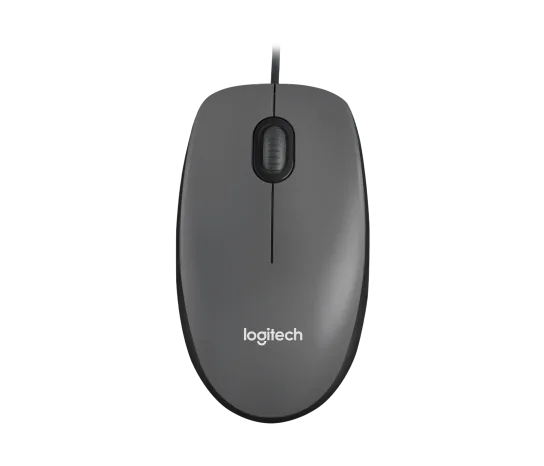
Logitech M100 Wired USB Mouse, Black/Grey (910-001601)
Choose the M100 if your priority is basic USB pointing and scrolling without a battery, pairing routine or configuration download. Its ambidextrous body accommodates either hand, but the three-button layout o
-
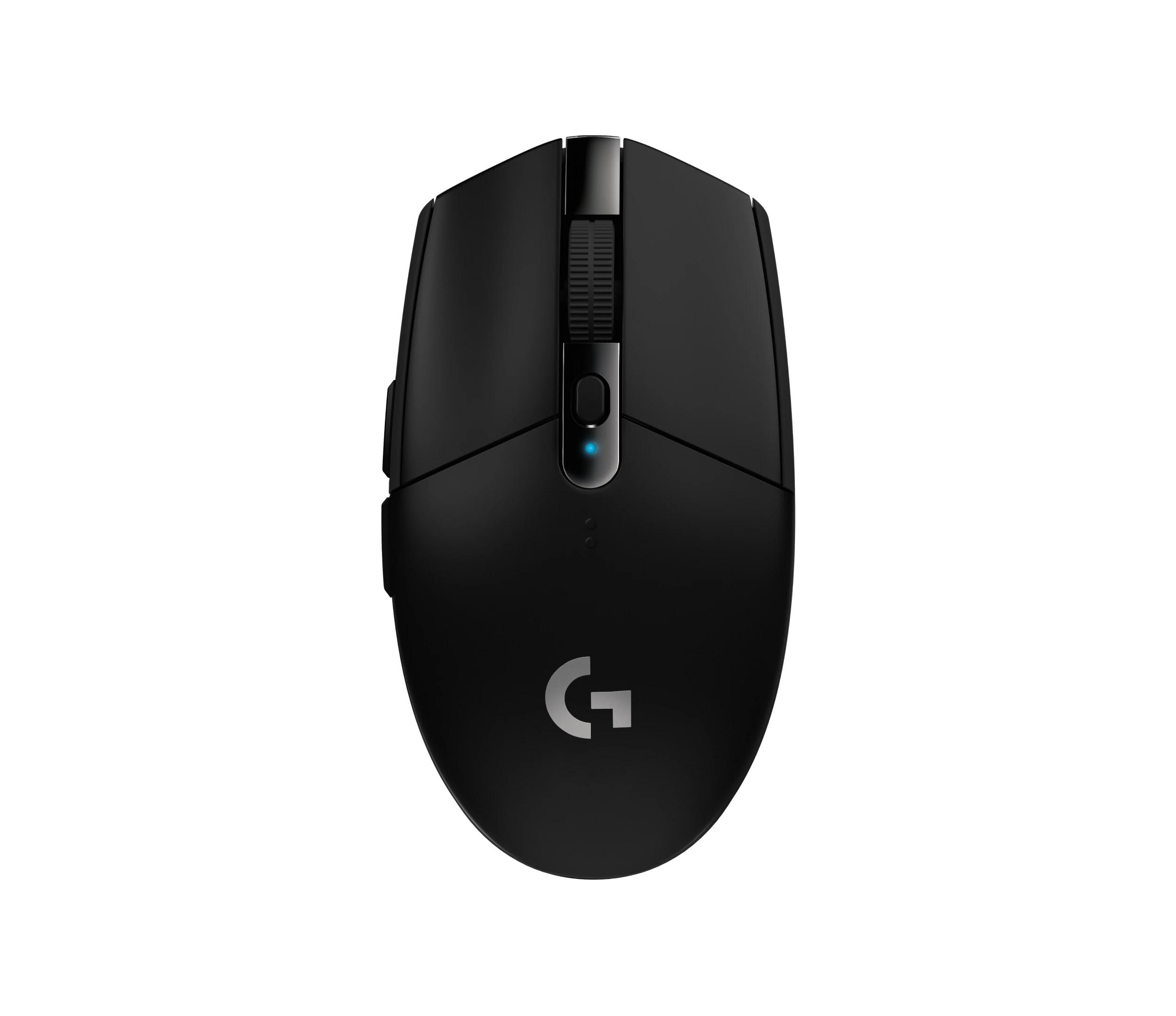
Logitech G305 LIGHTSPEED Wireless Gaming Mouse, Black (910-005280)
Choose the black G305 if you want receiver-based gaming with replaceable AA power and programmable controls. Its right-handed button arrangement and battery-powered design are
-
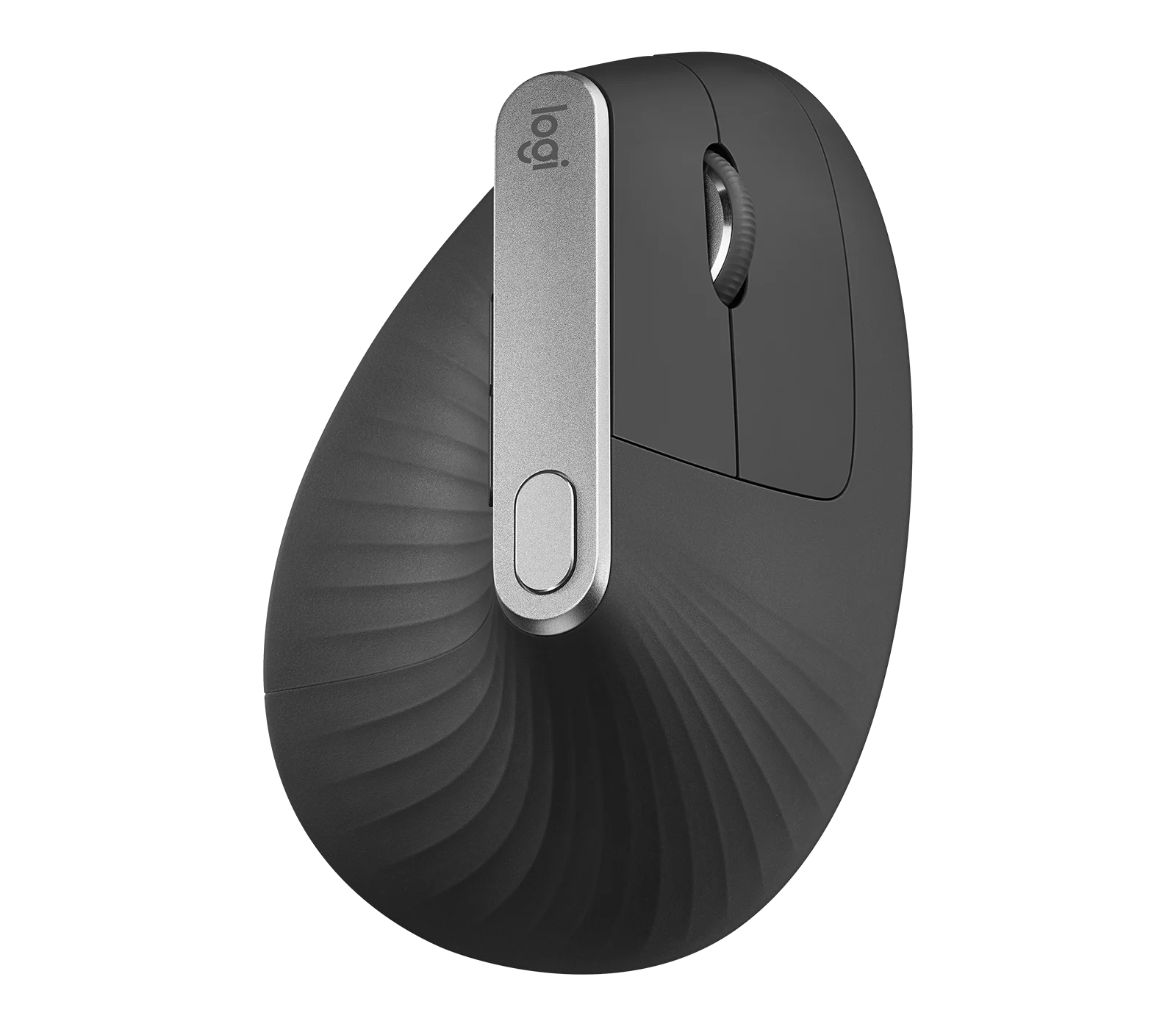
Logitech MX Vertical Graphite Ergonomic Mouse (910-005447)
The MX Vertical is a conditional choice for right-handed office users who prefer a tall handshake-style grip and want wireless connections plus a real wired fallback. Medium-to-large hands are
-
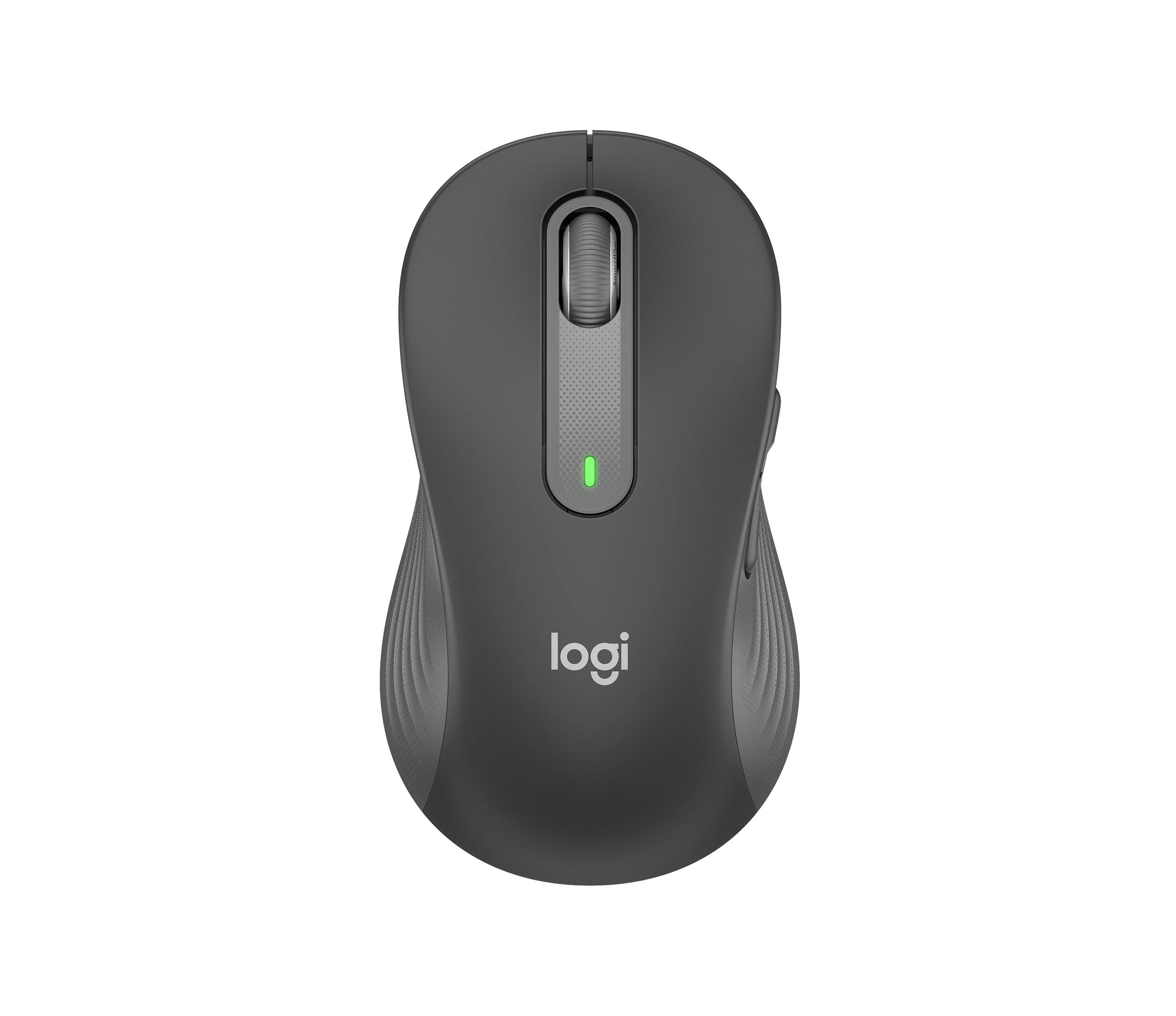
Logitech Signature M650 L LEFT Wireless Mouse, Graphite (910-006239)
Choose the graphite M650 L LEFT when you want a conventional large mouse with right-side thumb buttons for everyday work. Its replaceable battery and customizable controls are
-
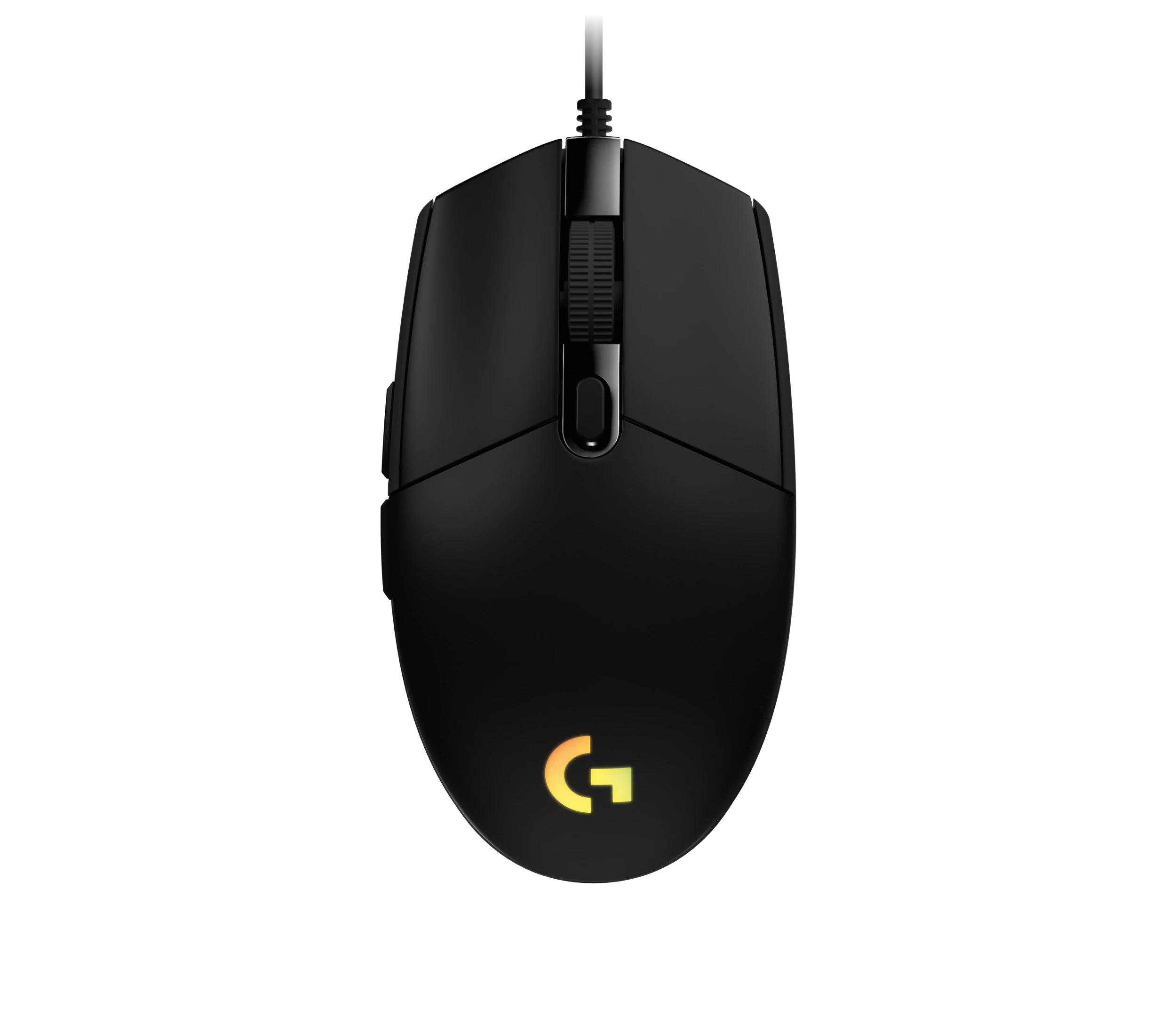
Logitech G203 LIGHTSYNC Wired Gaming Mouse, Black (910-005790)
The G203 LIGHTSYNC suits a desk setup where a fixed USB cable and programmable controls are welcome. The strongest reason to choose it is the combination of configurable buttons, RGB and famil
Sources and method
- Logitech MX Ergo S review: is it worth choosing a trackball over a mouse?ITC.ua · retrieved 2026-10-04Editorial review
- Specification - MX Ergo SLogitech · retrieved 2026-10-04Manufacturer support
- Getting Started - MX Ergo SLogitech · retrieved 2026-10-04Manufacturer support
- Recenzja trackballa Logitech MX Ergo S. Najlepszy w swojej klasie?CoNowego.pl · retrieved 2026-10-04Editorial review
- Quelle est la différence entre MX Ergo et MX Ergo S ?Logitech · retrieved 2026-10-04Manufacturer support
- ロジクール MX ERGO S レビュー。BEST BUYトラックボールが静音&USB-Cになって7年ぶりのリニューアルルイログ · retrieved 2026-10-04Editorial review