Razer Pro Click V2 Vertical Edition Wireless Ergonomic Mouse, Black
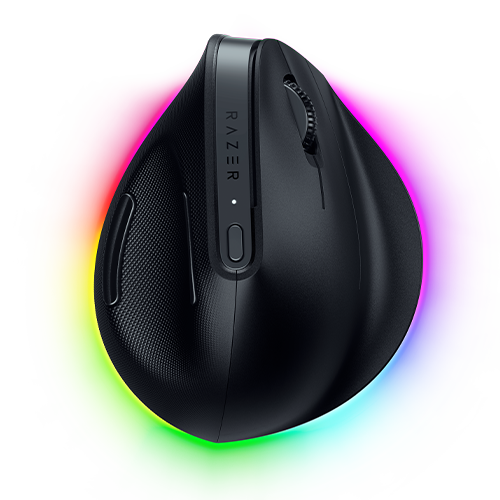
The Razer Pro Click V2 Vertical Edition suits right-handed buyers who want a vertical mouse for desk work without giving up responsive tracking, flexible wired and wireless connections, multi-device switching, and software profiles. Its adjustment period, substantial weight, and high price make it a considered choice rather than a universal replacement.
Updated 2026-09-26

We may earn a commission from qualifying purchases.
Reviewer consensus
Single-source notes
- Build and double click durability: Agreed · 1/1 · [2]
- Buyer fit: Agreed · 1/1 · [1]
- Companion software and onboard memory: Agreed · 1/1 · [2]
- Limitations: Weak point · 1/1 · [1]
- Measured performance: Agreed · 1/1 · [2]
- Multi device pairing: Agreed · 1/1 · [2]
- Scroll wheel and side buttons: Agreed · 1/1 · [2]
- Sensor tracking accuracy: Agreed · 1/1 · [2]
- Shape and grip fit by hand size: Weak point · 1/1 · [3]
- Value for money: Weak point · 1/1 · [3]
- Weight and feet glide: Weak point · 1/1 · [2]
- Wireless reliability and battery practice: Agreed · 1/1 · [2]
The review
Razer Pro Click V2 Vertical Edition: performance-focused vertical control
What it is
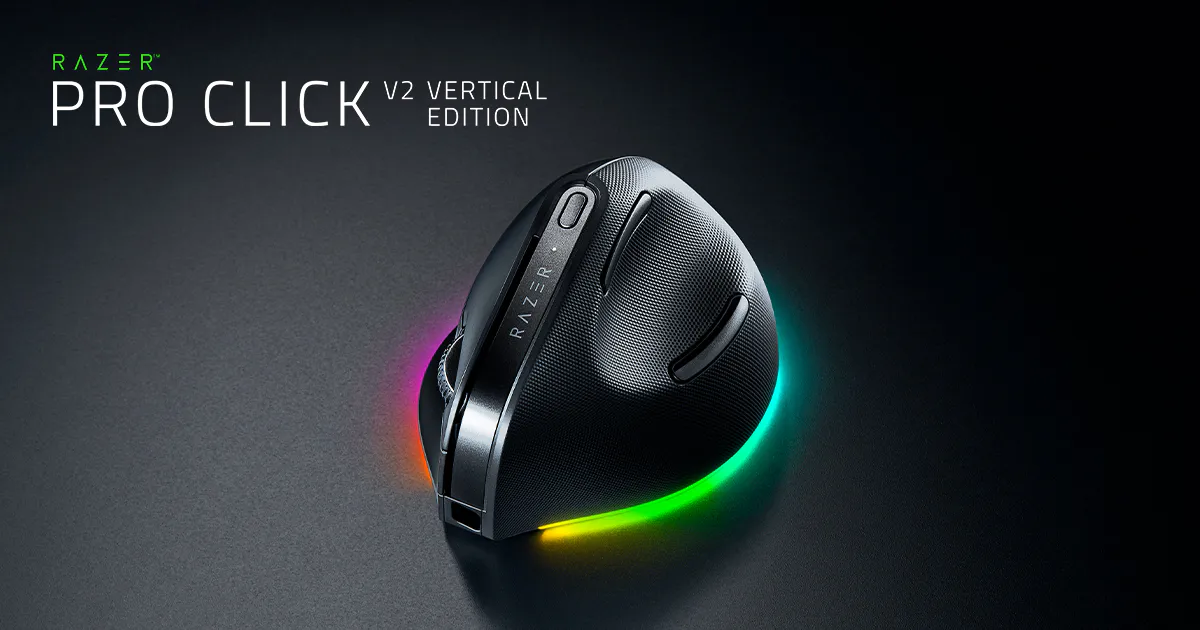
This is a right-handed vertical mouse aimed at people who want an upright desk setup with productivity and gaming-oriented controls. Review evidence identifies vertical-mouse buyers as its clearest audience. [1], [3]
It combines a responsive polling specification with a high-resolution sensor, giving it a stronger performance foundation than a basic office pointer. [2]
Performance and controls
The mouse supports six physical buttons, profile-based software features, and a clicky switch design rated for 60 million activations. [2]
Its substantial weight should be part of the buying decision, especially for people who frequently lift and reposition a mouse. [2]
Connections and device switching
Connection options include a wireless receiver, Bluetooth, and USB-C. The documented multi-host design supports switching across five host paths. [2]
Template profiles and the AI prompt builder are part of the software feature set for adapting controls to different tasks. [2]
Limitations to weigh
A reviewer needed a week of extended use to stop handling the mouse awkwardly, so an adjustment period is a real consideration. [1]
The right-handed shape excludes left-handed use, and independent review evidence describes the price as high. [3]
Buyer questions
Before you buy
Compatibility
Can it switch between several devices?
Yes. Its accepted evidence records receiver, Bluetooth, and USB-C connectivity with five host paths in the multi-host design. [2]
Is it suitable for left-handed users?
No. The accepted review evidence describes the shape as right-handed only. [3]
Everyday use
How many physical buttons does it have?
The accepted specification records six physical buttons, alongside programmable-control support through its software features. [2]
Limitations
Does the vertical shape require adjustment?
It can. One reviewer reported needing a week of extended use before the mouse stopped feeling awkward. [1]
Product images


Facts and specifications
Manufacturer datasheet
| Specification | Value | Source |
|---|---|---|
| Button Count | 6 | [2] |
| Interface | Five hosts across 2.4G, BLE, and USB-C | [2] |
| Polling Rate | 1 kHz | [2] |
| Sensor DPI | 30000 dpi | [2] |
| Switch Type | Clicky switches rated for 60 million activations | [2] |
| Weight | 150 g | [2] |
| Wireless Standard | 2.4G, BLE, and USB-C | [2] |
Manufacturer manual
| Specification | Value | Source |
|---|---|---|
| Interface | Template profiles and AI prompt builder | [2] |
Stated by reviewers
| Specification | Value | Source |
|---|---|---|
| Shape | Right-handed vertical shape | [3] |
Other facts
KnowSpec analysis
Who should buy the Razer Pro Click V2 Vertical Edition?
The Razer Pro Click V2 Vertical Edition suits right-handed buyers who want a vertical mouse for desk work without giving up responsive tracking, flexible wired and wireless connections, multi-device switching, and software profiles. Its adjustment period, substantial weight, and high price make it a considered choice rather than a universal replacement.
Method: evidence_synthesisPerformance and workflow strengths
A high polling rate and high-resolution sensor support responsive cursor control, while wired, receiver, and Bluetooth options broaden setup flexibility. Template profiles, programmable controls, and five-host connectivity are useful for people who move between applications or devices.
Method: evidence_synthesisErgonomic and value tradeoffs
The design is strictly right-handed and requires time to learn. Its weight and premium price also matter for buyers accustomed to light conventional mice or anyone seeking a low-cost productivity pointer.
Method: evidence_synthesisVisible information gaps
Missing information is shown rather than guessed.
- Topic:Sustained Performancenot found
- Topic:Click Latencynot found
- Topic:Efficiencynot found
Products in this content
-
Logitech M325 Wireless Mouse (910-002974), Black
The original black M325 is a sensible fit for a portable computer when you prefer a small, symmetrical mouse, replaceable power and a receiver that stores inside it. Reviewers liked ordinary pointing and handling, but large
-
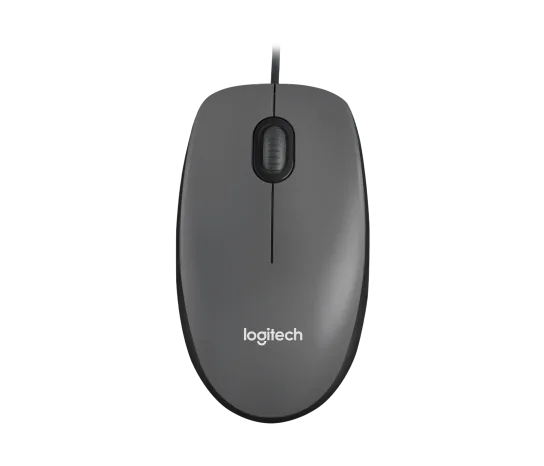
Logitech M100 Wired USB Mouse, Black/Grey (910-001601)
Choose the M100 if your priority is basic USB pointing and scrolling without a battery, pairing routine or configuration download. Its ambidextrous body accommodates either hand, but the three-button layout o
-
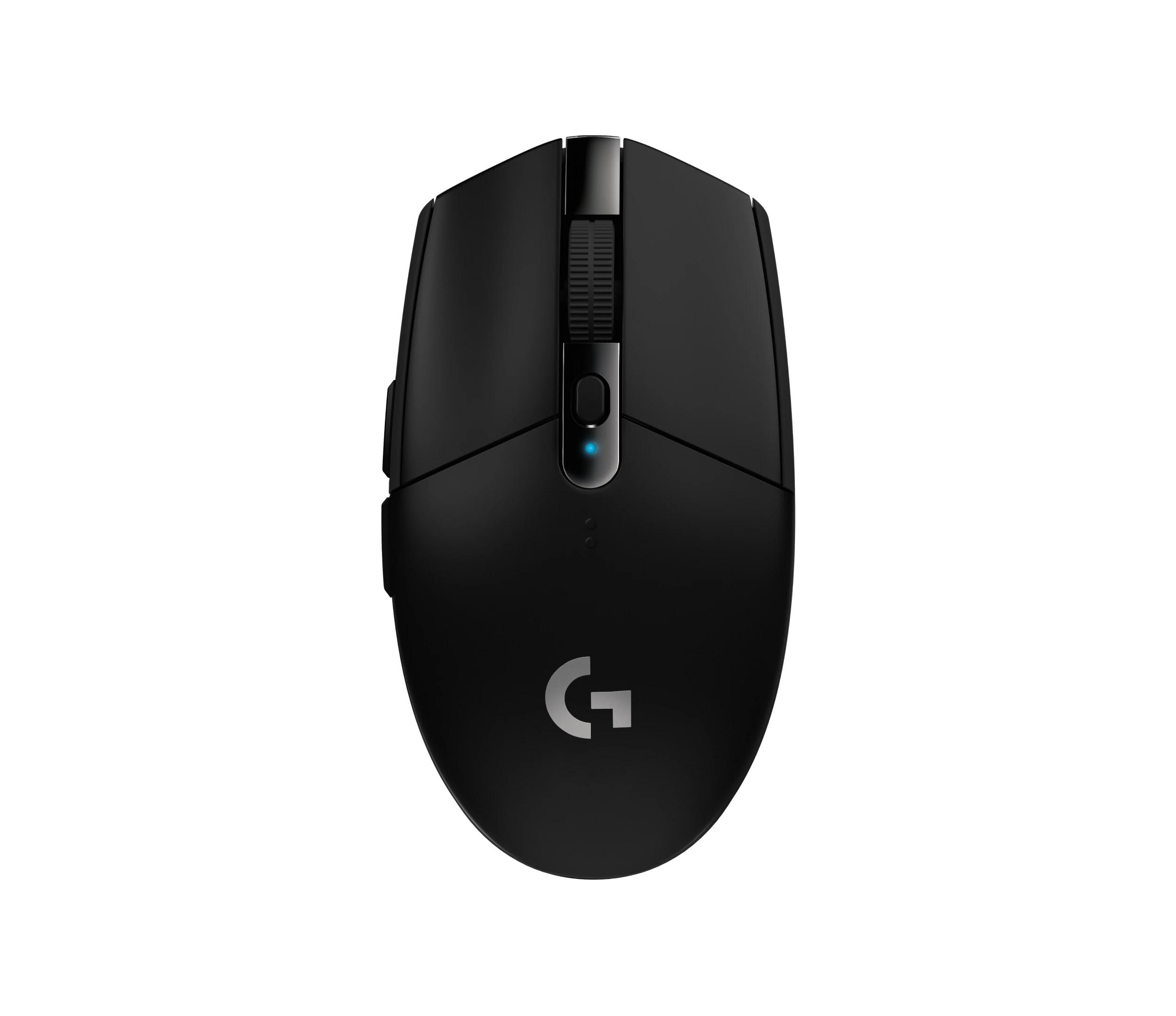
Logitech G305 LIGHTSPEED Wireless Gaming Mouse, Black (910-005280)
Choose the black G305 if you want receiver-based gaming with replaceable AA power and programmable controls. Its right-handed button arrangement and battery-powered design are
-
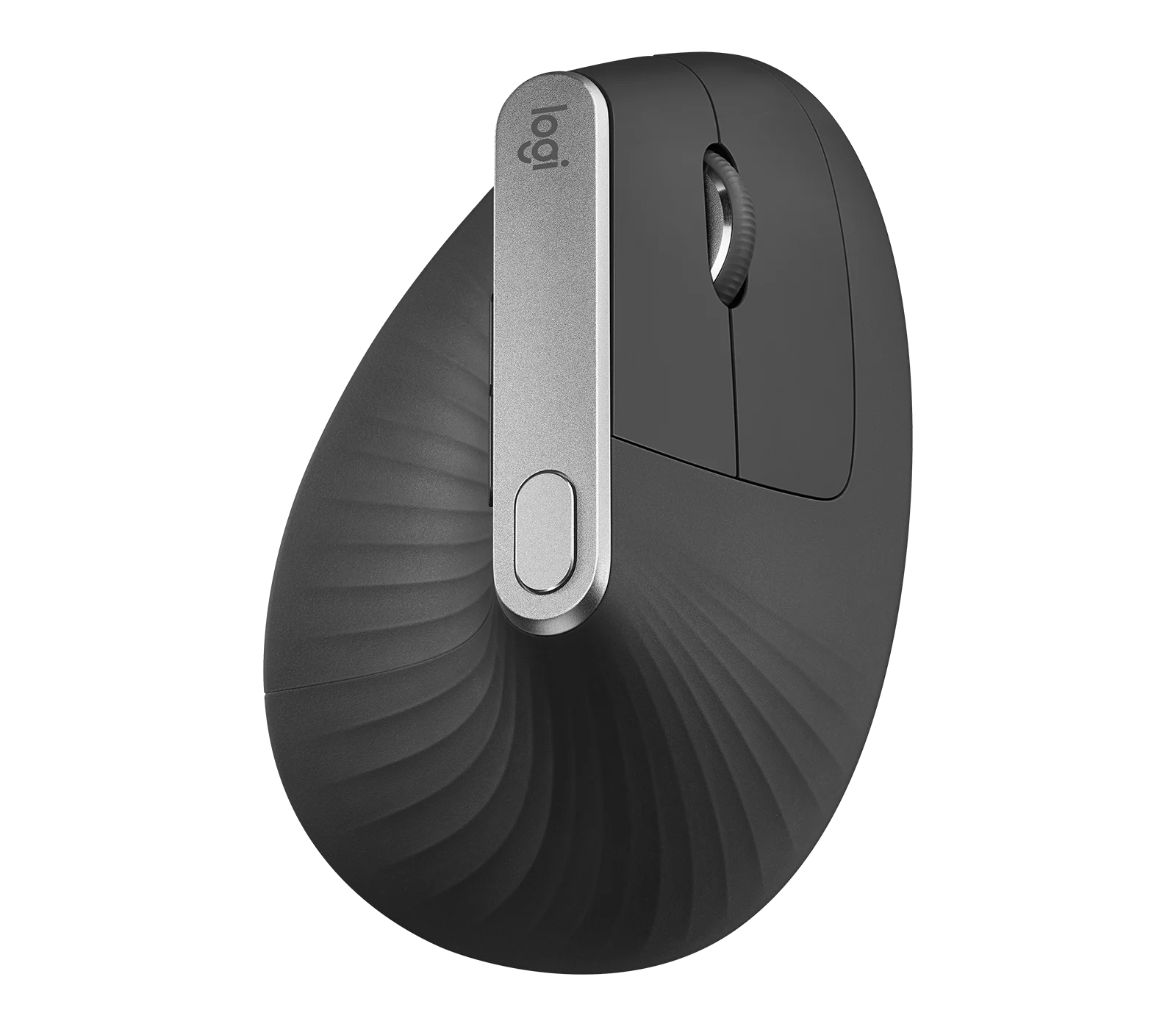
Logitech MX Vertical Graphite Ergonomic Mouse (910-005447)
The MX Vertical is a conditional choice for right-handed office users who prefer a tall handshake-style grip and want wireless connections plus a real wired fallback. Medium-to-large hands are
-
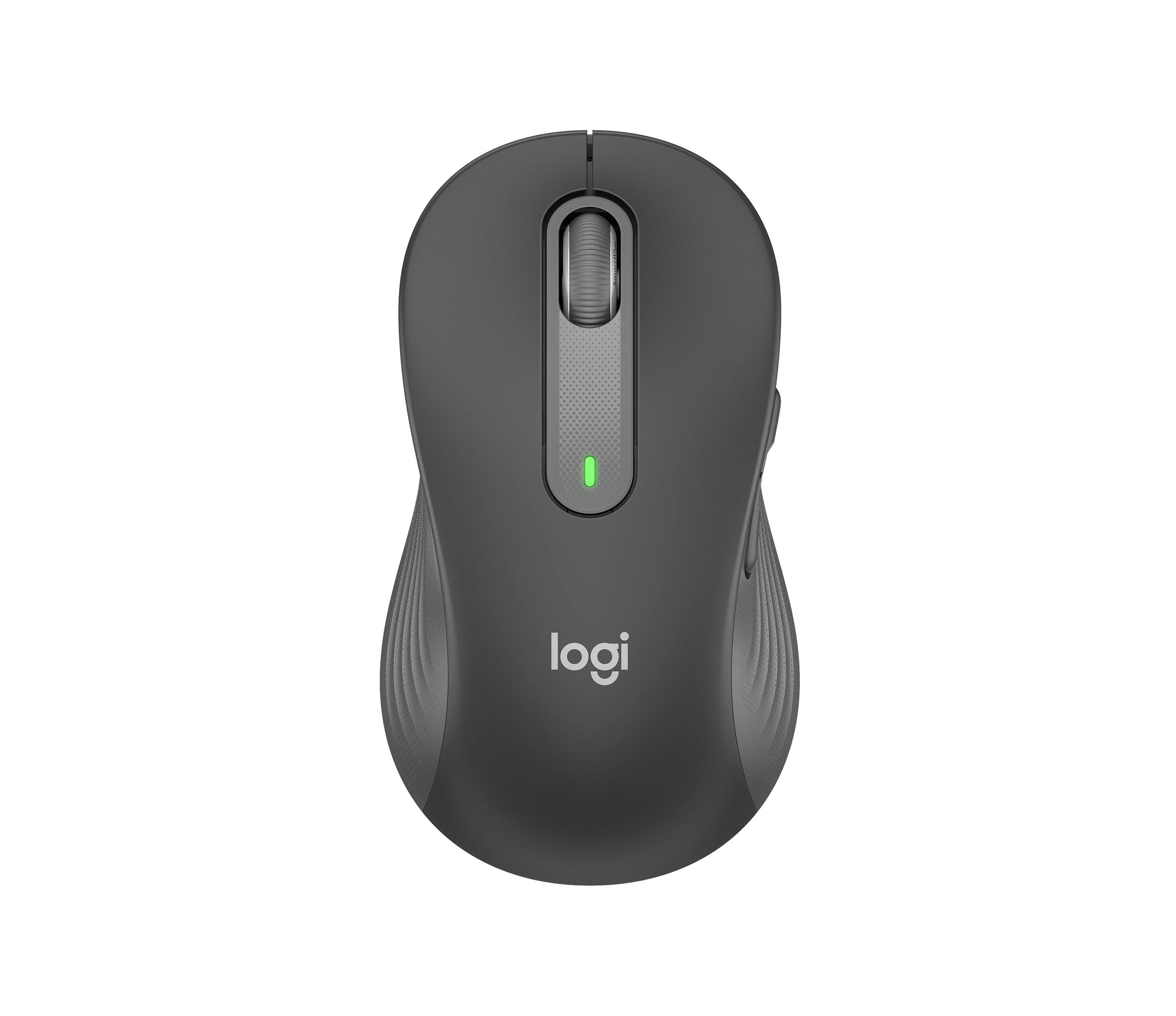
Logitech Signature M650 L LEFT Wireless Mouse, Graphite (910-006239)
Choose the graphite M650 L LEFT when you want a conventional large mouse with right-side thumb buttons for everyday work. Its replaceable battery and customizable controls are
-
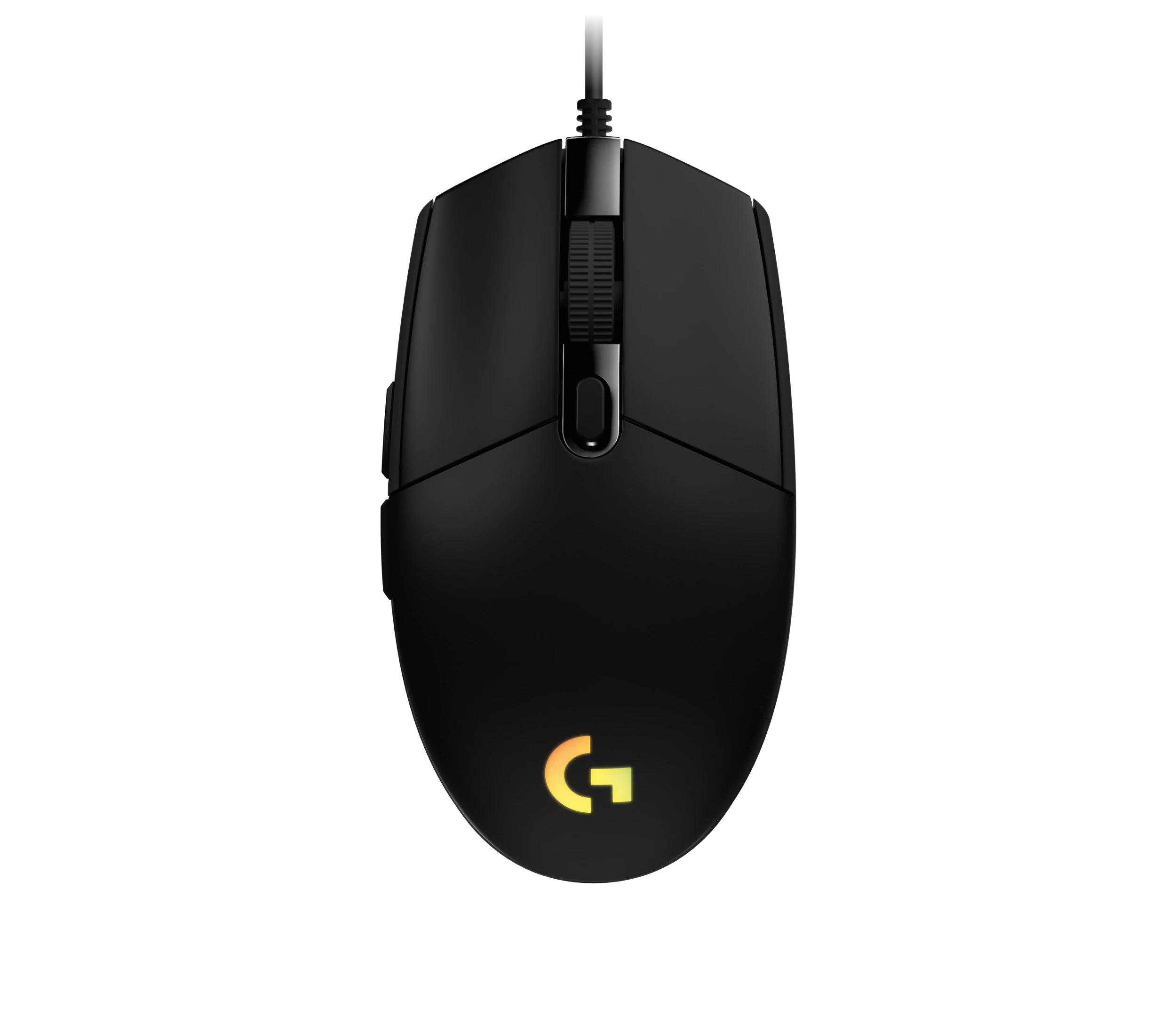
Logitech G203 LIGHTSYNC Wired Gaming Mouse, Black (910-005790)
The G203 LIGHTSYNC suits a desk setup where a fixed USB cable and programmable controls are welcome. The strongest reason to choose it is the combination of configurable buttons, RGB and famil

Sources and method
- Razer Pro Click V2 Vertical Edition Mouse ReviewCGMagazine · retrieved 2026-09-26Editorial review
- Razer Pro Click V2 Vertical Edition Master GuideRazer · retrieved 2026-09-26ManualPDF
- Razer Pro Click V2 Vertical Edition İncelemeCHIP Online · retrieved 2026-09-26Editorial review